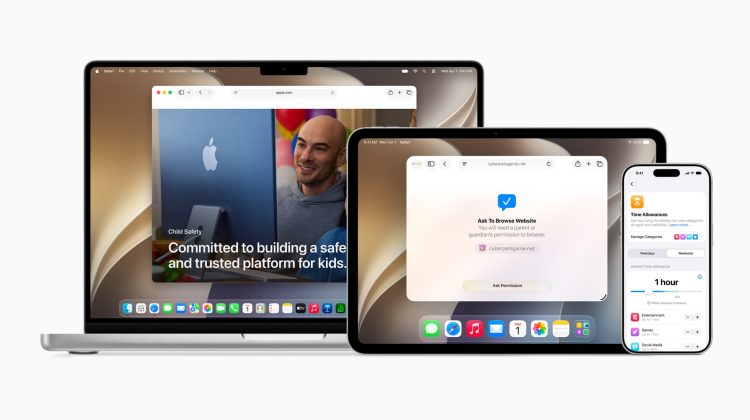
Apple’s rebuilt child-safety tools are live with iOS 27, iPadOS 27, and macOS 27. The public cut landed Monday, September 14. The pitch is simple. Start a child on a thin device setup. Open more later when they are ready.
Child Account comes first
Everything hangs on a Child Account through Family Sharing. It is required under 13 and available up to 18. Without that account, the new age-based protections do not apply. Setup Assistant now lets a parent choose which built-in apps land first: essentials only, a recommended set, or a custom list.
That flow only works after the matching Screen Time update on the child’s device. Parents who skipped the public day release should still pull iOS 27 shipping build 24A437 before they expect the new rows to appear. The earlier public-day note on the RC build window is useful if a device never left the release-candidate track.
Ask to Browse and new contacts
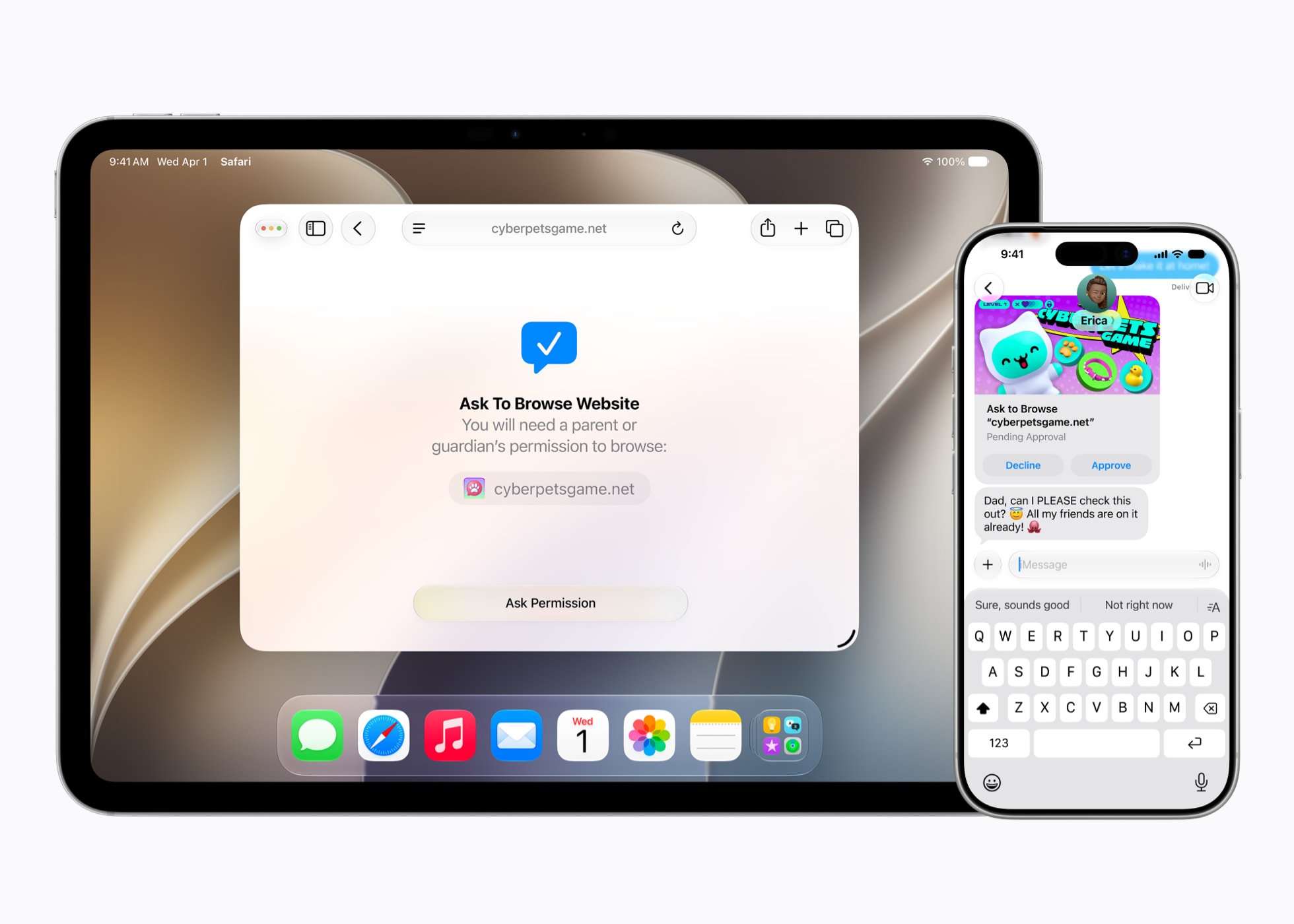
Ask to Buy already routes app and in-app purchases to a parent in Messages. Ask to Browse does the same for new websites in Safari and other WebKit browsers once Screen Time is updated. On Apple Watch and Vision Pro, only approved sites show. New phone numbers and accounts need approval before Phone, FaceTime, or Messages can use them.
The approval cards land where parents already handle Ask to Buy. There is no separate portal for website asks. If a child hits a new domain, the request sits until an adult clears it or denies it. Denied sites stay blocked until a parent changes the rule.
Time Allowances and Communication Safety
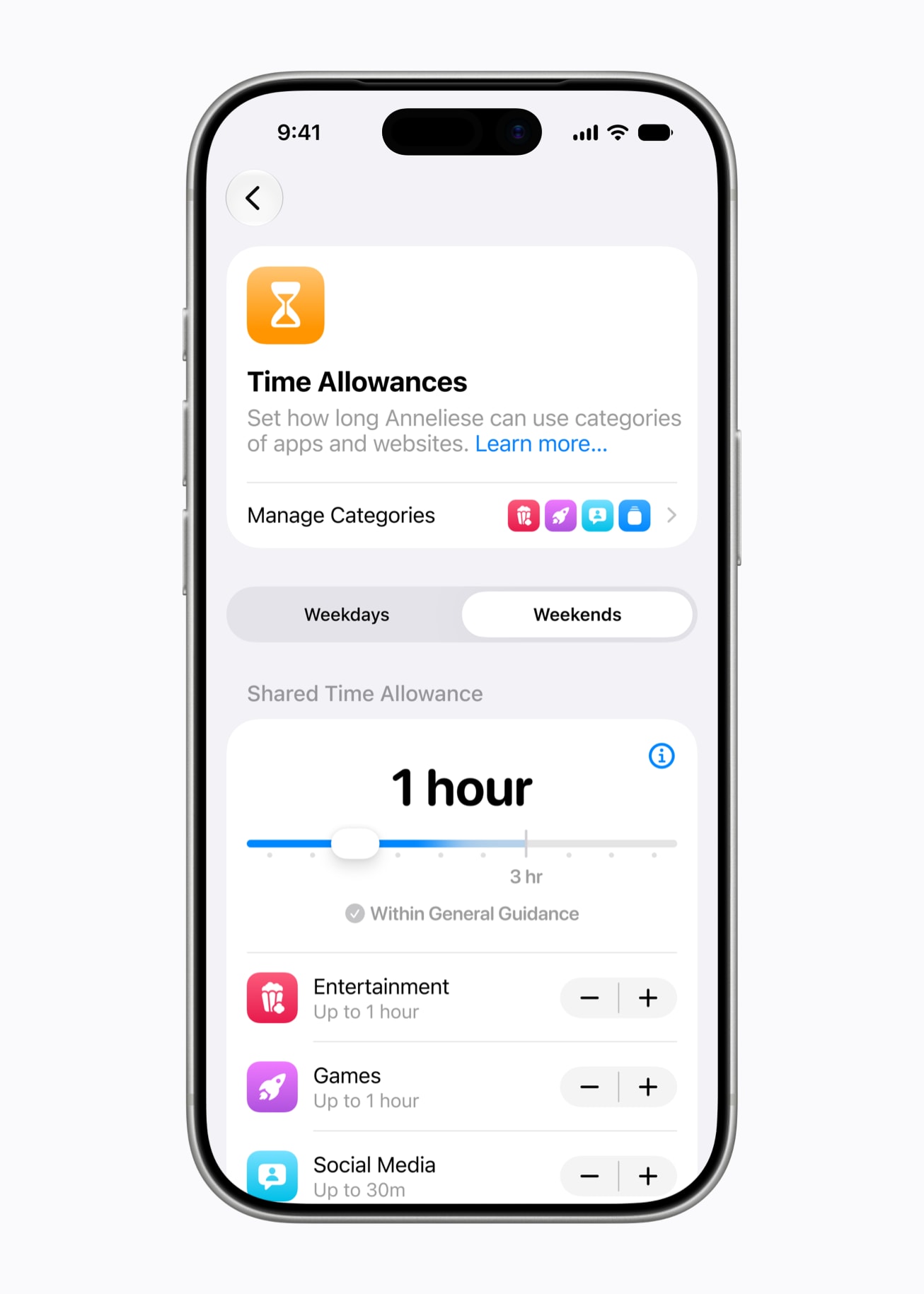
Time Allowances replace rigid per-app caps with a daily budget across categories such as games, entertainment, and social. Parents set a total, then tweak categories. Apple ships age-based starting points and points to guidance that includes the American Academy of Pediatrics. Day-part schedules can swap which apps are available before school, during school, and after.
Communication Safety now covers gore and violent content as well as detected nudity. That includes live FaceTime. The blur and intervene behavior is on by default for users under 18 in supported regions. Parents can still review the Screen Time dashboard after school hours to see where the daily budget went.
Every device in the family must match
Every device in the Family Sharing group needs the matching OS 27 update. That list includes iOS 27, iPadOS 27, macOS 27, watchOS 27, and visionOS 27. A forgotten iPad or Watch on an older release can block the Screen Time changes for the whole family. Some features still vary by region, language, or model.
Parents who want a lighter day-one setup can pair this with other iOS 27 quality-of-life tips on the site, including the Liquid Glass Appearance slider and the separate alarm and timer volume control. Those are adult-device tweaks. They do not replace the Family Sharing update path.
Photo: Apple
Source: Apple Newsroom / Help Net Security