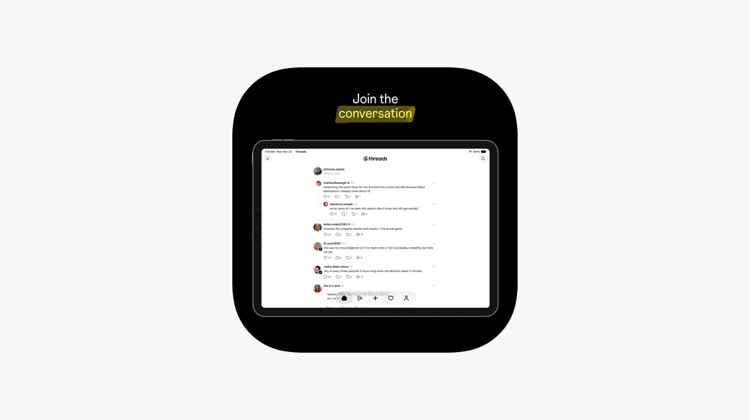
The Threads app for iPad is on the App Store. Instagram, Inc. lists it for iPad and iPhone, free with in-app purchases, 270.7 MB in the US App Store listing on November 26, 2026. Getting it takes one App Store action and an iPad on iPadOS 16.3 or later. Know one limit before installing. Version 1 keeps a single-column feed, even in landscape.
What the iPad needs before the install
The store listing gives the floor. iPad requires iPadOS 16.3 or later. iPhone requires iOS 16.3 or later. Version 457.0 is dated November 24, 2026 on the page. Its What's New text is only the generic line about working fast to update the app, so the store text says nothing about the iPad layout. On an iPad new to you, 10 iPad settings to check after updating to iPadOS 27 is a useful companion read.
How to get or update Threads on the iPad
- Open the App Store on the iPad.
- Search for Threads. Check that the listing is by Instagram, Inc.
- Tap Get for a first install. Tap Update if Threads is already on the tablet as an enlarged iPhone build. You want 457.0 or later.
There is no Settings row that switches the iPad app on. This is an App Store install, nothing else. Apple Support has no how-to for Threads on iPad. A search there finds Apple's Thread networking standard, the home-wireless one. Different thing entirely.
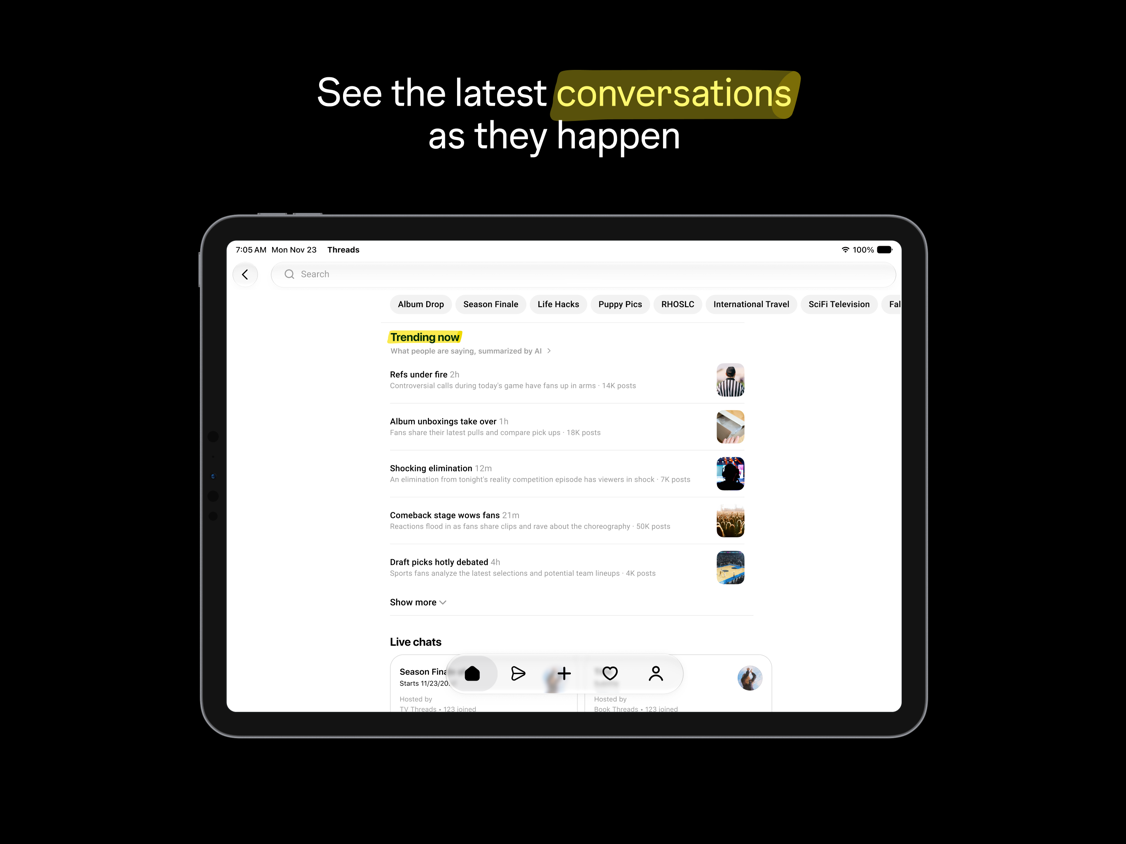
Version 1 keeps one column even in landscape
Three reports describe the same layout. MacRumors, TechCrunch's hands-on and iClarified all say the main feed stays a single column when the iPad turns sideways. The multi-column layout of the Threads web app did not come along. TechCrunch says portrait works well, and that swiping right and left from the main screen opens the search screen and the feeds menu. App Store screenshots show a floating navigation bar at the bottom, with a feeds menu and search button in the upper corners, iClarified reports.
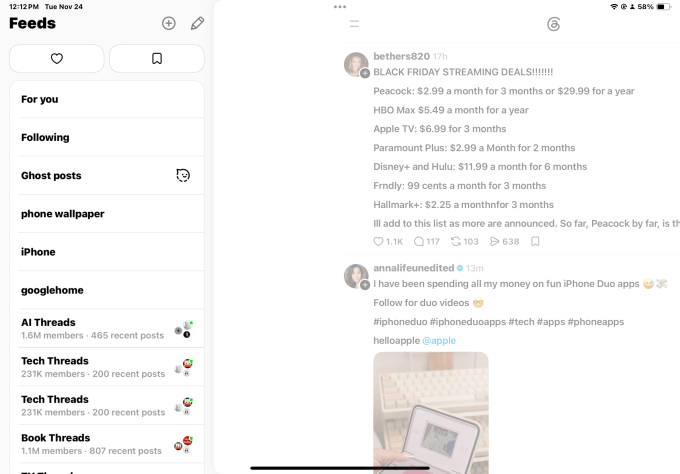
Christopher Clare, the design head, previewed the app on November 23 with "Threads is coming to iPad very soon." It went live one day later. Apple and Meta published no exact launch time. TechCrunch called it an overnight update on November 24. MacRumors covered the release on November 25 at 3:10 am PST. Clare added after launch: "V1 doesn't yet, but we are continuing to optimize the experience for iPad. Please keep sharing ideas and feedback on what you would love to see." He did not spell out what V1 does not do yet.
Cashtags come in the same update, and not only on iPad
Version 457.0 also starts cashtags. Threads engineer Guy Dickinson wrote that the feature is "Rolling out now on iOS, Android and Web with live quotes, charts and context. Support for NYSE/NASDAQ stocks, ETFs and crypto starting today." Tap a cashtag and the page shows discussion plus live quotes and charts. Autocomplete can show the current price and the daily change, TechCrunch notes. The rollout is gradual. The tags may not show on your account yet. This is not an iPad feature alone.
Scheduled messages on WhatsApp are a different rollout
Scheduled messages on WhatsApp, announced November 25, have nothing to do with the Threads install. The official WhatsApp blog describes a long-press on the send button to schedule a message 10 minutes to 14 days ahead, in one-to-one and group chats, delivered even when the phone is off. That rollout takes the coming weeks. On iPhone, you can also share WhatsApp chat themes with Everyone or You, or save Instagram songs to Apple Music.
Photo: Apple App Store (Threads listing) / TechCrunch