Suggestions that sound like you, not like a chatbot. That is the promise of iOS 27 Smart Reply in Messages and Mail. In Messages, open a conversation and tap a suggested reply above the keyboard. In Mail, open an email, tap Reply, then tap a suggested reply in the keyboard. Apple Intelligence drafts the answer in your personalized writing style, and you can refine the draft with Writing Tools before sending. Apple's own description is one line, from the September 2026 Siri AI announcement: "In Mail and Messages, Smart Reply can draw on a user's personalized writing style." The feature arrived with the iOS 27.0 software releases. As of November 21, 2026 the public build is still iOS 27.2.1.
What iOS 27 changed in Smart Reply
Smart Reply itself is old. In iOS 18 it used the conversation context and nothing else, and Ryan Christoffel at 9to5Mac wrote on November 20, 2026 that those suggestions "didn't sound like me at all." His iOS 27 testing went the other way. Suggestions now match his writing style, punctuation, and tone, and no longer read as generic AI text. One limit he names: "you'll only ever see two Smart Reply suggestions." That count is his observation from daily use. Apple has published no document about a two-suggestion cap, so treat the number as field reporting.
How to use Smart Reply in Messages and Mail on iPhone
Both step sets come from Apple's iPhone User Guide. Messages first.
- Open the Messages app and open the conversation.
- Tap a suggested reply above the keyboard. Apple Intelligence quickly crafts a response.
Mail next. This is also the only guide page that names your writing style.
- Open the Mail app. Tap the email, tap the reply control, then tap Reply.
- In the keyboard, tap a suggested reply.
- Apple Intelligence drafts a reply in the email. Refine it with Writing Tools, then send.
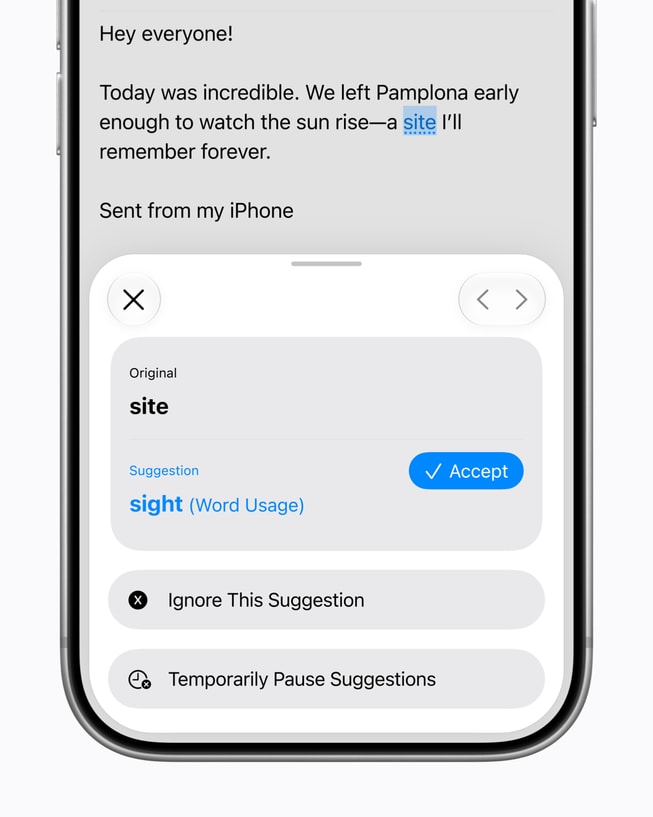
Common mistake: hunting these chips in every thread and every account. They appear when the feature offers them. If the row above the keyboard is empty, check the language setup below before calling the feature broken.
The one switch Apple documents is in Mail settings
Apple's guide to turning off and restricting Apple Intelligence features lists exactly one Personalize Smart Replies control: Settings > Apps > Mail, then turn Personalize Smart Replies on or off. The Messages row on the same page is different. It is Summarize Messages (Settings > Apps > Messages, turn off Summarize Messages), and it controls chat summaries, not reply suggestions. So do not go looking for a Settings > Apps > Messages > Personalize Smart Replies switch. Apple's guide does not list one. For the rest of the Messages settings maze, see our iOS 27 Messages settings checklist. Screen Time reaches wider: its Writing Assistance capability covers Writing Tools, proofread, rewrite, summarize, and Smart Reply, as we wrote in our Apple Intelligence writing and privacy controls guide.
iPhone models, languages, and the China mainland limit
Support 121115, published November 5, 2026, lists the eligible iPhones: iPhone Duo, iPhone 16 models or later, iPhone 15 Pro, iPhone 15 Pro Max, and iPhone Air. Device language and Siri language must be set to the same supported language. Then the part that trips people up. Apple publishes two availability lists, and they do not read the same. Support 121115 lists "Personalized Smart Reply in Messages (English only)" and, separately, "Personalized Smart Reply in Mail" with no English-only tag. The iOS 27 Feature Availability page has full sections for Messages: Smart Reply and Mail: Smart Reply covering many languages. Multiple English locales, Chinese (Simplified, marked not available in China mainland), Chinese (Traditional), Japanese, Korean, French, German, Italian, Spanish, and more. Keep the two lists apart. Which languages actually show personalized suggestions is settled by neither page, so verify on the device.
China mainland has its own rule, and it is strict. Apple states Apple Intelligence features will not currently work for supported devices purchased in China mainland. They also will not currently work on supported devices purchased outside China mainland if you are in China mainland and your Apple Account country or region is China mainland. Personalized Smart Reply is listed under Apple Intelligence features, so the rule covers it. The User Guide footnotes add that usage limits may apply. Support 121115 names daily limits for server-side features such as Siri AI and Image Playground, and does not say either way whether Smart Reply is on that list.
Smart Reply is not Write with Siri, and not Suggested Actions
Three writing features now sit in Messages and Mail, and they behave differently. Smart Reply is the suggestion chips above the keyboard. Write with Siri is its own thing. About iOS 27 Updates says Siri "personalizes your writing style based on your relationships, and uses unique phrases and punctuation that you've previously used in your conversations with those people." That is about composed text and dictation, not the reply chips. The iOS 27.2 Suggestions in Messages differ again. They take actions, like adding a Calendar invite for a dinner, and we covered that path in our Suggested Actions in Messages how-to.
If the suggestions still read like someone else, fix the language setup first. Device language and Siri language must match a supported language, and one of Apple's own documents lists the Messages version as English only. The style matching needs iOS 27 or later. In iOS 18 the chips were only context, and nobody could call them personal.
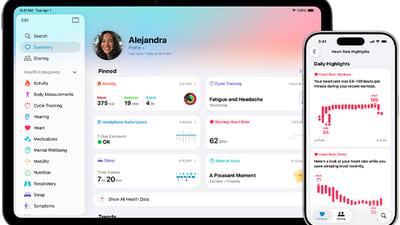
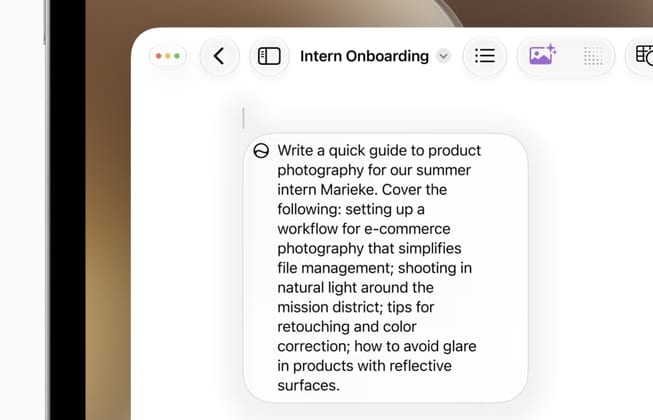
Photo: Apple Newsroom (Siri AI, September 2026)
Sources: Apple iOS 27 Feature Availability, 9to5Mac