Installing iOS 27.2.1 does not fix worse_query. The iOS sandbox flaw that Binance warned about on November 10 is still open, the researchers who disclosed it say, and Apple's security notes for 27.2.1 never mention it. Do not treat 27.2.1 as the fix. The useful work today is narrower. Watch Software Update for a real patch, then follow Apple's documented steps to check where your apps came from, delete the ones you do not trust, and block further sideloading where alternative app distribution exists.
As of November 12, 2026, no one has reported a theft or attack using the flaw, according to The Hacker News, as 9to5Mac notes. That is not the same as safe.
What worse_query does, per Binance and the disclosing researchers
Binance's post on X says worse_query "allows malicious apps to read local files from other apps, putting seed phrases, private keys, and login credentials at risk across the entire ecosystem." The exchange named iOS 26.7.1, iOS 27.0.1, and iOS 27.2 as affected and stressed this is an iOS-level issue, not a Binance bug. Researchers @0xjohnny and @forcequitOS disclosed it on November 8 with a proof of concept on GitHub showing a sandbox bypass. Other developers have since built file managers on the code that can read, change, and delete other apps' data without a jailbreak.
worse_query is *not* patched in iOS 27.2.1 and 27.3 beta 1. I'll update version support on the readme when it's patched.
Researcher forcequitOS wrote that on November 10. The same researcher argues the bug "would absolutely be exploitable from an App Store app. An attacker using it would just have to pass App Review." That is researcher commentary, not an Apple finding. It does mean "only install from the App Store" is not a guarantee.
Apple's iOS 27.2.1 security notes do not list this sandbox flaw
Apple released iOS 27.2.1 on November 9. The security content page for the release lists nine entries: AirPlay, App Intents, Bluetooth, brotli, CoreUtils (two), Messages (two), and rapportd. None names worse_query or a sandbox escape. The closest entry, App Intents CVE-2026-113963 ("An app may be able to access sensitive user data"), is credited to László Várady and describes an authorization issue, not one app reading another app's files. Apple's standard note on the page: the company "doesn't disclose, discuss, or confirm security issues until an investigation has occurred and patches or releases are available." Our iOS 27.2.1 release coverage and build map list the same nine fixes.

Check Software Update before treating any iOS version as the fix
Open Settings > General > Software Update. The screen shows the version you run and whether an update is waiting. If something newer than 27.2.1 is offered, tap Download and Install, following Apple's update guide (back up first, plug into power, use Wi-Fi). If the screen still offers only 27.2.1, there is no official fix yet. Apple notes a VPN or proxy connection can prevent the device from reaching the update servers, so turn it off when the check fails. Do not install any app, profile, or "patch" that claims to fix worse_query. Version 27.2.1 is still worth having for its nine fixes. It is just not this fix.
Delete the apps you do not recognize, and check where they were installed
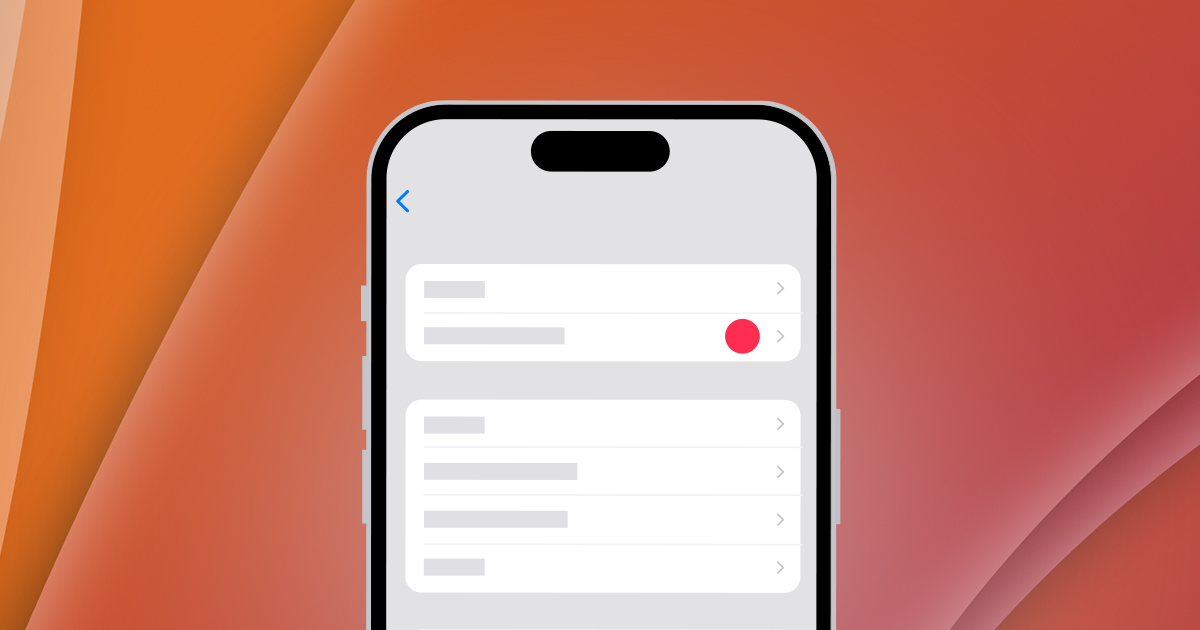
Binance's first concrete advice is to delete apps from untrusted sources, such as sideloaded or manually signed IPAs. Apple's delete steps are short: touch and hold the app, tap Remove App, then Delete App, then Delete. Not on the Home Screen? Delete it from Spotlight or the App Library instead. Two caveats from Apple: deleting an app does not cancel its in-app subscriptions, and app data stored in iCloud stays there. In Brazil, Japan, and the EU, Settings > Apps > [app name] shows the installing marketplace or website under App Marketplace Information. If you see Apple's malware alert on an app, tap Delete App. Apple warns that re-enabling an app behind that alert could harm the device.
In the EU, Japan, and Brazil, block App Marketplaces and Web installs
Apple documents a Screen Time path to stop further alternative installs. Settings > Screen Time > Content & Privacy Restrictions, turn it on, then App Installations & Purchases > set App Marketplaces to Don't Allow, and Web to Don't Allow if you want. Apple's restrict-install guide also notes these sources are not restricted automatically after an update if parental controls were already on. Set them yourself. Binance's remaining step, moving funds to a new wallet created on a clean device and resetting login sessions, is exchange advice, not an Apple step. Take it if you hold crypto and suspect a breach. Until Apple ships a sandbox fix, fewer apps from fewer sources leaves less for worse_query to read.
Photo: Apple. Sources: Apple Support, 9to5Mac, Binance and forcequitOS on X.