If you accepted an unexpected AirDrop file in the last few days and now suspect your iPhone was compromised, do not look for a scanner app. The ladder Apple documents is short. Check what your phone is sharing, erase everything, set up as new without a backup, then harden. The order matters, and the November 3 jailbreak demo from hacker team Calif shows why the middle step is not optional.
What the Calif demo showed on an iPhone 18 Pro
MacRumors reported on November 3 that Calif jailbroke an iPhone 18 Pro with Lockdown Mode already turned on. The chain started with a malicious PDF sent over AirDrop and accepted by the user. In the video, iOS 27.2 is then installed, and the jailbreak stays in place after the update. Two things remain unknown. Calif has not shared the exact steps, and it is not clear whether the jailbreak can be installed on a device already running iOS 27.2. Calif has said it is disclosing the vulnerabilities to Apple and does not plan to release a jailbreak tool for end users. Earlier this year Apple told TechCrunch it was not aware of any successful mercenary spyware attacks against an iPhone in Lockdown Mode.
Run Safety Check before the erase button
Apple's Personal Safety guide puts an IMPORTANT note in front of its factory-restore steps. Before restoring the device to factory settings, run Safety Check's Manage Sharing & Access. Go to Settings > Privacy & Security > Safety Check. The behavior that worried you may come from sharing settings or app access you did not realize were in place. If the check explains the problem, stop there. No erase needed.
Erase All Content and Settings, then skip the backup restore
If Safety Check does not explain it and you still suspect tampering or malicious software, go to Settings > General > Transfer or Reset iPhone > Erase All Content and Settings, then tap Continue. Choose to keep or delete your eSIM. Deleting it means calling your carrier to reactivate the plan. Enter your device passcode, then your Apple Account password. This is Apple's documented flow in the factory reset guide for iPhone, updated October 5, 2026.
Then comes the step people get wrong. Personal Safety is explicit: if you are erasing because malicious software may have been installed, do not restore from a backup. Restoring from a backup may reinstall the malicious software you are trying to remove. Set the iPhone up as new and reinstall your apps one by one. A factory restore also installs the latest version of the operating system regardless of what was installed before.
Set AirDrop to Contacts Only or Receiving Off
The accepted file was the door in. Close it. Go to Settings > General > AirDrop and choose Contacts Only or Receiving Off. Apple describes the three choices as sharing with everyone nearby, only contacts, or no one. Decline AirDrop prompts from people you do not know, even when the sender name looks familiar. If your AirDrop screen does not show these options as expected, our AirDrop receiving fix walks through the settings on current iOS.
Update iOS first, then turn on Lockdown Mode
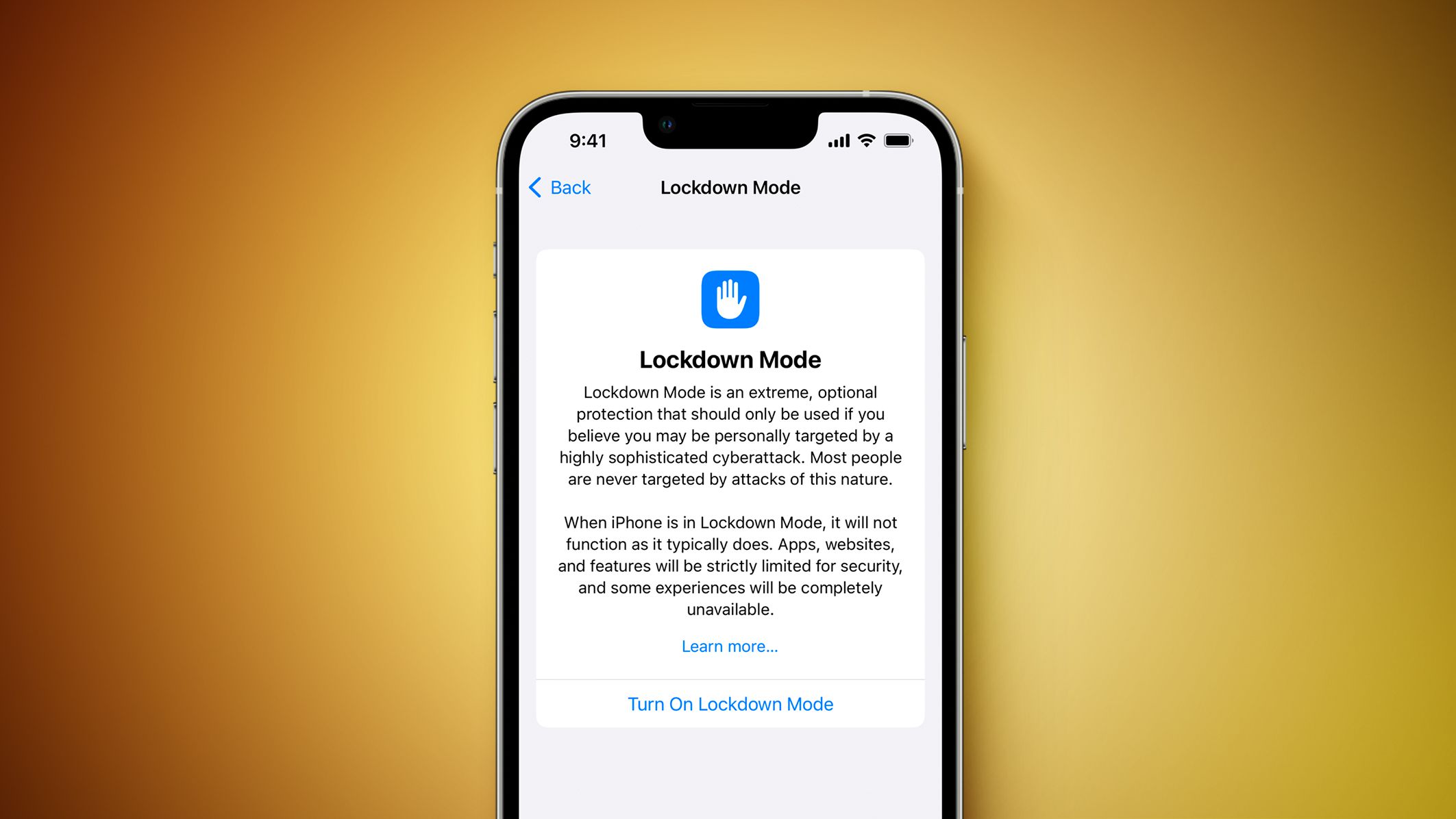
After the clean setup, install the latest software at Settings > General > Software Update. Apple says to update your devices to the latest software before turning on Lockdown Mode, for a complete set of protections. Then go to Settings > Privacy & Security > Lockdown Mode > Turn On Lockdown Mode > Turn On & Restart, and enter your passcode. This is the documented Lockdown Mode flow on iPhone.
Keep the order. The Calif video showed an update alone did not remove the payload, so here the update completes a clean install. It is not a substitute for the erase. Apple has not published a fix for the Calif chain, and Calif says the bugs are going to Apple first. If you instead received an official Apple threat notification this week, start with our security settings checklist after a threat notification and how to verify the notification is real before acting.
Photo: Apple (iPhone 18 Pro), MacRumors (Lockdown Mode). Source: MacRumors, Apple Personal Safety User Guide, Apple Support.