Health Age is the number most people will open the redesigned Health app to find. It lives in the new Longevity tab. As of November 5, 2026 the tab only exists in the iOS 27.3 developer beta Apple seeded on November 3. The paths below follow the beta layout, so labels can still move before the public update.
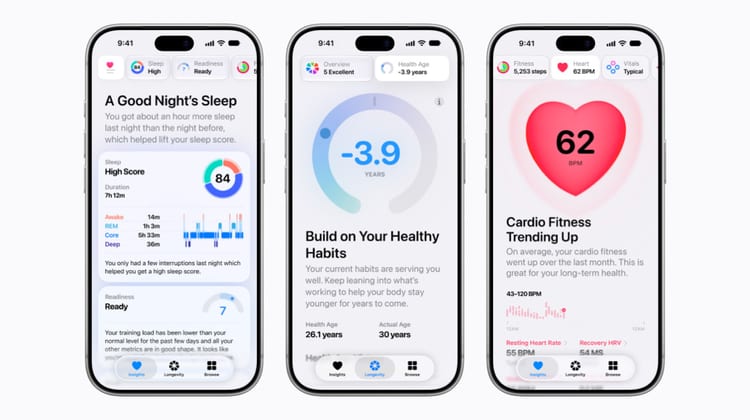
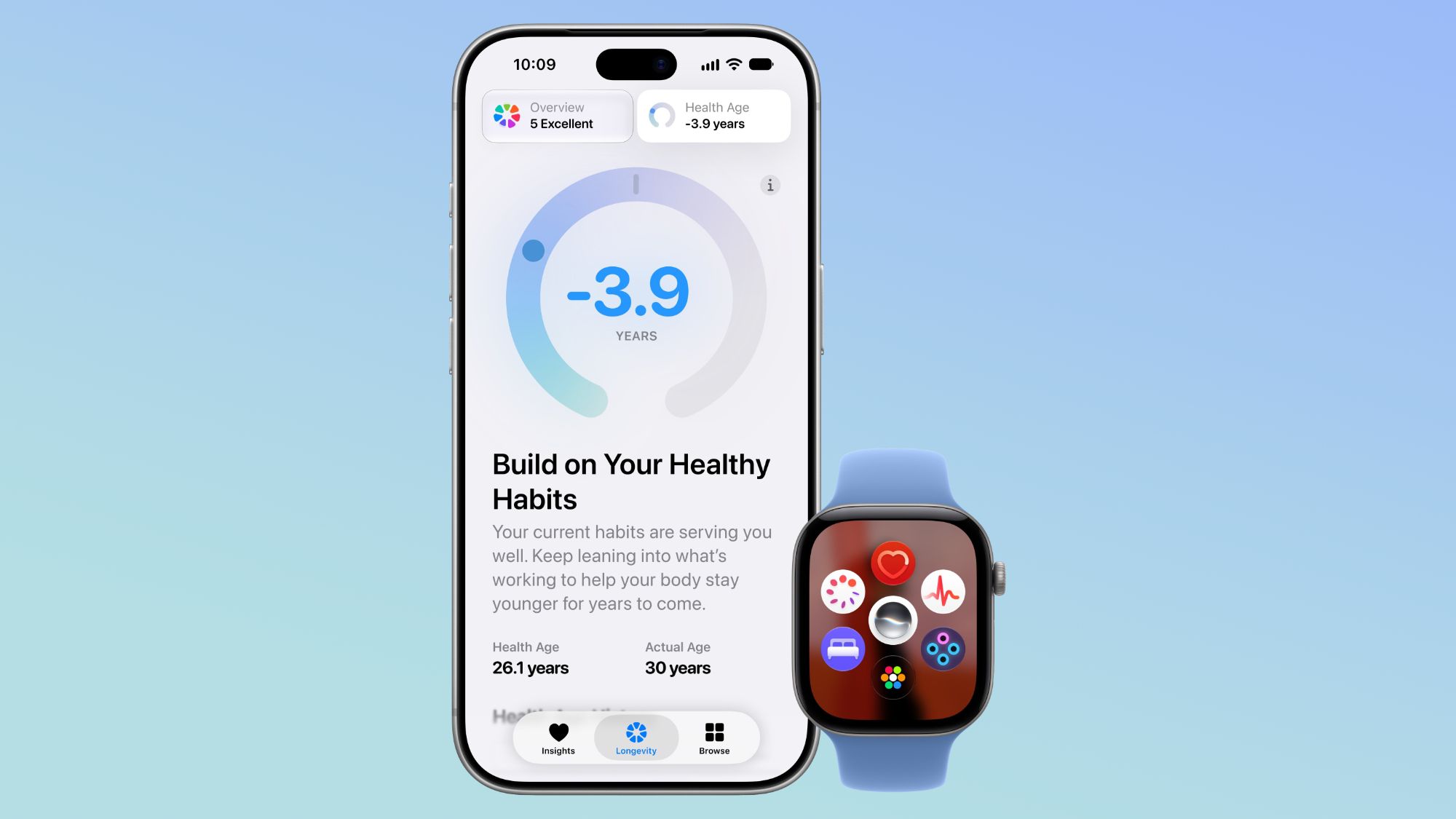
Health > Longevity turns Apple Watch data into Health Age
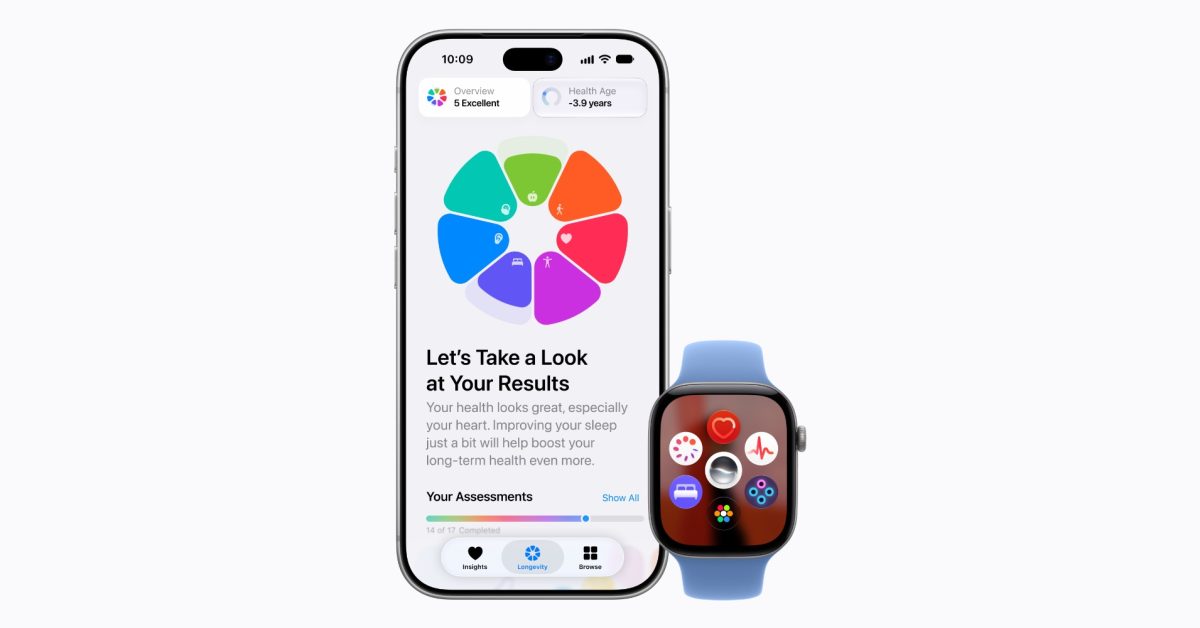
Open the Health app, then tap Longevity. The tab measures seven long-term categories: heart health, sleep, mental wellbeing, movement health, metabolic health, hearing, and nutrition. Health Age sits at the center of it. Apple describes it as a translation of Apple Watch data, resting heart rate, VO2 max, heart rate variability, and sleep, into a reading of how your body is tracking relative to your actual age. Our September breakdown of the Health app overhaul covers why Apple built the number this way.
One hard requirement: Health Age requires Apple Watch, per Apple's own footnote. No Watch on your wrist, no number. iPhone-only users get the rest of the redesign but not this.
Lab results can enrich the picture. Apple names A1c and LDL cholesterol. MacRumors reports Apple will offer a $119 laboratory panel from Quest Diagnostics that feeds into Health Age, which we first covered in September. You can also upload recent lab results yourself or sync medical records.
Health > Insights stacks daily summaries and the For You tips
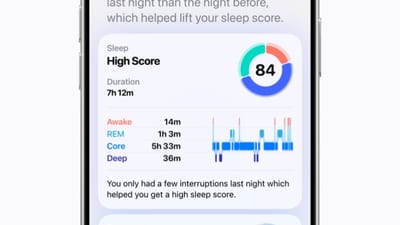
Insights collects what happened today. Heart, sleep, readiness, fitness, vitals, and cycle tracking data surface as summaries through the day. A For You section gives habit advice. Apple's own example: adjust your wind-down routine after consecutive nights of interrupted sleep. The tab also carries educational videos and articles from Health app clinical experts.
Two details from MacRumors need a check on device. The readiness score, meant to help you decide between pushing harder, taking a recovery day, or working out as usual, appears in Insights and on the watch for Apple Watch Series 12 and Ultra 4 wearers. The redesigned Vitals section now has overnight and daytime views, with overall HRV and recovery HRV as two separate readings.
At-home movement evaluations use the iPhone camera and stay on device
The redesign also adds physical assessments you can do at home. With an iPhone camera and an Apple Watch, the app measures flexibility, strength, balance, movement mechanics, and VO2 max, with real-time audio and visual feedback. The vision models run on the device itself. Apple says no video is ever recorded, stored, or shared.
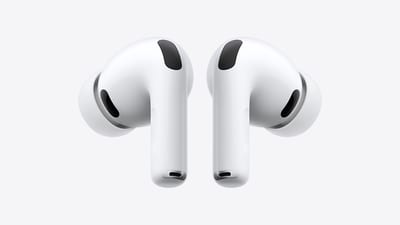
For the VO2 max estimate specifically, Apple's footnote lists the accepted sensors: Apple Watch, AirPods Pro 3, or a third-party heart rate sensing device.
What has to be true before the redesigned app appears
Apple gates the app on hardware, language, and age. You need an Apple Intelligence-capable iPhone or iPad with current software, and some features are iPhone-only. Some features require users to be 18 or older. The redesigned Health app supports global English, Chinese (Simplified and Traditional), French, Japanese, Korean, Norwegian, Portuguese, Spanish, Turkish, and Vietnamese. Apple's list of Apple Intelligence devices is on its support page.
The most common mistake: looking for Health Age on public iOS 27.2. It is not there. Apple tested the redesigned Health app in the iOS 27.2 beta and removed it before 27.2 launched. 9to5Mac says the new app ships to all users next month, which matches the December window MacRumors expects for iOS 27.3. Installing a developer beta just for this feature is a bad trade on a phone you depend on.
While you wait, the baseline setup still pays off. Fill in Health Details, set a Medical ID, and connect health records. Apple's Support guides cover all three, and the redesign builds on them instead of replacing them.
Photo: Apple Newsroom, MacRumors, 9to5Mac. Source: Apple Newsroom, MacRumors, 9to5Mac.