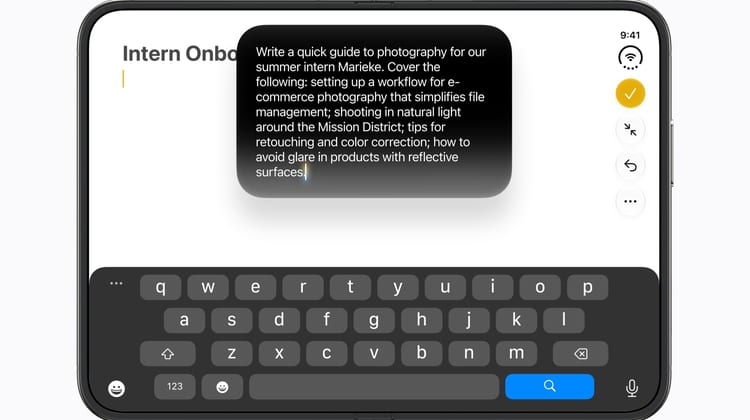
iPhone Duo supports Apple Pencil from iOS 27.2, and Apple's iPhone User Guide now carries the pairing steps. One model only. Apple Pencil (USB-C), sold separately, works. Apple Pencil 1, Apple Pencil 2 and Apple Pencil Pro do not pair with the Duo at all.
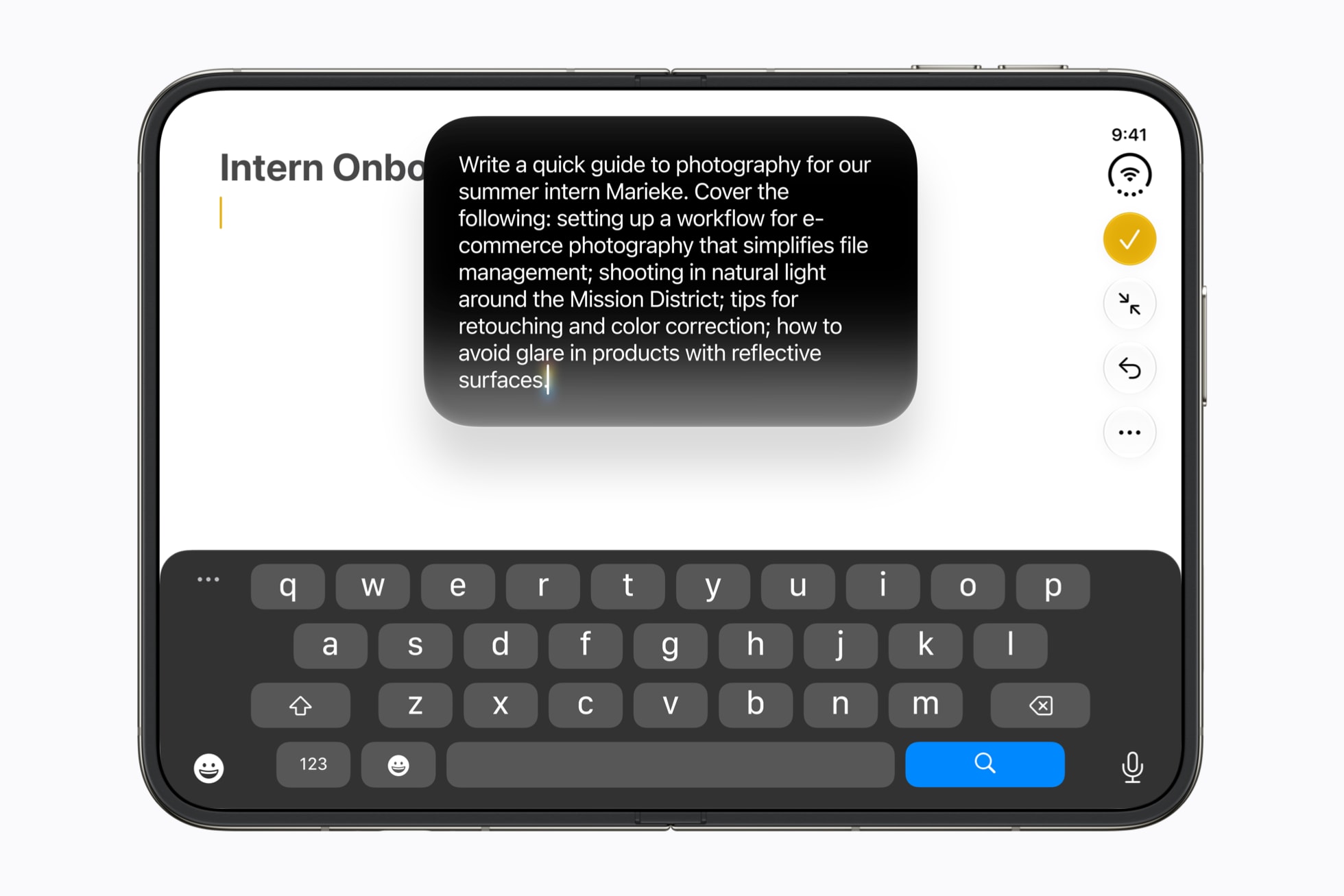
Only Apple Pencil (USB-C) works on iPhone Duo
Apple lists compatibility on the official support page: "iPhone Duo works with Apple Pencil (USB-C), sold separately. Other Apple Pencil models aren't compatible with iPhone Duo." The USB-C Pencil is $79 from Apple. MacRumors tested it on a Duo and reached the same result. If the pencil in your drawer is the magnetic Pro model you use with an iPad, it stays in the drawer.
Apple's September iPhone Duo announcement said Pencil support would arrive "later this year." iOS 27.2 is that release. The daily build tracking on this site confirmed 24B119 for standard iPhones and 24B91020 for Duo, see the day 4 firmware check.
Pair with the USB-C charge cable, then tap Tap to Connect
No magnetic pairing here, unlike iPad Pro. Apple's steps:
- Slide open the end of Apple Pencil.
- Connect the USB-C charge cable that came with your iPhone Duo to the Pencil.
- Connect the other end to the USB-C connector on iPhone Duo.
- Tap "Tap to Connect" on the screen.
After pairing you can unplug the cable. The Pencil also charges while plugged into the Duo, or with the cable and a USB-C power adapter. The Duo's hinge has a magnet that holds the Pencil for storage, but it does not charge it there. One more reason to keep the cable close is covered in yesterday's Duo hinge automation tip.
Pairing resets after a restart, Bluetooth off, or pairing elsewhere
Apple is explicit: the Pencil stays paired until you restart iPhone Duo, turn off Bluetooth, or pair the Pencil with another device. In each case, repeat the four cable steps. There is no repair menu to find. Keep Settings > Bluetooth switched on while you use it.
Battery level and the two Pencil settings
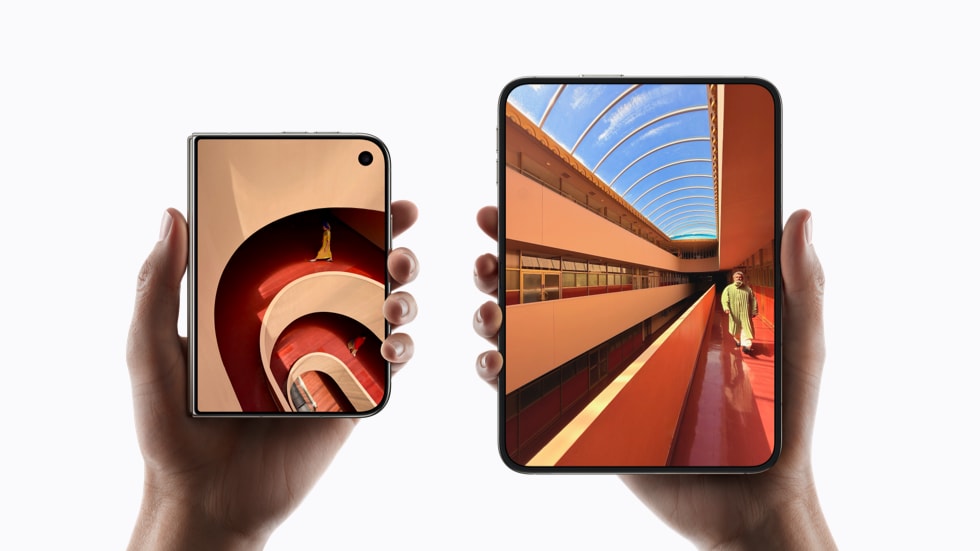
Check charge two ways. Add the Batteries widget, or go to Settings > Apple Pencil. That same screen has two switches. "Only Draw with Apple Pencil" ignores finger input for drawing while your finger still scrolls and selects. It is the closest thing to palm rejection on the Duo. "Scribble" turns handwriting into typed text in any text field, with a "Try Scribble" practice screen next to it.
What the USB-C Pencil cannot do on Duo
It has no pressure sensitivity, no squeeze gesture and no double-tap. Those belong to Pencil Pro. Tilt does work: Apple's drawing page says tilt the Pencil to shade or change line thickness, depending on the drawing tool. Drawing works in Notes, Freeform and Markup apps, on both the inner and the outer display.
One warning from real use. MacRumors reports the Pencil tip can leave lines on the Duo's display; they wipe away with a polishing cloth, and permanent damage is unlikely. Apple does sell a Duo cover layer replacement, $19 with AppleCare+ and $49 without. That matters more after this week's cracked-screen replacement reports.
Photo: Apple. Sources: Apple Support, MacRumors.