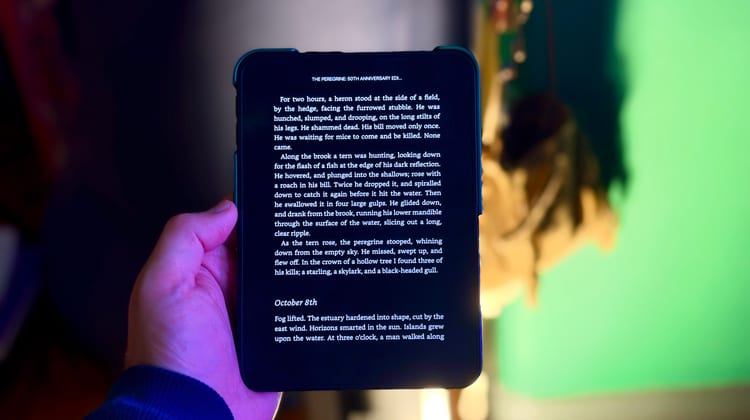
The iPhone Duo is the first iPhone with two screens, and the hinge now has a software use. In the Shortcuts app there is a new trigger called Opened or Closed. It runs an automation when the device is unfolded or folded. MacRumors walked through the setup this week, with the Kindle app as the example.
Opened or Closed sits under Display in Shortcuts
MacRumors says YouTuber Stephen Robles highlighted the trigger. It was first spotted in September by code sleuth pdfu in the iPhone Duo simulator, according to the earlier MacRumors report. The trigger offers three choices: Opened, Closed, or Opened or Closed to run both ways.
One use is a wallpaper that changes when the Duo opens and switches back when it closes. MacStories' Federico Viticci said he plans to start brainstorming hinge automations. The hinge itself is not new to scrutiny. In the JerryRigEverything durability test, dust jammed the mechanism and a bend killed the inner display. 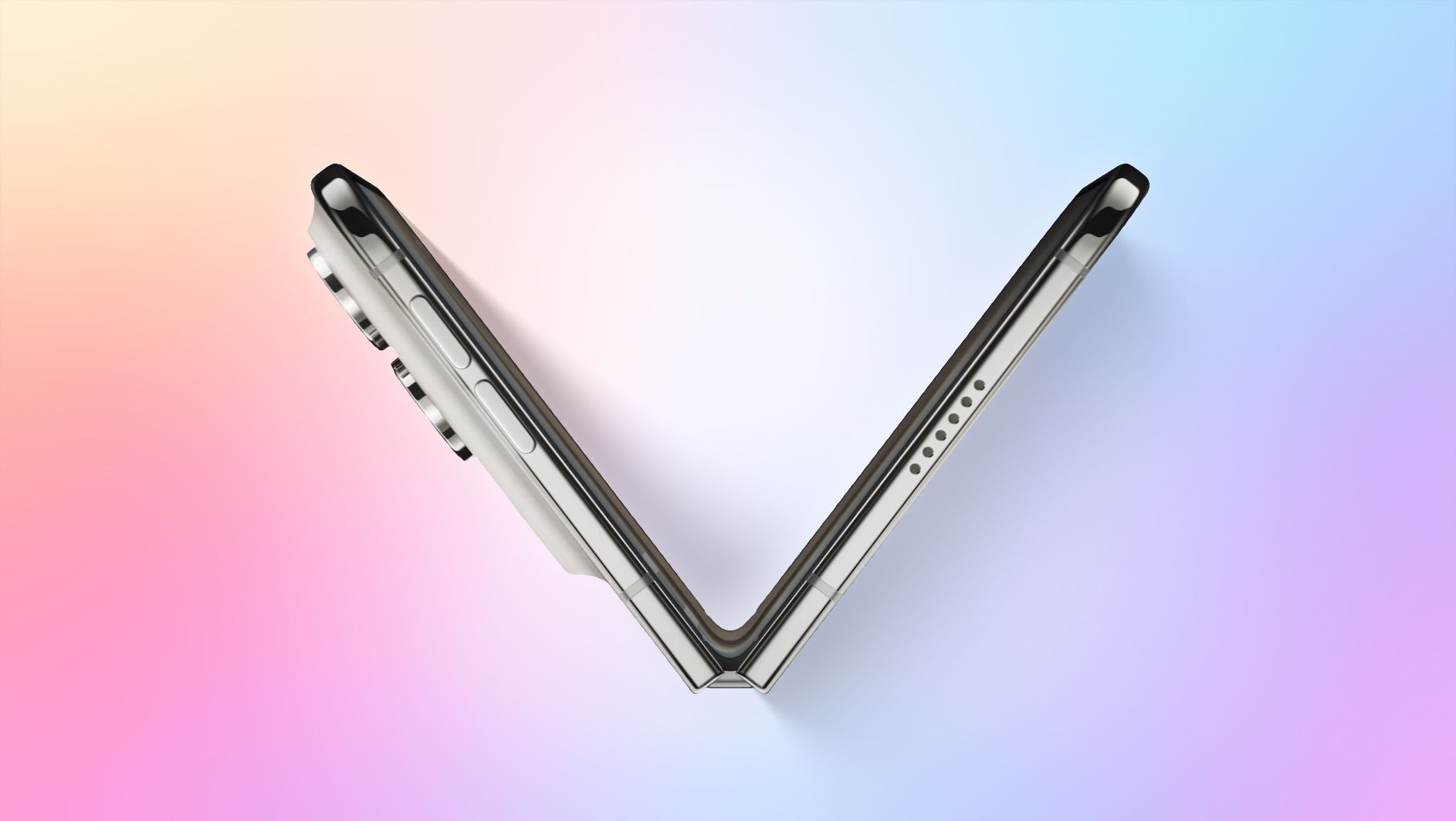
Set Opened to launch Kindle every time you unfold
Open the Shortcuts app on the iPhone Duo. On the All Shortcuts screen, tap the plus button in the bottom right. On the screen asking what you want the shortcut to do, tap Edit in the top right. Tap the Search field at the bottom of the editor, type Automation, then under the Display section tap Opened or Closed, listed as "When my iPhone is opened".
In the editor, select Opened as the trigger, then search for the Open App action. Tap the App placeholder in the Open App action and choose the app to launch. MacRumors picks Kindle. Now leave the Shortcuts app. The automation saves automatically and is active right away. Renaming the shortcut is optional.
Choose Closed instead to run an action when the Duo folds shut, or Opened or Closed to fire in both directions. Shortcuts also allows conditions on an automation, like a time range or a Focus mode, so the trigger only fires when those match. Without a condition, every unfold opens the chosen app, including the wrong moments. For a second hardware trigger on the same phone, the Back Tap tip covers double and triple taps on the back of an iPhone, and yesterday's Adaptive Power Notifications tip is a separate Settings toggle with no automation attached.
Where the trigger does not appear
Opened or Closed is not in the Settings app. It lives only in Shortcuts, under Automations, in the Display group. There is no Save button to press either. Leaving the app is the save, and the automation is already active.
MacRumors presents it as an iPhone Duo trigger, so do not expect it on a non-Duo iPhone. It is also not the Split View app pair feature for the Duo's two screens, and not Action Button remapping. Apple's own Shortcuts User Guide on automation triggers covers how triggers are added in general. The Duo is running build 24B91020 in the iOS 27.2 developer stream as of today's firmware watch.
Photo: MacRumors
Source: MacRumors, Apple