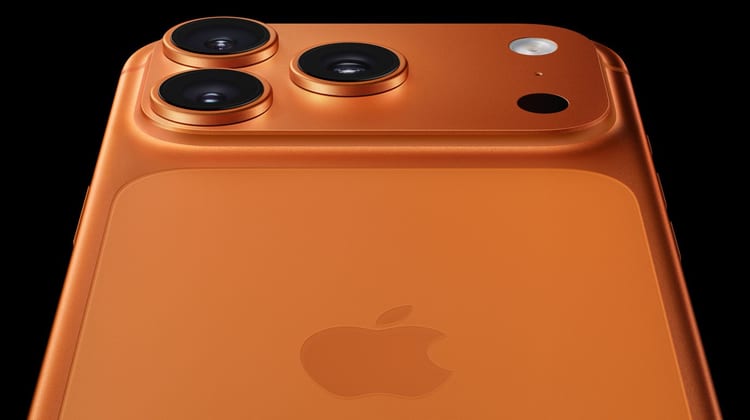
Open Camera. Switch to Portrait. Dial in a filter. Close the app. Next time it is back on Photo, style gone. That reset is the default. Preserve Settings keeps the last mode and controls so they stick.
The path is Settings, Camera, Preserve Settings. Labels below match Apple's iPhone User Guide for iOS 26 and iOS 27, checked October 2026. Not every switch shows on every model. Older phones skip some rows.
Open Settings, Camera, Preserve Settings
Open Settings. Tap Camera. Tap Preserve Settings.
You see a list of toggles, not one master switch. Turn on only what you want remembered. Leave the rest off if you prefer Camera to start clean each time.
Camera Mode saves the last mode you used, such as Portrait, Pano, or Video, instead of jumping back to Photo. Photographic Style saves the last style on supported models. Creative Controls saves light and related look settings. Depth Control keeps the last depth value used in Photo, Portrait, and Cinematic modes.
Quick tools in Control Center sit next to Camera for other daily flips. The layout steps are in the Control Center customize tip.
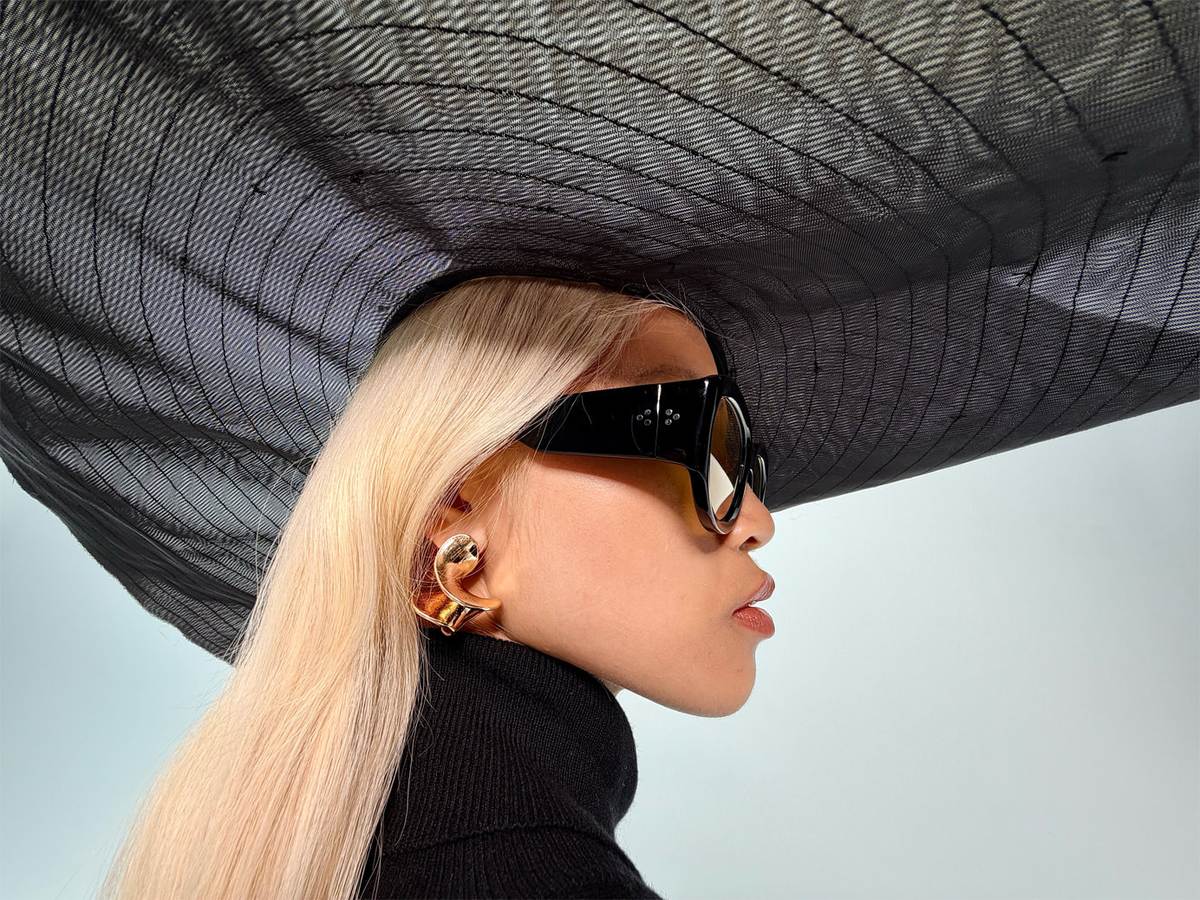
Photo: Apple
What each switch actually keeps
Macro Control keeps your Auto Macro choice rather than jumping to the Ultra Wide for close shots on supported models. Exposure Adjustment keeps the exposure bias you set on iPhone 11 and later. Night Mode keeps the Night mode setting instead of resetting to Auto.
Portrait Zoom keeps the Portrait lens you picked rather than the default. Action Mode stays on when you left it on. ProRAW and Resolution Control remember Apple ProRAW choices on supported models. Apple ProRes does the same for ProRes video. Live Photo remembers whether Live Photo was on or off. Apple turns Live Photo preserve on by default.
On iPhone 18 Pro models, Lens Aperture appears too. It saves the last aperture you set. If a row is missing, that feature is not on your hardware. The list is not broken.
Text already sitting in a photo is a different Camera tool. See the Live Text tip for copy, translate, and call from a still.
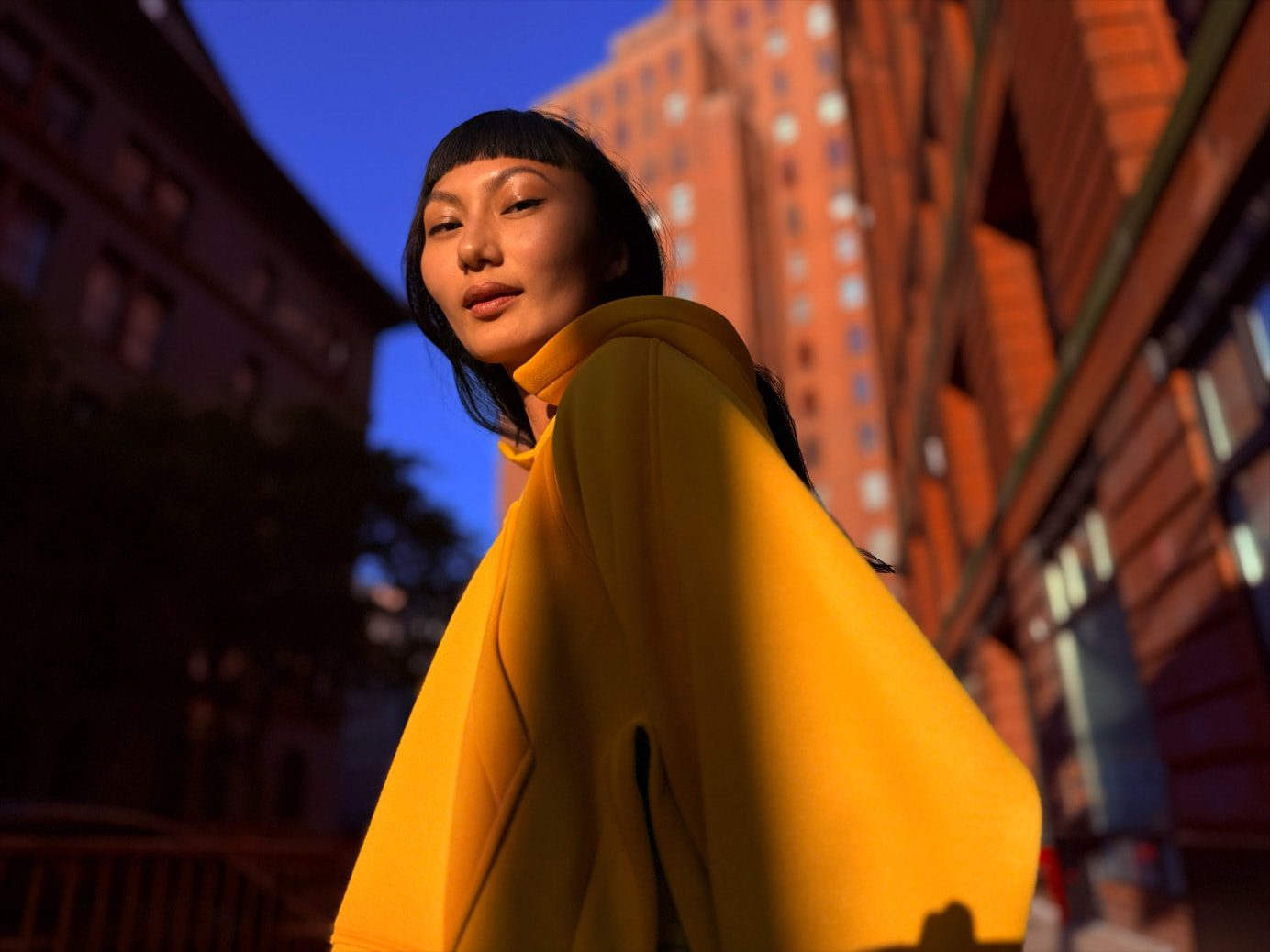
Photo: Apple
Common mistake: only Live Photo is on
Many people open Preserve Settings, see Live Photo enabled, and assume Portrait mode or a style will stick too. They will not. Camera Mode, Photographic Style, Creative Controls, and the others are separate. Flip each one you care about.
Another mix-up: turning Photographic Style off in Preserve Settings, then wondering why a style still loads. On supported models, also check Settings, Camera, Photographic Styles, and pick Use Standard if you want Standard every time Camera opens.
Quiet hours and Focus schedules do not touch Camera. If alerts are the real problem while you shoot, the Focus schedule tip covers time and location triggers.
Turn a setting off when you want a clean Camera start
Go back to Settings, Camera, Preserve Settings. Turn off the toggle you no longer want saved. The next time you open Camera, that control resets to Apple's default for that feature.
Camera Mode off means Photo again on launch. Night Mode off means Auto again. Live Photo off in this list means the Live Photo button can reset too, depending on what you left selected last.
Battery drain after long Camera sessions is often background refresh, not these toggles. The Background App Refresh tip shows the Wi-Fi only path.
Photo: Apple Newsroom / iPhone 17 Pro camera close-up, Photographic Styles, Portrait mode photography
Source: Apple Support, Save camera settings on iPhone (iPhone User Guide, iOS 26 / iOS 27)