OpenAI ships a native ChatGPT app for Mac. Download it from chatgpt.com/download. After install, the default Chat Bar shortcut is Option-Space. Hold ⌥ and tap Space. The Chat Bar opens so you can ask ChatGPT, upload a file, take a screenshot, or take a photo.
This path is the standalone desktop app. It is not the Apple Intelligence ChatGPT extension under System Settings. It is also not a local weight runner like Ollama on Apple silicon. Prompts leave the Mac for OpenAI’s cloud.
Download the ChatGPT Mac app
OpenAI’s help pages set the floor at macOS 14. Apple Silicon (M1 or newer) or an Intel Mac both qualify. Grab the installer from the download page, open the package, and drag ChatGPT into Applications the usual way.
As of July 9, OpenAI describes a newer desktop build that combines Chat, Work, and Codex on macOS and Windows. The previous macOS desktop app was renamed ChatGPT Classic and remains supported. Sign in with your ChatGPT account when the app first launches.
If you want a different vendor’s Mac client instead, the Claude Desktop install tip covers Anthropic’s Dock app. Same idea: native window, cloud model behind it.
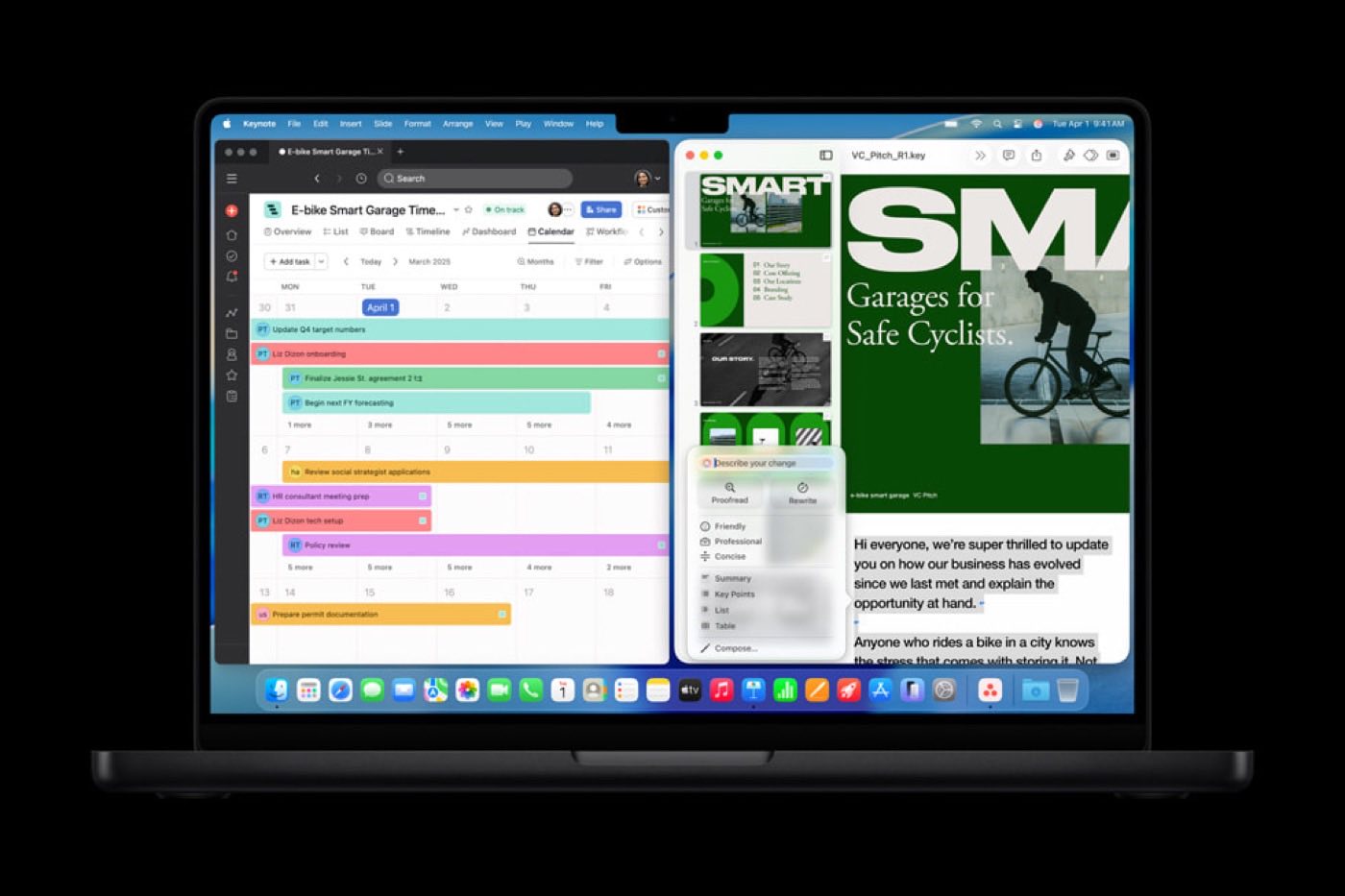
Open Chat Bar with Option-Space
With the app running, press:
⌥ + Space
That is Option-Space. Chat Bar appears. Type a prompt. Attach a file when you need context from disk. Use the screenshot or photo actions listed in OpenAI’s Chat Bar help when you want the screen or camera in the request.
You can also open Chat Bar from the menu bar icon. Drag the window if it lands in the wrong spot. Keep the app allowed to run in the background if you want the hotkey ready without hunting the Dock.
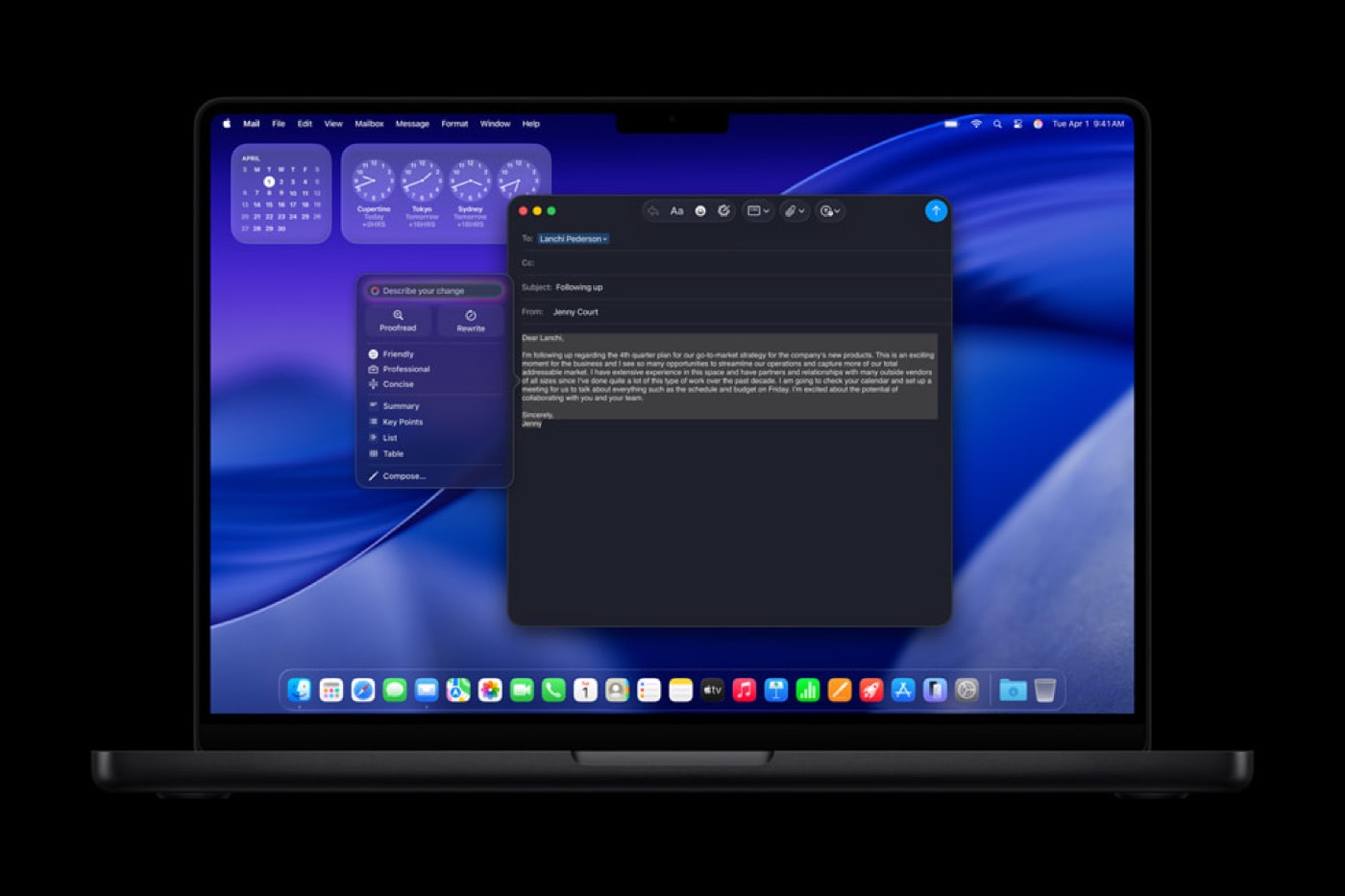
Change the Chat Bar shortcut
Option-Space is the default. To remap it, open ChatGPT → Settings and look for the keyboard shortcut / Chat Bar settings. Pick a combo that does not collide with Spotlight or your other launchers.
Work with Apps is optional. OpenAI documents launching it with Option-Space or the Work with Apps control. macOS often asks for Accessibility permission before the feature can read the frontmost app. VS Code needs the ChatGPT Work with Code extension. Stick to those official notes; do not assume every Mac app is wired in.
Desktop app versus system ChatGPT extension
Two ChatGPT doors exist on a recent Mac. The desktop app is what this tip installs. The other sits inside Apple Intelligence: System Settings → Apple Intelligence & Siri, then the ChatGPT extension. That flow is covered in our ChatGPT with Apple Intelligence guide. Same cloud account family. Different launcher and UI.
On-device Writing Tools stay local to Apple’s stack. See Apple Intelligence Writing Tools if you only need Proofread or Rewrite without opening ChatGPT. Local runners keep weights on disk. This desktop ChatGPT app does not.
Photo: Apple
Source: OpenAI Help - Downloading the ChatGPT macOS app; How to launch the Chat Bar; chatgpt.com/download; Apple Newsroom (MacBook Pro lifestyle travel, MacBook Pro Asana and Keynote, MacBook Pro macOS Apple Intelligence Rewrite)