Claude Desktop is Anthropic’s native Mac app. It sits in the Dock like any other program. You still talk to Claude on the Anthropic cloud. That is the split versus local runners already covered here: Ollama, LM Studio, and mlx-lm.
Official system floor is macOS 11 Big Sur or higher. The Mac build is universal. Intel and Apple silicon both work. Free, Pro, Max, Team, and Enterprise accounts can install the app. Some features stay paid-only.
Download Claude Desktop for Mac
Open the Claude download page in Safari. Anthropic lists it at claude.ai/download and claude.com/download. Find the macOS row and click Download.
A .dmg lands in Downloads. Anthropic’s enterprise notes also mention a .pkg for MDM fleets. Home users can stay with the drag-and-drop .dmg.
Install the .dmg and sign in
Double-click the .dmg. Drag Claude into the Applications folder. Eject the disk image when Finder finishes.
Launch Claude from Applications. Sign in with the same Anthropic or Claude.ai account you use on the web. Conversations, projects, memory, and preferences sync when you are signed in.
If macOS blocks the first launch, open System Settings → Privacy & Security. Use Open Anyway for Claude, then confirm. That is the usual Gatekeeper path when an app is not yet trusted on the machine.
Turn on Quick Entry on Mac
Desktop beats the browser tab in one practical way. Quick Entry opens Claude from any app without hunting for a window. Anthropic documents this for macOS only.
Default shortcut: double-tap the Option key. Claude Desktop must be running. The window can stay in the background.
Change it later under Settings → General (under Desktop app). Options include Double-tap Option, Option + Space, a custom shortcut, or off. Quick Entry needs macOS 12 or later. Voice dictation needs macOS 14 or later and is off by default because it takes Caps Lock.
Grant Accessibility in System Settings → Privacy & Security when macOS asks. Screen Recording is required if you capture screenshots or share an app window through Quick Entry. Speech Recognition is for dictation only.
Cloud chats versus local runners
Claude Desktop is not a local model host. Chats go to Anthropic’s servers, same family as the browser and mobile apps. Keep Ollama, LM Studio, or mlx-lm when text must stay on disk or Wi‑Fi is down after models are cached.
For the other cloud path inside Apple’s stack, see the earlier note on ChatGPT with Apple Intelligence on macOS 27. That one wires OpenAI through System Settings → Siri. Claude Desktop is Anthropic’s own app, dock icon, and Quick Entry shortcut.
Install takes a few minutes. Download the Mac build, drag to Applications, sign in, then test double-tap Option once. Leave local runners installed if you still need offline weights.
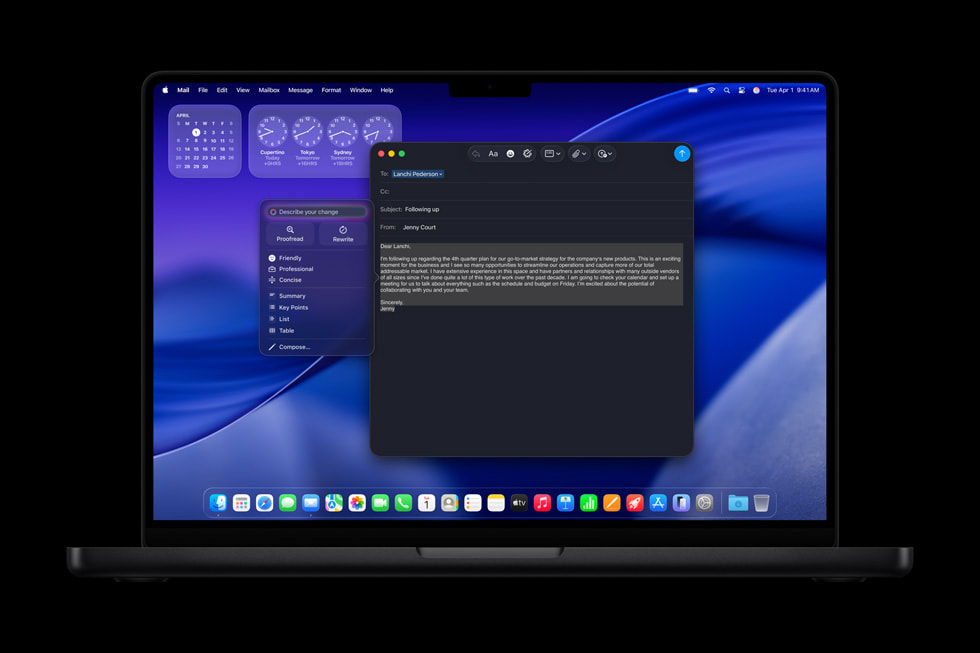
Photo: Apple
Source: Claude Help Center — Install Claude Desktop; Use quick entry with Claude Desktop on Mac; Deploy Claude Desktop for macOS; Claude download page FAQ; Apple Newsroom (MacBook Pro M5 lifestyle, macOS Visual Intelligence, Apple Intelligence Rewrite)