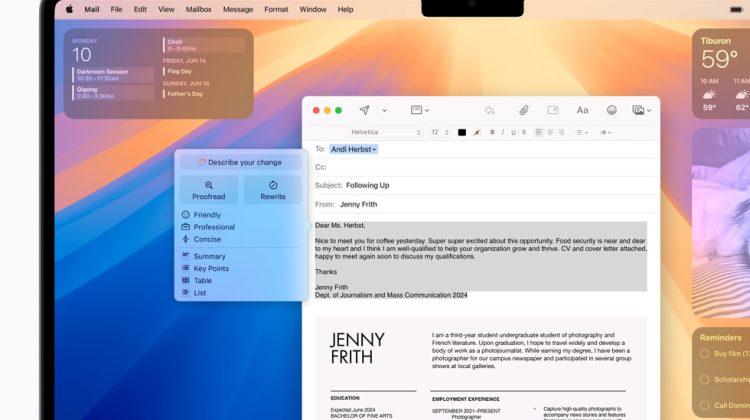
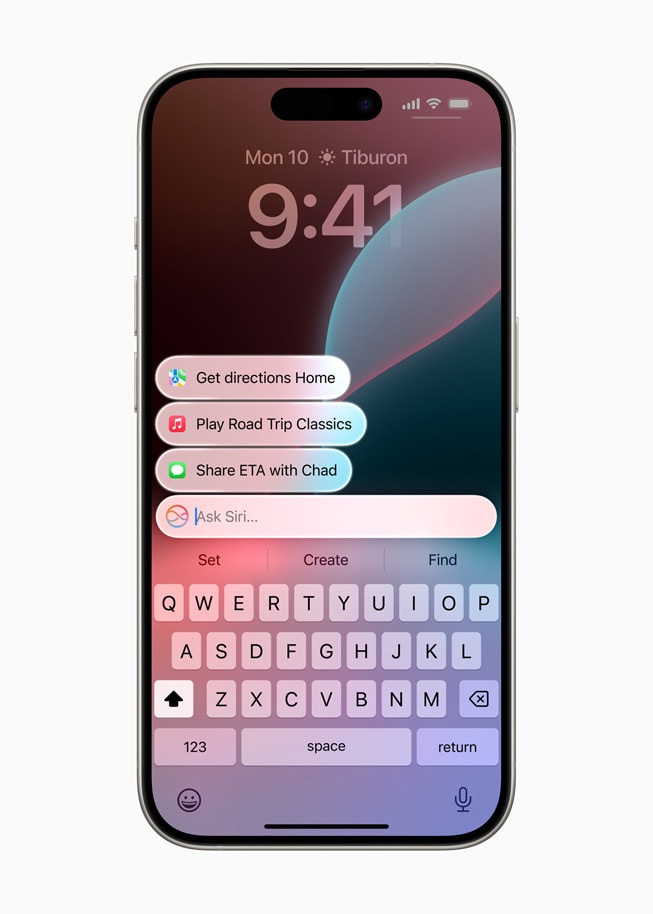
This week’s Mac tips already walked through local runners: Ollama, LM Studio, and mlx-lm. Those keep weights on disk. Apple’s other Mac path is different. It wires OpenAI’s ChatGPT into Apple Intelligence as a system extension.
macOS 27 documents the setup under System Settings → Siri. Apple Intelligence is not in every language or region. The ChatGPT extension also follows OpenAI’s own availability map. Age consent rules apply (13+, or the local minimum).
Turn on ChatGPT in System Settings
Open System Settings on the Mac. Click Siri in the sidebar. Click ChatGPT, then Set Up, and follow the onscreen steps.
If Siri AI (Beta) is on, the path shifts a little. Click Set Up Extensions, click ChatGPT, then turn on Use Extension.
You can enable ChatGPT without an OpenAI account. Sign in only if you want requests saved into ChatGPT chat history. Apple’s Mac User Guide is explicit on that point.
Confirm Requests toggle
By default you get asked before information is shared. To let Siri send requests to ChatGPT without the prompt each time:
System Settings → Siri → Extensions → ChatGPT, then turn off Confirm Requests.
That Confirm Requests switch is not available when you are using Siri AI. Apple also notes you must first ask ChatGPT before a prompt, photos, or files go out.
To reverse course later: System Settings → Siri → ChatGPT, then turn off Use ChatGPT. On Siri AI, open Extensions → ChatGPT and turn off Use Extension. Screen Time can block the extension too.
What leaves the Mac
This is the privacy split versus a local LLM. With the extension, the request and any attachments leave for OpenAI, plus limited request metadata: time zone, country, device type, language, and which feature made the call. Apple says the IP address is obscured. A general location is still provided for fraud and legal compliance.
Without a ChatGPT account, Apple says OpenAI does not get Apple Account identifiers, must process only to answer that request, must not store the exchange unless law requires it, and must not train on it. After you sign in, ChatGPT account settings and OpenAI’s policies apply instead. The same Settings sheet has About ChatGPT Extension & Privacy for the full wording.
Local weights versus the extension
Ollama, LM Studio, and mlx-lm stay useful when the text must not leave the machine, or when Wi‑Fi is off after models are cached. The ChatGPT extension is for cloud answers inside Siri and Apple Intelligence flows. It is not a replacement for a GGUF or MLX weight on disk.
Apple’s wider Siri AI on iOS 27 notes sit on the same Apple Intelligence stack. Region, language, and daily cloud limits still gate features. Check System Settings on your own Mac before you assume the ChatGPT row is there.
Setup takes a minute. Pick account or no account, leave Confirm Requests on until you trust the habit, and keep a local runner for drafts that should never leave the laptop.
Photo: Apple
Source: Apple Support Mac User Guide — Turn on ChatGPT on Mac (mchlfc5cf131), Apple Intelligence availability notes; Apple Newsroom (WWDC24 Apple Intelligence Writing Tools, Type to Siri, Notes Summarize)