iOS 27’s iPhone Handoff lets the same phone number sit on a main iPhone and a secondary iPhone. Unlock the handset you want to use. That device becomes active on the cellular network. The other goes inactive for the shared number.
This is not classic Continuity Handoff that moves a Safari tab from Mac to iPhone. Apple’s Pro debut footnote and later support wording describe a carrier-backed number share between two phones. Older site notes on sharing one number across two iPhones sketched the idea before the fuller setup rules landed.
What follows the active iPhone
When you switch, calls, voicemail, iMessage, RCS, and SMS/MMS move with the active phone. Find My location moves too. iCloud data keeps syncing on both devices as usual.
Only one iPhone holds the shared number at a time. After a switch, iOS shows a “Switched to this iPhone” banner. Third-party apps may ask you to sign in again. Some banking apps add a second check when the other device was last active.
Requirements and which carriers work at launch
Both phones need iOS 27 or later, the same Apple Account, Wi-Fi during setup, Messages in iCloud on, and FaceTime plus iMessage signed in on that account. You also need an eSIM from a carrier that supports iPhone Handoff.
Apple’s launch note names T-Mobile in the United States and Telekom in Germany. T-Mobile is charging about $5 per month for the feature, matching earlier reporting we covered in the T-Mobile $5 Handoff fee brief. Other carriers may join later. Fees are set by the carrier, not by Apple.
Main phone, Dual SIM, Watch, and Wallet
Setup marks one device as main and the other as secondary. Apple suggests making your everyday phone the main unit. Call Forwarding, Caller ID, and some carrier account tools can stay tied to the main iPhone even when the secondary is active.
Dual SIM works only if both eSIMs come from Handoff-supporting carriers. Configure each number separately. After that, both eSIMs switch together when you unlock the other phone.
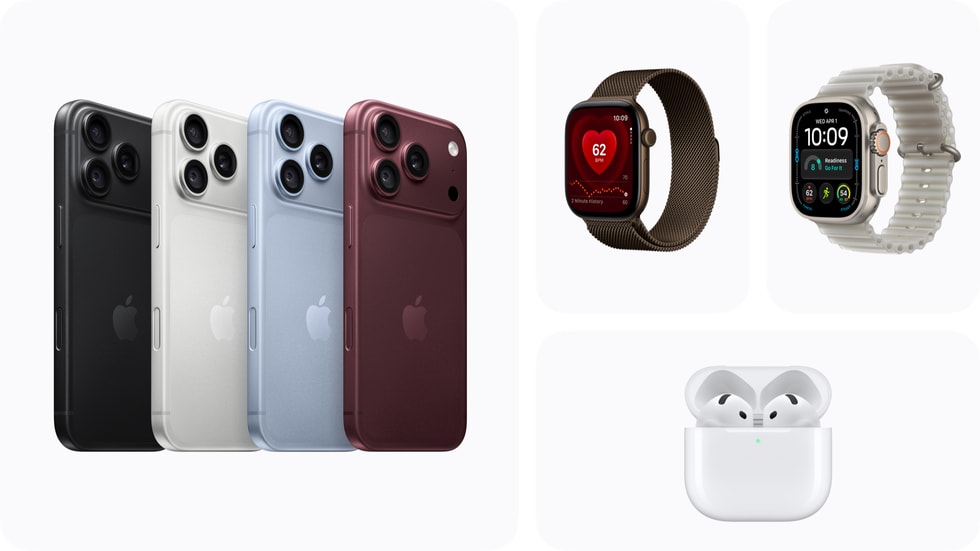
Apple Watch does not follow Handoff. It stays paired to one iPhone. Pair the Watch to the phone you carry most. If that phone is offline, the Watch can keep using its own Wi-Fi or cellular where available.
Wallet payment cards and car keys can be added for both phones. Some transit passes, government IDs, and workplace badges may work on only one device at a time.
How to set it up, and how to turn it off
On the second iPhone open Settings → Cellular → Set Up Cellular or Add eSIM. Choose “Use Number on This iPhone and Another,” then Continue and follow the prompts on both screens. You can also enable Handoff while setting up a new iPhone. In that path the new device becomes main by default unless you keep the old one as main.
To disable Handoff, contact the carrier. Apple warns that deleting the eSIM alone may not cancel billing. The carrier can keep charging until the service is turned off on their side.
Owners juggling a Pro and a foldable through October can read this next to Duo pre-order timing on October 16 and the accessory note on Duo Case and Folio pricing. Handoff is the number layer. It does not move Watch pairing or every Wallet pass by itself.
Photo: Apple
Source: Apple Newsroom, MacRumors, The Apple Post