Unknown numbers still ring. Delivery codes. Fake bank desks. Random sales. You can stop the ring before the name shows.
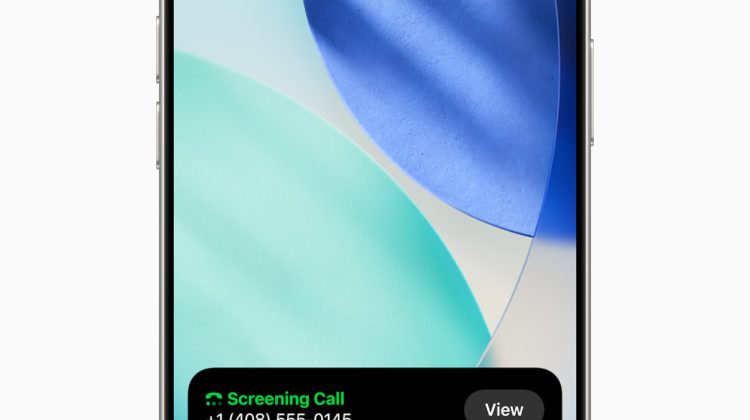
Call Screening on iPhone asks unsaved callers for a name and a reason first. After they speak, the phone rings and shows what they said. You answer or ignore. The control sits under Settings, Apps, Phone. Apple’s Screen and block calls guide (iphe4b3f7823) still lists the same three choices on iOS 27.
Contacts you already saved still ring normally. Unsaved numbers hit the screen path.
Settings path for Screen Unknown Callers
Open Settings. Tap Apps. Tap Phone.
Find Screen Unknown Callers. Pick one row:
Never: Call Screening is off. Unsaved numbers ring like any contact.
Ask Reason for Calling: iPhone answers the unknown call in the background, asks for a name and reason, then rings you and shows the reply.
Silence: Unsaved numbers stay quiet, go to voicemail, and still show in Recents.
Standard calling and data rates may apply while a call is screened. Apple notes that roaming calls are not screened. After you call emergency services, screening turns off for 24 hours.
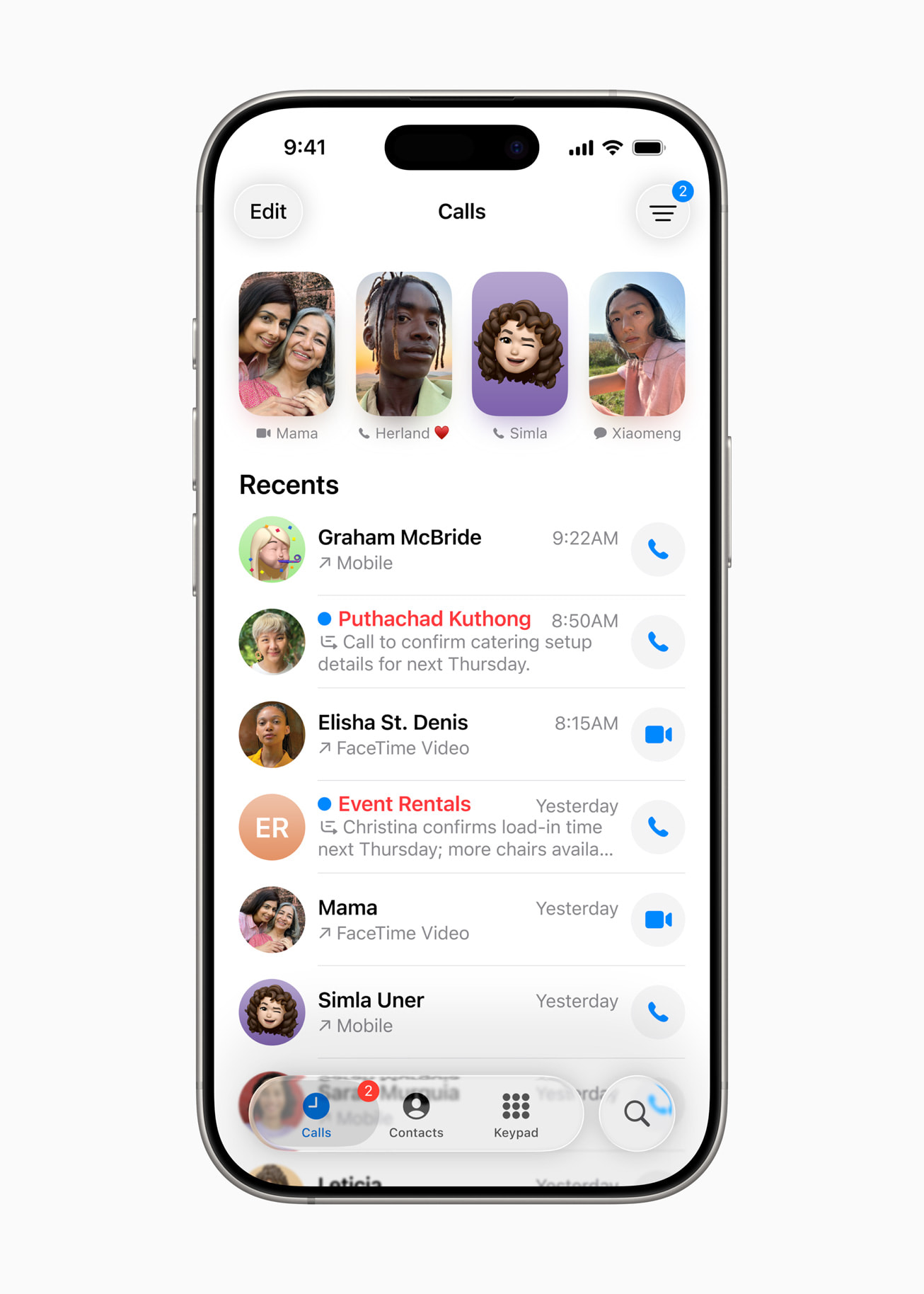
What happens when an unknown number calls
With Ask Reason for Calling on, the first sound is not your ringtone. The caller hears the screen prompt. You see the reply once they finish. Then the phone rings so you can pick up or decline.
Spam marked by your carrier does not always get that polite screen. Under the same Phone settings page, turn on Spam in Call Filtering if your carrier supports it. Carrier-flagged fraud can go quiet and land in the Spam list.
A common mistake is leaving important work lines out of Contacts. Schools, clinics, delivery drivers, and two-factor voice codes often come from numbers you never saved. Those hit the screen path too. Add the numbers you must hear, then leave Ask Reason for Calling on.
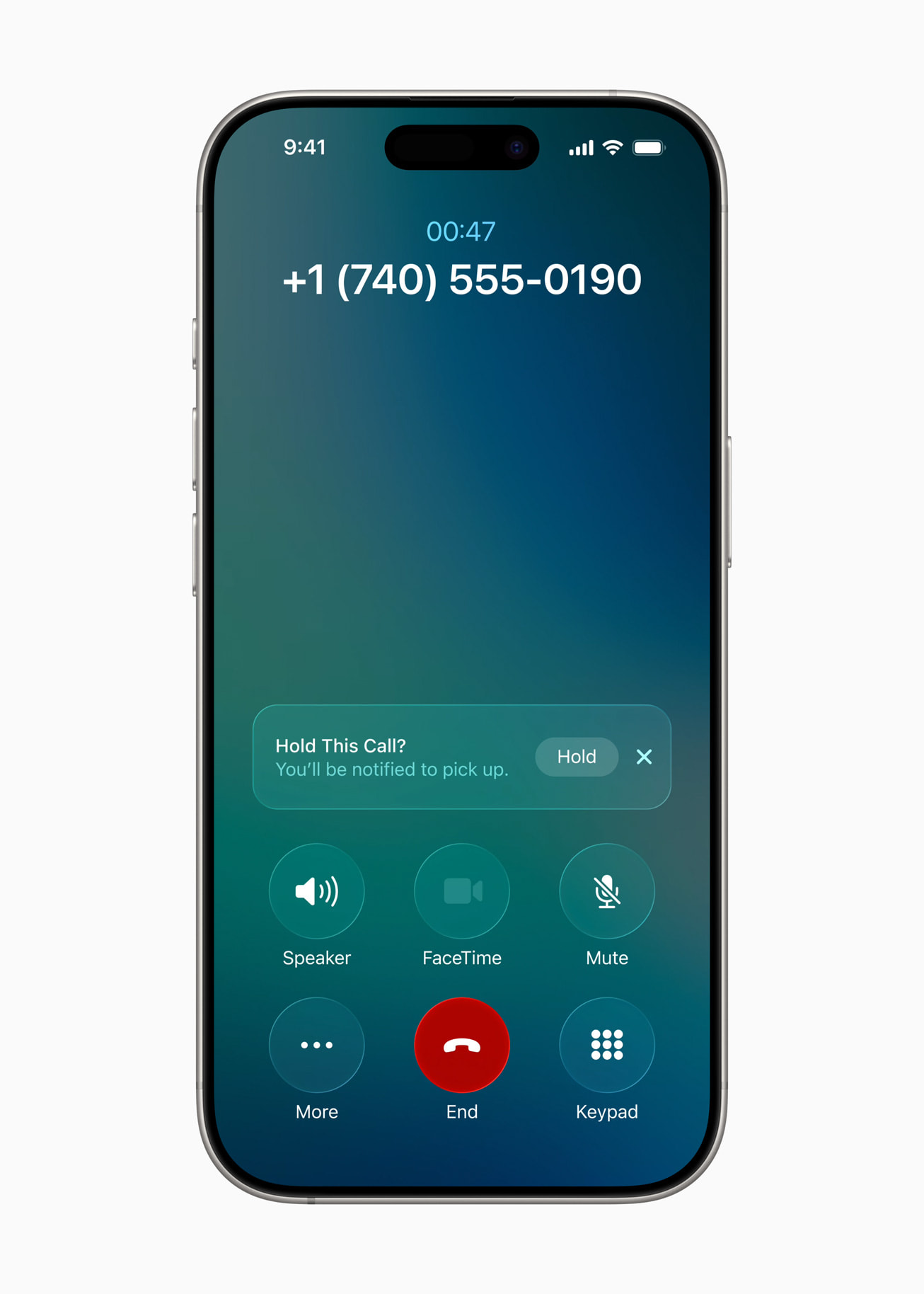
Silence versus Ask Reason for Calling
Silence is the harder gate. No ring. Straight to voicemail. That matches the older Silence Unknown Callers tip many people already use.
Ask Reason for Calling keeps a middle path. You still get a ring after the caller speaks. Useful when you need some unknown calls, like food delivery or a building desk, but want junk filtered first.
FaceTime has its own Silence Unknown Callers switch under Settings, Apps, FaceTime. Phone and FaceTime settings do not copy each other. Set both if you take video calls from strangers.
Filter lists and Live Voicemail
Under Settings, Apps, Phone, Call Filtering, turn on Unknown Callers to move missed unknowns into an Unknown Callers list in the Phone app. Turn on Spam to silence carrier-flagged fraud and park those rows in Spam.
Live Voicemail is separate. Settings, Apps, Phone, Live Voicemail shows a live transcript while someone leaves a message. You can pick up mid-message. Availability depends on carrier, country, and language.
For Focus nights, a scheduled Do Not Disturb still quiets banners on a timer. Call Screening handles the unknown number case during the day. App locks are another layer: Require Face ID on a single app does not change how Phone rings.
Check the Phone app layout after you flip the switch
Open Phone. On the unified layout, tap Calls, then the filter control, then Unknown Callers or Spam to review what was screened. On classic Recents, the same filter sits near the top of the list.
Mark as Known on an unknown row stops future screens for that number. Mark as Unknown on a contact card puts it back into the unknown path.
Public iPhone tip builds are tracked in our watchOS 27.0.1 / iOS tip firmware note. Call Screening does not need a new beta. It is already on current iOS 27 Phone settings for supported regions.
Photo: Apple
Source: Apple Support Screen and block calls (iphe4b3f7823), Apple Support Manage unknown callers (111106), Apple Newsroom Phone Call Screening