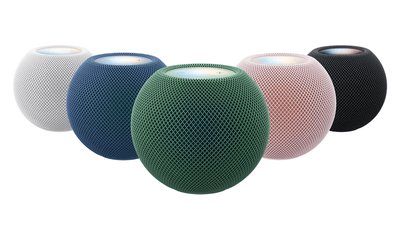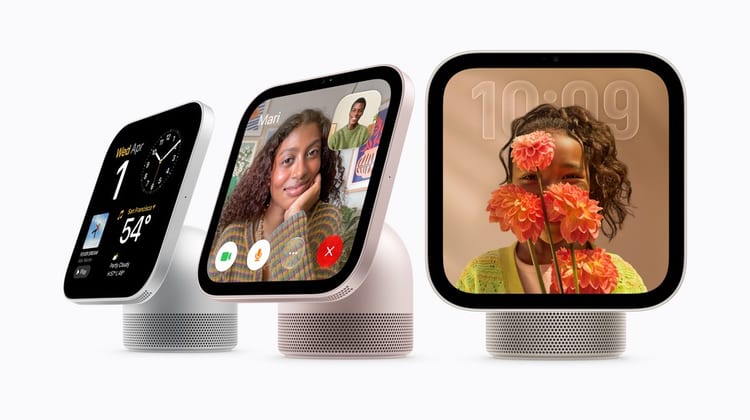
Apple's first post-launch HomeView update shipped on November 18. HomeView Software 27.2.1, build 24V553. The release notes name exactly three problems, and none of them is "alarms don't work" or "music won't play." If one of the three listed bugs hit your display, this update is the fix. We covered the release earlier today in our firmware brief on HomeView 27.2.1.
What Apple says 27.2.1 fixes
The release notes on Apple Support say the update "provides important bug fixes for your HomeView," then list three issues. Both Apple HomeView and Apple HomeView (Wall Mounted) are covered.
- Setting up a Shared Album on the Photos face may stop the device from downloading support for Siri. After that, Siri can be unavailable.
- Pairing the display with an iPhone or iPad running the iOS or iPadOS 27.3 beta may cause Siri requests to fail.
- Connecting another home hub device may unexpectedly remove HomeView from your home.
Early reports that alarms and timers now behave are user reports, not Apple's word. Treat them as unconfirmed.
How to install HomeView 27.2.1
HomeView installs updates automatically by default. For a manual install, Apple's Update Apple HomeView document lists two paths.
On a paired iPhone or iPad running iOS 27.2 or iPadOS 27.2 or later: Home app, More button, Home Settings, Software Update, then Update Now if 27.2.1 is listed. On the display itself: Settings, System, Software Update, then Update Software and Download and Install when ready. The menu is System, not General. Some early coverage said General. Apple's document says System.
Keep HomeView plugged in and connected until the update finishes. If setup is stuck on an older update instead, follow our earlier fix for HomeView setup stuck on the 26.5 to 27.2 software update.
What to check after installing
If the display still is not responding normally: open Settings on HomeView, tap General, then tap Restart. If it still does not respond, disconnect it from power, wait 15 seconds, and connect it again. The HomeView User Guide documents that path as a general recovery step, not a 27.2.1 requirement.
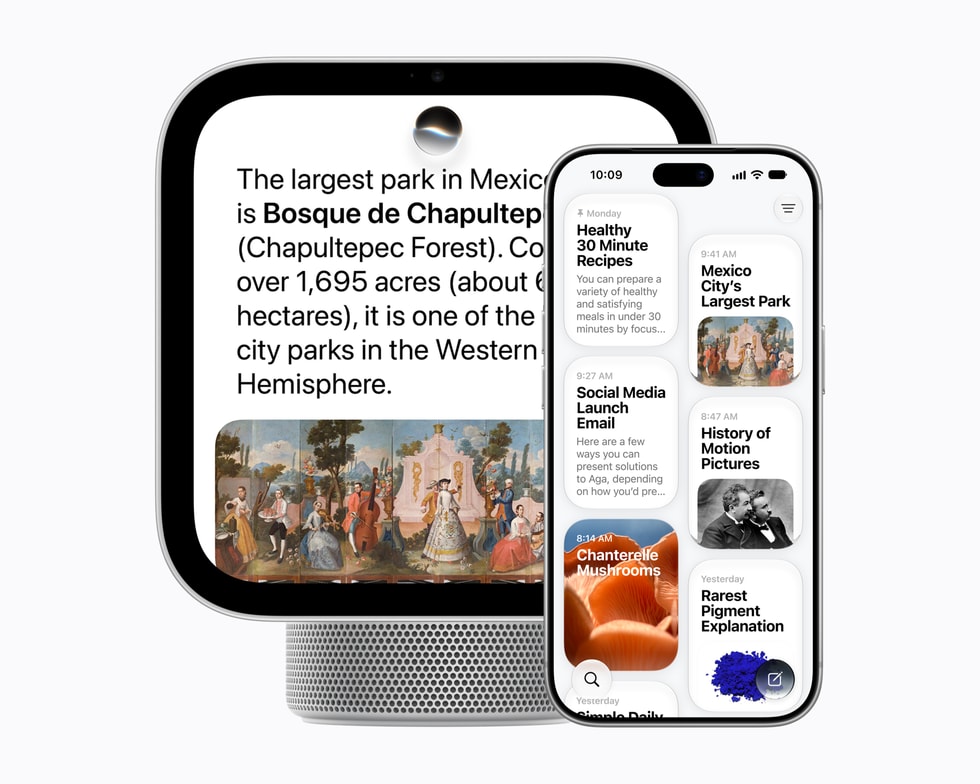
If Siri appears off: open Settings, then Siri, on HomeView. The documented controls are Listen On, Listen For, and Voice. Say "Siri" or "Hey Siri," or swipe down from the top edge of the screen. The guide also notes Siri AI is beta in HomeView software version 27.2, and personal requests need a paired Apple Intelligence iPhone or iPad on the latest software with Siri AI on. There is no "download Siri again" button in Apple's documents. For the launch-week symptoms, our HomeView Siri setup and restart checks still apply.
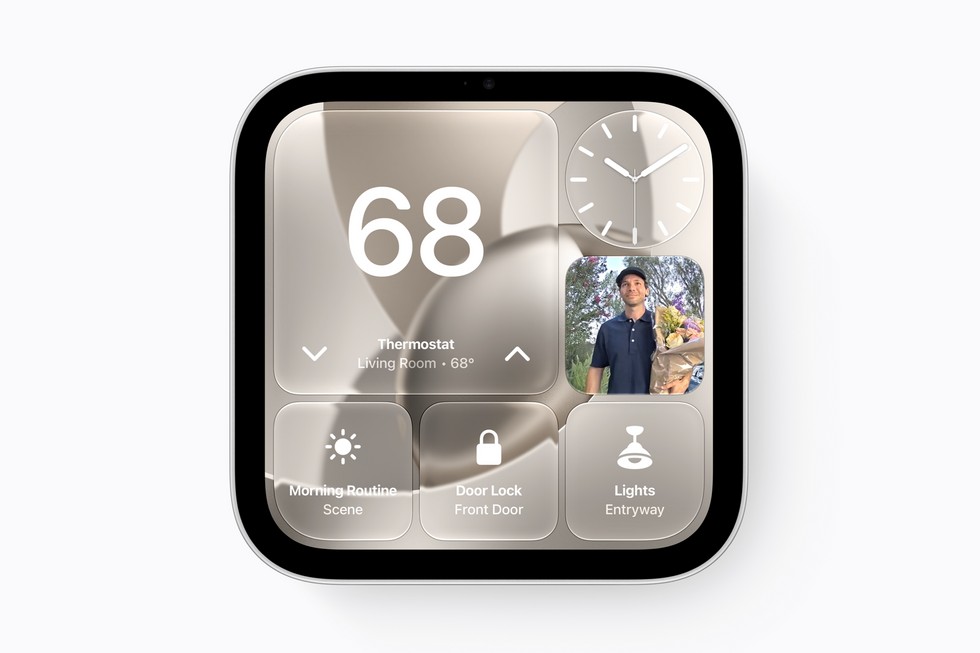
If HomeView disappeared from your home after you connected another hub: open the Home app, tap More, then Home Settings, then Home Hubs & Bridges. The active hub is at the top, and you can turn off Automatic Selection to pick a preferred hub yourself. Apple's home hub document lists the basics: only home owners can add HomeView, the hub must be in the home, on the home Wi-Fi, and powered on, and iCloud Keychain and two-factor authentication should be on. Installing 27.2.1 does not put a removed HomeView back in the home by itself. You may have to set the device up again.
What 27.2.1 does not cover
First, security. Apple's security releases page lists HomeView Software Version 27.2.1 for Apple HomeView, dated 18 Nov 2026, with one line: "This update has no published CVE entries." It is not a security patch list, and it does not republish the iOS 27.2.1 security content. For comparison, HomeView Software 27.2 shipped nine security fixes. This one ships none on paper.
Second, the camera-authenticated door and garage voice-control problem reported by Joanna Stern is not in these notes. Apple has said that fix is due in December, according to MacRumors' follow-up report.
Photo: Apple. Source: Apple Support 127196 and 149085, Apple Developer Releases (24V553).