Apple calls it video descriptions. On compatible HomeKit Secure Video cameras, iOS 27 writes a caption for every recorded clip, and you can then search the recordings in plain language. The feature is tied to the high iCloud+ tiers. Below is the toggle path, the requirements, and the camera limits, checked against Apple's support pages on November 12, 2026.
9to5Mac's Ryan Christoffel put the perk in the spotlight on November 11. The switch itself is documented in Apple's iPhone User Guide and in Apple's HT127902 support page.
What you need before the toggle appears
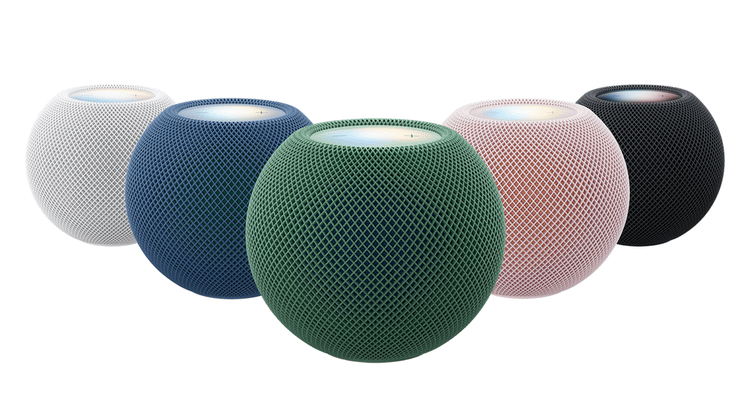
Four things. A home hub: HomePod (2nd generation), HomePod mini, or Apple TV 4K with the latest software. An Apple Intelligence-enabled iPhone owned by the home's owner, meaning iPhone 15 Pro, iPhone 15 Pro Max, or iPhone 16 and later on iOS 27 or later. Apple Intelligence turned on in the Home app. And a 2TB iCloud+ plan or higher. The camera also has to be a compatible HomeKit Secure Video camera added in the Home app, not only in the maker's own app.
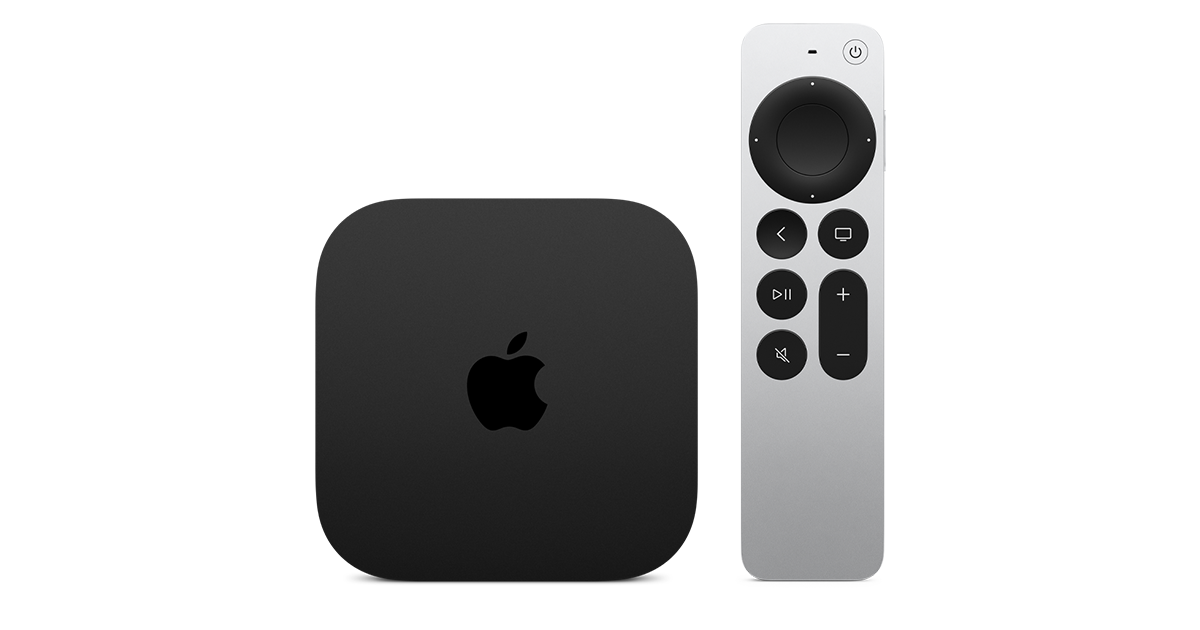
One naming gap worth knowing: 9to5Mac lists HomeView as a hub, but Apple's User Guide and the iCloud page, both fetched November 12, name only HomePod, HomePod mini, and Apple TV. HomeView arrives November 13, so treat it as unconfirmed until Apple's own list updates. Our HomeView setup checklist covers what to do before that date.
Turn on video descriptions in Home Settings
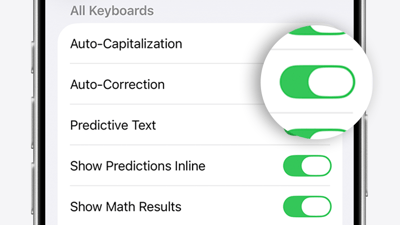
Open the Home app. On the Home tab, tap the More button, then tap Home Settings. Turn on Apple Intelligence, then enable or disable video descriptions for each camera. That is the User Guide path. HT127902 labels the same toggle "Summarize Videos": Home app, More, Home Settings, Apple Intelligence, then Summarize Videos. The label is not fully settled across Apple's pages, so look for either name on your screen.
Summarize Videos is off by default. Reduced Notifications, which groups similar Home alerts into one, is on by default. You can also flip Summarize Videos for a single camera: open that camera in the Home app and tap the toggle. Useful when your plan covers fewer cameras than the house has. The common mistake is hunting under Settings > Apple Intelligence. The toggle lives in the Home app, and switching Apple Intelligence off in Settings kills both Home features.
The AI camera cap is smaller than the recording cap
Two different limits, easy to mix up. HT127901 sets the video summary caps: up to 1 camera on the 2TB plan, up to 2 on 6TB, up to 5 on 12TB, as of November 12, 2026. HomeKit Secure Video recording counts are separate: 50GB covers one camera, 200GB covers up to five, and 2TB and above records unlimited cameras. So a 2TB plan can record every camera in the house but only write AI summaries for one.

U.S. monthly prices as of November 12, 2026: $9.99 for 2TB, $29.99 for 6TB, $59.99 for 12TB, with tax added in some states. 9to5Mac's read is blunt: most users will not find the monthly cost worth it for the AI camera features alone. If you already pay for the storage, the features ride along. The Home app changes we covered in our iOS 27 Home overview follow the same owner-only pattern.
Search clips in the Home app or Spotlight
Once descriptions exist, you search them. Apple's About iOS 27 Updates page (HT149076) puts it this way: "Camera clip search lets you find specific moments from your HomeKit Secure Video cameras by searching in the Home app or Spotlight when on an eligible iCloud+ plan." The User Guide adds that the search takes natural language. Apple has not published a click-by-click walkthrough of the search field, so the two entry points are what we can confirm: Home app and Spotlight.
What Apple does with the footage
Recordings stay end-to-end encrypted in iCloud. Cameras without Summarize Videos analyze content on-device only. For Summarize Videos, home devices look at the footage first and send it on only when they detect relevant activity, like a person, pet, or package. Private Cloud Compute then generates the caption, returns it, and permanently deletes the data, per HT127902. Homeowners can also generate an Apple Intelligence Report of every request sent to Private Cloud Compute in Home Settings, change how long those requests are kept, or turn reports off.
Shopping for cameras instead? December brings LG cameras, a UWB door lock, and two thermostats to the Home app.
Photo: Apple. Source: Apple Support (bd2gjv2g9nx0, HT127902, HT127901, HT149076), 9to5Mac.