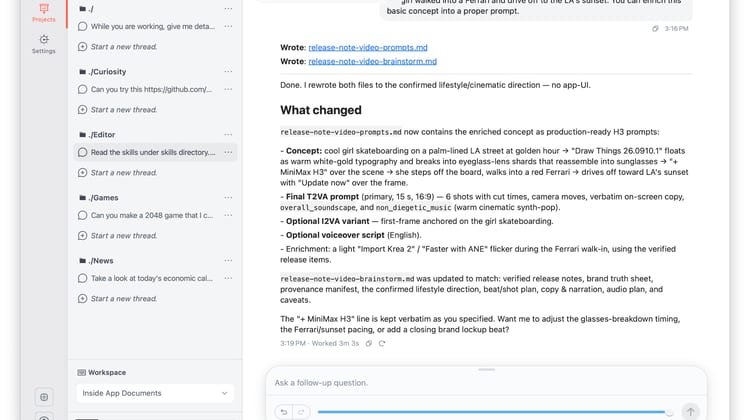
The Draw Things team released Local Code to the world on October 28 and made the whole app open source. Local Code is an AI agent for Mac, iPad and iPhone. You download a model from a built-in selector and start working, with Python, Node.js, a shell and an office tool already packaged inside the app. There is no separate inference server to install, no account to create and no API key for on-device use, the team wrote in the release post. The public beta ran from September 12, and MacRumors covered the launch on October 30.
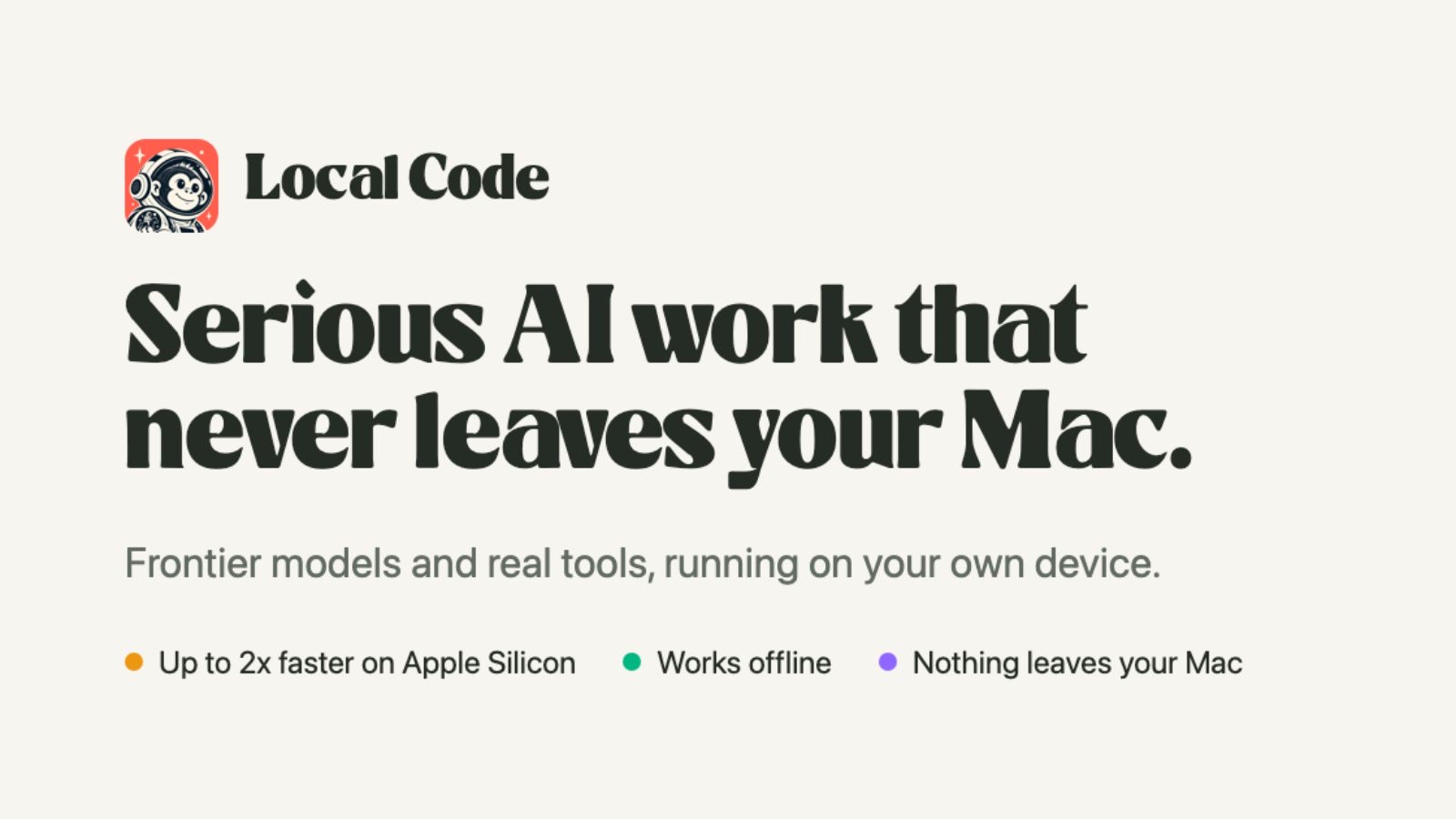
Download Local Code from getlocalcode.app
Go to getlocalcode.app and use the "download directly for Mac" link. The site also shows App Store badges, but the developers say the App Store version is coming soon, so the direct download is the only Mac path today. Open the app, and the model selector lists checkpoints with their download sizes. Nothing has to be authorized before a first prompt.
Qwen 3.8 27B is the pick for Macs under 32 GB
During setup, Local Code suggests a model from your Mac's memory: under 32 GB gets Qwen 3.8 27B (2-bit S), 32 GB and up gets the 4-bit S build, 48 GB and up gets DeepSeek 4 Flash 0731, and 64 GB and up gets DeepSeek 4.1 Flash 1017. The GitHub README lists the download sizes: Qwen 3.8 27B at 9.6 GB (2-bit S), 21.3 GB (4-bit S) and 29.2 GB (8-bit S); DeepSeek 4 Flash 0731 at 89.4 GB; DeepSeek 4.1 Flash 1017 at 376 GB and 412 GB, which include a shared 203 GB engram file. The site's sizing card puts Qwen 3.8 27B at a 16 GB minimum with 32 GB recommended. A 16 GB MacBook Air can run the 2-bit S build. For speed, Draw Things measured Qwen 3.8 27B (4-bit S) at about 1,450 tokens per second of prompt processing and 40 tokens per second of generation on an M5 Max with 128 GB. Your own numbers come from Model Speed inside the app.
Where Models Run and Permitted Folders keep data local
Two Settings rows decide what leaves the Mac. Where Models Run set to On Device keeps every prompt, file and tool output on the machine; the site's own demo shows the app working with Wi-Fi switched off. Permitted Folders is the file permission list. The agent can only read and write folders you switch on there, and it cannot launch other apps or read the whole disk, because the whole runtime sits inside Apple's App Sandbox and Hardened Runtime. Optional access to Calendar, Photos, Notes, Mail and Messages is granted through the normal macOS permission prompts. On the Mac, Notes, Mail and Messages are read-only for the agent, while Calendar and Photos can be edited after you grant access.
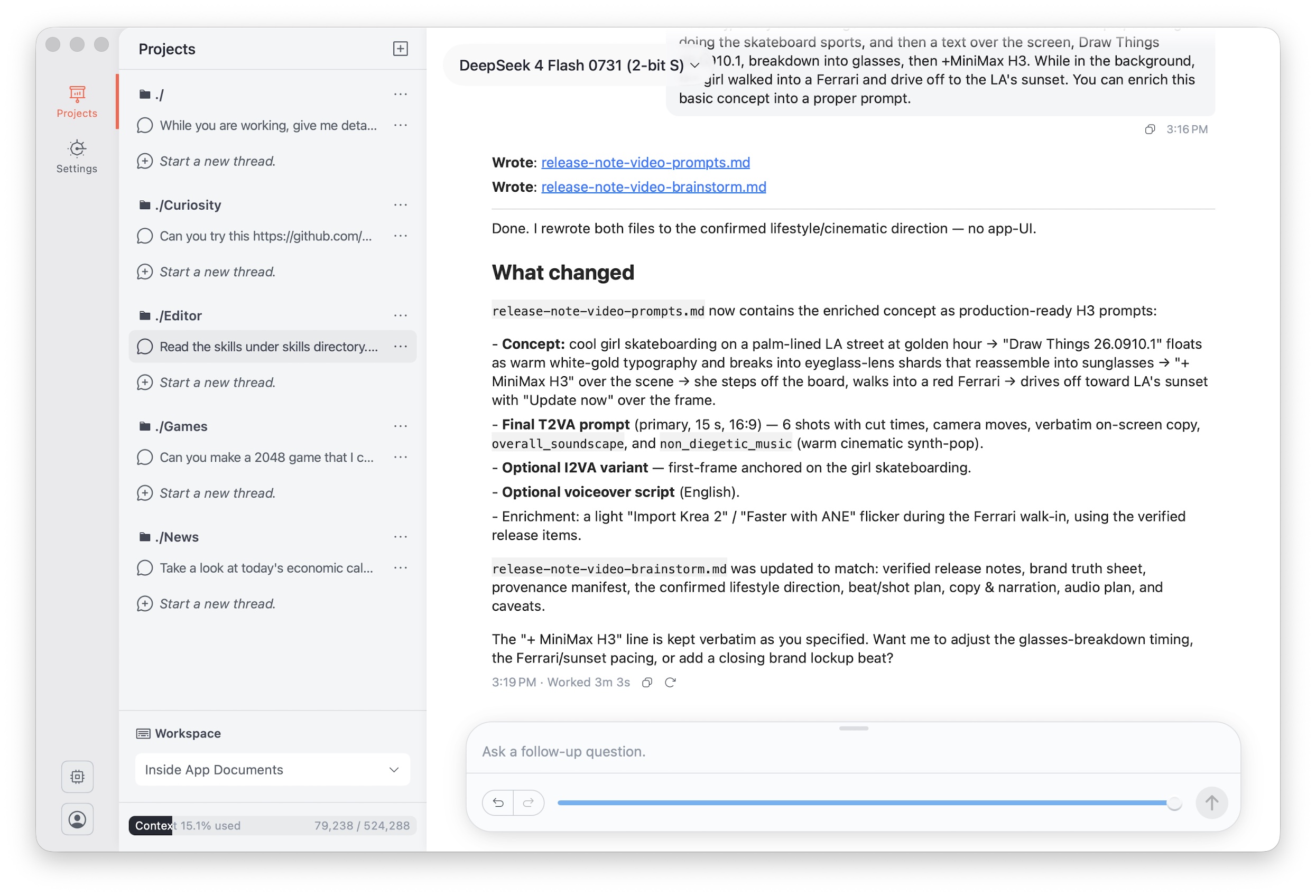
From a project thread, ask for something concrete. Chart a spreadsheet and draft slides from it, review Python or JavaScript, update a Word document. The tools run inside the app process, so a task like "chart Q3 revenue from sales.xlsx and make a 5-slide deck" never hands the file to a cloud service. If you already run a local stack, these older tips still apply side by side: pointing Xcode chat at a local Ollama model, building local vectors with Ollama's /api/embed, and running a local LLM on Apple silicon with Ollama.
Cloud models cost extra and send your files out
Local use is free. If a task needs more, Local Code can switch a thread to ChatGPT, Claude, OpenRouter or any OpenAI-compatible endpoint. The README is blunt about the trade: with a cloud model, prompts, file contents and tool output go to that provider. You can bring your own API keys at no markup, or buy cloud credit top-ups from $9.99. There is no subscription.
Build from source if you want the CLI
The code is at github.com/drawthingsai/local-code-community under GPLv3. The developer path is git lfs install, clone, ./Scripts/install.sh, then Bazel targets including LocalCodeCLI, which can pull models and drive the local agent from a script. Building the Mac GUI from source needs a patched Bazel version that is not published, so most readers should stay with the binary download.
Photo: Local Code app screenshot via the Draw Things public beta post; banner via getlocalcode.app.
Source: Draw Things release post, GitHub README, MacRumors