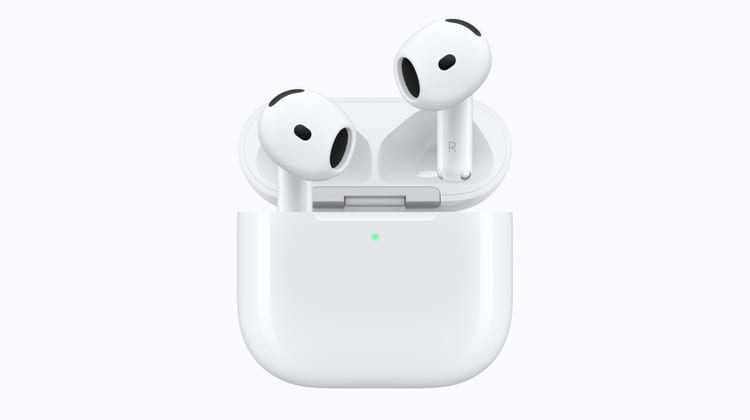
AirPods sit in the case. Music still plays from the iPhone speaker. Or the Control Center AirPlay list never shows them. Apple Support page If your AirPods or AirPods Pro won't connect, published September 17, 2026, walks through pair again first. Then Forget This Device. Reset is last.
Update, charge, and turn Bluetooth on
Update iPhone to the latest iOS. On Mac, update macOS. Put both AirPods in the charging case and confirm they are charging. On iPhone, open Settings, then Bluetooth, and leave Bluetooth on. On Mac, open System Settings, then Bluetooth.
Take the AirPods out and put them in your ears. Open Control Center and tap the AirPlay button. If the buds appear, select them and play audio with the volume up. If they are missing, or they show up but will not connect, keep going.
Put AirPods back in pairing mode
Put both AirPods in the case and close the lid. Wait 15 seconds, then open the lid. On iPhone or iPad, the next step depends on the model, per Apple's page.
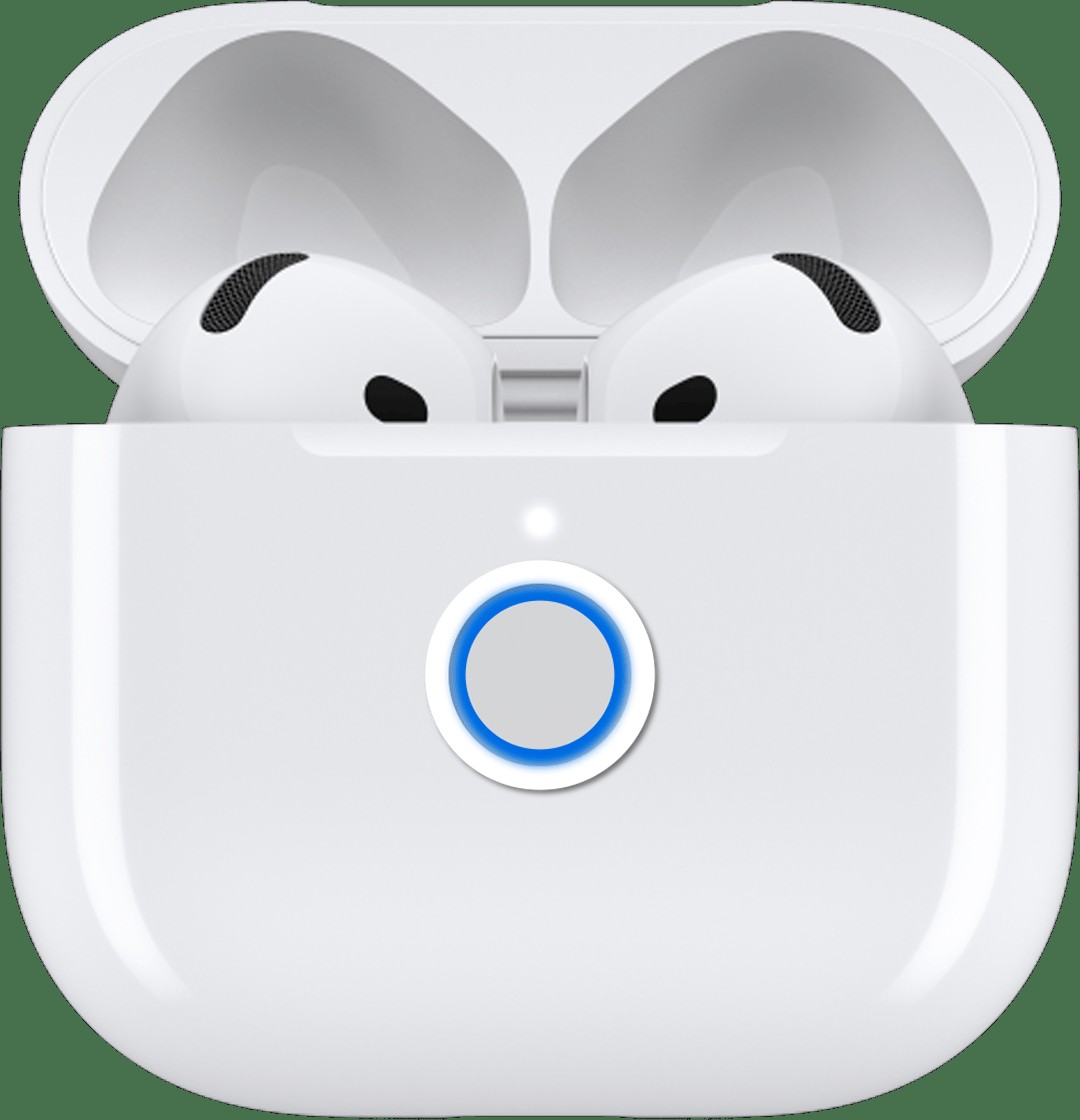
AirPods 4, AirPods 5, and AirPods Pro 3: double-tap the front of the case until the status light flashes white. Other models: press and hold the setup button on the back of the case until the status light flashes white. Hold the open case next to the iPhone and follow the on-screen pair sheet.
For a keyboard, mouse, or other Bluetooth accessory that is not AirPods, Apple's older checklist on If a Bluetooth accessory won't connect is shorter. Stay close, power-cycle the accessory, check charge, then forget and re-pair. App Bluetooth permission sits under Settings, Privacy & Security, Bluetooth.
Forget This Device, then pair clean
If the pair sheet never sticks, remove the old record. On iPhone, open Settings, tap the AirPods name near the top, then Forget This Device. Confirm Forget Device. Apple's AirPods guide says that also removes them from other devices signed into the same Apple Account.
On Mac, open System Settings, select the AirPods in the sidebar, then Forget This Device. Pair again with the white status light steps above. iPhone needs to stay within about 33 feet (10 meters) of the buds while pairing, as noted in Apple's Connect iPhone to Bluetooth accessories guide for iOS 27.
Factory reset when pair still fails
Restart first if you have not. For AirPods or AirPods Pro, put them in the case and close the lid for at least 10 seconds. Then try connect again.
Still stuck? Reset to factory settings. Put the AirPods in the case, close the lid, wait 30 seconds, then open the lid.
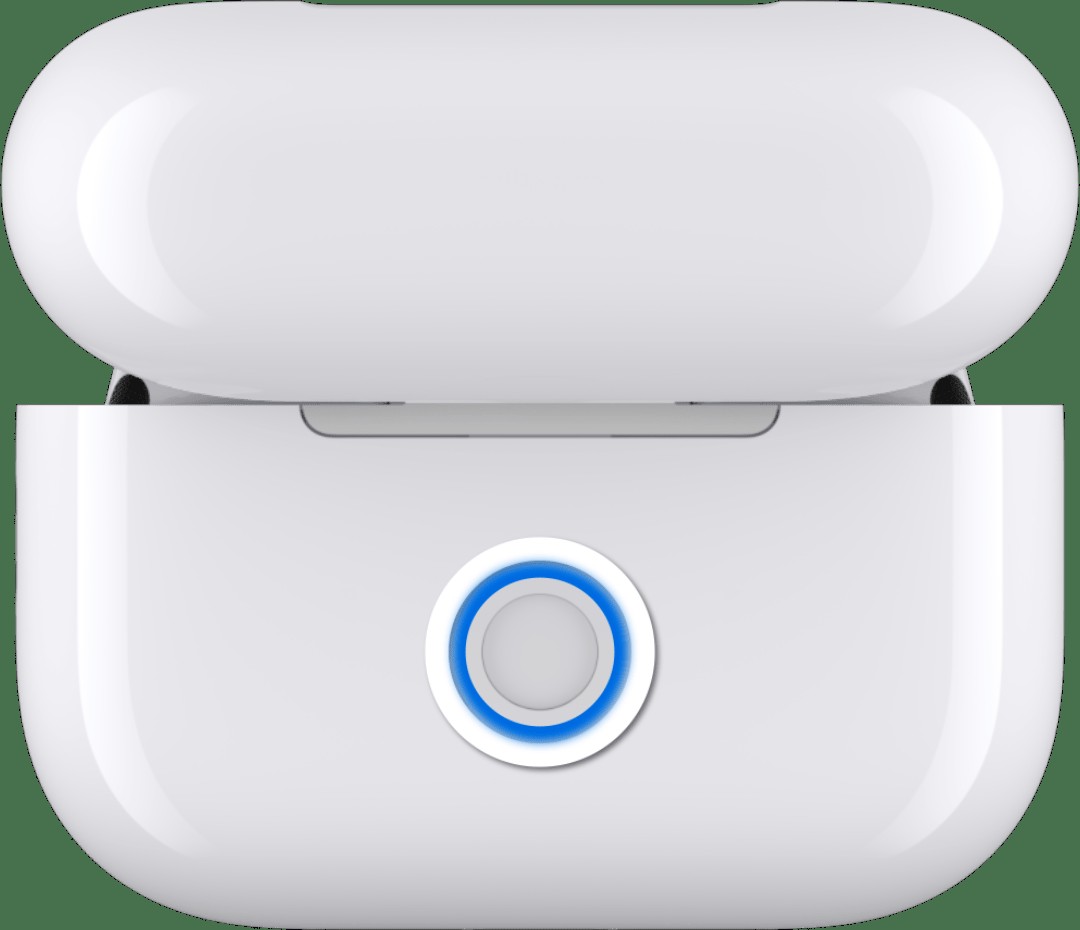
AirPods 1, 2, or 3, or AirPods Pro 1 or 2: press and hold the setup button on the back for about 15 seconds, until the status light flashes amber, then white. AirPods 4 or 5, or AirPods Pro 3: double-tap the front of the case three times. Success is amber, then white.
After reset, hold the open case next to the iPhone and set them up again. Bluetooth grayed out on every accessory, or no accessory connects at all, is a different problem. Apple says contact Support in those cases. Cellular SOS or No Service is separate from Bluetooth, see our SOS and No Service fix. App downloads stuck on Waiting is also unrelated, covered in the App Store Waiting fix. Wi-Fi share failures live under a different path, our Wi-Fi password share tip.
Source: Apple Support 118576 (AirPods won't connect), 111804 (Bluetooth accessory won't connect), AirPods User Guide restart / unpair / reset
Photo: Apple / Apple Support