You think of the text at midnight. The birthday note. The “safe home” reply. Hit send and the other phone lights up for the wrong hour.
Send Later in Messages parks an iMessage for a time you pick. The other person does not see that it was scheduled. Apple Support guide iph5ae9a7be6 covers the same path on current iOS Messages.
The window is short. You can set a send time up to 14 days ahead. Past that, the control will not take the date.
Path for Send Later in Messages
Open Messages. Open the conversation you want, or start a new one. Tap the plus button to the left of the text field. Tap Send Later. If you do not see it on the first sheet, tap More, then Send Later.
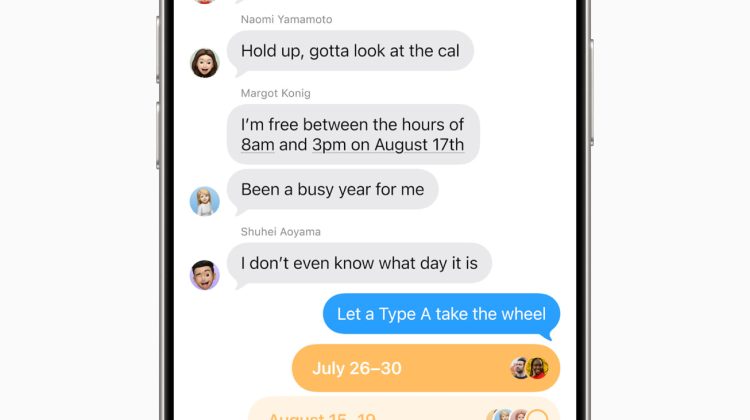
A time chip appears above the field. Tap that chip to open the scheduler. Pick the day and the clock time. The text field border turns into a dashed line. That dashed border means the bubble is queued, not sent yet.
Type the message. Tap the send arrow. The bubble stays in the thread with a dashed outline until the chosen time. You can scroll to the bottom of the chat if the scheduled row sits under older bubbles.
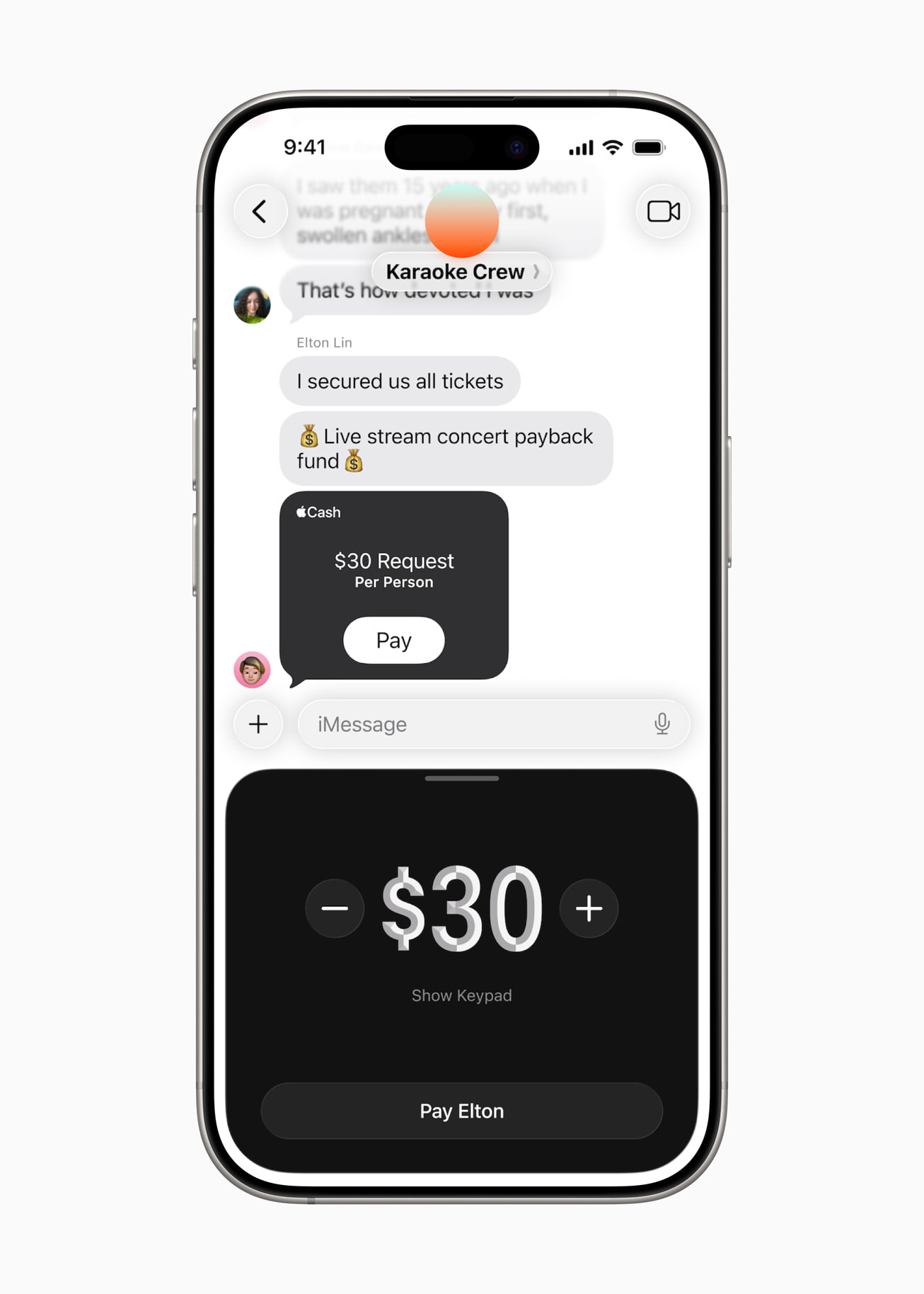
What Send Later actually does
Send Later works on iMessage only. Blue bubbles. The recipient can be on any device. They will not get a “scheduled” label. The message just arrives at the time you set.
Apple stores the scheduled message encrypted on its servers until send time. When it goes out, that server copy is removed. The bubble fills in as a normal sent iMessage. The dashed line goes away.
Delivery still happens if your iPhone is offline at that minute. You do need to be online when you create, edit, reschedule, or delete the scheduled bubble.
A common mistake is hunting for Send Later in a green-bubble SMS, MMS, or RCS thread. The control does not appear there. Switch the conversation to iMessage first, or message an Apple ID or phone number that is already on iMessage.
Edit, delete, or send now
Open the conversation. Find the scheduled bubble. If it is not in view, scroll to the bottom of the thread.
To change the clock, tap Edit beside the date above the bubble. Tap Edit Time. Set a new time. Tap away from the scheduler to keep it.
To send it right away, tap Edit beside the date, then tap Send Message. To cancel, touch and hold the bubble, then tap Delete. A delete before the send time cancels delivery. The other person never sees the draft.
You can also touch and hold the bubble, tap Edit, change the text, then resend the edited version into the same schedule path.
Keep it useful without waking people
Send Later is for timed greetings and reminders. It does not silence your own night notifications. For that, pair it with a scheduled Do Not Disturb so Focus still turns on after hours.
Spam texts are a different problem. Those land in Unknown Senders when you follow our Screen Unknown Senders tip. Phone spam has its own path in the Call Screening tip.
Public tip builds are tracked in our iOS 27 firmware note. Send Later does not need a new point release. It has been in Messages since iOS 18 and stays on current iOS 27 builds.
Quick check after you schedule one
Schedule a short test to yourself in another iMessage thread, or to a second Apple device signed into the same Apple Account conversation path you use for tests. Confirm the dashed bubble appears. Confirm Edit Time and Delete both work before the clock hits.
If Send Later is missing, check the bubble color. Green means carrier text. Also check that Messages is signed into iMessage under Settings → Apps → Messages.
Do not pin a birthday more than two weeks out in Send Later alone. Put that date in Calendar. Use Send Later inside the 14-day window for the actual text.
Photo: Apple
Source: Apple Support Schedule a text message on iPhone to send later (iph5ae9a7be6), Apple Newsroom iOS 26 Messages