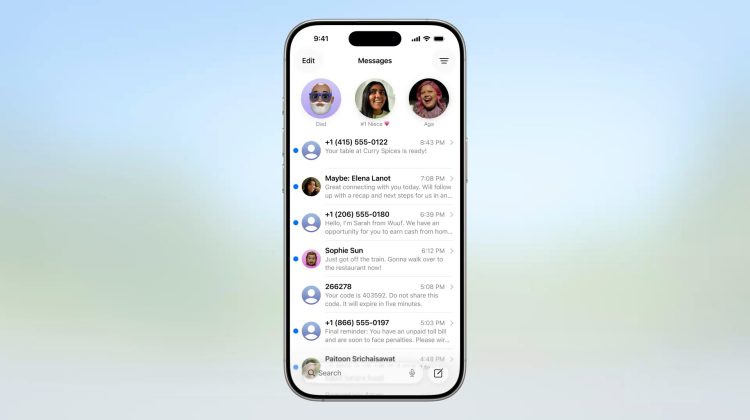
Spam texts still land in the main list. Delivery codes. Fake bank desks. Random sales. The conversation row fills up before you open anything.
Screen Unknown Senders on iPhone parks texts from numbers you have not messaged before into a separate Unknown Senders filter. The primary list stays quieter. Apple Support 125068 covers the same control on current iOS 27 Messages settings.
Contacts and people you already chat with keep their place in the main inbox. Unknown numbers go to the filter until you mark them known.
Settings path for Screen Unknown Senders
Open Messages. Tap the Filters button at the top of the conversation list. Tap Manage Filtering. Scroll to Unknown Senders. Turn Screen Unknown Senders on.
The same switch sits in Settings. Open Settings. Tap Apps. Tap Messages. Scroll to Unknown Senders. Flip Screen Unknown Senders there if you prefer the Settings page.
The setting is off by default on a clean install. If Filter Unknown Senders was already on in an older iOS build, Screen Unknown Senders stays on after the upgrade.
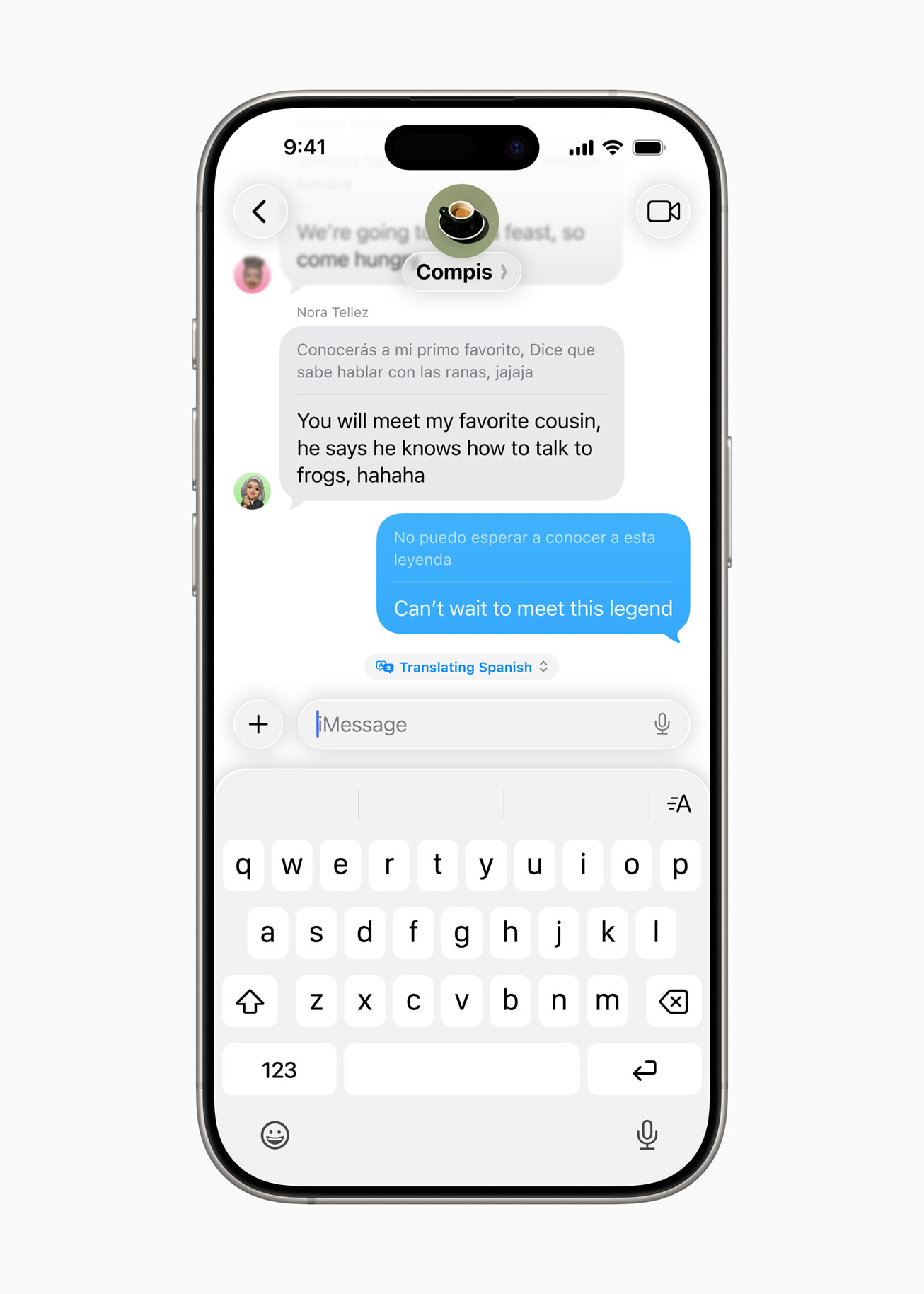
What the Unknown Senders filter does
An unknown sender is anyone you have not messaged before, or someone who is not in Contacts. New mail from those numbers does not sit in the main conversation list. A badge notes that Unknown Senders has unread rows.
Open Messages. Tap Filters. Tap Unknown Senders. Read the thread there. If the number is real, tap Mark as Known. That thread moves back to the primary list. That person can reach you across communication apps after the mark.
A common mistake is assuming a reply alone marks the sender known. It does not. You can answer from the Unknown Senders list and still leave the thread filtered. Use Mark as Known, or add a contact card, when you want the number in the main inbox.
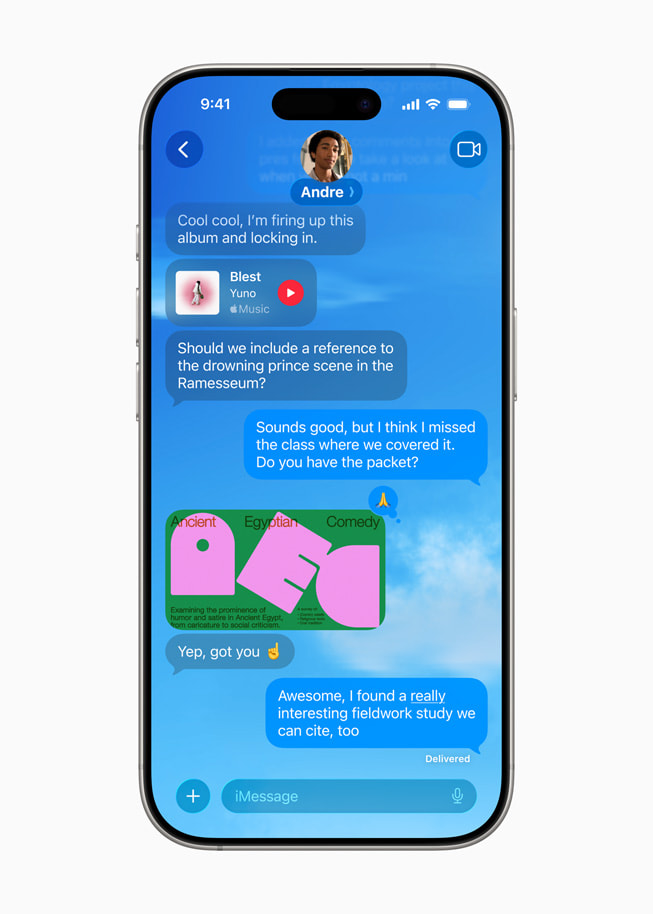
Allow notifications without flooding the inbox
Time Sensitive texts, like verification codes, still notify by default in most regions. You can tune the rest.
Open Settings. Tap Apps. Tap Messages. Under Unknown Senders, tap Allow Notifications. Turn Time Sensitive, Personal, Transactions, or Promotions on or off. Options vary by country. Apple notes finer control for the United States, Brazil, and India.
When you allow a category, those unknown messages can notify and show in the conversation list for eight hours. After that window they fall back into Unknown Senders.
Text Message Filter for SMS, MMS, and RCS
Screen Unknown Senders is the first gate. Text Message Filter is a second sort for carrier texts about Transactions and Promotions.
In Messages, tap Filters, then Manage Filtering, then Text Message Filter. Turn Text Message Filter on. Turn on any third-party filtering extension you install from the App Store.
Apple notes that text message filtering does not apply to a sender you have replied to three times or more. Block and report those senders if the junk keeps coming.
This tip is the Messages side of the same spam problem. The Phone side is covered in our Call Screening tip and the older Silence Unknown Callers tip. Night banners still need a scheduled Do Not Disturb if you want Focus quiet after hours.
Quick check after you flip the switch
Send yourself a test is not useful here. Ask a friend whose number is not saved, or use a second SIM, and confirm the thread lands under Unknown Senders.
If an important clinic or school line never shows in the main list, open Unknown Senders, open the thread, then Mark as Known. Or save the number in Contacts first.
App locks are a different layer and do not change how Messages filters unknown numbers. Public tip builds are tracked in our iOS 27 tip firmware note. Screen Unknown Senders does not need a new beta. It is already on current Messages settings for supported regions.
Photo: Apple
Source: Apple Support View conversations from unknown senders (125068), Apple Support Screen and filter text messages (iph203ab0be4), Apple Newsroom iOS 26 Messages Screening Tools