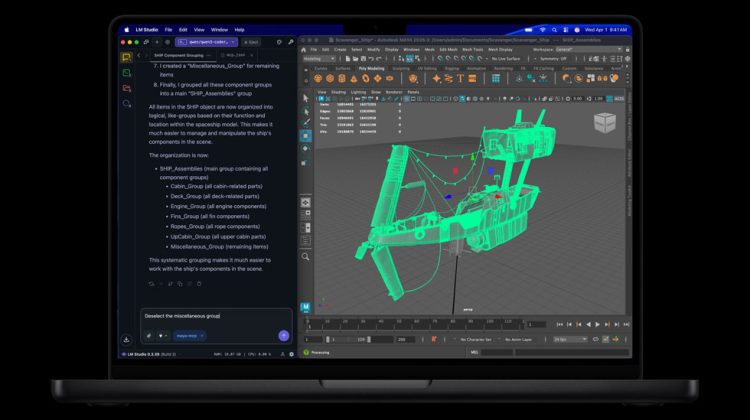
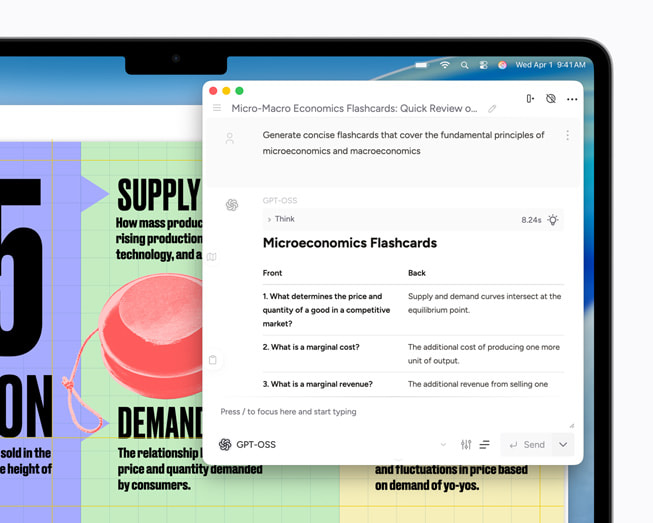
Many Mac apps speak the OpenAI Chat Completions format. Ollama already exposes that shape on the local machine. You keep the model on disk, change the base URL, and type any API key the form requires. Ollama ignores the key on a local server.
This note assumes Ollama is installed and a model is pulled. If you still need the first install, start with our Ollama on Apple silicon walkthrough. For a GUI runner instead of an API server, see LM Studio or mlx-lm.
Keep Ollama running and copy the model name
Open the Ollama app, or start the server from Terminal so it listens on the Mac. Pull a model once if the list is empty:
ollama pull llama3.2
Then list what is available:
ollama list
Copy the exact NAME column. That string is what you paste into the app’s model field. Do not invent a cloud model ID unless you already pulled it.
Point the app at localhost:11434/v1
In the app’s OpenAI or custom provider settings, set:
- Base URL:
http://localhost:11434/v1 - API key: any non-empty string, for example
ollama - Model: the name from
ollama list
Ollama’s docs use the same base URL with the official OpenAI Python and JavaScript clients. The key field is required by those clients. The local server does not check it.
Save the profile. Leave Ollama running while you chat. If the app times out, confirm nothing else is blocking port 11434 and that the menu bar icon or ollama serve is still up.
Smoke test before you trust the UI
A quick curl call proves the endpoint before you dig through app menus:
curl http://localhost:11434/v1/chat/completions \
  -H "Content-Type: application/json" \
  -d '{
    "model": "llama3.2",
    "messages": [{"role": "user", "content": "Say this is a test"}]
  }'
Replace llama3.2 with your real model name. A JSON reply with a message means the server is fine. If curl fails, fix Ollama first. The Mac app will fail the same way.
Python users can do the same with the OpenAI package. Set base_url to http://localhost:11434/v1/ and api_key to ollama, then call chat.completions.create.
When the app hard-codes gpt-3.5-turbo
Some tools only offer classic OpenAI names. Ollama lets you alias a local model:
ollama cp llama3.2 gpt-3.5-turbo
Then pick gpt-3.5-turbo in the app. Traffic still stays on the Mac. The copy is only a second name for the same weights.
Context length is not a standard OpenAI Chat Completions field. If you need a different context size, create a Modelfile with PARAMETER num_ctx, run ollama create, and point the app at that new model name. Details sit in Ollama’s OpenAI compatibility docs.
Local API versus Apple Intelligence storage
This path is separate from Apple Intelligence Writing Tools and from ChatGPT under System Settings. Those use Apple’s stack or the ChatGPT extension. Ollama’s /v1 endpoint is only for apps that let you paste a custom OpenAI base URL.
Large local models still need disk space. If the Mac is already tight after Apple Intelligence downloads, check our note on Apple Intelligence model storage before you pull another multi-gigabyte file.
Photo: Apple
Source: Ollama Blog (OpenAI compatibility); Ollama Docs (OpenAI compatibility API); Apple Newsroom (MacBook Pro LM Studio scene, MacBook Air ChatGPT, macOS 27 Visual Intelligence)