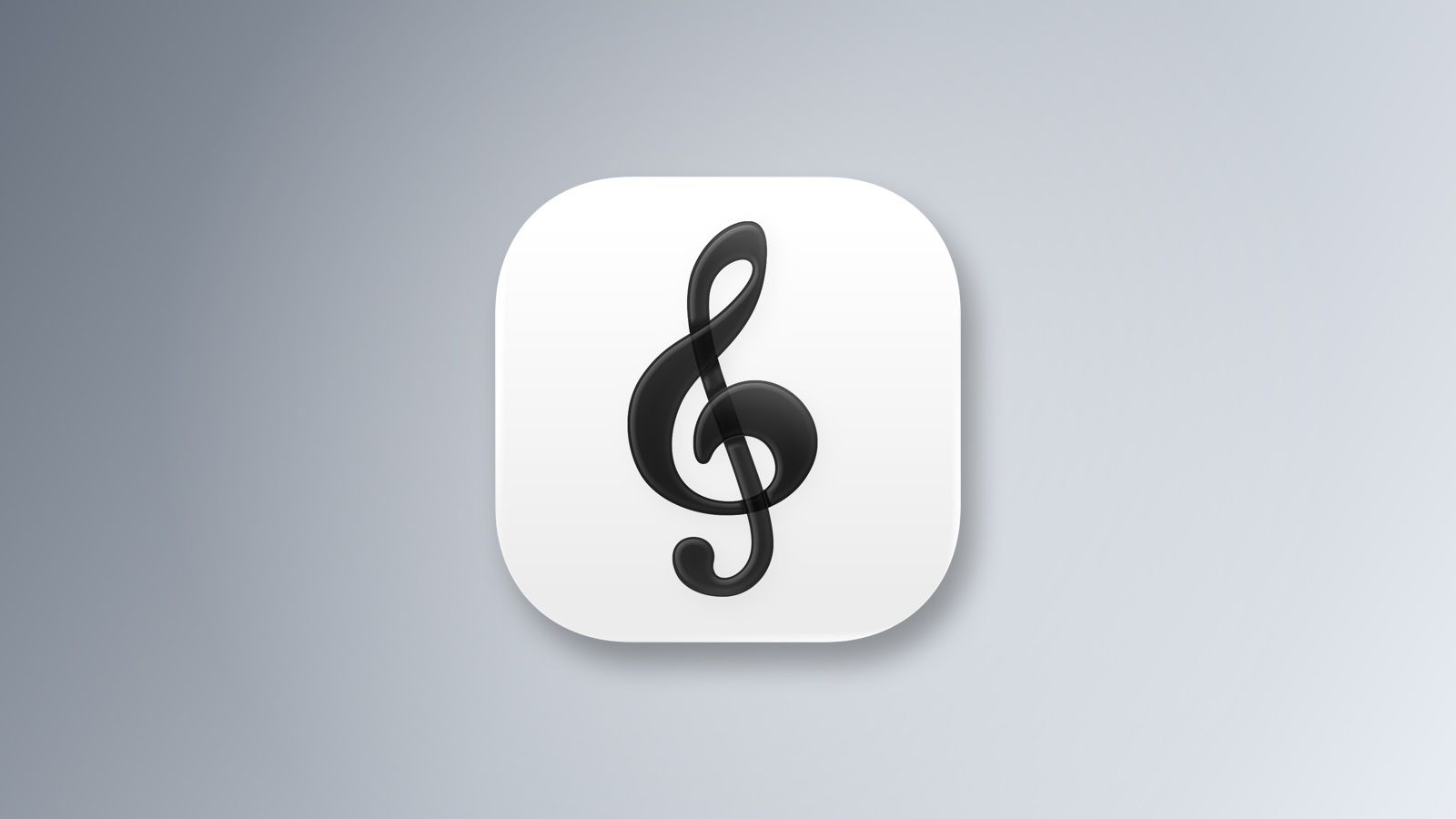
Apple Music Classical has a new look. On November 6 the app's 4.1 update replaced the red icon with a black-and-white one and refreshed the colors inside the app, following the Apple Music redesign MacRumors described the same day. The icon is the easy part. These 10 features are what the two Music apps actually do, with every setting path checked against Apple's support pages as of November 8, 2026.
1. Get Apple Music Classical free with your Apple Music plan
Apple Music Classical is a separate app for classical music, and Apple Music subscribers pay nothing extra for it. An Apple One plan that includes Music also counts. Apple puts the catalog at more than 5 million tracks and 1.2 million recordings, and both apps go up to 192 kHz/24-bit Hi-Res Lossless. On iPhone or iPad you subscribe to Apple Music first, then install Classical. There is also a web player at classical.music.apple.com (Apple's Apple Music Classical user guide).
2. Search by composer, work, conductor or catalog number
Classical search does not stop at song titles. Type a composer, a work, a conductor, a catalog number, or just an instrument name. Tap See All on any result list and you can filter it further, for example by period. The Home page also serves new albums plus playlists sorted by composer, era or theme.
3. Read listening guides, biographies and album notes
Selected composers and artists have biographies. Selected albums carry notes and booklets, and selected works have descriptions. On iPhone, iPad and Android some recordings add a listening guide in English, with annotations shown while the track plays. These are not in every language or region. If your device language hides a guide, switch the device to English.
4. Turn on Lossless Audio in Settings > Apps > Music
Lossless Audio sits in Settings > Apps > Music > Audio Quality, with separate switches for streaming and downloads. Wired headphones, speakers or the built-in speaker qualify. Rates above 48 kHz need an external DAC. Bluetooth is not lossless, and that includes most AirPods. AirPods Max with a USB-C port can listen lossless over its USB-C cable. Streaming lossless burns significantly more data, and to upgrade songs you already downloaded you must delete them and download again (Apple's lossless audio support page). If storage gets tight, our Apple Music storage cleanup tips cover what to delete first.
5. Play Spatial Audio with Dolby Atmos on supported songs
Dolby Atmos lives in Settings > Apps > Music. Pick Automatic and supported songs play in Atmos on any Apple or Beats Bluetooth headphones, and on the built-in speakers of iPhone XS or later, iPhone SE excluded. Wired headphones need the Always On option. The Now Playing screen shows a Dolby Atmos badge when a song qualifies. Headphones with dynamic head tracking also need Spatial Audio switched on in Control Center.
6. Turn on AutoMix for song-to-song transitions
AutoMix blends one song into the next instead of cutting. Set it in Settings > Apps > Music > Song Transitions, or toggle it from the MiniPlayer's Up Next list. It will not run under Hi-Res Lossless, and on the Mac only Apple silicon models support it. Album-order playback, incompatible tempos, songs you uploaded yourself and iTunes Store purchases may skip the blend (Apple's Song Transitions support page).
7. Use Crossfade or turn Song Transitions off
The same Song Transitions screen offers Crossfade, a fixed fade measured in seconds, and a slider sets the length. Without a subscription Crossfade is the only option, with AutoMix grayed out. Want no transition at all? Turn Song Transitions off. Crossfade is unavailable with Hi-Res Lossless too.
8. Start a collaborative playlist and react with emoji
Open a playlist, tap the Collaboration button at the top, and decide whether you approve collaborators before they join. Invite people in a message, by email, with a link or with a QR code. In Now Playing you can react with emoji to songs others add. Children under 13 cannot collaborate, and ages 13 to 17 get approval required by default.
9. Download songs, albums and playlists for offline listening
Add music to your library with the Add button first. Then tap Download on the album or playlist, or find Download in the More menu next to a single song. On iPhone, iPad and Apple Vision Pro downloaded songs also show lyrics in Now Playing, though not every song or language has lyrics. For lyrics in other languages, see how to translate Western music lyrics with a pronunciation guide. Lossless downloads use significantly more space than standard ones.
10. Check Apple Music Replay and turn on Use Listening History
Replay builds rankings of your top songs, albums, artists, genres and stations from listening history, play counts and time spent. In the Music app go to Home, scroll to Replay: Your Top Music, and tap "Go back in time." The same stats wait at replay.music.apple.com. Year-end adds the full recap and a Highlight Reel. If nothing appears, turn on Use Listening History in Settings > Apps > Music on every device.
Start with Lossless and Song Transitions. Both sit one settings screen away and both change what you hear immediately. For the app-side changes from earlier this year, see our top 5 new Apple Music features.
Photo: Apple, MacRumors. Source: Apple Support (Apple Music Classical user guide, lossless audio, Song Transitions, collaborative playlists, Replay), MacRumors.