iOS 27.3 beta 1 adds two Safari changes you can switch on right away. Vertical Tabs move your open tabs to the left edge of the browser. Adaptive Dark Mode gives bright websites a dark version even when the site never shipped one. Both landed in the first developer seed on November 3, 2026, and both live in places you can find in a minute.
Turn on Vertical Tabs in Settings > Apps > Safari
On iPhone, open the Settings app, choose Apps, tap Safari, and look for the new Vertical Tabs option (path confirmed by 9to5Mac's walkthrough of the beta). On iPad and on Mac you can also flip it from the View menu inside Safari itself.
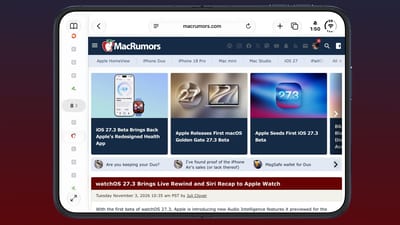
The tabs then run down the left side instead of across the top. They show as icons by default to save space, and you can widen the tab bar to show website titles. On a small iPhone that width comes straight out of the page, so keep the icons unless you live in a handful of tabs. The layout pairs nicely with the iPhone Duo's bigger display, but it is available across iPhone, iPad, and Mac.
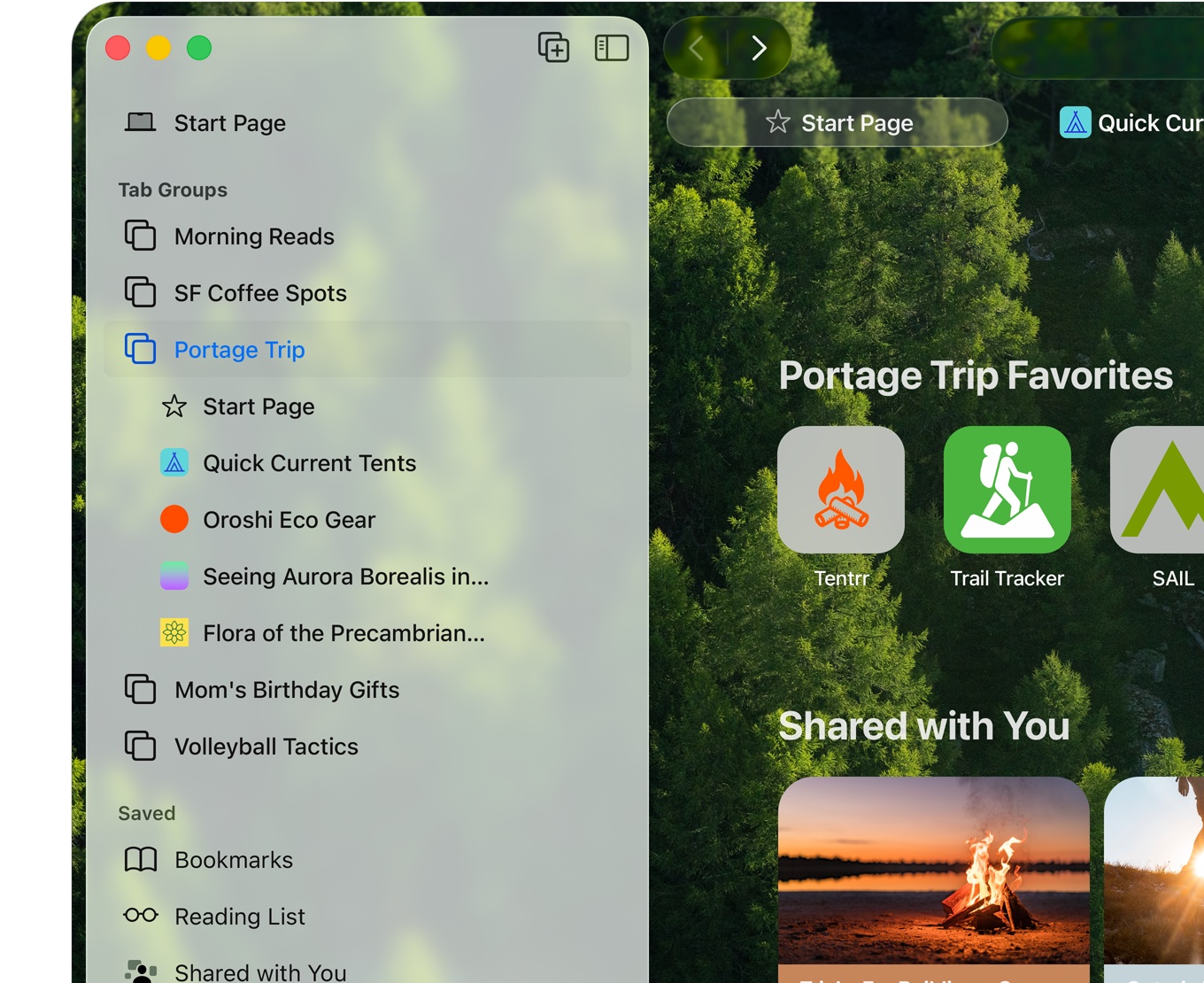
Nothing about tab management goes away. MacRumors reports that Vertical Tabs keep working with Topics and Tab Groups, quick switching between groups still works, and you still pin a tab by dragging it. If you also want to tidy Private Browsing, our earlier tip on how to lock Safari Private Browsing with Require Face ID still applies, and more baseline switches are in 10 Safari settings to check after iOS 27.
Get Adaptive Dark Mode with the Try button on bright sites
One prerequisite. System Dark Mode has to be on first: Settings > Appearance > Dark on current iOS, per Apple's Dark Mode support page (older iOS versions listed the same options under Display & Brightness). Skip this and the Try button never appears.
With Dark Mode on, open a bright site that has no dark design of its own. Safari shows a Try button. Tap it and Safari renders a dark version: darker background, adjusted text contrast, inverted logos and graphics, recolored vector artwork, lifted raised surfaces, and rebalanced shadows. Not every tweak lands on every site, since Safari adapts each page to what it actually needs. After the first try you can let Adaptive Dark Mode run on all sites or keep it site by site.
What Adaptive Dark Mode will not change
Sites that already ship a native dark design are left alone; Adaptive Dark Mode does not kick in there. A developer can also add a tag that tells Safari to skip the feature entirely and show the page as designed. And it is not a replacement for Smart Invert or Classic Invert in Accessibility. Those remain separate settings with separate behavior.
Developer beta only for now
Both features ship to developers first. Registered developers opt in under Settings > General > Software Update and pick the developer beta. Both MacRumors and 9to5Mac expect the public release in December 2026, so a daily-driver install just for these two switches is a bad trade while the beta is still rough.
One more note on labels. Apple's own Safari layout guide for iPhone still lists only the Compact, Bottom, and Top tab layouts, and Vertical Tabs do not appear on the Support pages yet. Exact toggle wording in the beta may still move before release. Alongside these visual changes, the beta also lets Siri move, sort, and close tabs and clear site history, but those actions need an Apple Intelligence-capable device.
We covered the full list of 27.3 Safari changes in our iOS 27.3 and macOS 27.3 Safari news earlier today.
Photo: Apple, 9to5Mac
Source: 9to5Mac, MacRumors, Apple Support