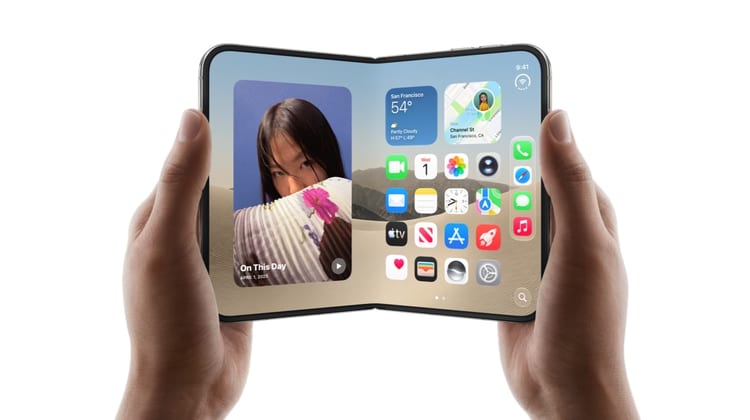
The iPhone Duo is two weeks old and iOS 27.2 is four days in. Search around the phone is still scattered: hinge cracks, pickup slots, Pencil pairing, what the update actually changed. Ten points, each checked against Apple or the named report.
1. A cracked Duo inner screen goes through AppleCare, not the carrier
Apple gave 9to5Mac a statement on October 26: the company is aware of an issue impacting the inner display on a small number of iPhone Duo units, and affected users should contact AppleCare for a replacement. AppleCare+ is not needed for this problem. Bought from a carrier, and Apple says contact AppleCare directly, not the carrier. Our own write-up of what Apple said and who qualifies has the same details.
2. $99 with coverage, $999 without
Apple's AppleCare+ fee page puts iPhone inner display damage at $99. Out of warranty, the Duo list runs $999 for the inner display and $1,499 for other damage, numbers we broke down when Apple published them. AppleCare+ on Duo costs $19.99 a month, $199.99 a year or $399 upfront, per MacRumors. Check which path you are on before the screen breaks.
3. US pickup slots still read zero and vanish fast
Apple Store pickup for the Duo can still show no slots, and openings disappear within seconds, according to pickup checks posted on X. This is not new behavior: MacRumors reported before launch that retail staff were told to warn walk-in buyers, since launch-day stock was expected to go to pre-orders. Refreshing at a store's listed opening time is still the workable method.
4. Only Apple Pencil (USB-C) pairs with the Duo
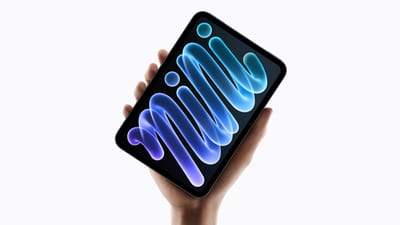
Apple's Duo Pencil guide covers one model: the USB-C Pencil. Plug it into the USB-C charge cable to pair, then disconnect the cable. It stays paired until you restart the Duo, turn off Bluetooth, or pair it with another device. After a restart, run the pairing steps again. Our pairing walkthrough lists what resets the connection.
5. iOS 27.2 is the update that gives Duo Pencil and Edge Light
iOS 27.2 shipped October 26 for every iPhone that runs iOS 27, the Duo included. MacRumors' release coverage lists Duo support for Apple Pencil and Edge Light, which lights your face during video calls. Apple's own About iOS 27 updates page carries the rest of the changelog, including the two items below. Build numbers for the Duo sit at 24B91020.
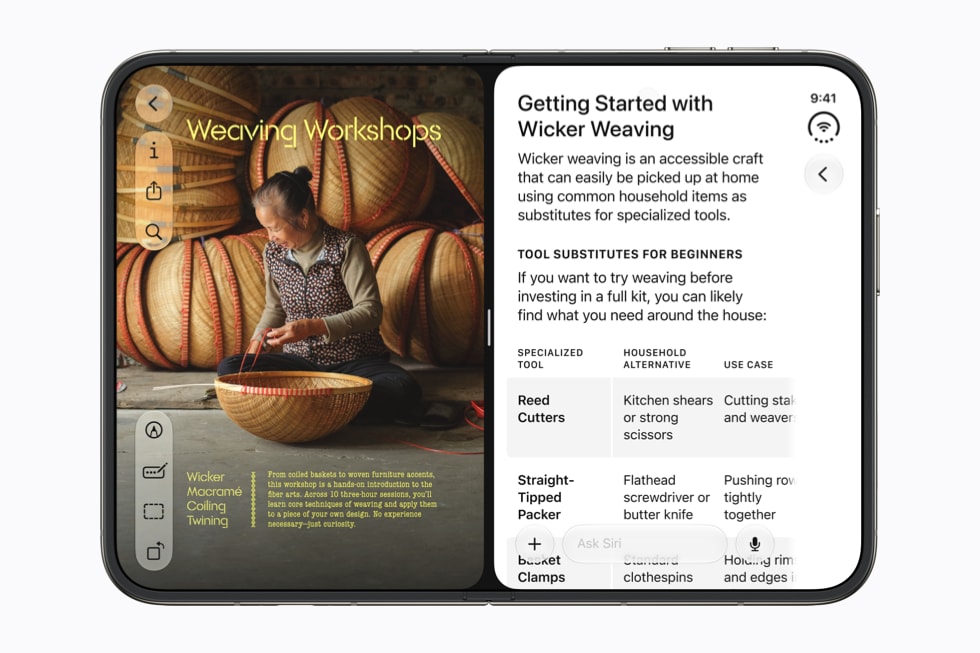
6. Siri AI adds five languages
French, Japanese, Korean, Portuguese and Spanish joined English with the 27.2 updates, Apple said in its Newsroom post. Chinese (Traditional), Norwegian, Turkish and Vietnamese follow by the end of the year. Apple lists Siri AI as unavailable in the EU on iOS, iPadOS and watchOS, and not for users under 13. The iOS 27.2 notes add that it is not available in mainland China.
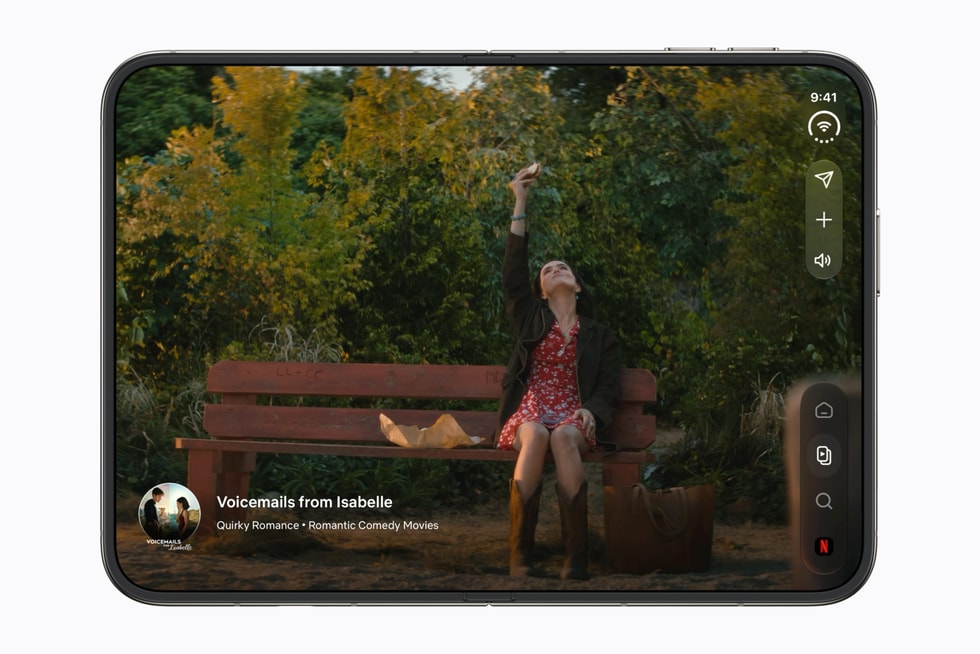
7. Multiview puts four sports streams on the unfolded Duo
Multiview arrived in iOS 27.2 for the Apple TV app on iPhone. It runs up to four live sports streams at once, on events included in an Apple TV subscription; before this the feature was on Apple TV, iPad and Vision Pro only, 9to5Mac reported. The Multiview button appears at the bottom of the player once a stream starts. F1 adds preset team layouts with driver-view cameras and course maps. Apple TV costs $14.99 a month. The wide Duo inner display is the natural place for it.
8. Messages Suggestions can build Calendar and Reminders actions
Apple's iOS 27.2 notes describe Suggestions in Messages: the system reads context from your conversation and offers quick actions in apps like Calendar and Reminders, such as adding a Calendar invite for a dinner. The same release adds Shared Albums caption editing, SynthID watermarking for generated images, and separate New Episodes and Continue Playing sections in Podcasts.
9. Unfolding can launch the app you want
The Shortcuts app on Duo has a trigger called Opened or Closed under the Display section. Path: Shortcuts, All Shortcuts, the plus button, Edit, search Automation, Opened or Closed, pick Opened, add the Open App action, choose the app. The automation saves itself and runs immediately. Conditions on time or Focus are allowed. Our step-by-step uses Kindle, and any other app works the same way.
10. Shopping a Mac instead: PROLED is $400 over Mini-LED
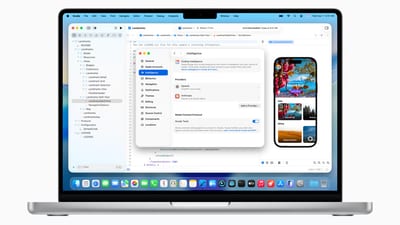
The new MacBook Pro comes in two displays with the same M5 Pro and M5 Max chips, the same memory options and the same battery life. PROLED XDR carries a $400 premium at each tier: $2,899 for the 14-inch against $2,499, $3,399 for the 16-inch against $2,999. What the money buys is tandem OLED with touch, Dynamic Island, a thinner and lighter body, 10,000,000:1 contrast against 1,000,000:1, and up to 2,000 nits peak HDR against 1,600. MacRumors keeps the full comparison table.
Photo: Apple Newsroom