By Wired
Battery swap chatter is loud again. Some owners put a service booking next to a new iPhone 18 Pro sticker price and pause. Apple Support still lists the same Settings levers that stretch daily run time and slow chemical wear. Walk these ten before you book the swap.
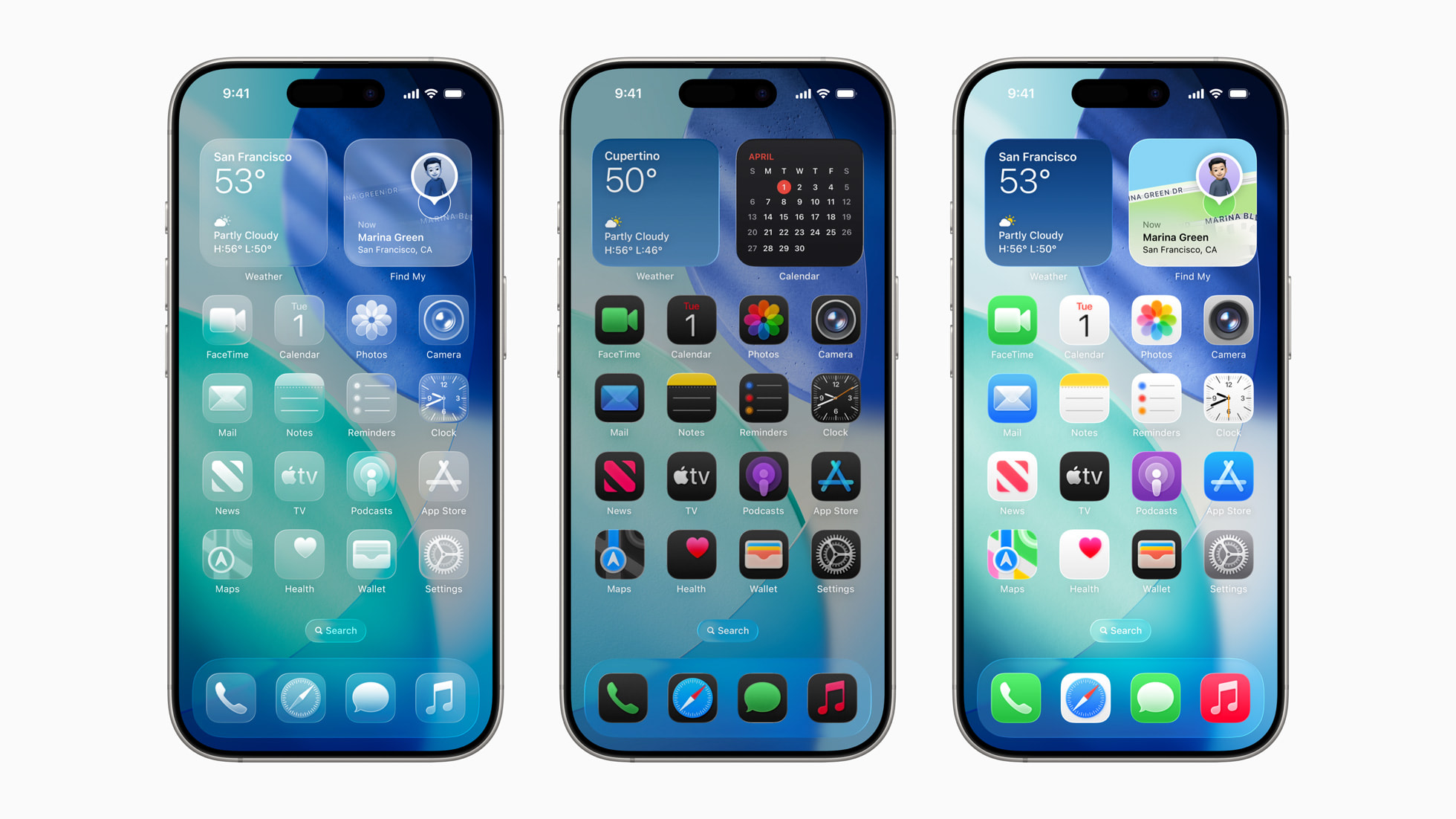
Photo: Apple
1. Check Battery Health and Maximum Capacity
Open Settings, then Battery. On iPhone 15 and later, tap Battery Health. On iPhone 14 and earlier, tap Battery Health & Charging.
Maximum Capacity is the remaining capacity versus when the pack was new. Peak Performance Capability sits on the same screen. If the screen says Service, Apple says consider a replacement to restore full performance and capacity.
2. Set a Charge Limit or keep Optimized Battery Charging on
On iPhone 15 and later: Settings > Battery > Charging. Pick a charge limit from 80% to 100% in 5% steps. When the limit is 100%, Optimized Battery Charging stays available. iOS may recommend a limit such as 95% based on your habits.
On iPhone 14 and earlier: Settings > Battery > Battery Health & Charging, then leave Optimized Battery Charging on. Apple says the feature pauses near 80% on long charges, then finishes closer to when you usually unplug. It needs about 14 days to learn a routine.
3. Turn on Adaptive Power on supported models
Needs iOS 26 or later. Path is Settings > Battery > Power Mode, then Adaptive Power.
It is on by default on iPhone 17, iPhone 17 Pro, iPhone 17 Pro Max, and iPhone Air. Off by default on listed iPhone 16 models, iPhone 16e, and iPhone 15 Pro / Pro Max. When active it can lower brightness a little, limit background work, and flip on Low Power Mode at 20%. Give it at least seven days to learn.

Photo: Apple
4. Use Low Power Mode when the day runs long
Settings > Battery > Power Mode, then Low Power Mode. Or add the Control Center toggle.
Apple says it trims Mail fetch, Hey Siri, Background App Refresh, and some visual effects. On ProMotion displays it also caps the refresh rate at 60 fps. It turns off again after the phone charges past 80%.
5. Read Daily Usage and battery suggestions
Settings > Battery. On iOS 26 and later the Daily Usage chart sits there with Insights above it.
Suggestions may tell you to enable Auto-Brightness, enable Auto-Lock, or drop a high brightness setting. Tap View All Battery Usage when one app dominates the list. After a big update, an Ongoing iOS Update insight can explain a temporary drain.
6. Turn Auto-Brightness back on
Apple’s maximizing-performance page: Settings > Accessibility > Display & Text Size, then Auto-Brightness.
You can still drag the Control Center brightness slider down for a hard dim. High fixed brightness is one of the common drain notes in Settings > Battery.
7. Limit Background App Refresh
Settings > General > Background App Refresh. Choose Wi-Fi, or Off.
If Battery shows Background Activity under an app, this is the first switch Apple points to. We already covered a Wi-Fi only Background App Refresh tip if you want the shorter walkthrough.
8. Prefer Wi-Fi, and set 5G Auto where you have it
Settings > Wi-Fi, join a network when you can. Apple says Wi-Fi uses less power than cellular for the same data. Weak signal areas cost more power on both radios.
On iPhone 12 and later (and iPhone SE 3rd generation): Settings > Cellular > Cellular Data Options > Voice & Data > 5G Auto. Smart Data mode can fall back to LTE when 5G is not helping. If you will be offline for hours, Airplane Mode from Control Center stops the search loop.
9. Tighten Location Services on noisy apps
If Battery lists Location or Background Location under an app, open Settings > Privacy > Location Services and change that app’s permission.
While you are in Privacy, check which apps recently used location. Always or While Using is enough for most tools. Pair this with a scheduled Focus if lock-screen wakes from alerts are part of the drain.
10. Keep heat and outdated software off the pack
Settings > General > Software Update. Install the build you are offered. Apple ties current software to battery features like Adaptive Power and the Daily Usage chart.
Also avoid charging or leaving the phone in hot spots, including direct sun, for long stretches. That care note is on Apple’s battery and performance page, next to the Maximum Capacity story. Out-of-warranty battery service pricing still varies by model on Apple’s repair pages, so confirm the estimate before you compare it with a new-phone quote. Related reading: 10 security settings after the DarkSword report.
Photo: Apple
Source: Apple Support