MacRumors checked macOS 27 Golden Gate storage on September 23, 2026. On an M4 Pro Mac mini, System Settings showed Apple Intelligence using 20.67GB. That is already above Apple’s published “up to 14GB” line for newer Macs.
Other machines look worse. Ars Technica recorded 22.42GB on an M3 MacBook Air after a fresh install. Reddit screenshots circulating the same week show 24.35GB on an M3 Pro MacBook Pro and even 30.16GB on another Mac. The category sits under General, Storage.
Apple’s support page for the next generation of Apple Intelligence still lists two buckets. Macs with an M3 chip or later and at least 12GB of unified memory need up to 14GB. Other Apple Intelligence Macs are listed at up to 8GB. The support note was updated with the September 14 software launch.
What Apple lists for iPhone and Mac
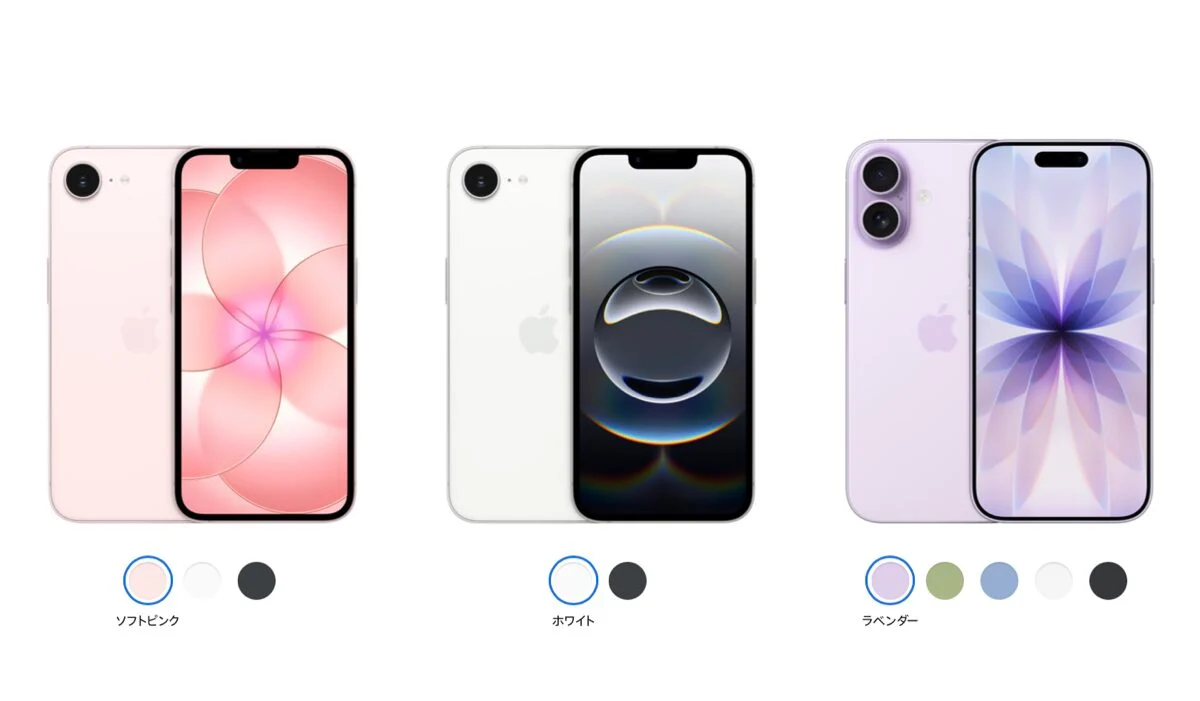
9to5Mac noted the same jump on phones as early as September 18. iPhone 18 Pro, iPhone 18 Pro Max, iPhone Duo, iPhone 17 Pro, iPhone 17 Pro Max, and iPhone Air are in the up-to-14GB group. Older Apple Intelligence iPhones stay at up to 8GB.
MacRumors also saw the mismatch on machines that should sit in the smaller bucket. Ars Technica saw about 14GB on an M1 MacBook Air and a MacBook Neo. Apple’s table still says up to 8GB for those classes. The support document does not explain whether System Settings includes caches or extra models beyond the published ceiling.
Watch owners get a smaller hit. Compatible Apple Watch models are listed at up to 1.5GB on the watch itself when paired with an Apple Intelligence iPhone.
No toggle to stop the download
On macOS 27 and iOS 27, Apple removed the switch that used to turn Apple Intelligence off. Features can stay unused. The on-device models still download when the Mac is online. MacRumors calls that out as a mandatory download, not an optional pack.
Turning Siri off in System Settings does not reliably clear the storage line. Lifehacker and other reports this week say the models can remain after a restart. There is still no supported way to keep some models and delete others.
That matters on smaller SSDs. A 256GB MacBook that already holds photos, Xcode caches, and local LLMs suddenly loses another 20GB or more. Readers who already fought “Storage Almost Full” before an update will recognize the squeeze. Our earlier iPhone Storage Almost Full fix covers the phone side of the same problem.
How to check the number on your Mac
Open System Settings. Go to General, then Storage. Click the information button beside macOS. Look for the Apple Intelligence row. That is the figure MacRumors and Ars Technica compared against Apple’s support table.
On iPhone, the path is Settings, General, iPhone Storage. Look for Apple Intelligence in the list after iOS 27 finishes its first model download. Numbers can change after Siri AI joins the waitlist and additional language packs arrive.

Why the gap shows up after iOS 27 and macOS 27
iOS 27 and macOS 27 shipped on September 14 with the larger AFM Core Advanced on-device model on newer hardware. That model powers expressive Siri voices and more accurate dictation on iPhone 18 Pro, Duo, iPhone Air, and M3 Macs with enough memory. Apple documents the feature split. It does not document 20GB-plus readings in System Settings.
Siri AI is still a beta. English rolled out first. French, Japanese, Korean, Portuguese, and Spanish are due in October, which lines up with the iOS 27.2 public beta notes and the companion firmware update track. Extra language assets may push storage higher again.
Mac users who mainly want Writing Tools can still follow our Mac Apple Intelligence Writing Tools tip without joining every Siri AI experiment.
For now, the practical step is simple. Check the Storage row before you buy a smaller SSD config, and leave headroom if you plan to keep local models or large photo libraries beside Apple Intelligence.
Photo: Apple Newsroom
Source: MacRumors, Apple Support, 9to5Mac