No new Apple seed arrived today, but the macOS 27.3 beta train is already carrying three features worth knowing about. 9to5Mac's November 27 recap (Ryan Christoffel, 8:53 am PT) walks through them: native Live Activities for Mac apps, Safari vertical tabs with Adaptive Dark Mode, and Markdown rendering in Quick Look. All three sit in the current tester build, macOS 27.3 beta 2 (26C5047e), first listed on Apple's Developer Releases page on November 16. They are not part of the public macOS 27.2.1 (26B131) that most Macs run today.
Live Activities from Mac apps move to the menu bar
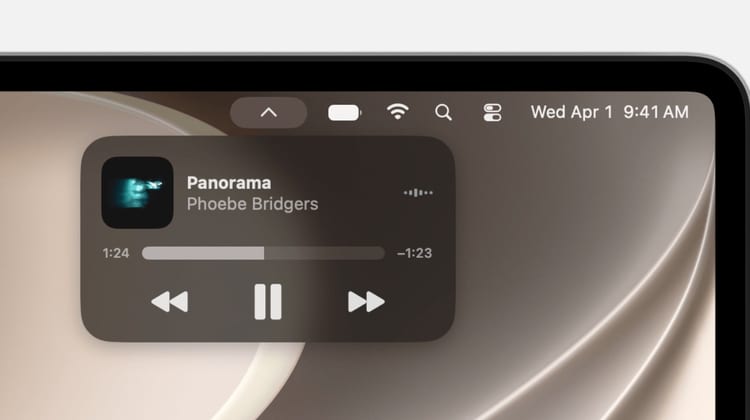
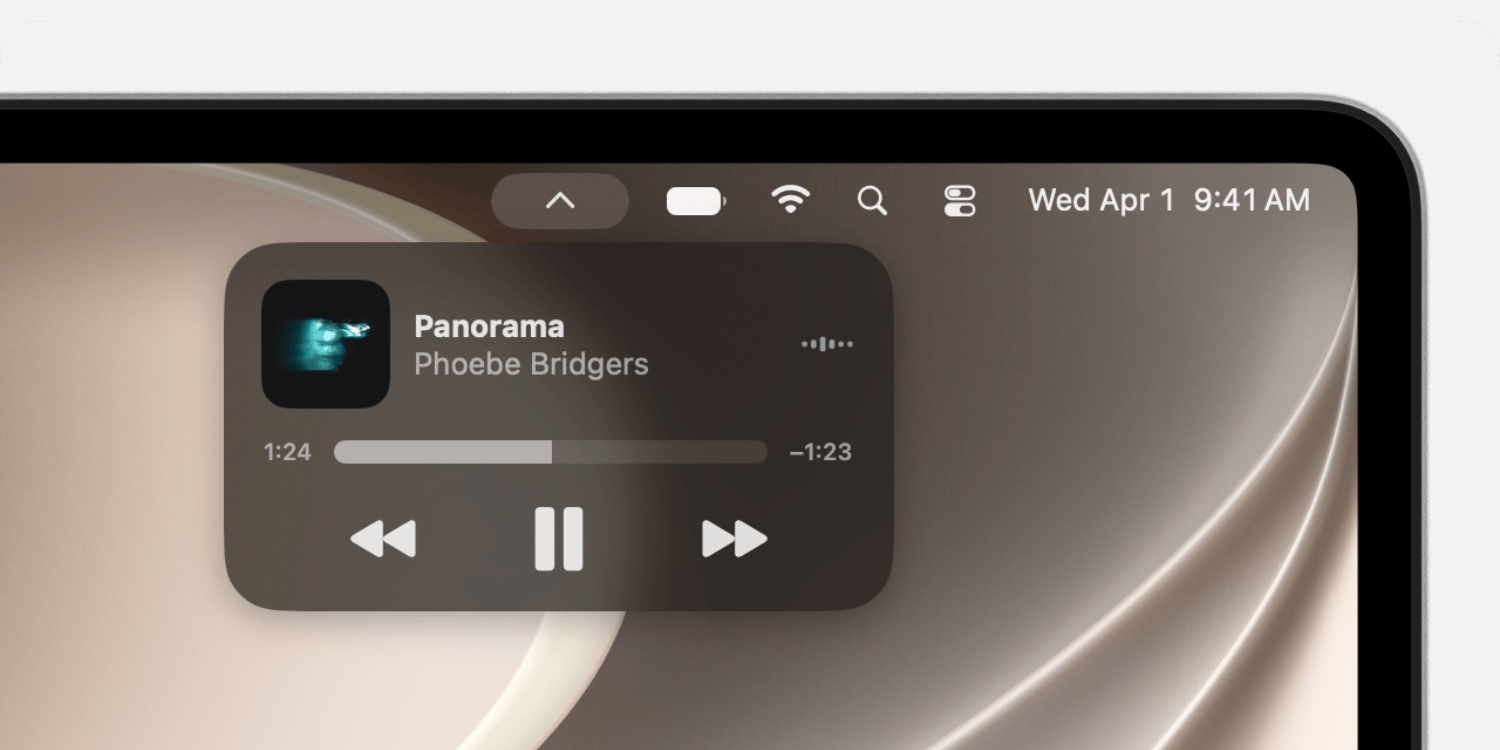
On the Mac right now, Live Activities only arrive from an iPhone through iPhone Mirroring. In macOS 27.3, Mac apps run their own. The behavior first showed up on the MacBook Pro with PROLED XDR display, where Live Activities sit in the new Dynamic Island. Apple is expanding the feature to all Mac models, just not in the same place. 9to5Mac says Macs without a Dynamic Island display Live Activities in the menu bar instead. Click the item there and the full details open.
Safari vertical tabs and Adaptive Dark Mode land on Mac, iPhone and iPad
Vertical Tabs are one of the bigger Safari changes in this train. When you turn the option on, tabs move from the top of the browser to a column on the left side. Adaptive Dark Mode does what the name says. It applies a dark look to many websites that ship no dark mode of their own. Safari also gains new Siri AI actions in 27.3, and 9to5Mac writes they can interact with a full webpage using onscreen awareness, not only the part currently visible. The same Safari changes ship in iOS 27.3 and macOS 27.3 Safari upgrades first reported in early November, and our iOS 27.3 Safari vertical tabs how-to covers the setting path on the iPhone side.

Quick Look previews Markdown without opening an app
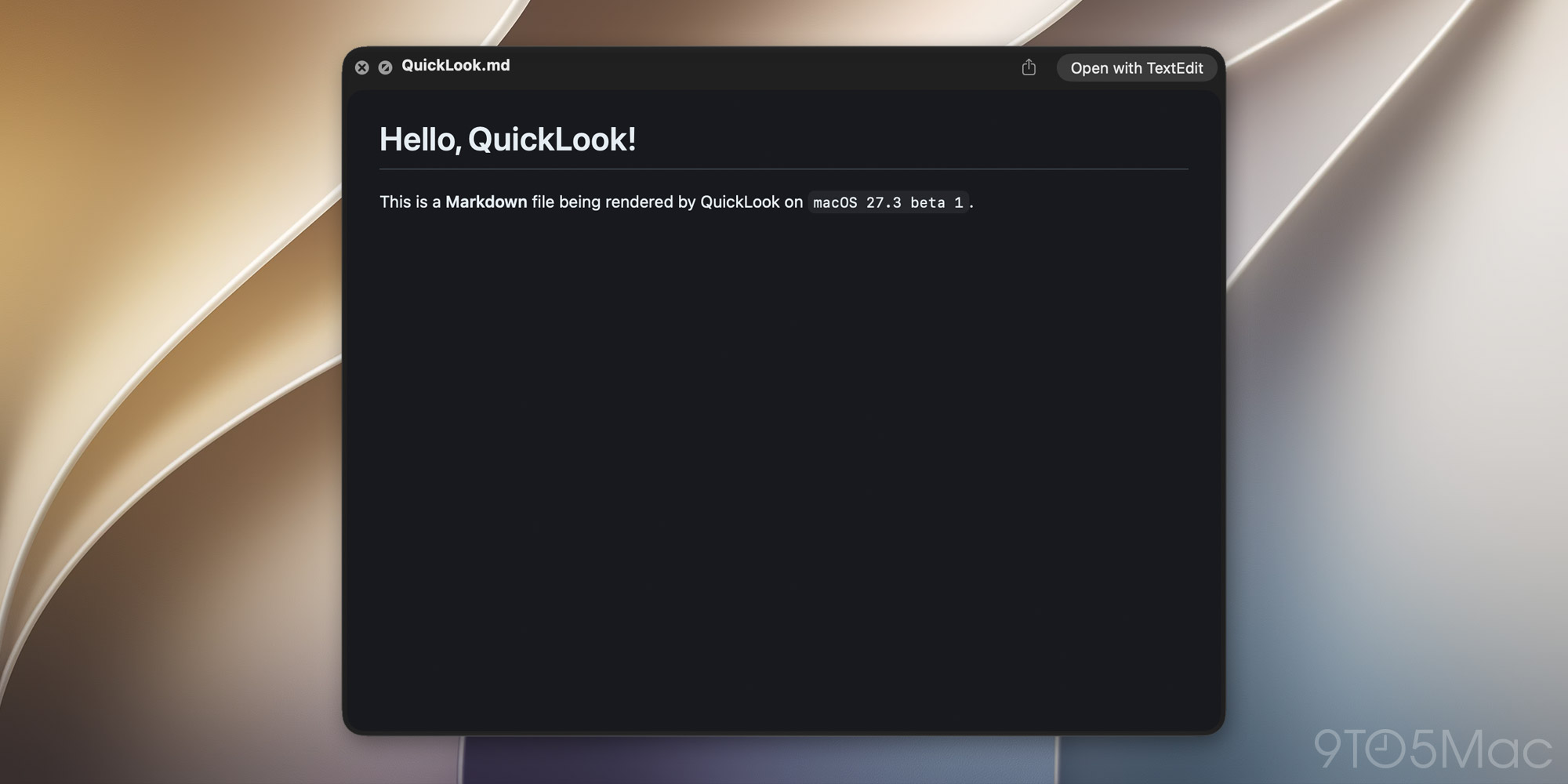
Quick Look in macOS 27.3 renders Markdown. Select a .md file, press the space bar, and links, headings, bold and italics come up formatted. No editor needed first. If you keep notes in plain text on the Mac, this is the small addition that saves the most steps.
Build 26C5047e is the macOS 27.3 tip; 27.2.1 stays public
Apple has not dated a public macOS 27.3 release. The "launching next month alongside iOS 27.3" line is 9to5Mac's estimate, not a date Apple published. As of November 28, 2026, the newest title on Apple's Developer Releases page is still iOS/iPadOS 27.3 beta 2 v2 (24C5049f) from November 19, and Apple's macOS 27 release notes still end at 27.2.1 with no 27.3 section. Build 26C5047e is also the build behind the macOS 27.3 public beta 2 that testers received on November 19.
The public path is unchanged: Apple menu > System Settings > General > Software Update, backup first, per Apple's update guide. To test 27.3 today, enroll at Apple's Beta Software Program, then choose a beta under System Settings > General > Software Update > Beta Updates. If you are already on the 27.3 train, our macOS 27.3 Full Disk Access guide covers the new AI-app limit. Stay on 27.2.1 and none of these three features appear in Software Update yet.
Photo: 9to5Mac screenshots from the macOS 27.3 beta. Source: 9to5Mac, Apple Developer Releases.