iOS 27 put a new mode in the Camera app. It is labeled Siri. Swipe the mode carousel at the bottom past Photo and Video and it is there.
Apple’s September 14 Newsroom note calls it Visual Intelligence inside Camera. Point the phone at something in front of you. Ask. Get an answer. Then ask Siri to do something with it. The same press release already listed Siri AI’s English beta. Camera Siri mode is the part that lives next to the shutter button.
What Apple says Siri mode does
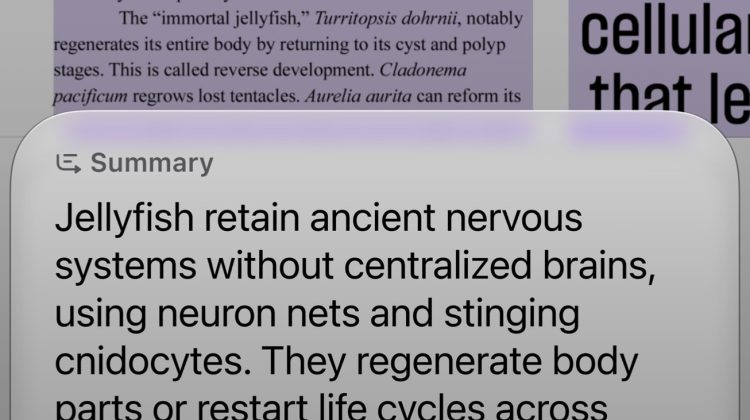
Apple’s example is a music festival poster. You look at the poster in Siri mode. You ask for set times. Siri can create multiple Calendar events for the weekend. That is Apple’s own wording, not a third-party demo script.
MacRumors walked the same UI on September 16. Plants, animals, food. Calorie info on a plate. Event flyer into Calendar. Text translation. Split a bill. In that write-up, a left button asks a question about the frame. A right button searches Google Images. Apple itself does not spell out those two buttons in the Newsroom copy, so treat them as reporter detail, not a Cupertino screenshot caption.
Camera chrome around the new mode
The rest of Camera moved a little in the same iOS 27 pass. Flash, Live Photo, and Night mode quick tools sit at the top center now. The full tool set moved to the bottom right. You can customize which controls stay on top. That is separate from Siri mode, but it is the same September Camera refresh.
iOS 27 itself went public on September 14. iPhone 18 Pro hit stores on September 18. New Pro units still need the public 24A437 line for the finished OS, which the site already covered in the day-one update brief. Variable aperture on Pro is a different Camera story; that one is already live in a separate News piece.
Where Visual Intelligence shows up off iPhone
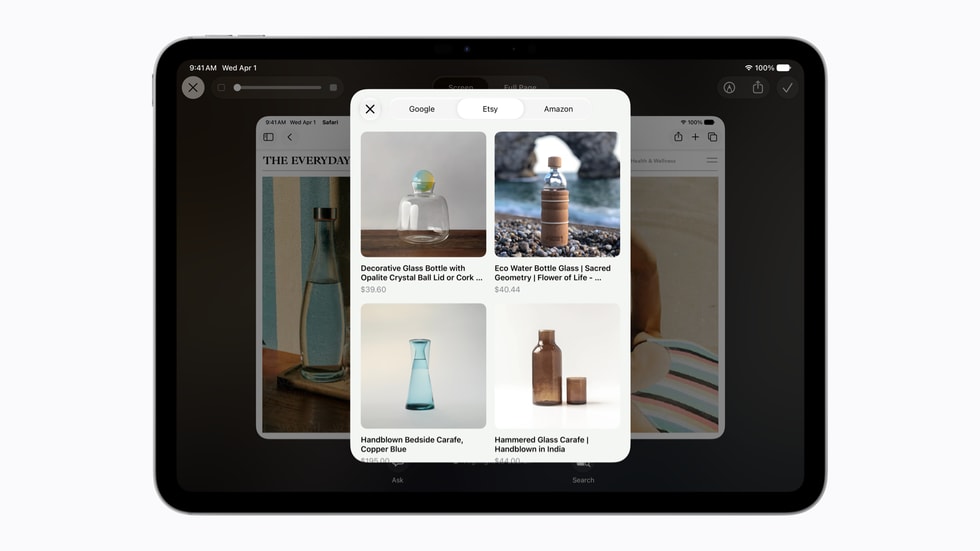
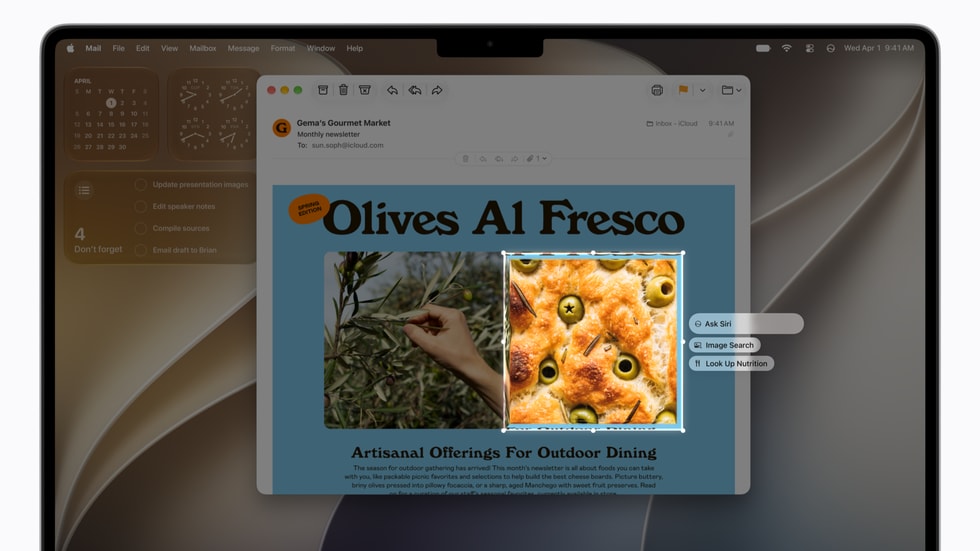
On iPad, Visual Intelligence rides the screenshot flow. On Mac, Apple points to a dedicated keyboard shortcut: select something on screen, type to Siri. On Apple Vision Pro, you look at a window or a physical object and ask. Same Newsroom article. Different entry points. Camera Siri mode is the iPhone-shaped one.
Who actually gets it
Apple Intelligence on iPhone is listed for iPhone 16 and later, plus iPhone 15 Pro and iPhone 15 Pro Max. Siri AI is rolling in English beta on those Apple Intelligence devices. French, Japanese, Korean, Portuguese, and Spanish are listed for next month. Apple also says Siri AI is not initially available in the EU on iOS, iPadOS, and watchOS, and that China is waiting on regulatory work.
Server-side Apple Intelligence features, including Siri AI, sit under daily usage limits in Apple’s fine print. The company says expanded access will cost money later. It does not publish a Camera-mode-specific quota on the page.
Photo: Apple Newsroom / Source: Apple “Siri AI, a profoundly more capable and personal assistant, is here” (Sept 14, 2026); MacRumors Camera how-to (Sept 16, 2026)