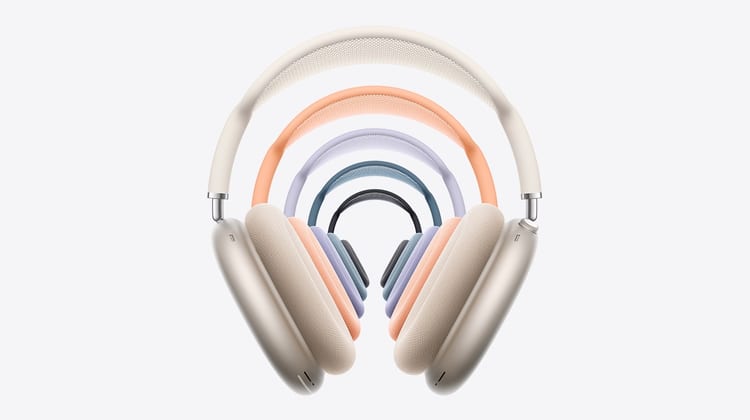
The H2 AirPods firmware 9B47 landed on November 10, 2026 with no named features. Just bug fixes and other improvements, in Apple's own words. So this is not a what's new list. It is the 10 settings Apple documents on these earbuds, with the exact menu path and the models each one covers, verified against Apple's support pages on November 11, 2026.
| Feature | Models |
|---|---|
| Custom EQ | AirPods 4 and later, AirPods Pro 2 and later, AirPods Max 2 |
| Adaptive Audio, Personalized Volume, Conversation Awareness | AirPods Max 2, Pro 2, Pro 3, AirPods 4 (ANC), AirPods 5 (both) |
| Hearing Aid and Hearing Test | AirPods Pro 2, AirPods Pro 3 |
| Live Translation | AirPods 4 (ANC), AirPods 5 (both), Pro 2, Pro 3, Max 2, with iPhone 15 Pro or later |
| Camera remote | AirPods 4, 5, Pro 2, Pro 3, Max 2, on iOS or iPadOS 26 and later |
| Workout heart rate | AirPods Pro 3 |
1. Check that your H2 AirPods updated to firmware 9B47
Apple's firmware support page 106340, published November 10, 2026, lists 9B47 as the current build for all six H2 variants. On iPhone or iPad the path is Settings > Bluetooth > the info button > About. On Mac it is System Settings > Bluetooth > the info button. Older models did not move: AirPods Max 1 stays on 7E108 (USB-C) or 6F25 (Lightning), AirPods Pro 1 and AirPods 3 and 2 stay on 6F21, and AirPods 1 stays on 6.8.8. For the install mechanics, see our AirPods firmware 9B47 install steps.
2. Customize EQ on AirPods 4 and later, AirPods Pro 2 and later, or AirPods Max 2
Custom EQ arrived with firmware 9A348 and it still works on 9B47. On a connected iPhone or iPad, open Settings > your AirPods > Audio & Routing > EQ > Custom and drag the bass, midrange, and treble sliders. The setting is stored on the earbuds themselves, so it follows you to your other paired devices. Tap Suggested to switch the custom EQ off.
3. Turn on Adaptive Audio so noise control follows your environment
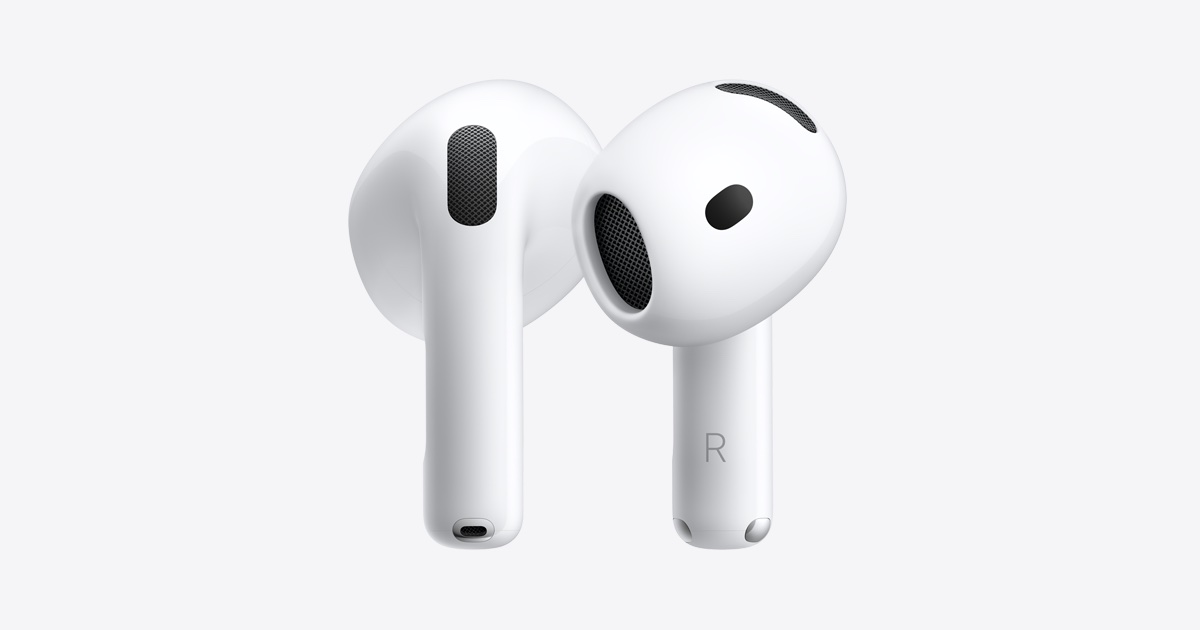
Apple's Adaptive Audio support page 104979 covers AirPods Max 2, AirPods Pro 2, AirPods Pro 3, AirPods 4 with ANC, and both AirPods 5 models. Adaptive mode blends Active Noise Cancellation and Transparency against the noise around you. Open Control Center, touch and hold the volume control, then Listening Mode > Adaptive. The same page documents Personalized Volume, which nudges media volume to the room and your listening habits.
4. Use Conversation Awareness to duck media when you start talking
Conversation Awareness lives on that same support page and the same five models. When you start talking, it lowers media volume and lifts the voice in front of you. When the conversation ends, volume and listening mode return to where they were. Press and hold the stem to end it early. On iPhone or iPad it switches on from the Control Center volume panel, and on Mac from Control Center > Sound > your AirPods.
5. Take a Hearing Test and set up Hearing Aid on AirPods Pro 2 or Pro 3
Support page 120992 describes a clinical-grade Hearing Aid for people 18 and older with perceived mild to moderate hearing loss. Personalize it with a Hearing Test taken on the AirPods or with an audiogram from a hearing professional. The path is Settings > your AirPods > Hearing Health > Hearing Aid. Hearing Aid amplifies the world only in Transparency mode. Media Assist sharpens music, video, and calls in every noise-control mode, and Conversation Boost fits one-to-one talk right in front of you. Availability by region follows Apple's own list.
6. Control Spatial Audio and head tracking in Control Center
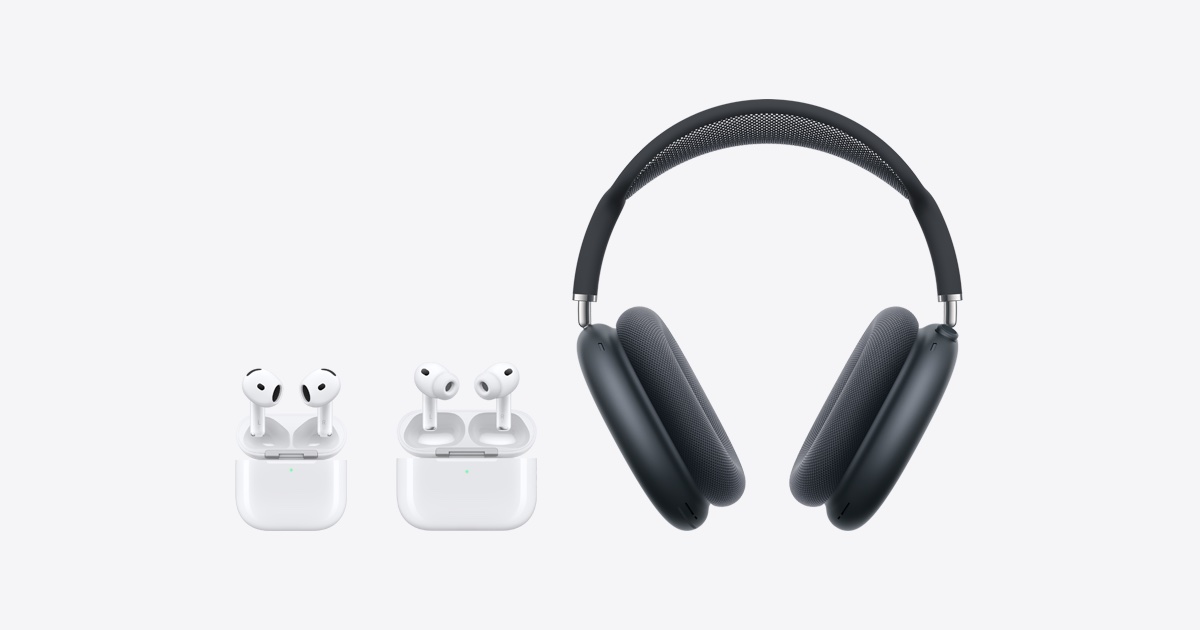
Apple's AirPods user guide for iOS 27 and later lists Spatial Audio with head tracking on AirPods 3, 4, 5, Pro, and Max in supported movies, songs, games, and FaceTime calls. Long press the volume control in Control Center, tap Spatial Audio, then choose Off, Fixed, or Head Tracked. Each supported app remembers the last choice. Personalized Spatial Audio, on iPhone X or later, maps your ear and head shape and syncs across your other devices on the same Apple account. Apple says not all apps or content support it.
7. Use Live Translation with supported AirPods and Apple Intelligence
Support page 123185, dated September 14, 2026, sets a high bar: AirPods 4 with ANC, AirPods 5, Pro 2, Pro 3, or Max 2, plus iPhone 15 Pro or later on iOS 26 or later with Apple Intelligence on and the Translate app installed. The switch in Settings is still labeled Live Translation (Beta). Download the languages you need first. Start it from the Translate app's Live tab, the Action button set to Translate, Siri, or by pressing and holding both stems, or the listening mode button on AirPods Max 2. Apple warns the translation can be inaccurate.
8. Add Live Listen to Control Center to hear across the room
Apple's support document 102479 describes Live Listen: your iPhone or iPad becomes a microphone that feeds your AirPods or certain Beats, which helps in loud rooms or when the speaker is far away. It needs iOS or iPadOS 14.3 or later and a connected headset. In Control Center, tap the add button, then add Live Listen under Hearing Accessibility. Set the device in front of the person you want to hear and adjust the volume. The same panel shows headphone audio levels in real time.
9. Use AirPods as a camera remote in the Camera app
On devices with iOS 26, iPadOS 26, or later, AirPods 4, 5, Pro 2, Pro 3, and Max 2 can take a photo, start a video, or act as a microphone in supported camera apps. Open Settings > your AirPods > Camera Remote, or tap Controls and Gestures first if you do not see it, then pick Press Once or Press and Hold. Each choice pauses one set of gestures while the camera is open. Press again in Video mode to stop recording. In some countries or regions the 3-second timer and feedback tone are not available.
10. Track workout heart rate with AirPods Pro 3
Apple's support document 123184, dated October 26, 2026, confirms an in-ear heart rate sensor on AirPods Pro 3 for the Fitness app, the Health app, and supported third-party workout apps. Monitoring is on by default; turn it off under Settings > your AirPods > Privacy. Wearing one bud is enough. Your iPhone can sync the heart rate to compatible gym equipment, and Apple names treadmills and indoor bikes. Worn next to an Apple Watch, the system uses whichever source has higher confidence in the moment. Ear tip fit affects the readings.
Start with the About screen to confirm 9B47. Then open Hearing Health if you own AirPods Pro 2 or Pro 3, because that menu does the most and sits the deepest.
Photo: Apple. Sources: Apple Support 106340, 104979, 120992, 123185, 102479, 123184, and the AirPods user guide.