Claris Harbor is not in the App Store. Apple took the listing down on November 10, 2026, one day after the app leaked (our Harbor brief has the product story). What is left today is a web form. Fill it, and you get a promise of email updates, nothing more. Still worth doing if local AI on a Mac is your thing. Below is how to fill the form, and how to check right now whether your Mac can run Harbor at all, single machine or Thunderbolt 5 cluster.
What the Claris Harbor sign-up page actually promises
The page sits at content.claris.com/local-ai-server-get-started. The heading reads "Run AI models locally on your Mac." Claris calls Harbor "a new private AI server from Claris, an Apple company" and says it turns "the Apple silicon computers you own into a private AI server" with "zero cloud fees, no per-token billing," and data that never leaves your environment. Read that wording closely. Zero cloud fees describes running models on hardware you already own. Claris has not said the Harbor app itself will be free.
The form header is blander: "Fill out your details below to receive updates." The submit button says "Stay informed." No approval timeline. No download link. No redeem code. Treat it as a mailing list sign-up, because that is all Apple and Claris have promised so far.
How to fill the Harbor early-access form
Six fields are required: First Name, Last Name, Email, Company, Phone (no dashes), Country. The Country selector is long. United States sits first, but Canada, China, Japan and most others are in the list, so this is not a US-only form. Phone goes in as digits only, no dashes. Company is required too, which MacRumors reads as a business tilt. Claris has not called Harbor enterprise-only, so keep that as speculation.
Press "Stay informed" and wait. There is no job-title field and no visible privacy checkbox on the form. Legal links sit in the footer only.
Check Apple silicon before you plan any cluster
Claris is explicit that Harbor runs on "the Apple silicon computers you own." Intel Macs are out. To check yours: open Apple menu > About This Mac, note the model name, then go to support.apple.com/docs, search that model name, and open its specs page. If the chip line says M series, you are set for the basic case. Claris says you can "set up an endpoint in minutes on a single Mac." One Mac mini can double as a local AI machine, no cluster needed.
Which Macs can join the Thunderbolt 5 cluster
For larger models, Claris says to "connect multiple machines over Thunderbolt 5 to pool unified memory on hardware you control." The leaked product copy is more specific: two or more Thunderbolt 5-capable Macs, detected automatically, "no manual configuration, no command line, no infrastructure expertise required." That text came from the removed App Store listing, quoted by MacRumors and 9to5Mac. It describes the product. It is not a live screen anyone can click today.
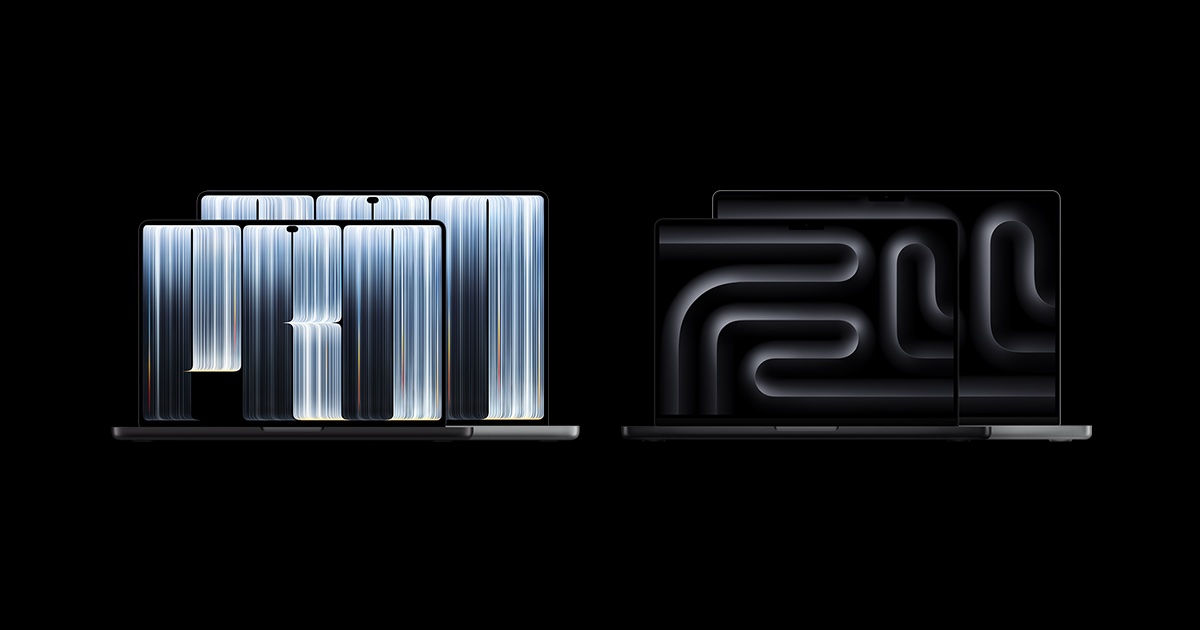
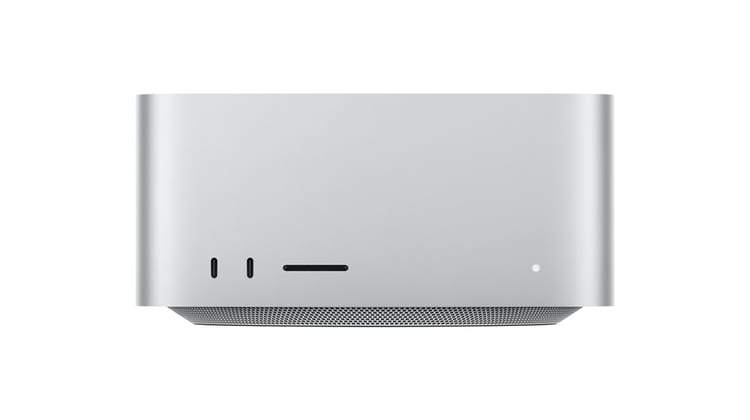
Apple's Identify the ports on your Mac page, updated November 5, 2026, lists Thunderbolt 5 on four lines: Mac Studio introduced in 2025 or later, 14-inch MacBook Pro with Pro or Max chip introduced in 2024 or later, 16-inch MacBook Pro introduced in 2024 or later, and Mac mini with Pro chip introduced in 2024 or later. One catch. The 2025 MacBook Air sits under Thunderbolt 4. Not every recent Apple silicon Mac can join a Harbor cluster, so check the live 109523 page against your Mac's specs page before buying any cables.
One background detail. Apple added RDMA over Thunderbolt 5 on Apple silicon Macs in macOS 26.2, documented in technote TN3205, and MacRumors notes this makes clustering faster. Harbor's own copy promises no command line, and Claris has documented no terminal steps for the app. If some guide tells you to run rdma_ctl enable in Recovery to prepare for Harbor, that is Apple's RDMA documentation, not a Harbor requirement.
Order of operations then: fill the form, confirm Apple silicon now, confirm Thunderbolt 5 only if you want the pooled-memory cluster. When an invite lands, check the real app's screens against the leaked text. The leaked text is a description. The preview build is the truth.
Photo: Apple (Mac Studio, MacBook Pro)
Source: Claris, Apple Support, MacRumors, 9to5Mac