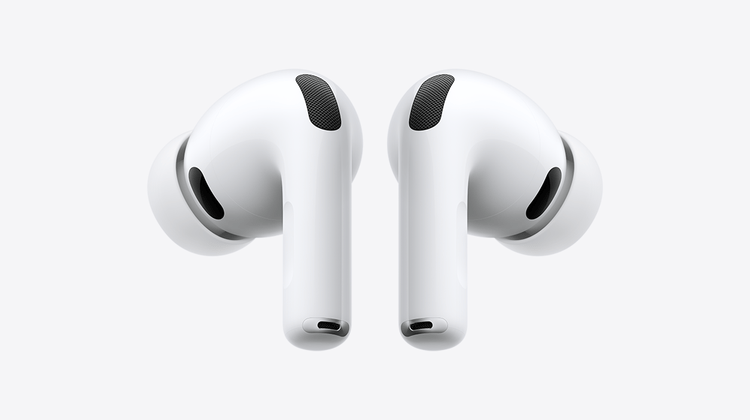
Apple released new AirPods firmware on Monday, November 10, 2026. The version is 9B47. It goes to every AirPods model with the H2 chip, and Apple's AirPods firmware support page (106340) now lists all of them at 9B47. The release note on the same page is only "Bug fixes and other improvements." Nothing else. So do not expect a new feature from this update.
MacRumors and 9to5Mac reported the rollout on Monday with a caveat: Apple had not published release notes yet. That line is now outdated. The support document carries the note, and it covers the full H2 list, not a partial set. Apple had been beta-testing this firmware for several weeks, MacRumors wrote.
Which models get AirPods firmware 9B47
Eight entries on the support page moved to 9B47: AirPods Max 2, AirPods Pro 3, AirPods Pro 2 with MagSafe Charging Case (USB-C) and (Lightning), AirPods 5, AirPods 5 with Wireless Charging Case, AirPods 4, and AirPods 4 with Active Noise Cancellation.
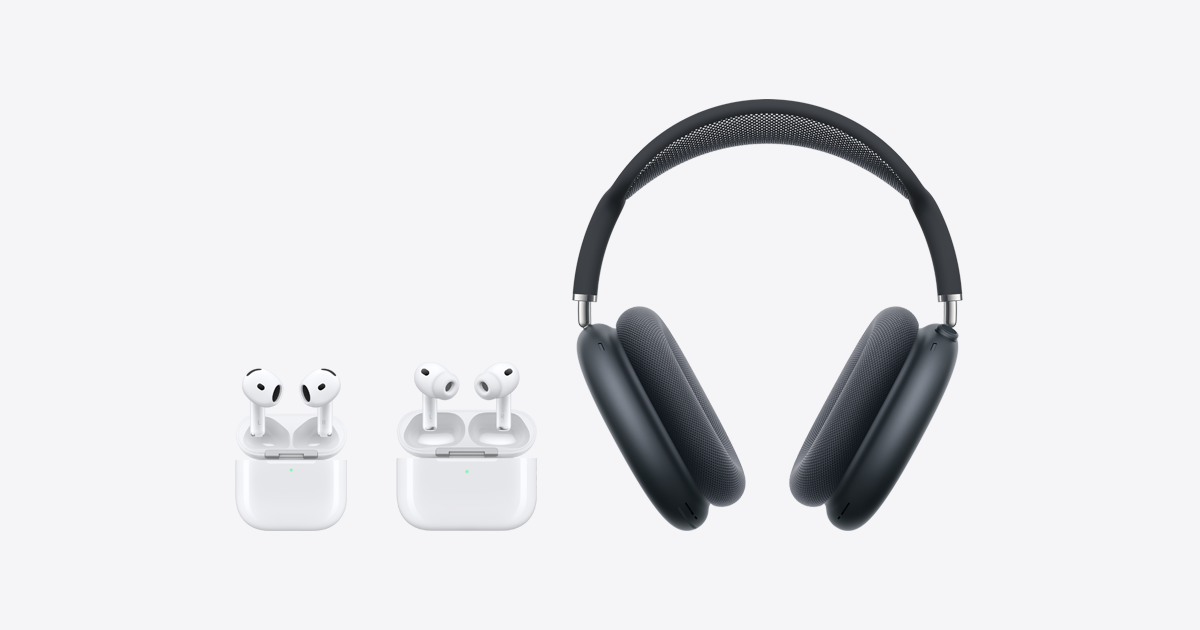
The older models stayed where they were. AirPods Max 1 is still 7E108 for USB-C and 6F25 for Lightning. AirPods Pro 1, AirPods 3 and AirPods 2 are all still 6F21. AirPods 1 is still 6.8.8. If you own one of these, there is nothing to install.
For AirPods Pro 3 this follows 8B40 in May and 8B41 in June, the last AirPods Pro firmware update we covered. Version numbers since then moved into the 9A and 9B range.
What 9B47 fixes, according to Apple
Apple says bug fixes and other improvements. That is the whole note. No CVE list appeared on the Apple security releases page, and accessory firmware usually skips the Apple Developer Releases index. The only AirPods row there is still the old 9A292e beta from June 9, 2026.
The previous public firmware carried the visible changes. 9A348 added Custom EQ for AirPods 4 and later, AirPods Pro 2 and later, and AirPods Max 2, plus GymKit heart-rate sync from AirPods Pro 3. It shipped alongside iOS 27 in September, per 9to5Mac. 9A350 added support for the new AirPods 5. If you have not touched your sound settings since then, our Custom EQ settings list for AirPods is still the place to start.
How to install 9B47 and check the version
There is no Software Update button for AirPods firmware. Apple delivers it automatically. Put the earbuds in the charging case, plug the case into power, close the lid, and keep the case in Bluetooth range of an iPhone, iPad or Mac on Wi-Fi. Wait at least 30 minutes, then open the lid and reconnect.
For AirPods Max, plug the charging cable into the bottom-right earphone and a USB charger or port. Keep them near the host device and wait at least 30 minutes. MacRumors notes the wait can stretch to a few hours, since there is no way to trigger the update by hand. If it never lands, Apple says to reset the AirPods and try again. Our AirPods connection fix with model-specific reset steps covers that part.
To check which firmware you are on: iPhone or iPad, open Settings, tap Bluetooth, tap the info button next to your AirPods, then About. On Mac, open System Settings, then Bluetooth, then the info button next to the AirPods. The host device should be on the latest iOS, iPadOS or macOS first.
Apple's release schedule is otherwise quiet
While the AirPods firmware moved, the operating systems did not. The Apple Developer Releases page still shows its newest OS rows dated November 9: iOS 27.2.1 (builds 24B156 and 24B91034), iPadOS 27.2.1, macOS 27.2.1 (26B131), watchOS 27.2.1 (24S132), visionOS 27.2.1 (24N124). tvOS is still at 27.2 (24K122). The 27.3 beta family sits at the November 3 and November 5 builds, with no beta 2 yet.
So as of November 11, 2026: one accessory firmware update, no new OS build. If 9B47 does not show up on your pair today, that is normal. The automatic delivery just has not reached you yet.
Photo: Apple (apple.com product pages) / Source: Apple Support 106340, 9to5Mac, MacRumors, Apple Developer Releases