Instagram released the desktop version of Edits on Nov 5, 2026, and it is free. On the Mac the app carries a Model Context Protocol (MCP) connection for its editing tools, so an AI agent can rough-cut your footage while you keep the final pass. Below is what the download requires, where the MCP switch lives, and what the editor does and does not do yet. Details checked on Nov 6, 2026 against the official desktop page and launch reports by The Verge, 9to5Mac, and MacRumors.
What the Edits for Mac download needs
Take the app only from the official desktop page (edits.com/desktop redirects there). On Nov 6, 2026 the page links an installer named Edits-454.0.0.38.112.dmg. The name rotates with builds, so read the page instead of old bookmarks.
The FAQ on that page sets two gates. macOS only, and a Mac with Apple silicon (M1 or later). No Windows or Linux desktop build is announced. You also sign in with an Instagram account. That account is how the app keeps projects and publishes.
How to turn on MCP in Edits Settings and hand off a rough cut
AppleInsider reports the switch sits in the app's Settings. Turn on Model Context Protocol and Edits opens its editing tools to a connected agent. Matthew Simari, head of product management for Edits, told The Verge: "One of the things we're releasing with Edits Desktop is a MCP for all the tools within Edits Desktop. You can use any agent you want, you can use Muse — we would love you to — but really any agent you want of [your] choice, to edit, tweak, work with your video." Muse is Meta's pick. It is not the only option.
The workflow Simari gave is concrete. Ask an agent such as Muse to use the Edits MCP for a rough cut of clips sitting in your Downloads folder. "It'll be able just to go access that MCP, do the tool calls, make that rough cut for you, and then you can open that project file in Edits to continue editing." Then you go back and forth between agent work and manual editing, as Simari put it. One note on the agent side: Meta has not published Muse's regional availability, so check before building the habit on it. If you want agents driving other Mac apps the same way, our agent-desktop setup for coding agents on Mac covers the general case.
Edits is also not the first editor to expose MCP. We looked at an MCP-native video editor, Palmier Pro, earlier. Community posts on X show the Edits MCP endpoint driving other clients too, for example one user wiring Edits MCP plus fal into Claude Code. Treat those as experiments, not a vendor recipe.
What the desktop editor includes
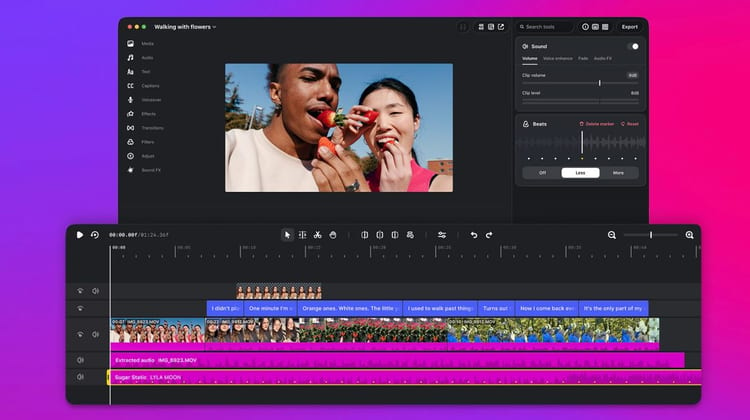
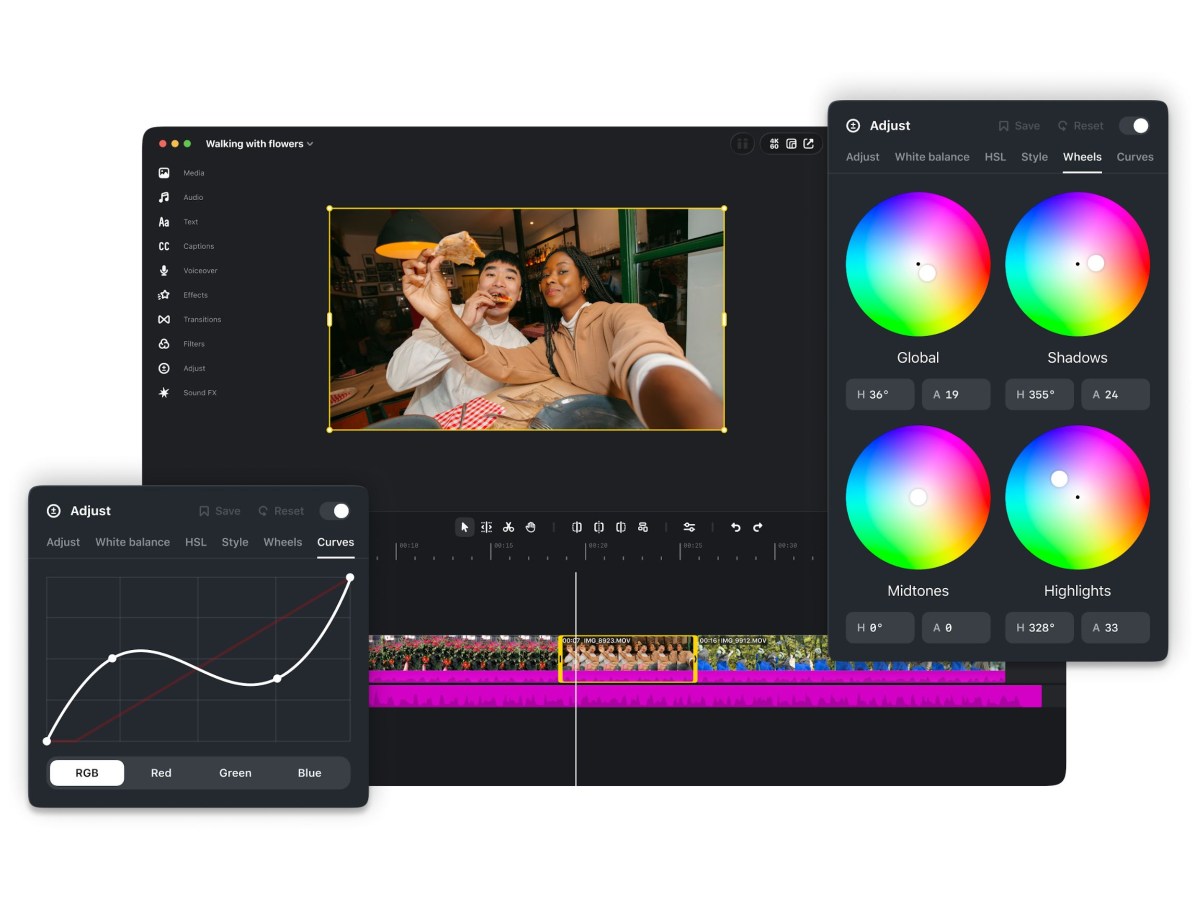
Split, cut, and trim are easier with a mouse and keyboard, the Edits team says. The confirmed desktop list: a full multi-track timeline, keyframes for transitions, precise audio waveforms, color wheels, curves, and log conversions.
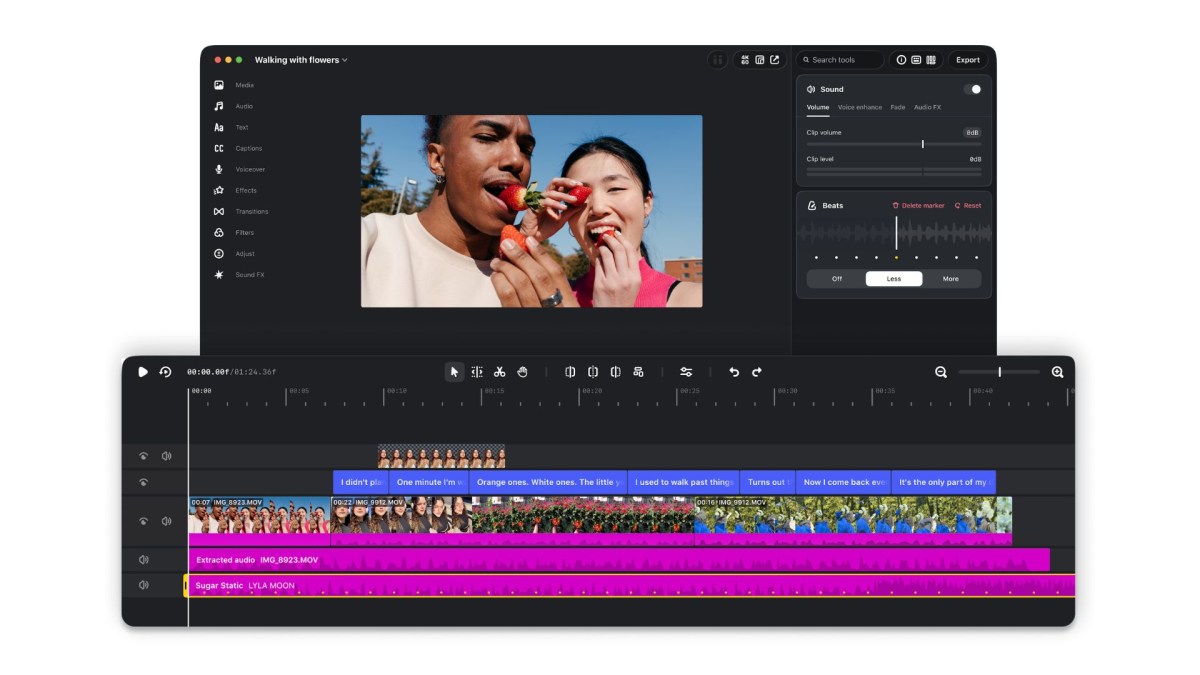
You can import your own LUTs and font files. Keyboard shortcuts can be carried over from another editor. Auto-captions are unlimited and multi-language. Instagram's licensed and royalty-free audio library is in, with hundreds of sound and video effects.
Exports go up to 4K with no watermark, horizontal and vertical. Publishing to Instagram is direct, with tagging, location, and trial reels. Audio and text styles saved in the mobile app show up on the desktop version.
What is missing on desktop today
One gap matters before you build a workflow on it. The same project cannot yet move between mobile and desktop. Meta says cross-platform editing is in development, and the desktop app is set to get weekly updates. Mobile's AI creative assistant, added in September 2026, is a separate feature from the desktop MCP. For a look at how far Mac-side agents have gone beyond video, see our Invoko Alpha review of AI agents on macOS.
Photo: Instagram / Meta, via 9to5Mac and The Verge. Source: Edits desktop download page, The Verge, 9to5Mac, MacRumors.