Apple now sells extra AI usage inside Logic Pro. To check Logic Pro AI usage and buy an intelligence usage pack on a Mac, open the Intelligence Features menu and choose Show Usage. The Buy More Usage button sits in that window. Apple documented the path in support document 127888, published November 5, 2026. 9to5Mac found the purchase option live in Logic Pro on November 9, the same launch covered in our brief on the $49.99 intelligence usage packs. Here is the verified menu path, the pack rules, and where this pack stops.
Where Logic Pro shows your intelligence usage
On Mac, choose Logic Pro from the menu bar, then Intelligence Features, then Show Usage. That window is the usage screen. To see what you spent earlier in the month, choose Show Usage, then History. This is Apple's documented path for Logic Pro, verified against support document 127888 as of November 10, 2026.
The other Creator Studio apps have the same menu with a different label. In Keynote, Pages, Numbers, Pixelmator Pro, or Logic Pro on Mac: app menu > Intelligence Features > Show Usage. Freeform on Mac says Show Usage Status instead of Show Usage. On iPhone or iPad, open Keynote, Pages, Numbers, Freeform, or Pixelmator Pro, tap the More button, tap Intelligence Features, then tap Show Usage Status.
How to buy an intelligence usage pack in Logic Pro
Choose Logic Pro from the menu bar, choose Intelligence Features, choose Show Usage, then choose Buy More Usage. That is the full purchase ladder Apple lists. No System Settings toggle exists for this, and Apple documents no Buy More Usage button in Final Cut Pro, Pixelmator Pro, or the iWork apps. 9to5Mac reports Logic Pro is currently the only app that lets you buy additional usage, with other Creator Studio apps expected later. That calendar is the outlet's expectation, not an Apple ship date.
Price needs care. Apple's support document and the Intelligence Usage Packs terms publish no dollar amount and no pack size. 9to5Mac found a single $49.99 one-time option in the Buy More Usage screen, and MacRumors lists the U.S. pack at $49.99. Treat that as the reported in-app price, not a list price. Check the Buy More Usage screen before paying. The figure may vary by region and tax, and Apple does not say how many requests or tokens a pack contains.
Requirements before the button is useful: an active Apple Creator Studio subscription, a Mac with Apple silicon and macOS 27 or later, and an Apple Account with iCloud set up and active. The Logic Pro assistant itself is beta and U.S. English only.
Pack rules: eight countries, one-time purchase, 12-month expiry
Active Creator Studio subscribers in Brazil, Canada, France, Germany, India, Mexico, the United Kingdom, and the United States can purchase intelligence usage packs after reaching the monthly usage limit. Outside those eight countries the option does not appear.
The rules that matter before you spend $50:
- One-time purchase. It does not renew or recur.
- Used only by the Apple Account that was signed in to iCloud when you bought it. No Family Sharing, not transferable.
- Unused additional usage rolls over month to month, then expires 12 months after the purchase date. The clock starts at purchase, not at first use.
- Pack usage is consumed only after you hit the monthly limit in a given month. Below the cap, the pack balance does not move.
- All sales are final. No refunds except where required by law. No cash value.
The legal terms add two quiet details. The remaining balance shown in apps is an approximation, so Apple puts tracking on you. And if you move to a region where packs are not offered, access may be limited.
What the monthly usage limit covers before you pay
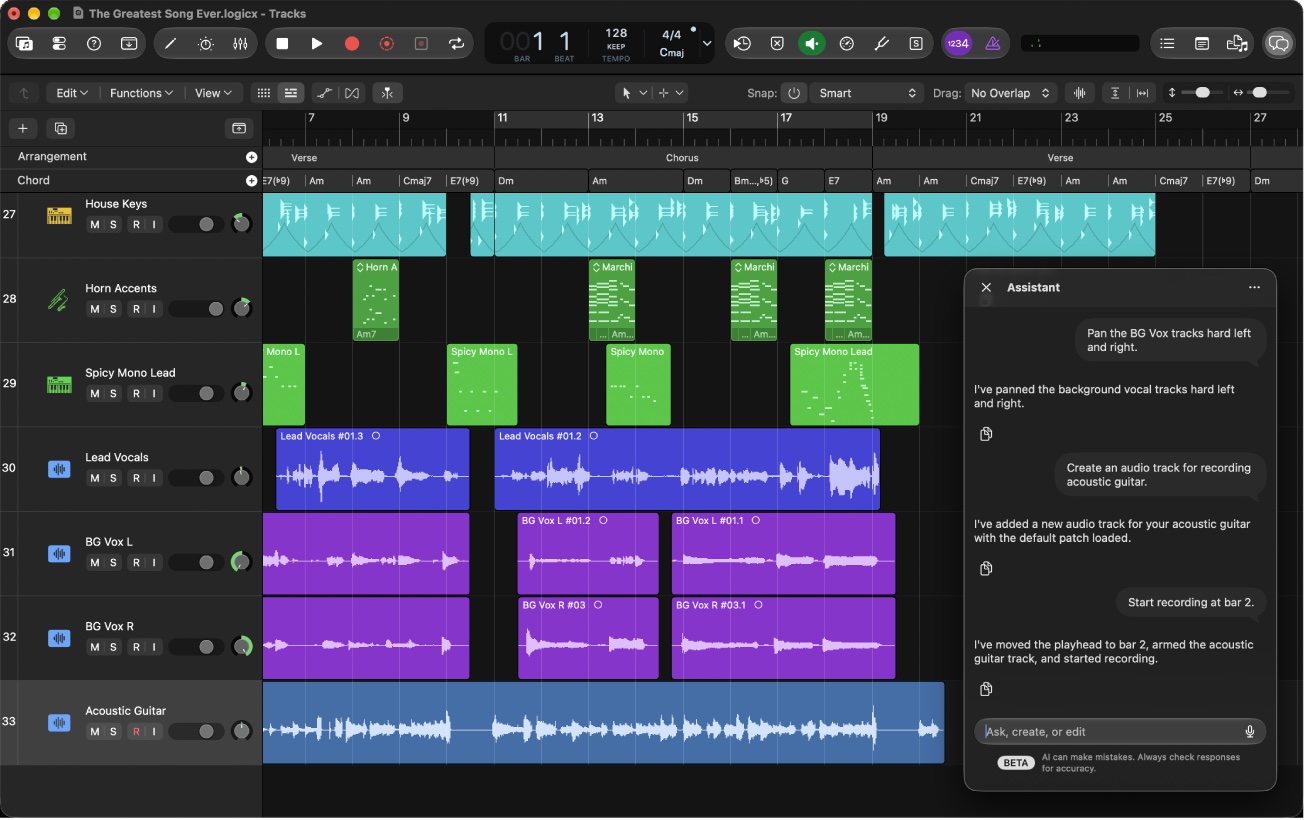
Monthly limits cover Generate Image, Generate Shape, Generate Presenter Notes, Generate Presentation, and the Logic Pro assistant, the same feature family we walked through in the Keynote Creator Studio feature guide. Usage resets each month. Apple's minimums, if one feature is used exclusively, are 50 images, 250 shapes, 50 presentations of roughly 8 to 10 slides, or presenter notes for 700 slides. Exact counts vary with query complexity, server availability, and network availability.
For the Logic Pro assistant there is no published count. Apple says the usage limit is impacted by the complexity of conversations with the assistant. Do not read the 50-image or 250-shape numbers as a quota for the assistant. A practical rule: look at Show Usage first, and buy only if you actually reached the cap this month. The pack sits there for 12 months anyway.
This pack is not the 2027 Siri AI usage fee
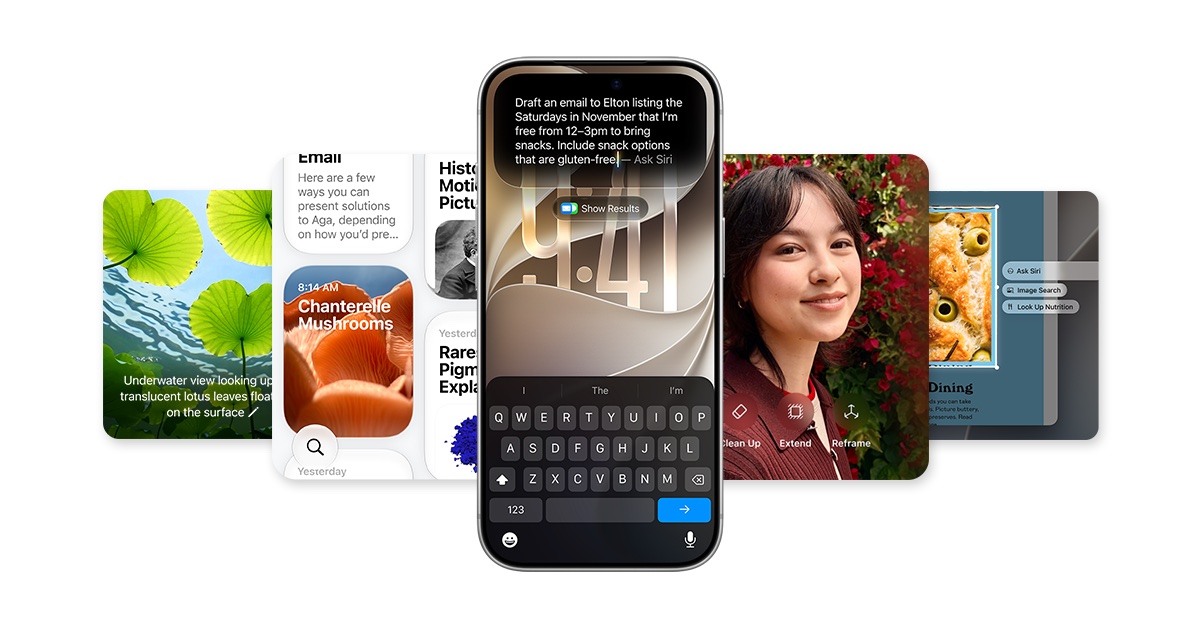
Two different programs are getting mixed up in coverage. Apple support document 127901 describes future usage limits on server-side Apple Intelligence and Siri AI features, starting with the 2027 software releases, with increased access available for a fee. That plan is still unpriced and still in the future. Today's pack only buys Creator Studio app features in Logic Pro.
One more boundary: the Logic Pro assistant, Generate Image, Generate Shape, and Generate Presenter Notes are powered by Google Gemini and run through the provider, not on-device. They do not integrate with personal ChatGPT and Google accounts, which is a separate setup from turning on ChatGPT with Apple Intelligence on macOS 27, and Gemini-powered features are unavailable in a list of regions including China mainland, Hong Kong, and Macau. If your work depends on those features, region is a requirement, not a footnote.
Photo: Apple (Logic Pro assistant panel via Apple Logic Pro user guide; Apple Creator Studio and Apple Intelligence product imagery).
Source: Apple Support 127888, 9to5Mac