MacRumors reported on November 8 that some Apple Store visits ended with subscription sign-ups attached to a customer's Apple Account before the customer clearly agreed. Apple has since reminded store staff that sign-ups need consent, AppleInsider reported. Whether or not your last store visit was one of them, the check is one screen on every iPhone: Settings, your name, Subscriptions. The list shows active subscriptions, free trials included.
Not every entry there is a mistake. 9to5Mac notes some device purchases include a documented trial, like three months of Apple TV with an iPhone. The point is to read the list, not to assume fraud.
Where every trial shows up on iPhone
Apple's support page for canceling subscriptions walks the same path: Settings, tap your name, tap Subscriptions. Free trials appear as active items even before the first charge. Trials started at an Apple Store land on the same list too, MacRumors writes, because they attach to the Apple Account used at the visit.
For a second look at charges, the iPhone User Guide lists another route: App Store, your profile picture, Apps and Purchase History, then Purchase History. The same guide documents the purchase and subscription screens on iPhone, including what else the Subscriptions screen can do.
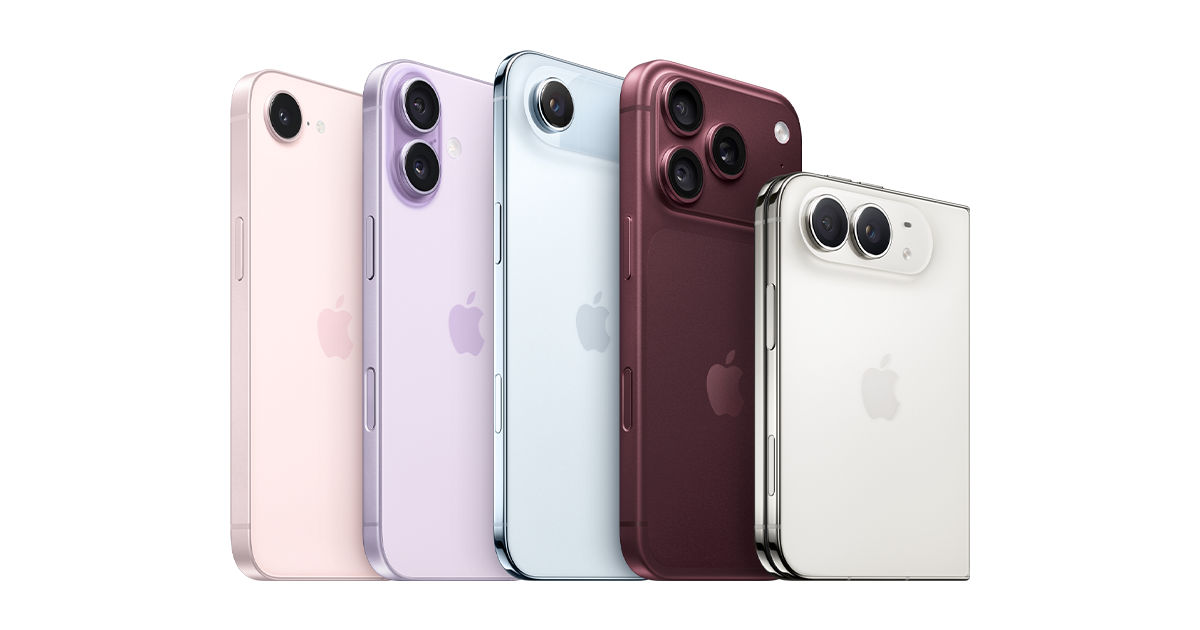
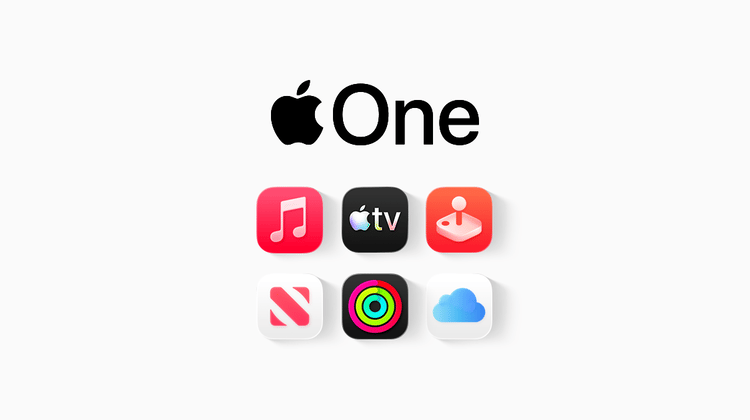
Cancel the Apple One trial before it renews
Tap the subscription, then tap Cancel Subscription. You might need to scroll down to find the button. If there is no Cancel button, or you see an expiration message in red text, the subscription is already canceled. On a bundle such as Apple One, the same screen can show Cancel All Services instead.
Timing matters. Apple's page says to cancel a trial at least 24 hours before it ends if you do not want it to renew. Canceling on the last day is the common way to lose the trial and still get billed.
One Apple One detail before you tap: when Apple bills you for Apple One, individual subscriptions included in the plan are canceled automatically, except iCloud+, with a prorated refund (Apple's HT111766 page). The bundle side is separate from this check, but our Apple One Premier notes for iOS 27.3 list what the plan keeps. If it is the price that pushed you out, an earlier Apple One price increase story covers the plan changes. The same Subscriptions screen also lets you change a plan on an active subscription, renew an expired one, share eligible subscriptions with family, and turn on Renewal Receipt Emails.
When the subscription is missing from the list
Search your email for "receipt from Apple" or "invoice from Apple" and check which Apple Account is on the receipt. If a family member's account appears there, that person has to cancel. You cannot cancel a family member's subscription from your own account. If another Apple Account you use is on the receipt, sign in to that account and cancel there.
No Apple receipt at all? The charge may be from another company. Check the bank or card statement and cancel with that company. For subscriptions billed through a wireless carrier, contact the carrier. On the web, Apple's support page points to account.apple.com/account/manage/section/subscriptions as the cancel destination.
One trap while you search: Wallet, More, Preauthorized Payments is Apple Pay merchant billing, a different list from App Store subscriptions. There is no cancel button in Control Center, and signing out of your Apple Account does not cancel a trial.
If the charge already posted, request a refund
Sign in at reportaproblem.apple.com, tap "I'd like to," choose Request a refund, pick a reason, choose the app or subscription, then Submit. Apple's refund request steps say to wait 24 to 48 hours for an update. If Apple approves, the funds may take additional time to return, and eligibility varies by country or region.
Then cancel the subscription too. Apple's refund page says it directly: if you were charged for a subscription you no longer want, cancel it, or it can renew again. A charge still pending cannot be refunded until the email receipt arrives. If the unexpected item is a standalone iCloud+ plan, the cancel row sits under Subscriptions, iCloud+. Apple warns on its HT108318 page that iCloud may stop syncing if your usage is over the new plan, and the change takes effect after the current billing period.
Before you close Settings, turn on Renewal Receipt Emails for anything you keep. A receipt in the inbox is the fast way to spot a trial that turned into a paid month.
Photo: Apple. Sources: Apple Support HT118428, HT118223, MacRumors.