A Full Disk Access change is sitting inside macOS Golden Gate 27.3 beta 1, switched off. Researcher pdfu (@itspdfu) found a feature flag called TCC/FDA_WARNING in the first 27.3 beta and posted the details on November 7. 9to5Mac and iThinkDiff followed on November 8 with the same reading of the code. The flag is disabled in beta 1, so testers see no change today. But when it is on, apps can no longer put themselves on the Full Disk Access list in System Settings.
Apple's October 2 developer note asks for "very explicit user action"
Apple published Updates to Full Disk Access in macOS on October 2. The note says Full Disk Access largely sidesteps the Mac privacy controls so backup apps can work, and that some developers use it to expose files, mail, messages and browsing history without users fully understanding. The company wrote that it will add controls so that granting this access "can only do so with very explicit user action." The note named AI agents directly. As agents become more capable and autonomous, Apple says, the risk of this level of access grows substantially.
What "very explicit user action" would mean in practice stayed open. The 27.3 beta 1 code now gives one concrete answer.
TCC/FDA_WARNING keeps apps off the Full Disk Access list
Today the system works like this. An app tries to read a protected file without Full Disk Access. macOS denies the request without a prompt and writes the denial into the TCC database. The app then shows up under Settings > Privacy & Security > Full Disk Access with its toggle off. Many apps finish the job by telling the user to open that page and flip the switch.
With TCC/FDA_WARNING enabled, the automatic denial is no longer saved. A blocked app never appears in the list by itself. The user has to add it with the + button in the Full Disk Access pane or drag it in from the Applications folder. In a follow-up reply on November 7, pdfu said dragging an app in still works with the flag on. Apps the user never approved or rejected are kept off the list, and TCC also removes such apps already on it. Apps the user turned on or off themselves are not affected.
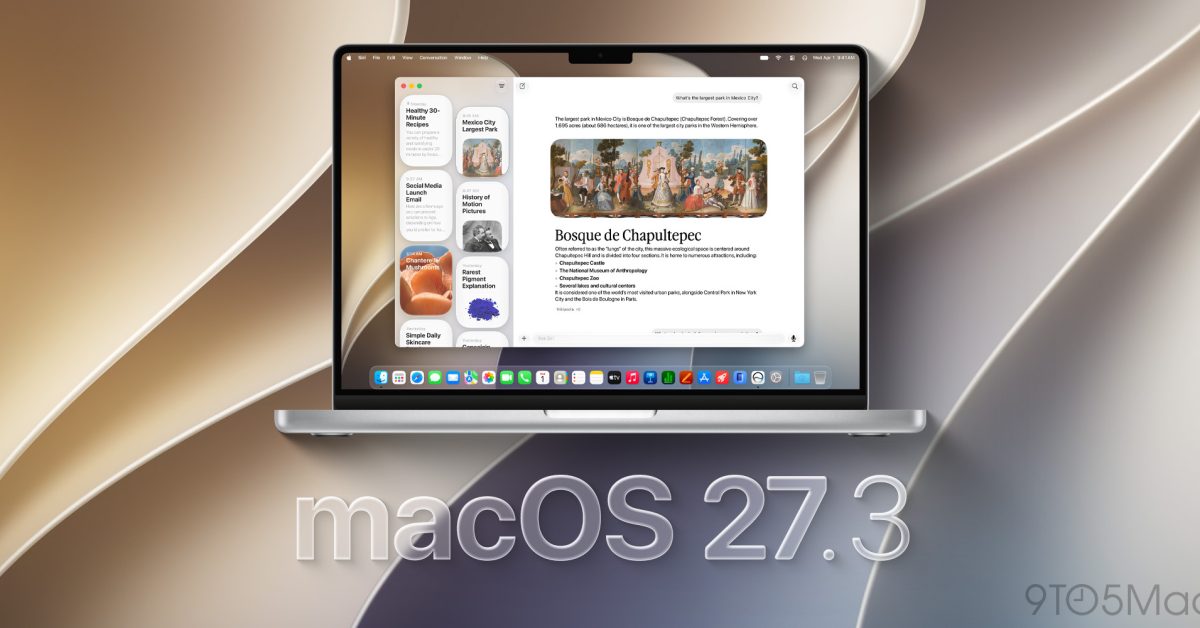
The flag adds no warning dialog yet in beta 1. iThinkDiff notes the flag name FDA_WARNING suggests more prompts may arrive in later betas. 9to5Mac's Michael Burkhardt writes that developers can still ask users to drag an icon into Settings even with the flag on. He is not fully convinced the change closes the gap, since apps still want Full Disk Access mainly to read things like iMessage.
Private Folders is also in 27.3 beta 1, not fully wired up
pdfu also found Private Folders, a new permission set folder by folder in the same way as Full Disk Access. It is unfinished in beta 1. The idea is to give an app one folder instead of the whole Mac. 9to5Mac points at the iMessage database folder as the case that matters. iThinkDiff reports the flag covers Private Folders too. With TCC/FDA_WARNING on, automatic Private Folders denials are not saved either.
Builds stay put: 27.3 beta 1 family since November 3, tip still 27.2
No new seed arrived overnight. Apple Developer Releases still tops out at the November 3 betas: iOS/iPadOS 27.3 beta 24C5037i, macOS 27.3 beta 26C5035r, tvOS 27.3 beta 24K5286g, watchOS 27.3 beta 24S5284h, visionOS 27.3 beta 24N5286r, and Xcode 27.3 beta 27C5020n. Our iOS 27.3 beta 1 build note has the full picture of that day. The 27.3 public beta 1 that opened on November 5 runs the same build family.
The public tip is unchanged on day 14. iOS/iPadOS 27.2 (main build 24B119, iPhone Duo 24B91020) and macOS 27.2 have been current since October 26. Both the Apple security releases index and About iOS 27 Updates still say 27.2 is latest. 27.2.1 stays unseeded with no confirmed build number. iThinkDiff expects the 27.3 public release in December. Apple has named no day.
On public macOS 27.2 today the flag does nothing. If you run AI agent apps on your Mac, the practical step now is to open Settings > Privacy & Security > Full Disk Access and remove anything you do not remember approving. For the wider set of controls, see Apple Intelligence writing and privacy controls to know on iPhone.
Photo: Apple / 9to5Mac / iThinkDifferent. Sources: Apple Developer News (Oct 2), pdfu on X, 9to5Mac, iThinkDiff.