This site uses cookies for analytics and to improve your experience. By clicking Accept, you consent to our use of cookies. Learn more in our privacy policy.
Engadget pushed its AirPods connection guide again this weekend and the complaint underneath it is the same as always. The buds worked yesterday. Today the iPhone does not see them. Apple publishes the fix ladder across its Support pages, and the order matters. Work down it before assuming the hardware is dead.
Charge both buds and open Bluetooth in Settings
Apple's first checks are boring on purpose. Update the iPhone to the latest iOS under Settings > General > Software Update. Put both AirPods in the charging case and make sure both are charging. Then open Settings, tap Bluetooth, and confirm the switch is on there. A tile in Control Center is not the same thing.
Then wear the buds and open the AirPlay button in Control Center. If they appear in the list, select them and play something with the volume up. If they are missing, or listed but will not connect, close the lid for 15 seconds and open it. Only then move to pairing.
Re-pair with the white light your model uses
Pairing mode is not one gesture anymore. For AirPods 4 (both models), AirPods 5 (both models), and AirPods Pro 3, double-tap the front of the case until the status light flashes white. For all other models, press and hold the setup button on the back until the light flashes white. Hold the open case next to the iPhone and follow the on-screen steps. Apple's setup page requires iOS 27 for AirPods 5 and iOS 26 or later for AirPods Pro 3.
Forget This Device, then reset by model
When re-pairing fails, go to Settings > Bluetooth, tap the More Info button next to the AirPods, tap Forget This Device, and tap again to confirm. Apple's AirPods User Guide is clear about the side effect: this removes the buds from all devices signed in to the same Apple Account.
Now the factory reset. Buds in the case, lid closed 30 seconds, then open the lid. For AirPods 1, 2, or 3 and AirPods Pro 1 or 2, press and hold the setup button on the back for about 15 seconds, until the status light flashes amber, then white. For AirPods 4 or 5 and AirPods Pro 3, double-tap the front of the case three times: once while the light is on, again when it flashes white, a third time when it flashes faster. Amber, then white, means the reset worked. No white flash? Close the lid for 20 seconds and run the reset steps again. AirPods Max follows its own rule in the User Guide. Hold the Digital Crown and the listening mode button on the right headphone for a restart at around 10 seconds, amber light, or a factory reset at around 15 seconds, amber then white. Release on time.
Reconnect with the open case next to the iPhone and follow the screen.
When the buds jump to the wrong device
Sometimes the connection works and audio just keeps landing on the Mac or the iPad. AirPods 2 and later, all AirPods Pro, and all AirPods Max switch automatically between devices on the same Apple Account with two-factor authentication. To stop it, wear the connected buds, open Settings, tap the AirPods name, tap Audio & Routing if displayed, then Connect to This iPhone > When Last Connected to This iPhone. Tap Automatically to put switching back.
Ear detection is a side path, not a pairing fix
One more setting gets blamed here. Automatic Ear Detection pauses playback when you pull a bud out. With it off, all audio stays on the AirPods whether you wear them or not. It sits under the AirPods name in Settings, inside Audio & Routing if hidden, per Apple's settings guide. It will not repair a pairing failure. Engadget also points at the Version readout under the AirPods name, checked while the case charges near the iPhone against Apple's firmware table.
Still failing after a Forget and a factory reset? The remaining explanation is hardware. Apple Support and the AppleCare+ replacement path handle the rest.
Related on iPhone Wired: our 10 AirPods settings to change now that Custom EQ is here covers what to tune once the buds connect, Notify When Left Behind is worth turning on before the next lost-case scare, and shoppers can check AirPods 5 pricing at $129 and $149.
Photo: Apple (AirPods Pro, AirPods 5 product pages)
Source: Engadget, Apple Support

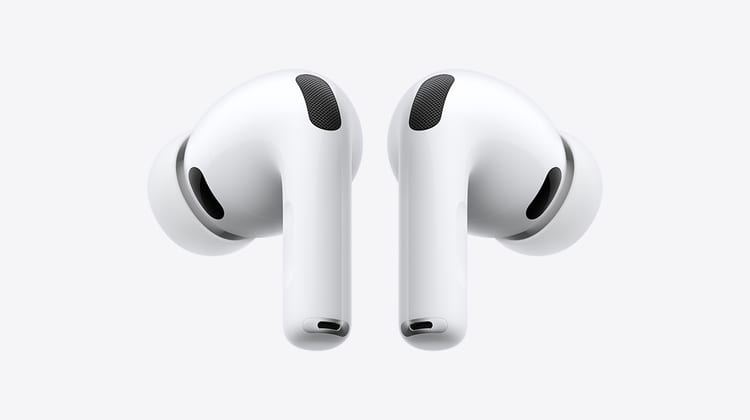
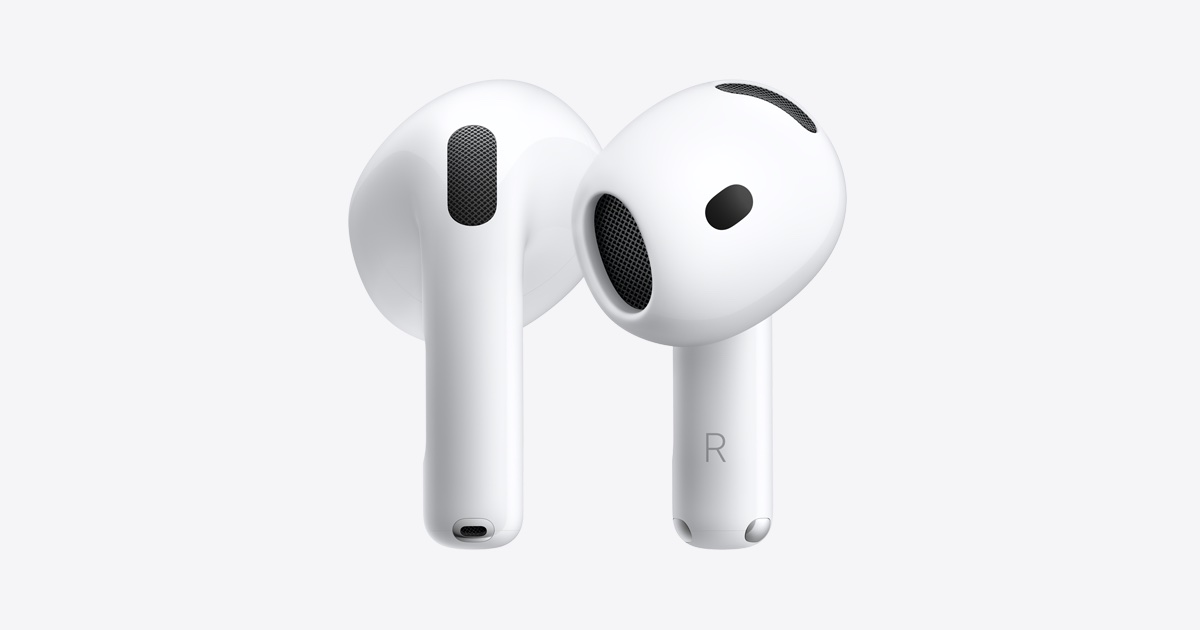 Pairing mode is not one gesture anymore. For AirPods 4 (both models), AirPods 5 (both models), and AirPods Pro 3, double-tap the front of the case until the status light flashes white. For all other models, press and hold the setup button on the back until the light flashes white. Hold the open case next to the iPhone and follow the on-screen steps. Apple's setup page requires iOS 27 for AirPods 5 and iOS 26 or later for AirPods Pro 3.