Coding agents guessing at Mac windows from screenshots fail a lot. The layout scales, the window moves, and the click lands wrong. Vercel Labs shipped agent-desktop on October 31 as the fix, and the announcement post from Chris Tate drew about 1.2 million impressions. The tool stayed in circulation through the weekend. It is free.
agent-desktop is a CLI and a C library for macOS, Windows and Linux, written in Rust and licensed Apache-2.0. Instead of pixels it reads the OS accessibility tree. A snapshot returns JSON with a ref for every element the agent can act on. The agent clicks a ref, snapshots again to check, and the loop stays in the agent. Refs stay stable and actions stay safe to retry, the project says. The repository at vercel-labs/agent-desktop showed about 7,200 stars on November 2.
Install with npm on macOS 13 and Node 18
The install docs are short. npm install -g agent-desktop. pnpm, Yarn and Bun work too (pnpm add -g, yarn global add, bun add -g). Confirm with agent-desktop version. You need macOS 13 or later on Intel or Apple Silicon, and Node 18 or later. The npm registry listed version 1.0.2 on November 2, 2026.
Two failure modes the docs call out. First, npm may block the postinstall script. The Node launcher still works then, just slower. The fix is npm install-scripts approve agent-desktop on npm 12, or npm install -g agent-desktop --allow-scripts=agent-desktop on npm 11. Second, there is no Homebrew or Scoop package. The old custom tap and bucket were removed in 1.0.1, and an install from them stays pinned to its old version. Uninstall it so the npm binary wins.
Accessibility goes to the launching app, not the shell
On macOS the tool reads apps through the Accessibility (AX) API, so the grant belongs to the app that launched it. A different terminal or a different IDE needs its own grant. Run agent-desktop permissions. It does not prompt. If accessibility reads denied, run agent-desktop permissions --guide. It opens System Settings and shows which app to add. By hand: System Settings > Privacy & Security > Accessibility, enable the launching app, and enable the agent-desktop binary too if System Settings lists it separately. Run permissions again until accessibility state reads granted. The app does not need a restart. Under tmux or SSH there is no launching app to grant, so add the terminal that started tmux by hand.
Screen Recording is only needed for screenshot and session start --screenshots. Automation for System Events is only needed where a command reports it missing, such as opening Notification Center.
Snapshot, click, then read again
Check the install with agent-desktop status. You want permissions.accessibility.state to read granted and supported_surfaces to be non-empty. The surfaces list covers window, focused, menu, menubar, sheet, popover and alert. Then load the guide for your OS before the first action: agent-desktop skills get platform, or skills get macos on a Mac.
The loop is three commands. Map the app with agent-desktop list-apps, then agent-desktop snapshot --app "Calculator" --skeleton -i --compact. Act on one ref: agent-desktop click @s2txcl95uvubmn:e11. Then verify. The refs doc is strict about the format. Every command accepts only the qualified form @<snapshot_id>:eN, exactly as the snapshot printed it. A bare @e11 fails with INVALID_ARGS. And click often returns delivered_unverified with retry marked unsafe. Verify with get, is, wait --element or a second snapshot instead of clicking twice. The quick start drives GNOME Calculator on Linux; on a Mac use the app name list-apps prints, such as "Calculator".
Hover and drag need --headed; click and type run headless
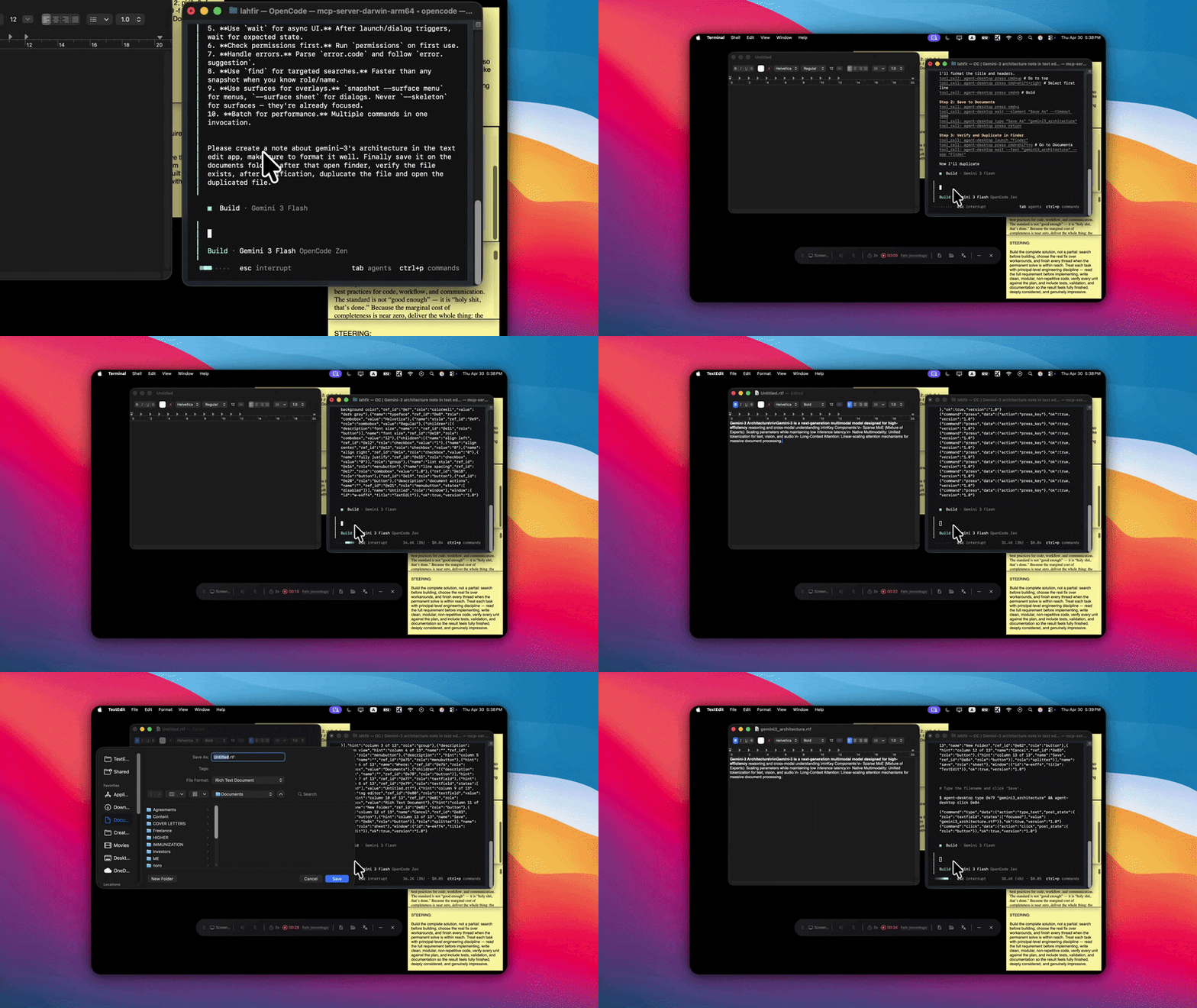
Semantic actions (click, type, set-value, check) work headless through AX. Hover, drag and other mouse gestures need the --headed flag. The permission is real power: the agent can operate any Mac app you grant Accessibility for. If you want isolation, community practice is a dedicated terminal grant or a VM.
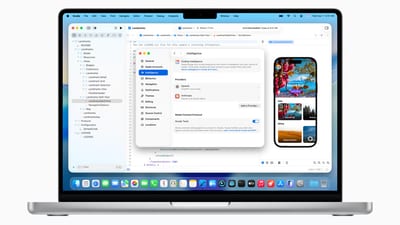
Wiring it into a coding agent is teaching, not installing. Claude Code, Cursor or Codex can shell the CLI directly, and the repo ships agent skills: agent-desktop skills get desktop gets the cross-platform one. agent-desktop is a CLI for any agent. It is not a bundled assistant of its own. For the rest of a local setup on the Mac, we covered installing Claude Code on macOS, running Claude Code with a local Ollama model via ollama launch, and pointing Xcode chat at a local Ollama model on port 11434.
Photo: Vercel Labs (agent-desktop repository and documentation assets)
Source: vercel-labs/agent-desktop on GitHub, agent-desktop installation docs, agent-desktop on npm