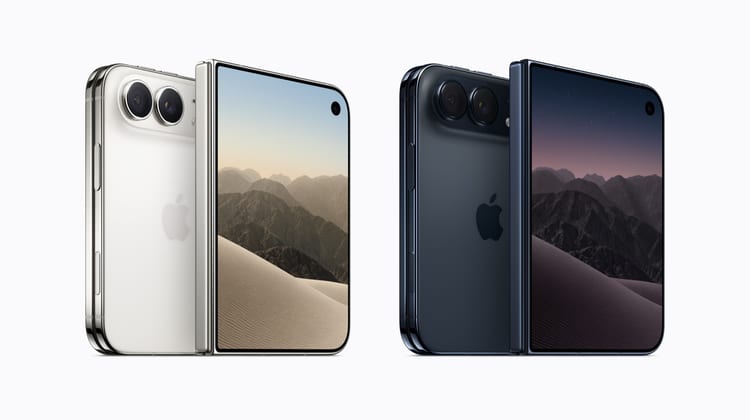
iPhone Duo pre-orders opened Friday, and the phone ships October 23. The wallpaper is out much earlier. Apple's desert scene for the foldable, sand dunes in front of layered mountains, has been downloadable since the September 9 event, and fans on X call it the best iPhone wallpaper in years. Below are the sets we checked, where each one comes from, and how to put it on a phone.
We do not rehost the wallpaper files here. Every download link goes to the site that published them.
Official desert dunes, Light and Dark
This is the stock set. iClarified posted it on September 9 and says these are official Apple wallpaper assets. There are four JPGs: Light and Dark for the outer display, Light and Dark for the inner display.
The Light version is daytime, warm beige sand under a pale blue sky. The Dark version is night, deep shadows and a star-filled sky with a soft glow at the horizon. The pair matches the two finishes, Star White and Night Sky.
Sizes listed on the page: outer display 1398 x 2034 pixels, inner display 2670 x 1878 pixels in landscape. iClarified says it may get higher resolution files closer to launch.
- Download page: iClarified, official iPhone Duo wallpaper
- All four in one file: iClarified ZIP
On a regular iPhone, the inner display file is the one to try first. It is wider, so iOS has more room before it has to zoom in.
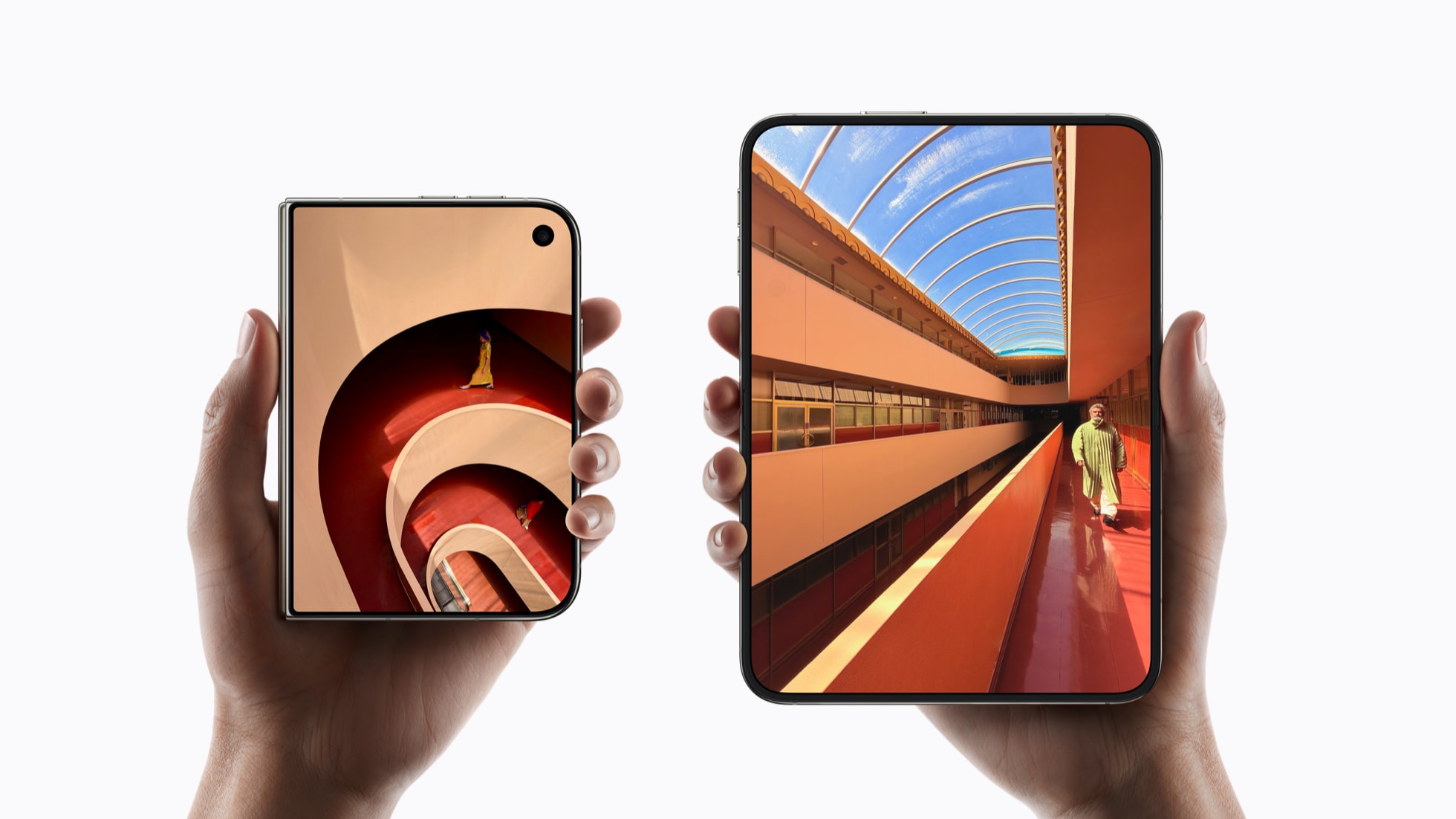
TechPP 4K versions for non-foldable phones
TechPP took the same four images and upscaled them to 4K. It also made standalone versions cropped for normal iPhone and Android screens, which saves you from fighting the crop on a 6.1-inch phone.
Note these are upscaled, not new Apple originals. If you want the untouched files, use the iClarified set above.
- Download page: TechPP, iPhone Duo wallpapers in 4K (ZIP is 17 MB)
Surfboard Blueprint grid, 14 colors
A different idea. Surfboard, an RSS reader app, makes Blueprint wallpapers. Each box lines up with the Home Screen icon grid and the Lock Screen clock and widgets. The developer posted on X on October 13 that the iPhone Duo version is measured for both sides of the fold, inner and cover screens, in 14 colors. Free, no email.
Six of the palettes are toned after the iPhone 18 Pro and iPhone Duo finishes. The page says they are kept at mid-range values so the white clock stays readable, so they are not exact color matches.
- Download page: Surfboard Blueprint wallpapers, pick iPhone Duo in the device list
Grid wallpapers only line up if your icon layout is the default one. Change the icon size and the boxes drift.
Set a downloaded wallpaper in iOS 27
- Save the image to Photos. If you took a ZIP, open it in the Files app first, then save each image.
- In Photos, open the image, tap the Share button and choose Use as Wallpaper. Or go to Settings, Wallpaper, Add New Wallpaper, and pick it from your library.
- Pinch to fit, then choose to set it on the Lock Screen, the Home Screen, or both.
On iPhone Duo itself, the stock dunes come set on both screens out of the box. Apple has not published a support page on choosing a different image for the inner and outer display. One X user who tested the system said on October 3 that the built-in wallpaper editor does not offer separate picks, and pointed to a Shortcuts automation that runs when the phone is opened or closed. We will check that on a retail unit after October 23.
Moving your old Lock Screens across is part of setup. Our Quick Start guide covers the transfer. For order timing, see the pre-order details, and check iPhone Duo repair prices before you skip AppleCare+.
Photo: Apple
Source: Apple Newsroom, iClarified, TechPP, Surfboard