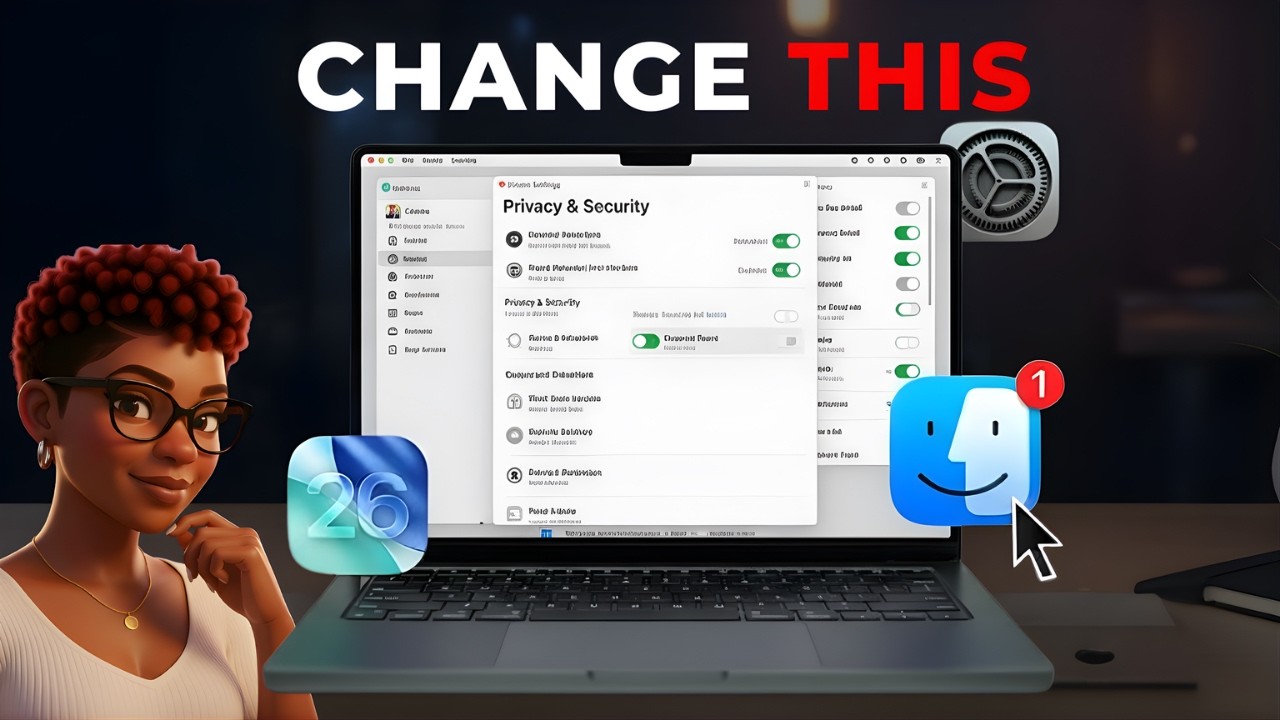
8 hidden macOS Tahoe settings: privacy, security, battery & password reset.
SUBSCRIBE NOW✨: https://rb.gy/kinwb
🚀 MASTER your Mac with confidence in just 1 week: https://www.rowyswitch.online/rowyswitch
https://www.rowyswitch.online/freebie-finder-shortcuts
https://www.rowyswitch.online/freebie-day1-macbook
=============================================
☕️ Love this content and want to buy me a coffee?✨
https://buymeacoffee.com/rowyswitch
=============================================
Tools I use to create my videos:
Voice-over Elevenlabs: https://try.elevenlabs.io/softswitch
OpenArt AI Platform: https://openart.ai/home/?via=SoftSwitch
Google Whisk AI: https://labs.google/fx/tools/whisk
Dreamface App: https://tools.dreamfaceapp.com/home
Disclaimer: Some of the links in this description are affiliate links. This means I may earn a small commission at no extra cost to you if you choose to use them. I only share tools I personally use or genuinely recommend. Thank you for supporting Soft Switch 🤍
=============================================
Chapters:
00:32 Enable Find My Mac Offline Finding (Track Lost Mac)
01:24 Turn On iCloud Private Relay for Safari Privacy
02:00 Set Up Legacy Contact on Mac (Apple ID Access)
02:35 Add Account Recovery Contact (Apple ID Reset)
03:34 Force Quit on Mac (Fix Frozen Apps Fast)
04:04 Customize Spotlight Search for Faster Mac Workflow
05:56 Enable Optimized Battery Charging (Protect Battery Health)
06:42 Reset Mac Password & Startup Options (Lockout Recovery)
=============================================
Business/sponsorship inquiries only: rowy@rowyswitch.online
=============================================
🌸 Hi friends, welcome to Soft Switch! When I first moved from Windows to Mac, I felt totally lost, so I created this channel to help YOU switch from windows to macOS with ease!
Most Mac users never change these settings… and that’s exactly why they struggle.
In this video, I’m showing you 8 hidden Mac features and security settings Apple never properly explains, including Find My Mac offline finding, iCloud Private Relay, Legacy Contact, Account Recovery setup, Spotlight customization, Optimized Battery Charging, and how to reset your Mac if you get locked out. If you’re new to macOS or recently switched from Windows, these simple adjustments will make your Mac feel safer, faster, and far less confusing.
What you’ll learn:
• How to enable Find My Mac + offline finding
• How to turn on iCloud Private Relay for safer Safari browsing
• How to set up Legacy Contact for Apple account access
• How to add an Account Recovery Contact
• How to reset your Mac password using your Apple ID
• How to customize Spotlight search results
• How to use Force Quit properly
• How Optimized Battery Charging protects long-term battery health
These are the kinds of Mac settings you should enable on Day 1, but most people never do.
macbook tutorial, macbook air m3, macos tahoe, macos tahoe tips, macos beginner guide, new to mac, mac for beginners, switch from windows to mac, apple ecosystem tips, macbook productivity tips, mac settings you should turn on, hidden mac features, macbook setup guide, macbook tips and tricks, apple mac tutorial 2026, macbook air guide, macbook for women, simple mac tutorials, safari vs chrome mac, apple passwords app, macbook maintenance tips, optimize your mac, macbook organization tips, iphone and mac integration, apple continuity features, beginner mac help, stress free mac setup, aesthetic mac setup, soft switch mac guide
Note: RowySwitch is the original author of this video, we just embed it, if you have any questions please contact him via Youtube.