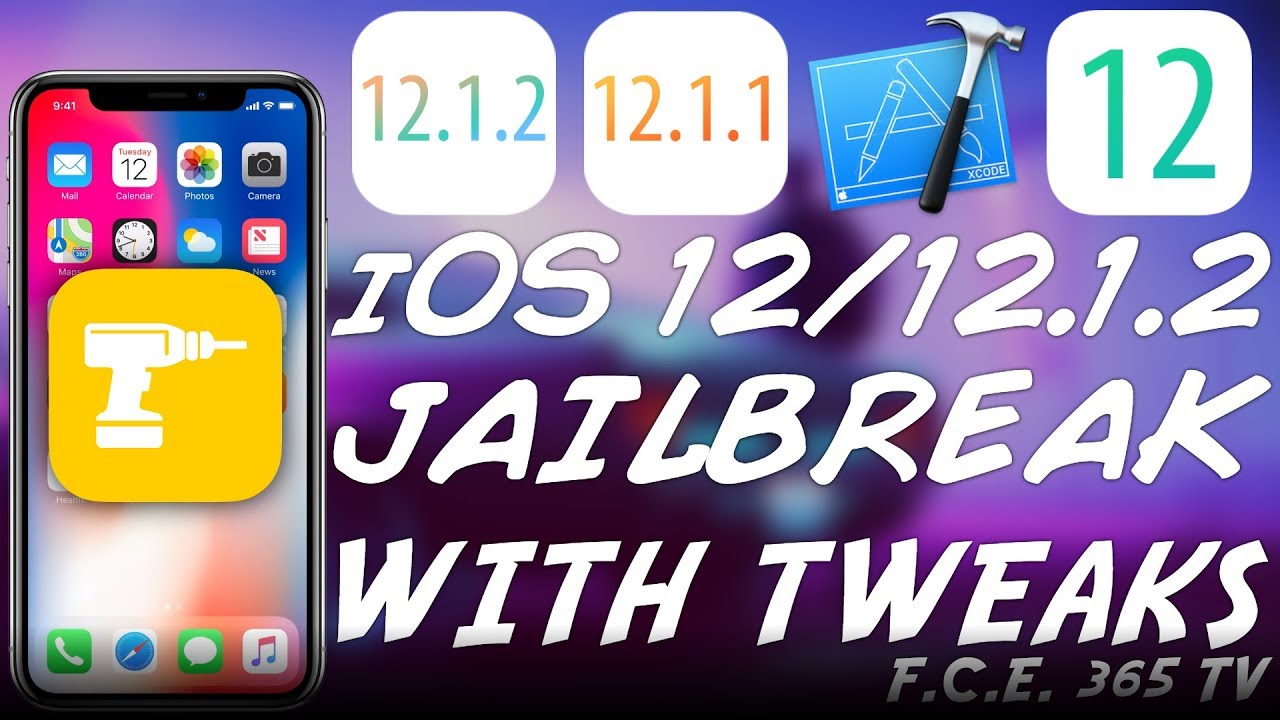
In today’s video, we’re going to discuss RootlessJB by Jake James, a #jailbreak built for developers but with tweak support and SSH on #iOS 12.0 up to iOS 12.1.2. The exploit used is compatible with iPhone 6S and newer all the way up to iPhone XS MAX. This Jailbreak is the first on iOS 12 to have tweaks support and although the tweaking is a bit rudimentary, it is still very useful and a huge step ahead for the Jailbreak community. One can use this to load Springboard-related tweaks which would enable themes, icon customizations, and other interesting UI changes. For now, the jailbreak may not work on A12, but will be updated to do so.
Of course, #RootlessJB doesn’t have a remount so the system partition remains untouchable so no changes like /etc/hosts or system version, etc, but the /var partition can be written to and this allows for a good slew of tweaks to run just fine. The Jailbreak is a bit complicated, however, and I would definitely not recommend it for beginners. Tweaks do work but you have to do manual patches and you need to compile it with Xcode which may not be accessible for everybody.
Of course, this is just the beginning. Unc0ver will be updated to work with iOS 12 soon and at that point thing will be much easier. This jailbreak is recommended only if you’re a developer or you have enough experience with iOS and macOS as well as Xcode. Still, a huge step forward considering CoreTrust on iOS 12. Do not forget to subscribe to stay updated.
▽ Resources ▽
▶ GeoFilza for iOS 12: https://youtu.be/v89GJuXReLI
▶ iOS 11.4/11.4.1 JAILBREAK RELEASED! HOW TO JAILBREAK | iOS 12 JAILBREAK IN THE WORKS!: https://youtu.be/NtfGaADWw6c
▶ iOS 12 / iOS 11 / iOS 10 DOWNGRADE: “FutureRestore” IMPORTANT UPDATE!: https://youtu.be/PLVUzMsfcQ4
▽ Social Media ▽
▶ Our Sub-Reddit: https://www.reddit.com/r/idevicecentral/
▶ Facebook: https://facebook.com/fce365official
▶ Twitter: https://twitter.com/FCE365
▶ Our Website: https://fce365.info
▽ Credits ▽
▶ Wallpaper by @benjamiindutton: https://unsplash.com/photos/FKrcPEZfoNU
▽ Full sponsorship disclosure ▽
▶ The link for iMyFone AnyRecover in the description is sponsored by iMyFone.
Note: iDevice Central is the original author of this video, we just embed it, if you have any questions please contact him via Youtube.