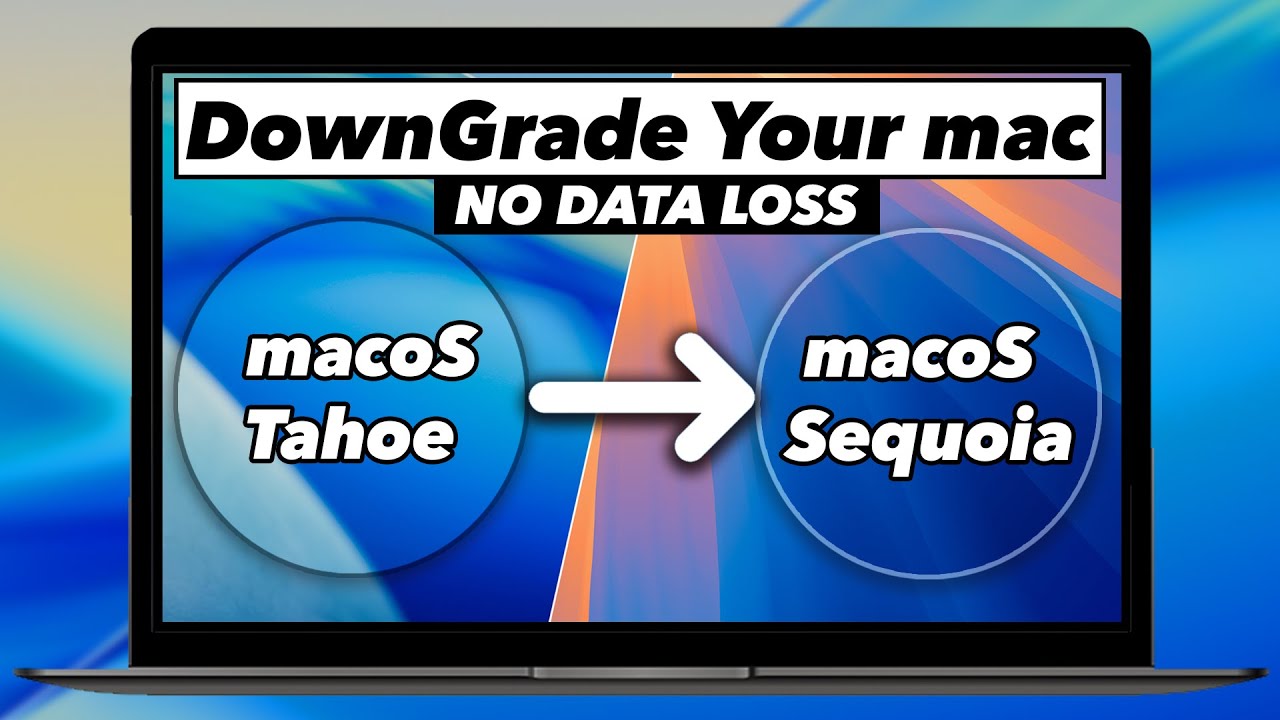
Learn how to safely downgrade your Mac from macOS Tahoe back to macOS Sequoia without DATA LOSS ? In this video, I show you exactly how to downgrade macOS Tahoe to Sequoia safely and effectively. Whether you are on an M4 MacBook Pro or an older Intel Mac, this step-by-step tutorial covers everything from creating a bootable installer to restoring your files.
Downgrading macOS can feel intimidating because macOS doesn’t have a “back” button. To downgrade from macOS Tahoe to Sequoia, you must perform a clean install. This means erasing your internal drive and starting fresh. But don’t worry, I’ll show you how to protect your data using a Time Machine backup so you don’t lose a single file. Whether you’re using an M1, M2, M3, or any Apple Silicon Mac, or even an Intel-based Mac, this tutorial will walk you through the entire clean install process.
*In this video, you will learn*
* How to download the macOS Sequoia installer in 2026.
* How to create a bootable USB drive for macOS Sequoia
* How to enter Recovery Mode on Apple Silicon & Intel Macs.
* The “Erase & Install” process to ensure a clean, stable system.
* How to restore your data from a Time Machine backup.
*Timestamps*
00:00 Why downgrade from macOS Tahoe?
1:03 Pre-requisites & Backing up your data
3:38 Downloading macOS Sequoia Installer
4:50 Creating the Bootable USB Drive
7:03 Entering Recovery Mode (M1/M2/M3/M4/M5 & Intel)
8:06 Erasing the Drive & Installing Sequoia
9:53 Final Setup & Restoring Data
*Resources mentioned*
* macOS Sequoia Download: https://apps.apple.com/in/app/macos-sequoia/id6596773750
* Open Core Legacy Patcher : https://github.com/dortania/OpenCore-Legacy-Patcher/releases
* Terminal Command for Bootable Drive: https://support.apple.com/en-in/101578
If this video helped you get your Mac back to a stable state, please LIKE and SUBSCRIBE for more Mac tips!
*Relevant Tech Videos*
How to install windows 11 on Apple Silicon Mac: https://www.youtube.com/watch?v=zPL63pCYJz8
How to install Bazzite Linux – https://www.youtube.com/watch?v=_DPoRDyMNNQ
RASPBERRY Pi 5 – How to SetUp PLEX Media Server in 10 Minutes (2024) – https://www.youtube.com/watch?v=X0CvlNfIv9U
Raspberry Pi 5 – How To Build POWERFUL Home Server in 10 Minutes With CasaOS (2024) – https://www.youtube.com/watch?v=n3RzsdMozIs
Install Kali Linux On M1 / M2 / M3 Macs Using UTM in 5 MINUTES (NEW METHOD) – https://www.youtube.com/watch?v=znUvqWNPNLg
KDE Plasma 6 is Brilliant – TOP 6 NEW FEATURES – https://www.youtube.com/watch?v=_KrLiGhvd6Y
Install UBUNTU 23.10 On M1 M2 Macs NATIVELY || RUN New Ubuntu On Bare Metal On Apple silicon MAC – https://www.youtube.com/watch?v=Hvy07C1pPFA
FEDORA ASAHI REMIX + HYPRLAND Setup For M1 & M2 Macs 🔥 https://www.youtube.com/watch?v=Nfm3oyJx_Hk
Dual Boot popOS & windows 11 – https://www.youtube.com/watch?v=qYqPBrTudUY
*Support Me*
~ *Buy Me A Coffee* – http://buymeacoffee.com/kskroyal
~ *Connect On Instagram* – @KSKROYALTECH
~ *For Business Enquires ONLY* – business.ksktech@yahoo.com
~ *My Website* – https://kskroyal.com/
#downgrade #macOS #Tahoe #Sequoia
*© KSK ROYAL*
*MereSai*
Note: Ksk Royal is the original author of this video, we just embed it, if you have any questions please contact him via Youtube.