1. Install Tavern Helper https://github.com/N0VI028/JS-Slash-Runner
Update Jan 31. You can change the Tavern Helper to English Menu by changing the SillyTavern Language to English as in the picutre showed https://i.vgy.me/uRXAcO.jpg
This is the extension to enable All the magic, it would enable backend to handle javascript
2. Install ST-Prompte-Template https://codeberg.org/zonde306/ST-Prompt-Template/
This is the extension to enable JavaScript within your prompts, character cards, and World Info.
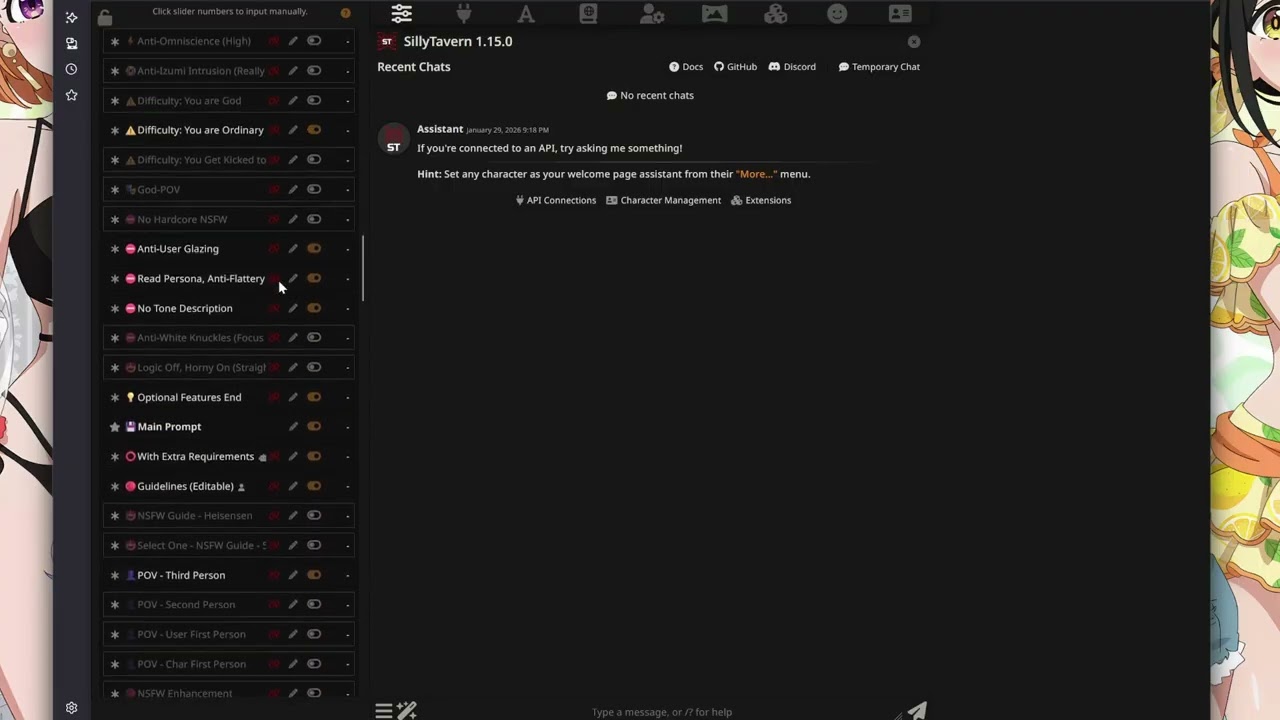
3. Download the Preset Izumi English version. You will need to do some patch so that it works with English thinking and jailbreak as in the video. https://discord.gg/C6HabNwzn7
4. Download the Artific Realm character card (Press download raw file on upper right)
https://github.com/KritBlade/ArtificRealm/blob/main/CharacterCard/ArtificRealm_Eng-0.65.png
preset Patch can be download at (Press download raw file on upper right)
https://github.com/KritBlade/ArtificRealm/blob/main/PresetPatch/chain_of_thought.txt
https://github.com/KritBlade/ArtificRealm/blob/main/PresetPatch/jailbreak.txt
Note: Kritblade is the original author of this video, we just embed it, if you have any questions please contact him via Youtube.