AI video generation just got a lot less “prompt-and-hope.” Google’s newly announced Gemini Omni and Runway’s Aleph 2.0 both point to the same shift: the winning video systems won’t just create clips from scratch—they’ll combine inputs (text, images, audio, and existing video) and edit with control instead of rewriting everything.
Omni generation: video as a multimodal conversation
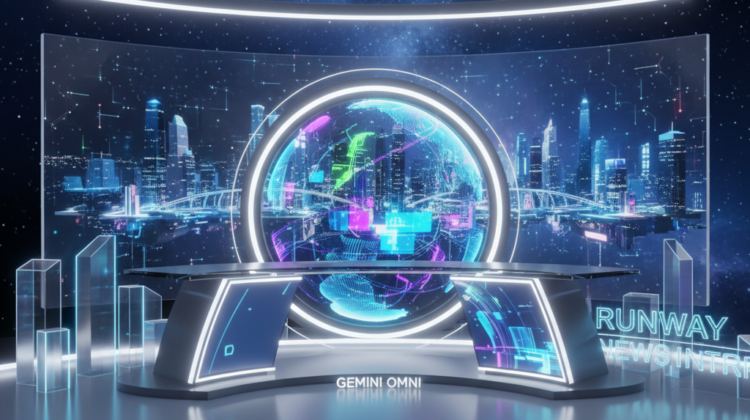
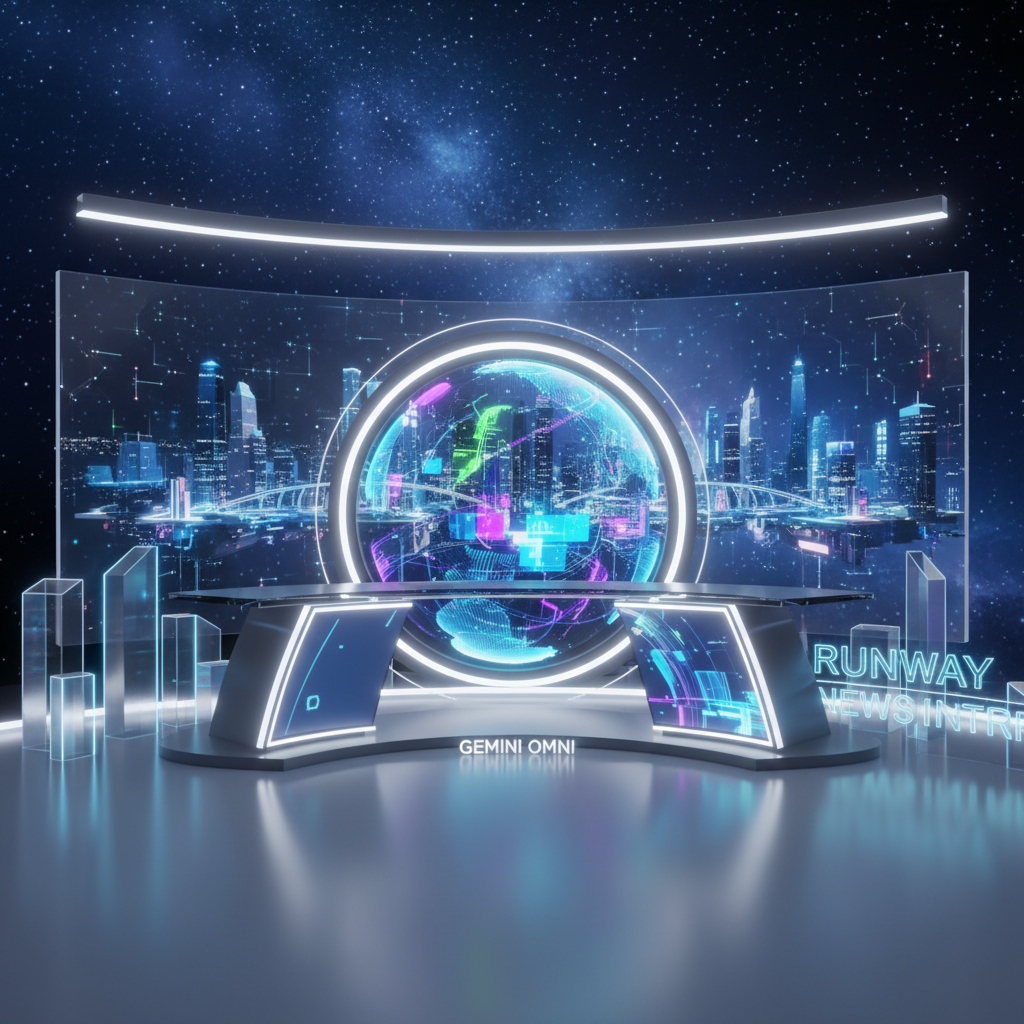
On May 19, 2026, Google DeepMind introduced Gemini Omni, a multimodal model family designed to both create and edit video using combinations of image, audio, video, and text inputs. The practical implication is huge: rather than treating video generation as a single-turn task, “omni” approaches make video feel like a continuous working session where you can bring assets from different sources and instruct the model on how they should behave.
Its first release, Gemini Omni Flash, is rolling out to the Gemini app and Google Flow subscribers. That matters because it suggests Google is optimizing for speed and iterative workflows—exactly what creators need when the first render is rarely perfect and the real value comes from rapid revisions.
Reporting around the announcement also indicates that an avatar mode was held back. That’s a subtle but important signal: interactive video features that touch real-time likeness, identity, or performance often require extra safety, reliability, and policy groundwork. In other words, the “fast path” is expanding first in general-purpose multimodal generation and editing, then specializing where risk and user expectations are higher.
Editing-first AI: targeted change beats full rewrites
Two days later, on May 21, 2026, Runway launched Aleph 2.0 alongside a new Edit Studio. The standout claim: Aleph 2.0 focuses on more targeted edits, changing only what the user requests rather than re-rendering the entire clip. For anyone who has tried text-to-video tools, you know the hidden cost of full rewrites—fix one detail (like a hand motion or background object) and five other areas drift.
Runway also emphasized a concrete capability jump: longer 1080p-capable clip edits up to 30 seconds. That’s not a cosmetic upgrade. Longer edit windows reduce the “stitching tax” where creators split a scene into multiple segments, then spend hours managing continuity across cuts. With up to 30 seconds of 1080p editing, the bottleneck shifts toward direction and asset preparation rather than constant technical fragmentation.
Edit Studio’s framing—bringing edits into a studio-like workflow—suggests the product is being shaped around repeatable post-production tasks: iterative selection, localized change, and versioning. This is how AI moves from novelty to production: when the tool behaves less like a slot machine and more like an editing suite.
Why multimodal inputs + controllable edits is the real breakthrough
Gemini Omni and Runway’s Aleph 2.0 are converging on the same structural advantage: control through constraints. Multimodal inputs give the model more anchors. A reference image tells it what the scene should resemble; audio can shape timing and pacing; an existing video provides continuity of motion and composition. When those anchors combine with “edit only what you request,” the system is less likely to introduce new, unwanted creative interpretations.
Consider a practical scenario: a creator wants to adapt a product ad filmed on a phone. With a pure text-to-video approach, they’d often get a different camera angle, new lighting, and inconsistent branding—great for imagination, unreliable for revisions. With an omni-style system, they can feed the original clip plus a new VO track, then instruct only the specific changes—like adjusting the background to a sunset palette or altering the on-screen label placement—without destroying the original footage’s structure.
Now connect that to Runway’s 30-second, 1080p-capable editing window. If you can keep a coherent shot length and apply localized changes, your workflow starts to resemble non-AI post production: you block, iterate, refine, and approve. The more the tool behaves predictably at that length scale, the easier it becomes to integrate into creative pipelines with deadlines.
What these launches mean for creators, studios, and the market
The rollout details hint at different go-to-market strategies. Google is pushing Gemini Omni Flash into the Gemini app and Google Flow, which likely means broader, consumer-facing adoption and quick “try it now” experimentation. Runway, meanwhile, is emphasizing a specialized upgrade—Aleph 2.0 and Edit Studio—focused on the kind of precision that professional creators and small studios demand.
That division matters because video production has two different customer mindsets: exploration and finalization. Exploration tools prioritize broad capability and creative reach; finalization tools prioritize edit control, length, resolution, and repeatability. Omni generation checks the first box, while Aleph 2.0’s targeted editing checks the second.
There’s also a quality-and-safety subtext. The fact that avatar mode was reportedly held back suggests developers are dialing in guardrails before rolling out higher-stakes features. As video generators move closer to real people, recognizable faces, and voice-adjacent inputs, the market will reward systems that combine capability with governance—without forcing creators to abandon speed.
Actionable next steps: how to prepare now
If you’re experimenting with AI video generators, treat this as a planning shift: design your inputs the way you would design a film brief. Gather stable reference images, keep your audio tracks clean, and organize source clips by scene length so you can take advantage of the kinds of edit windows being advertised (Runway’s up to 30 seconds at 1080p).
When you test these tools, measure success by edit stability, not just wow-factor. Pick one localized change (for example: replace a background object or adjust color tone) and evaluate whether everything else remains consistent across iterations. That’s the difference between a demo and a workflow.
Finally, build a versioning habit now. Omni-style multimodal systems make it tempting to keep chatting and “winging” revisions. But the most efficient teams will snapshot prompts, settings, and input combinations so they can reproduce a working look—especially as the feature set evolves across Gemini app experiences and dedicated editing products like Edit Studio.
Key takeaway: The center of gravity in AI video generation is moving from raw generation to multimodal, editing-controlled production. If you prepare your assets for iterative constraints—rather than relying on one-shot creation—you’ll get closer to reliable output on your first day, not after weeks of cleanup.