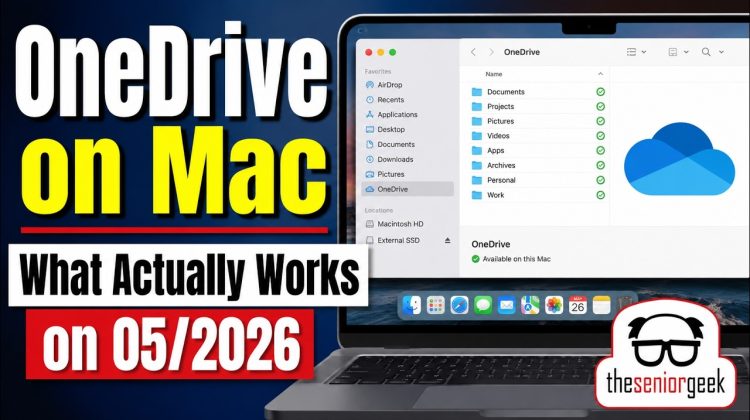
This is the first video in the OneDrive series. If you’ve tried using OneDrive on macOS with an external drive, you’ve probably found a lot of confusing, outdated, or conflicting information online.
That’s exactly what I encountered on my Mac mini with a 256GB internal SSD and a 600GB+ OneDrive library.
In this introductory video, I explain the working setup I’m currently using to:
• Store OneDrive files on an external SSD
• Keep files fully downloaded (“Always Keep on This Device”)
• Minimize internal SSD usage
• Maintain local backups using Time Machine and MSP360
My current configuration uses:
• The App Store version of Microsoft OneDrive
• An encrypted APFS volume on an external drive
• Time Machine backups
• MSP360 cloud backups
This video is intentionally an overview of the working configuration. Future videos in this series will cover:
• Creating the APFS volume
• OneDrive File Provider behavior on macOS
• Understanding the .cloudStorage folder
• The OneDrive container structure
• Backup strategies
• Time Machine setup
• MSP360 setup
• Spotlight and Alfred indexing behavior
One important note: OneDrive is fundamentally a synchronization service, not a complete backup solution. My goal was to maintain a fully hydrated local copy that could be independently backed up and restored.
This video reflects behavior observed as of May 2026. Apple and Microsoft continue evolving OneDrive and File Provider behavior on macOS.
#OneDrive #macOS #MacMini #ExternalSSD #APFS #TimeMachine