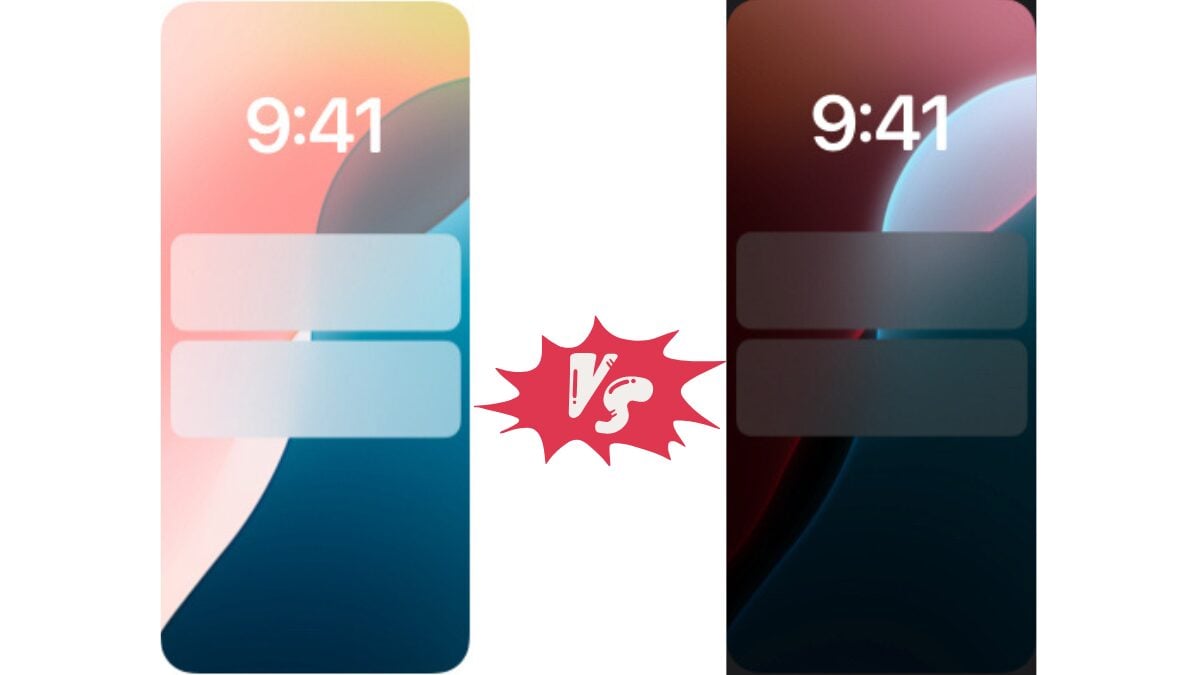
The iPhone comes in two display styles: “Dark Mode” and “Light Mode.”
But honestly…
“Somehow just left the default settings.”
“Dark at night, light at daytime, and automatic switching.”
“I’m a darker person, but which one is actually better at looking?”
I’m sure there are many people who say this.
I usually prefer automatic mode, but I thought, “Always dark mode and always light mode. Is there any difference in the feel of use?”
So this time, we used an iPhone 16 and used dark mode and light mode all day each, comparing and verifying how it affects eye fatigue, battery, concentration, etc.
This is just my personal opinion, but I’ve noticed a lot from this test, so please read to the end and try to find the “display mode that suits you.”
Comparison criteria and verification rules
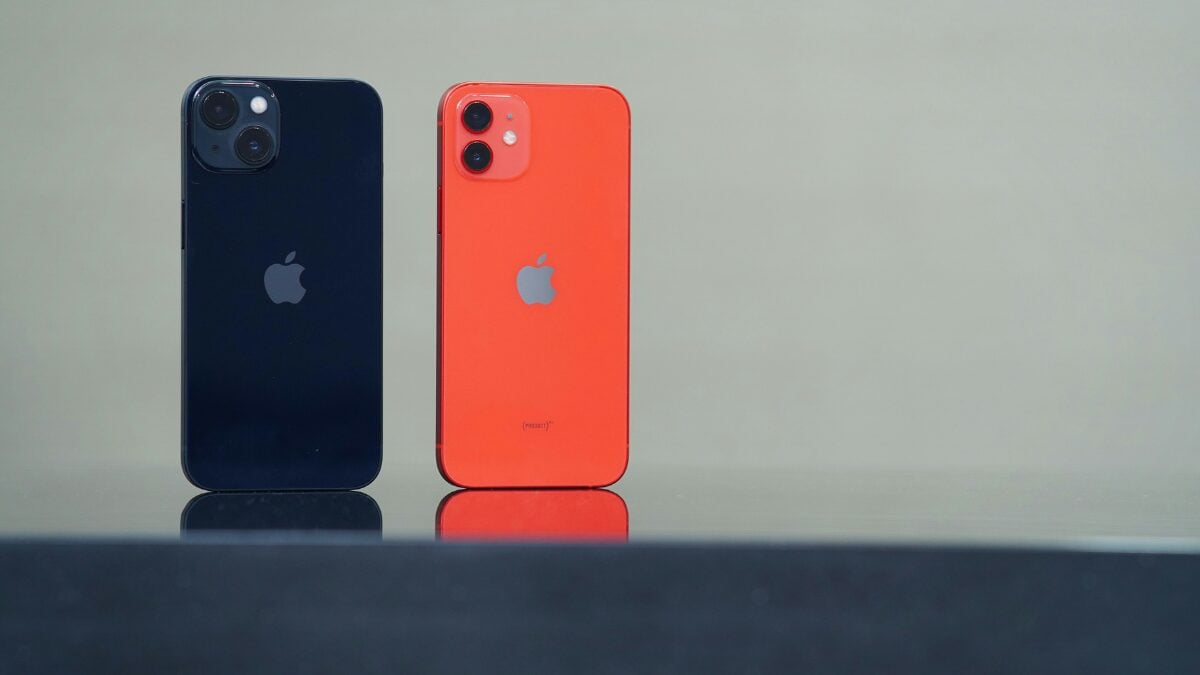
Before I can share my experiences with you right away, I will clarify the conditions and rules for this verification.
We have set up our environment and standards to make comparisons as objective as possible, rather than just a “just feeling.”
Model used: iPhone 16 (iOS 18.5)
Comparison period: 1 day dark mode, 1 day light mode (every day)
Turn off the automatic mode switch and completely secured
The usage situation is as usual (work, social media, travel, music, videos, reading, camera, etc.)
The following points are comparative points:
・Eye eyes fatigue
・Battery consumption
Maintaining concentration
・Comfort before bed (stimulation)
・operability and visibility
Verification 1 | I spent the day with dark mode always on
First, start with the dark mode I usually use.
It was supposed to be “as usual,” but when I consciously used it, I made some surprising discoveries.
We will share our impressions of each scene in real life.
Morning impression: It calms down, but a bit dark?
Immediately after I woke up in the morning, I felt a sense of security that it was “gentle in my eyes.”
However, there are some areas that are a little difficult to see in a bright bedroom.
It’s especially true that the reminder letters appear to sink.
However, as usual, I was comfortable when looking at X, LINE, emails, etc.
Daytime: Somewhat inconvenient when going out
Dark mode is a bit of a bother when going out and using outdoors during the day.
Especially when I opened the white background page for Google Maps and Safari, I felt that it was dark and difficult to see.
The iOS UI is dark, but when the web pages are pure white, my eyes flash.
Night: Super comfortable
At night, the dark mode shows its true potential.
It was kind to my eyes and I felt very comfortable reading and checking social media.
Perhaps because there was less blue light, I felt sleepy naturally.
Impact on battery and concentration
The battery is clearly longer than usual.
On the iPhone 16 with an OLED display, black screens consume less power, so it seems to last about 10-15% longer than you would expect.
Concentration and you won’t be distracted by the too bright screen, so it might be surprisingly good for work too. That’s what I thought.
Verification 2 | I spent the day with light mode always on
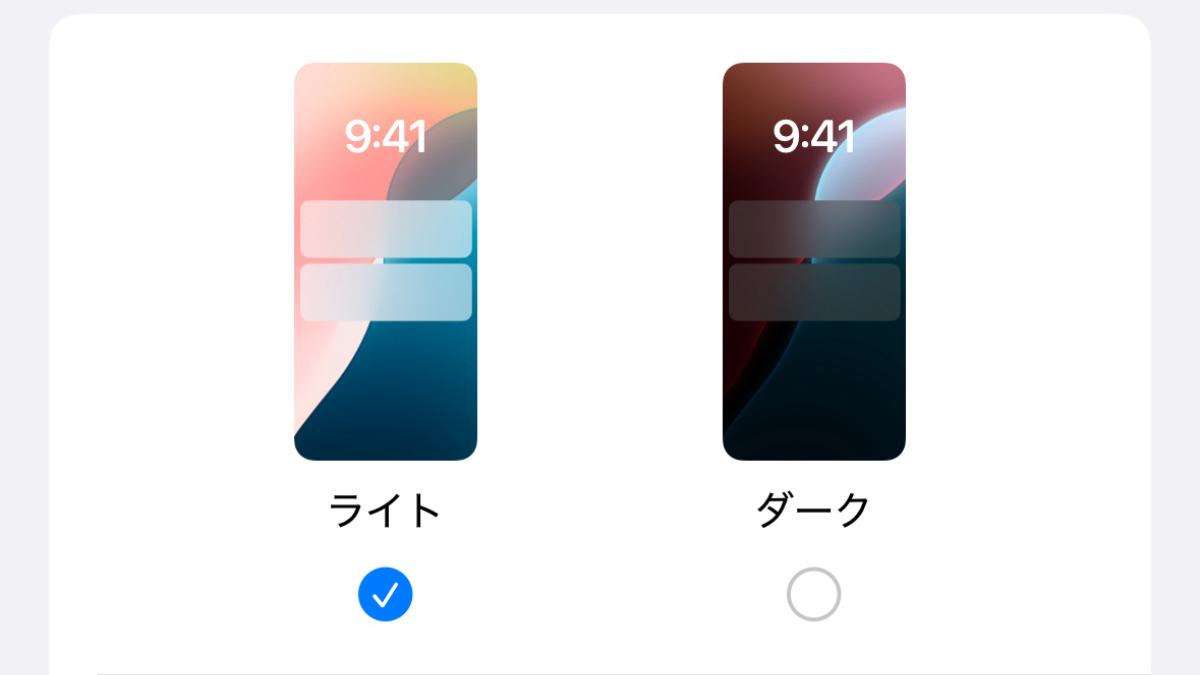
Next, I tried switching to “Light Mode” which I don’t usually use, all day long.
To be honest, I was confused at first because I wasn’t used to it, but I can see the reason for its ease of use.
Morning impression: Wake up quickly
To be honest, the light mode right after waking up in the morning is dazzling…
On the other hand, the brightness actually turned into a “wake-up” switch, and my sleepy head felt crisp.
Daytime: The best outdoors
This was really comfortable.
When using maps outdoors or looking at notes while shopping, you can overwhelmingly win visibility in light mode.
The orthodox look of black letters on a white background makes it the perfect combination during sunny days.
Night: I fell asleep hard
The problem is at night.
Even when I automatically adjust the brightness of the screen, the light mode before bed was dazzling, and I felt that my eyes were irritating, and afterimages remained for a while after I closed my eyes.
In fact, I felt like I had fallen asleep more than usual.
Battery life and eye fatigue
The battery was clearly slowing down.
Consumption was particularly noticeable when watching videos and browsing social media for long periods of time.
It is also true that my eyes felt heavy when I kept looking at bright screens at night.
Comparison of results | The differences felt in each mode
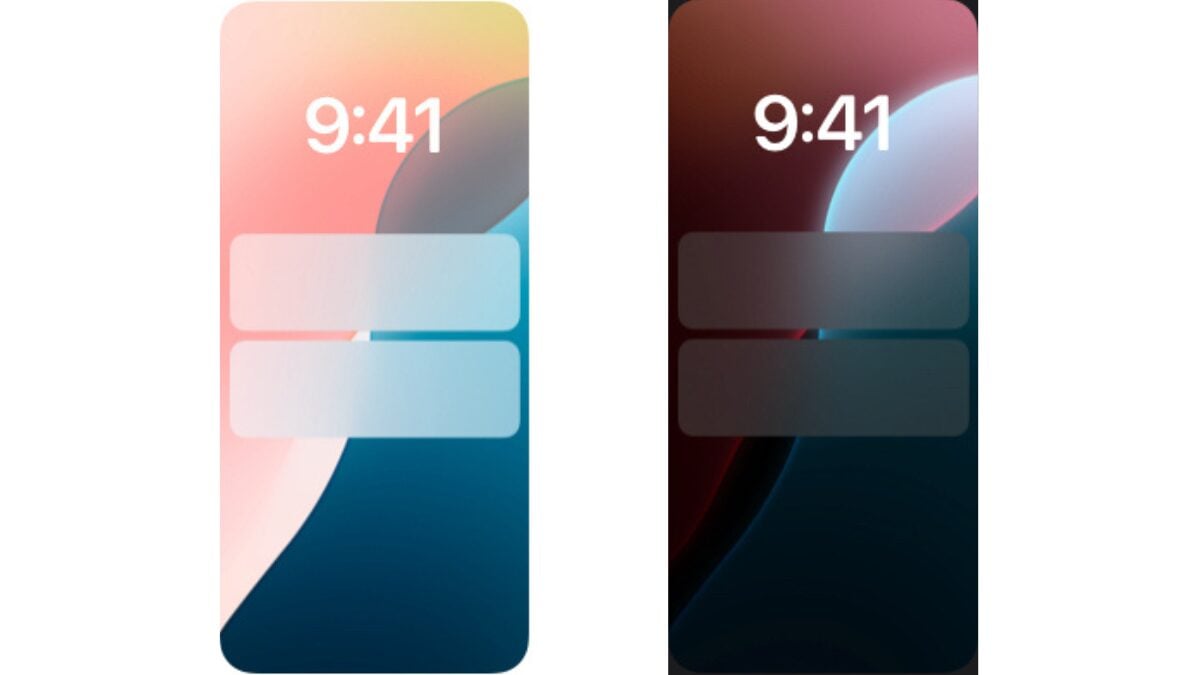
We will summarize the differences we felt when comparing dark mode and light modes in a comparison table.
Not only does it have to be eye fatigue and battery life, but it has also become clear that there are surprisingly differences in concentration and visibility.
| Comparison items | Dark Mode | Light mode |
|---|---|---|
| Eye fatigue | It’s pretty easy at night. It’s a little hard to see during the day | It’s comfortable during the day. It’s very stimulating at night |
| battery | Feeling 10-15% longer lasts | It seems to decrease relatively quickly |
| Concentration | Dark screens do not interfere with concentration | There are times when the brightness is distracted |
| Visibility | Indoor ◎ Outdoor △ | Outdoor ◎ Night △ |
| Sleep quality | I fell asleep well | I was so dazzled that I couldn’t fall asleep |
Introducing the ones that are suitable for each mode | Dark mode or light mode
My honest impression is that it’s not that which is better or worse, but that each one has its own aptitude and not aptitude.
Here, I have summarized the points I felt, “This might suit people like this.”
Suitable for dark mode
I have concluded that those who fall under the following are suitable for dark mode.
Suitable for light mode
On the other hand, I have concluded that those who fall under the following are suitable for light mode.
・Many opportunities to use smartphones outdoors
・Looking closely at Google Maps and documents
・The type that doesn’t bother you with the brightness of the screen
・I want to look at it and organize the information
Summary | Which is more comfortable in the end?
After actually trying it out, I was convinced that in my own opinion, “This is what it was like!”
The strength of your eyes, how you use them, and lifestyles differ from person to person, so be sure to try them out one day and find the mode that suits you.
Please also share your experiences in the comments, such as “I’m definitely a ◯◯ mode!” and “This setting was a god”!
Is there a lot of automatic ones after all?
Source: iPhone Mania