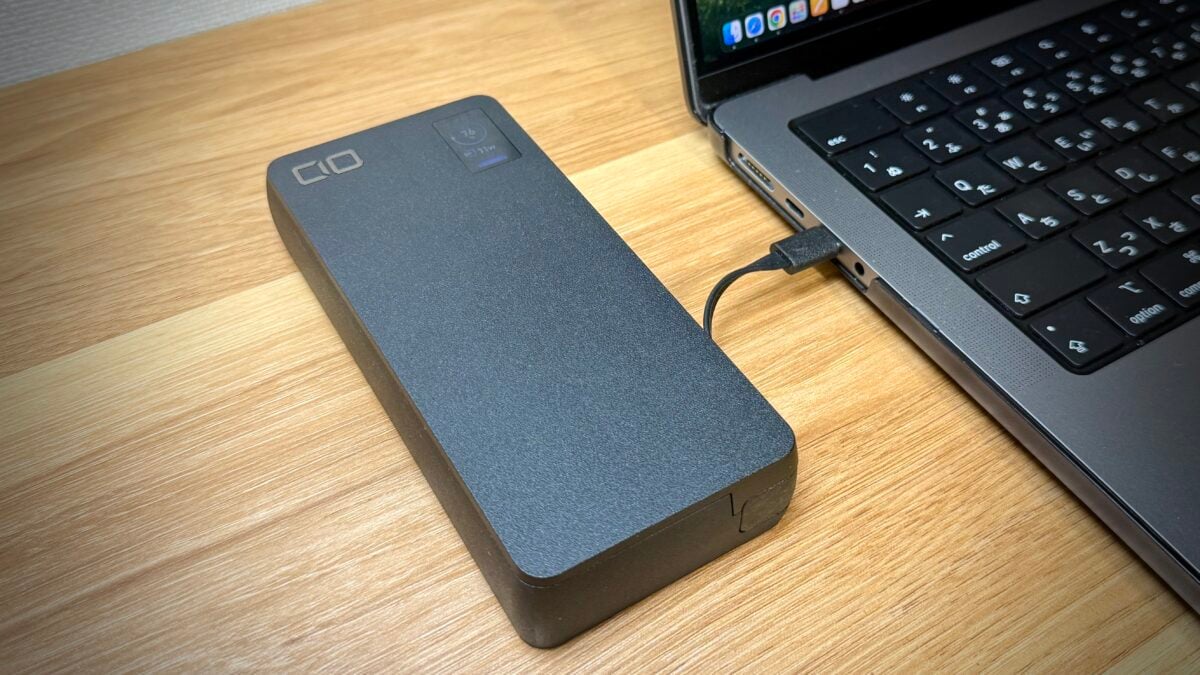
Here are some impressions of actually using the 20,000mAh large-capacity mobile battery “SMARTCOBY Pro CABLE 100W 20K”, released by CIO. It has a built-in USB-C cable, allowing input and output up to 100 watts, and allows for fast charging for MacBook Pros and other devices. It also has a display that allows you to check the charging status, which will excite gadget lovers.
This article uses review products provided by the manufacturer.
Large capacity of 20,000mAh, 100W input/output, built-in cable
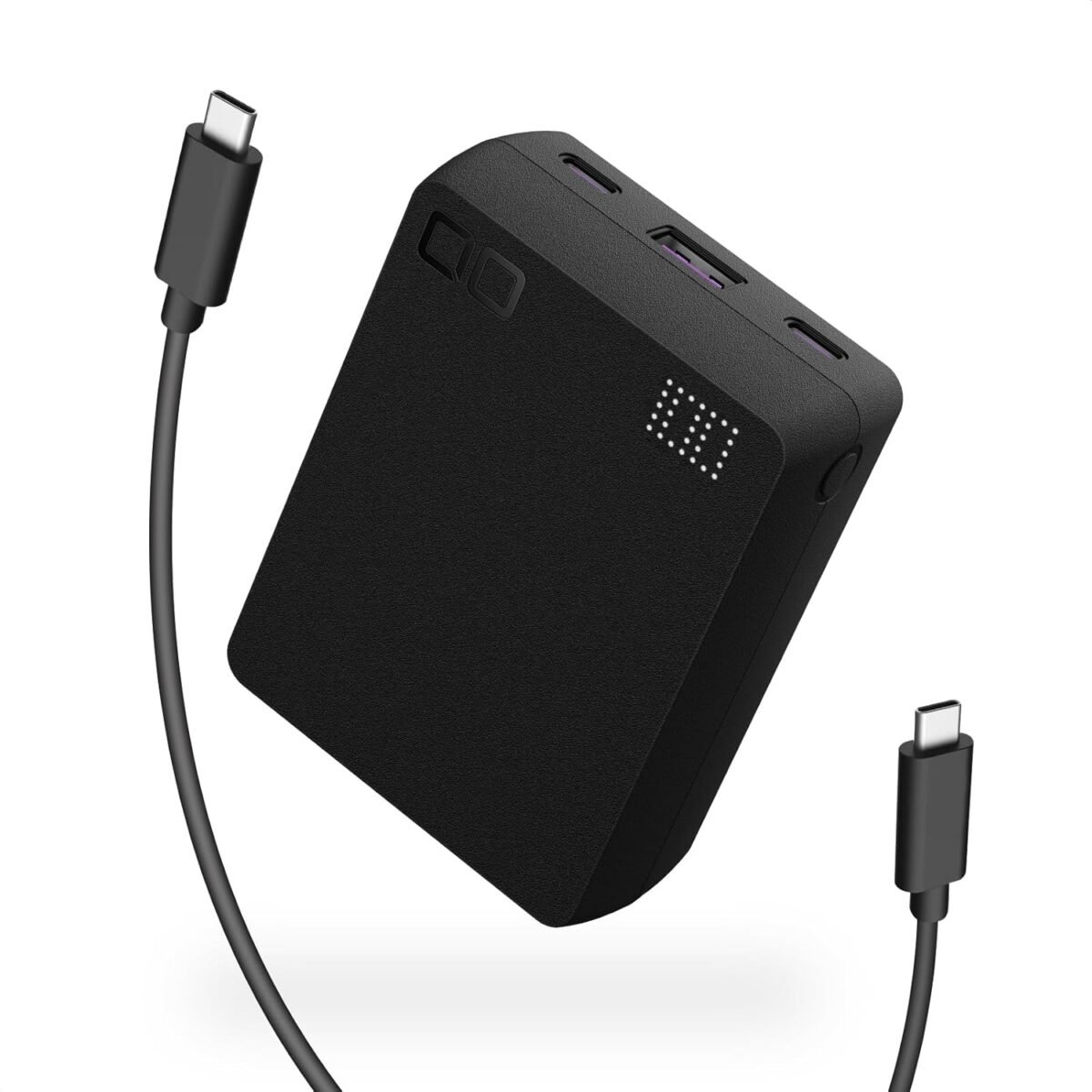
The “SMARTCOBY Pro CABLE 100W 20K” was released by CIO (head office: Osaka) on July 4th, 2025, and is a large capacity mobile battery with high speed output and input, with the following features:
- Large capacity of 20,000mAh
- Input and output are 100 watts, allowing for fast charging
- Built-in USB-C cable allows you to charge your PC or smartphone directly, or power from a charger.
- By using the USB-C port and the built-in cable at the same time, output can be distributed optimally and simultaneously charged.
- Equipped with an LCD display that can display input/output status and battery level.
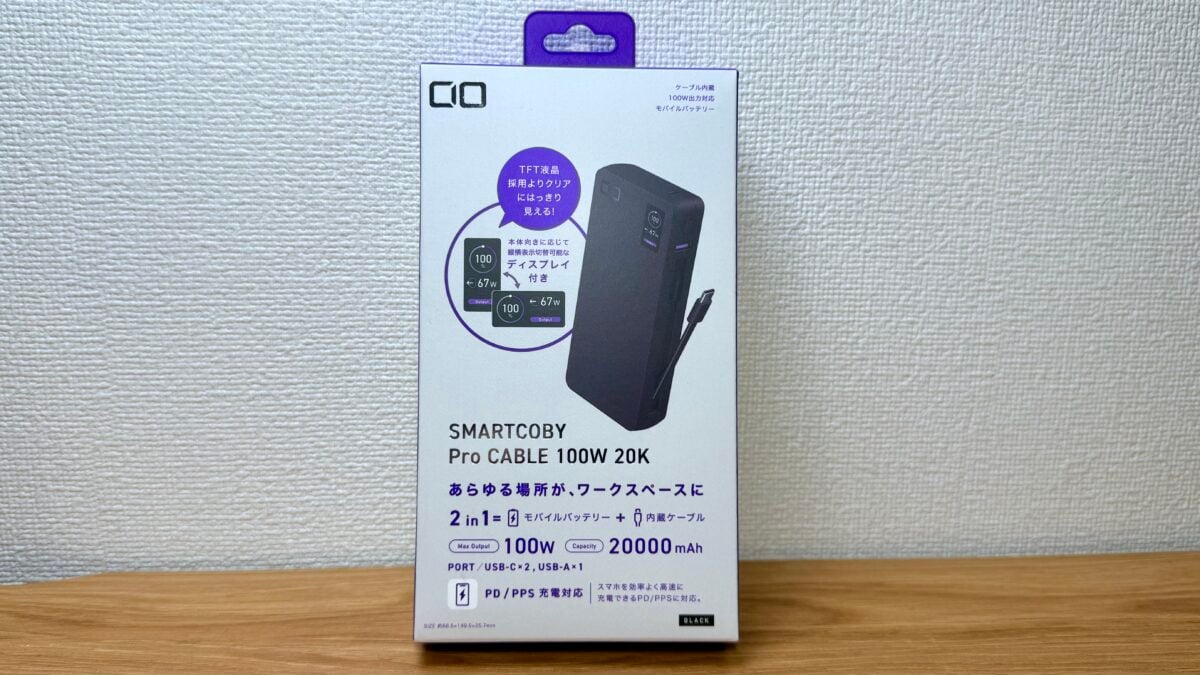
The output is 100 watts when using a USB-C (built-in cable or port) alone, and 95 watts if you use two USB-Cs at the same time (65 watts + 30 watts or 45 watts + 45 watts) if you use three USB-A at the same time, and 85 watts if you use three USB-A at the same time.
The input also supports fast charging at 100 watts, so if you use a fast charger of 100 watts or more, you can fully charge it in 70 minutes.
Check the size and weight of the main unit
The package includes the “SMARTCOBY Pro CABLE 100W 20K” main unit, instruction manual, a leaflet with a story behind the development that combines compactness and built-in cable, and a notification about membership registration that allows you to extend the product warranty for one year.
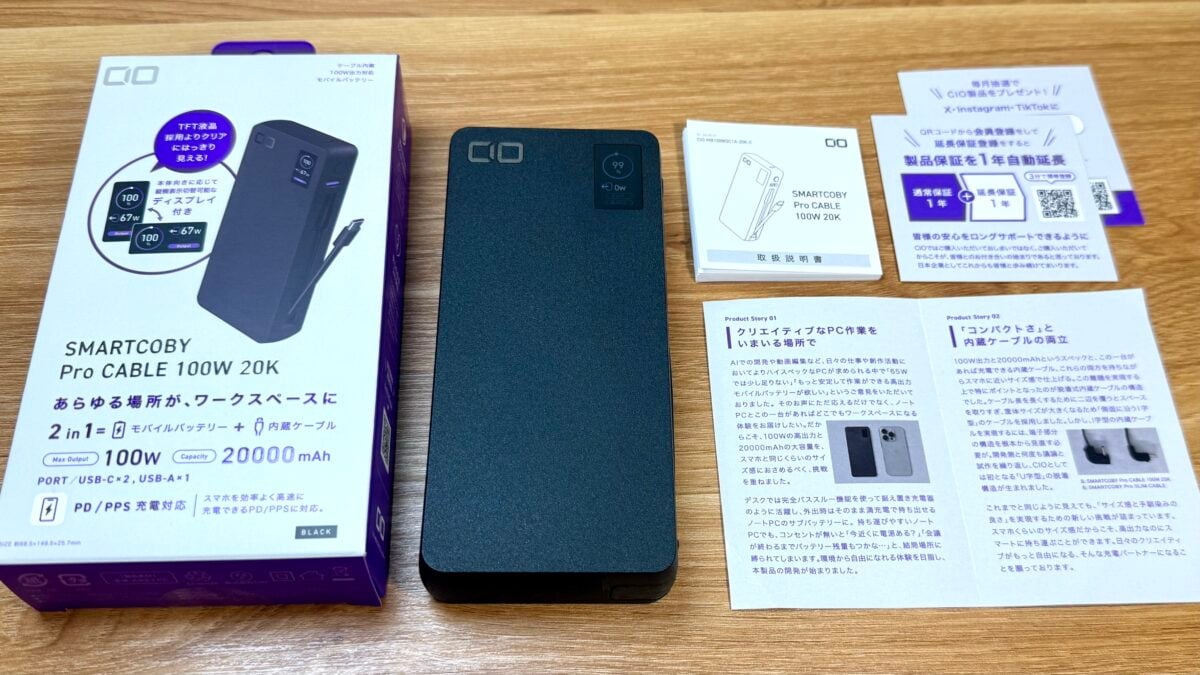
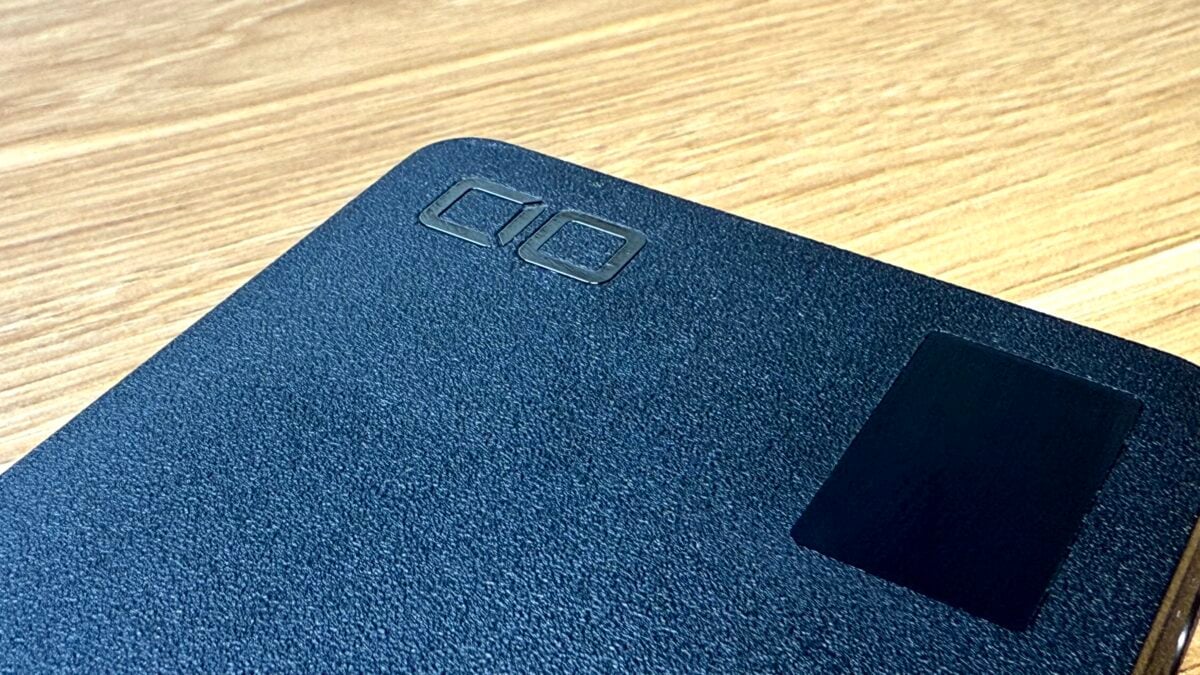
The surface of the “SMARTCOBY Pro CABLE 100W 20K” has fine uneven textured finish, just like other CIO products. It is not easily scratched when carried around, and has the texture similar to a high-end SLR camera.
When I picked up the “SMARTCOBY Pro CABLE 100W 20K” I felt that it was extremely compact for a mobile battery with a large capacity of 20,000mAh and a maximum output of 100 watts.
The size is 149.5mm in height and 68.5mm in width, and the width is roughly the same as the iPhone 16 Pro (149.6mm x 71.5mm).
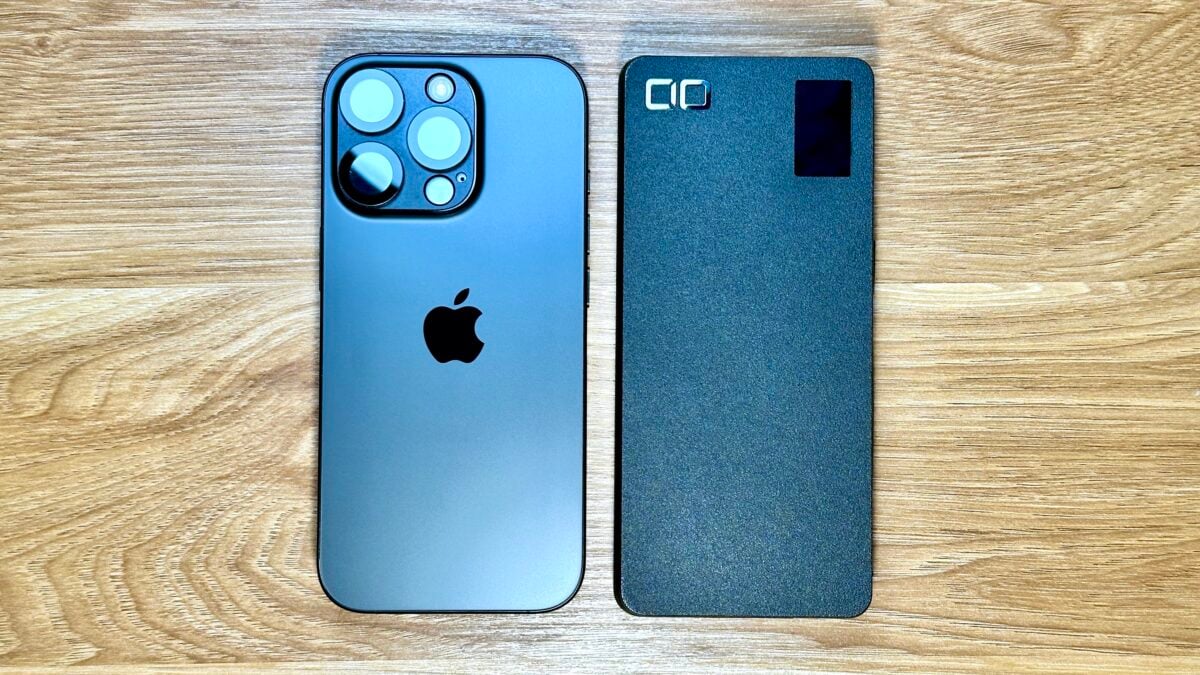
It is 25.7mm thick, about a little thicker than the thickness of the iPhone 16 Pro and iPhone 14 Pro layered.
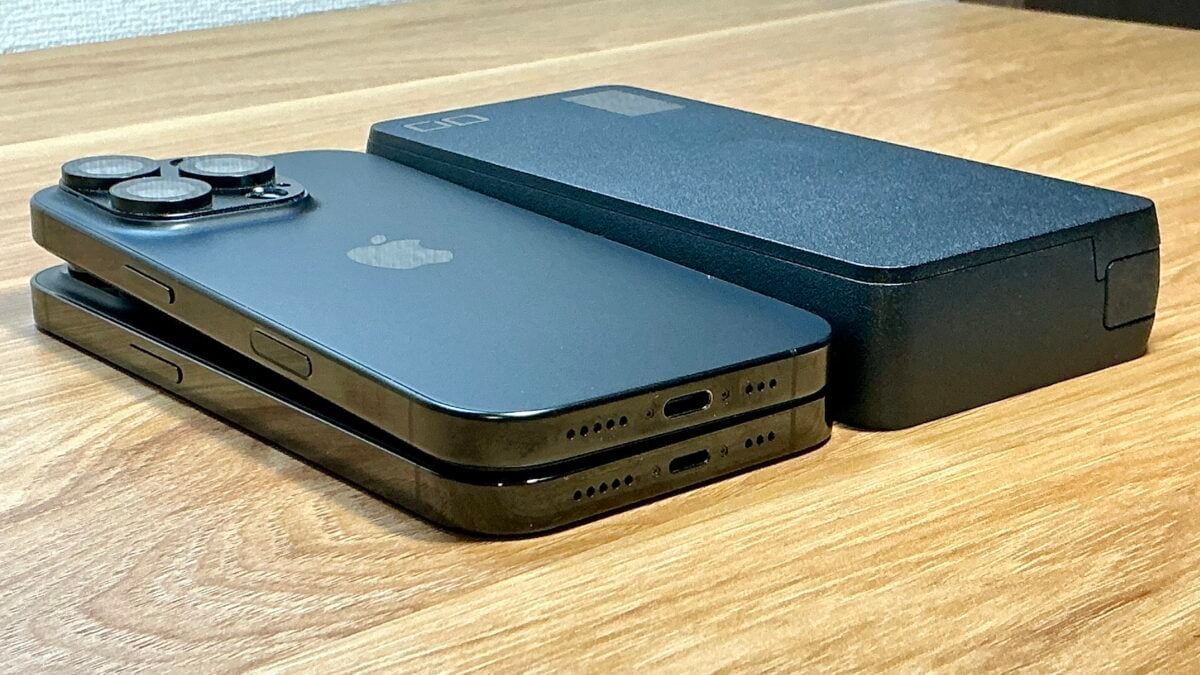
As it is a large capacity 20,000mAh battery, it weighs around 390 grams. Compared to the iPhone 16 Pro (199 grams), it is equivalent to two units.
If you’re looking to charge your iPhone or other smartphone, we recommend the SMARTCOBY TRIO 35W 2C1A, which has a capacity of 20,000mAh, a maximum output of 35 watts, a weight of 328 grams, and is reasonably priced.
Incidentally, the 96W power adapter that comes with the 14-inch MacBook Pro weighs approximately 295 grams, and the volume is about 60% of the SMARTCOBY Pro CABLE 100W 20K.
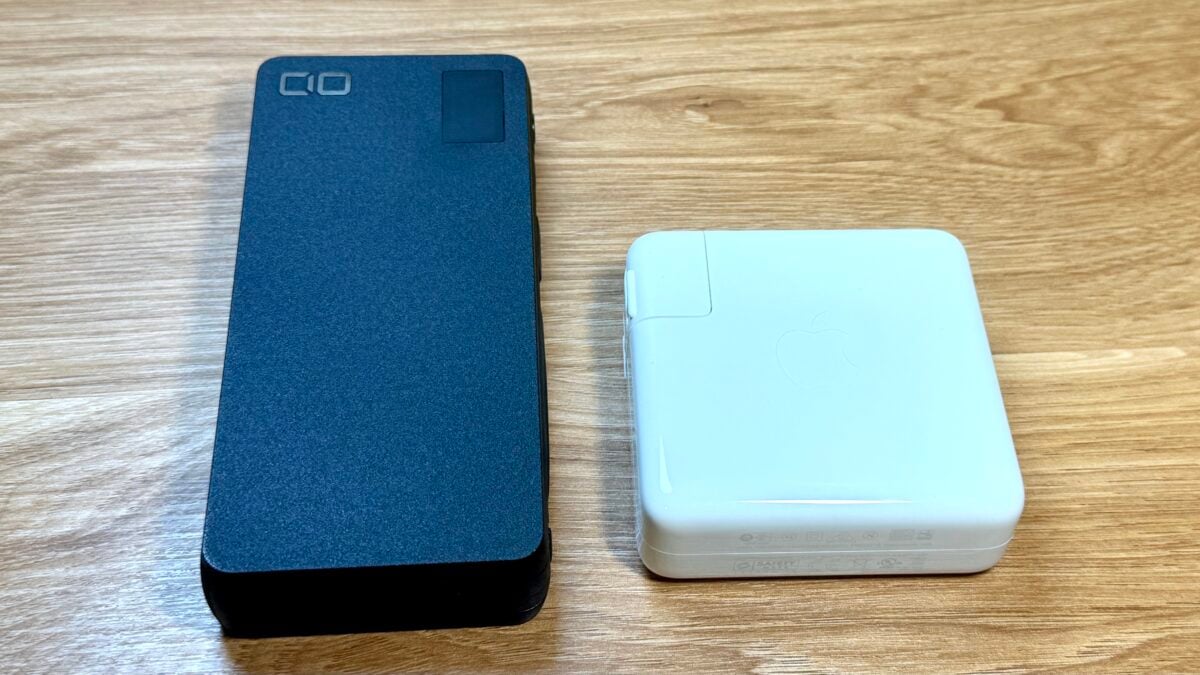
If you consider this as a safe tool to make full use of your MacBook Pro even in places where power is not available, I think it’s worth carrying the SMARTCOBY Pro CABLE 100W 20K with you.
Check the built-in USB-C cable
The “SMARTCOBY Pro CABLE 100W 20K” has a built-in USB-C cable, so you can charge it directly into a computer or other device.
The built-in USB-C cable is located on the right side facing you, and pull the port part towards you to remove it.
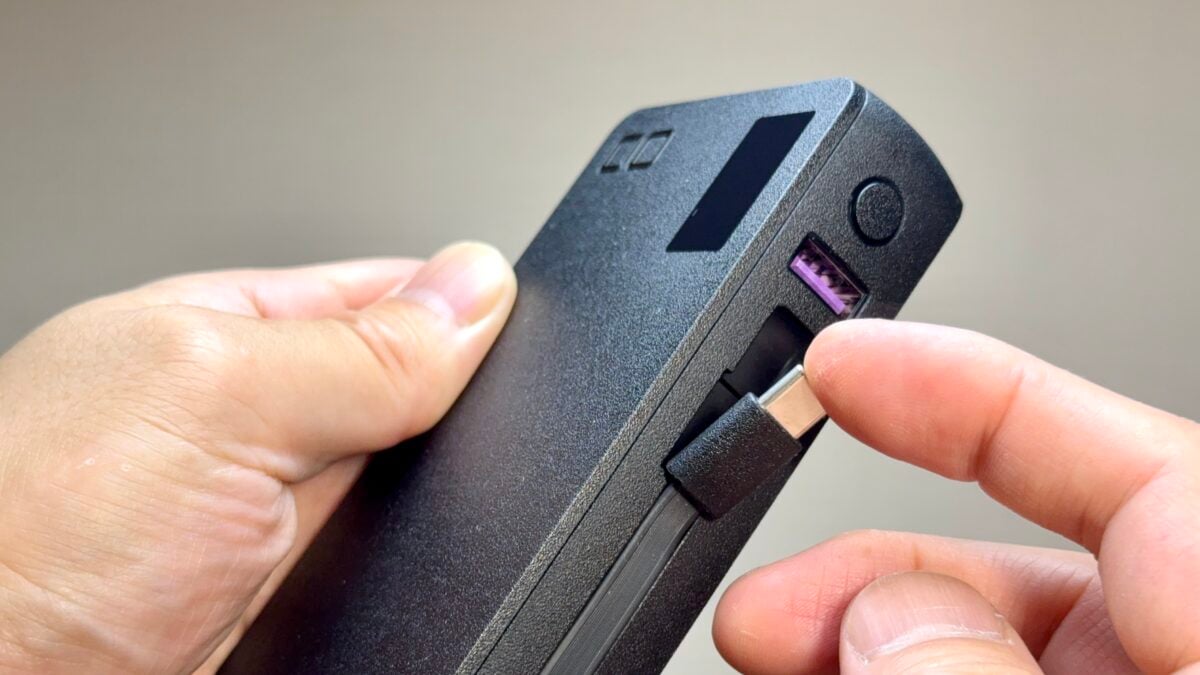
The cable length is approximately 7 cm. It may seem a little short, but if you crawl the side of the main unit to ensure the length of the cable, the main unit size will increase, so the length has been increased as a result of the conflicting struggle to maintain the compactness and ease of holding of the main unit.
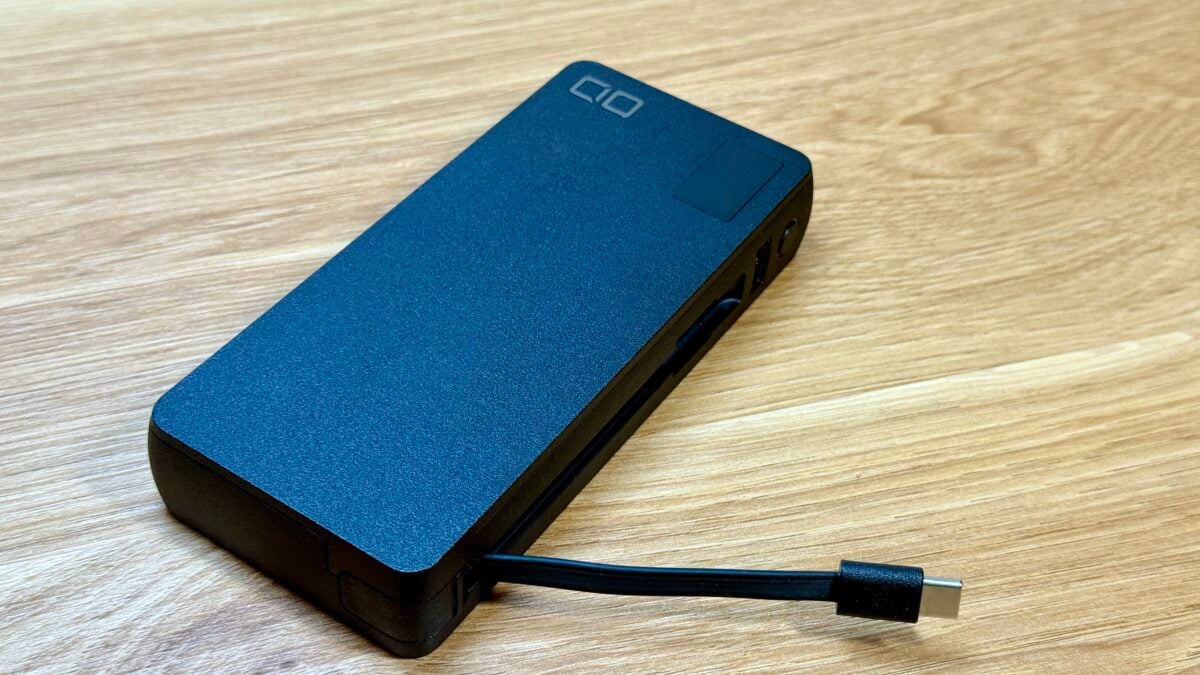
The cable can be removed by sliding the connector part, so even if it breaks, it can be replaced.
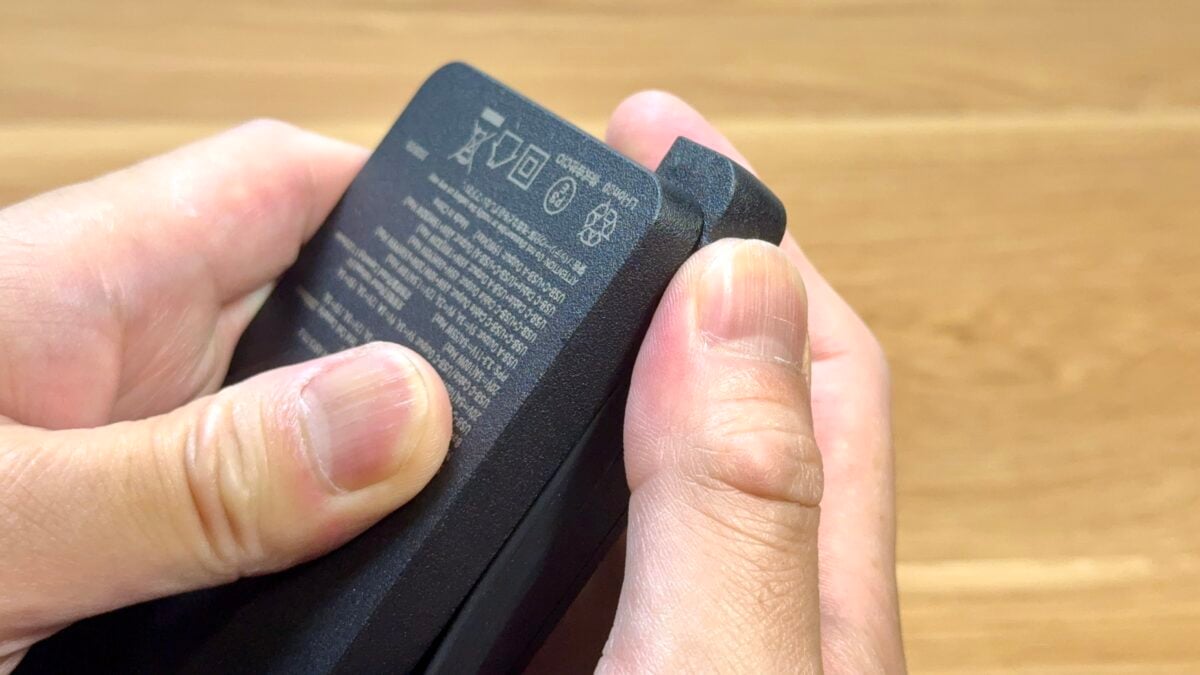
If a 7cm cable is too short, you can also remove the cable and insert a long USB-C cable to use it.
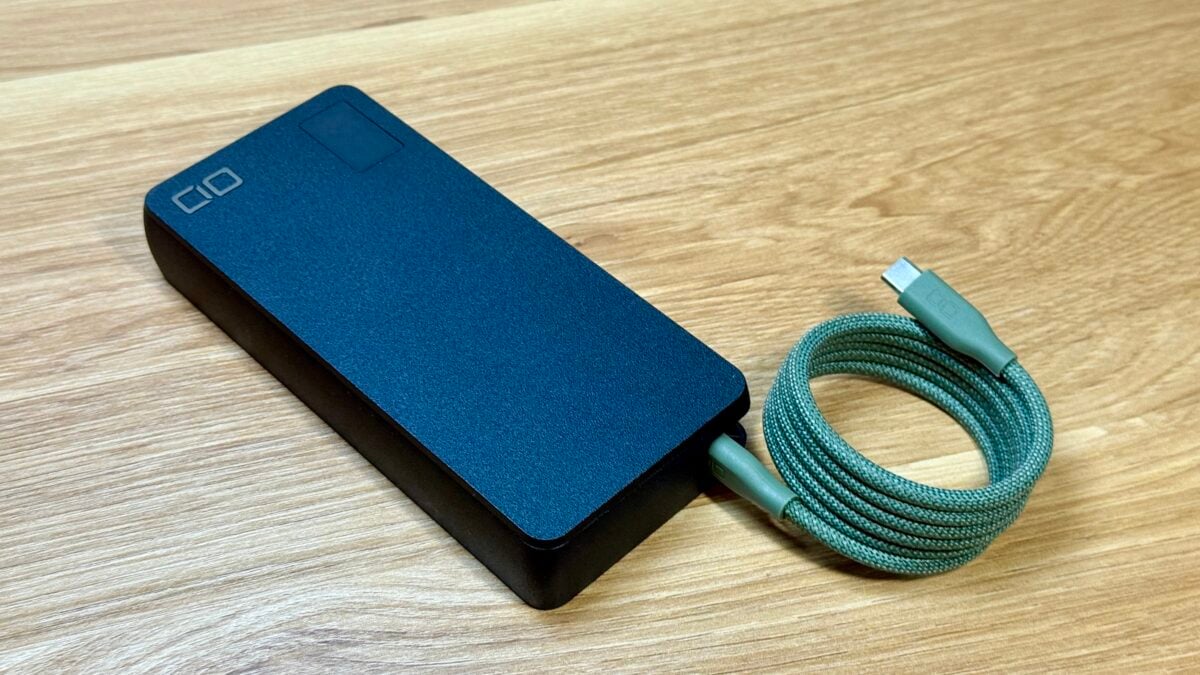
Check the two USB-C/A ports and display
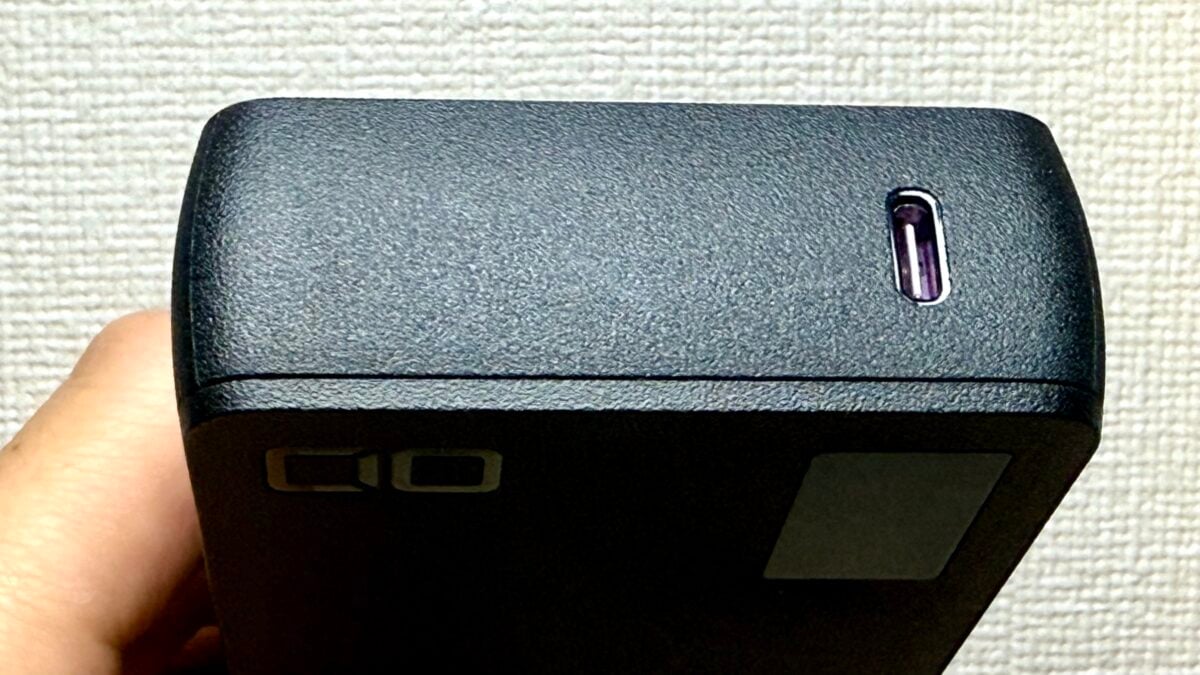
In addition to the built-in USB-C cable, there is also one USB-C port installed facing the front.
The side where the built-in cable is housed is a USB-A port and a power/screen display button.
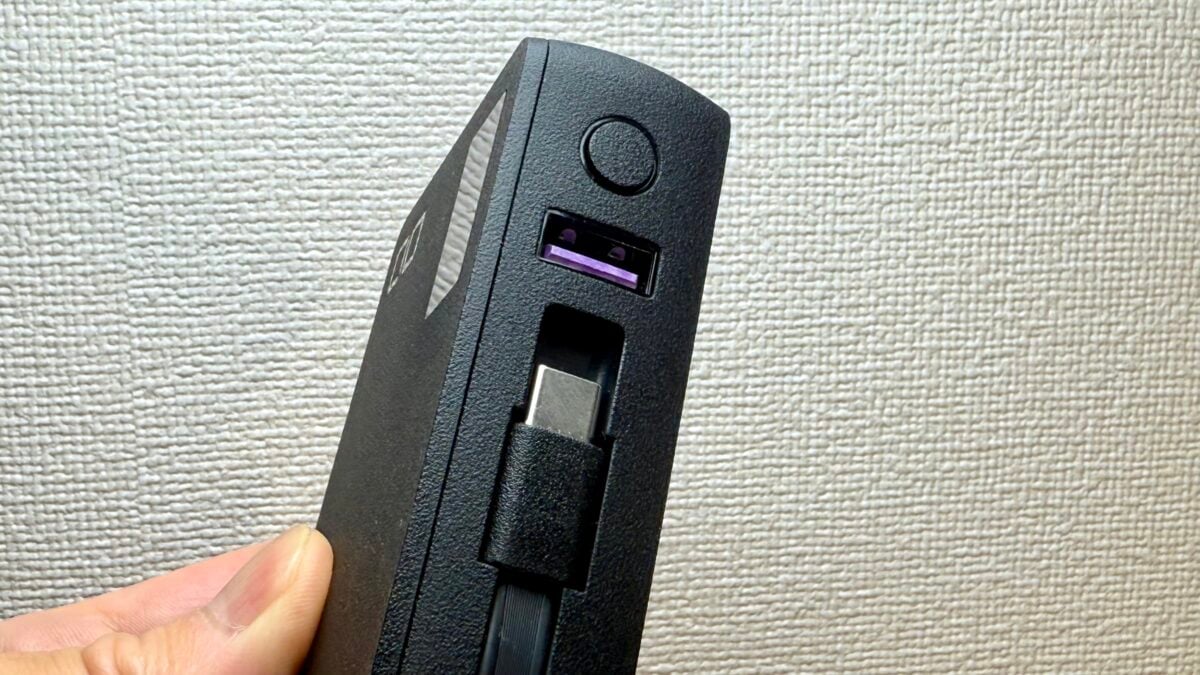
Press the button to turn on and toggle the display. You can check the remaining battery level and input/output status.
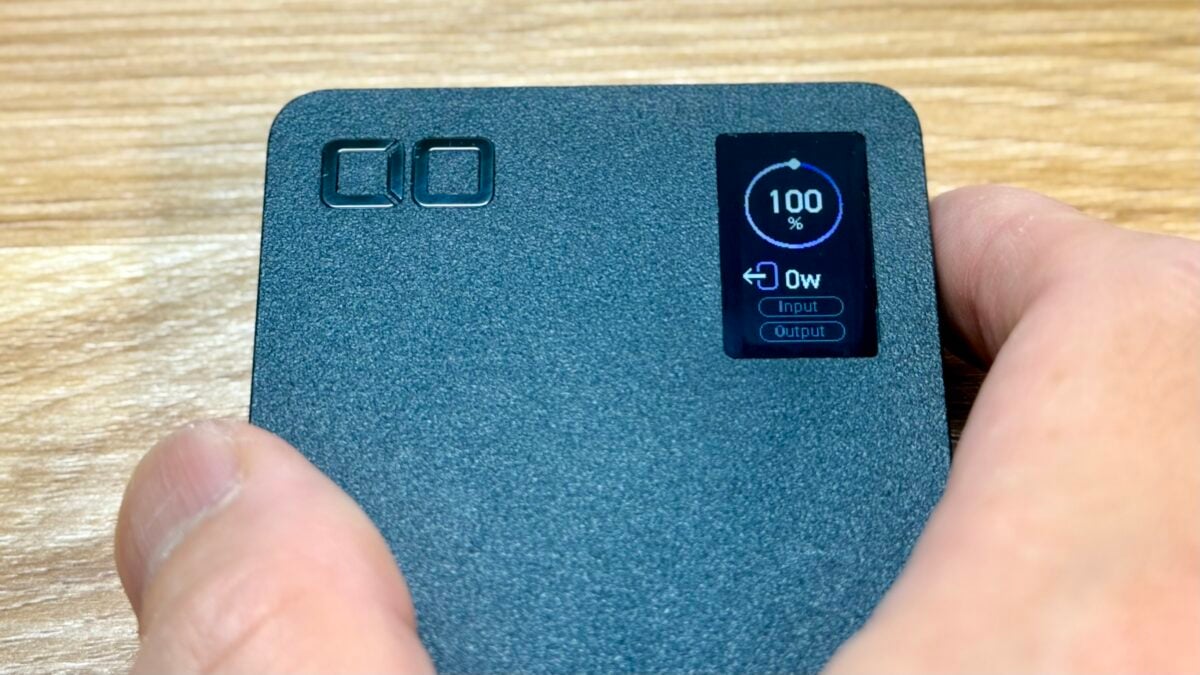
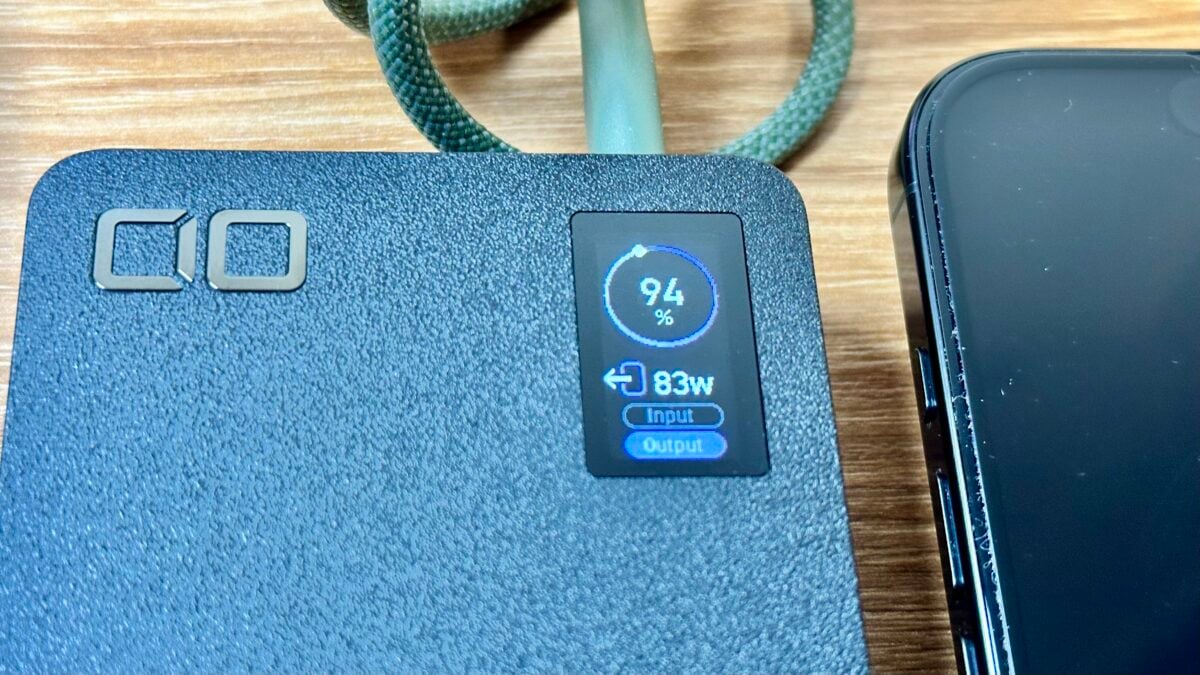
The photo below shows the MacBook Pro and iPhone16 Pro being charged at the same time. The first display mode is a simple display that displays the remaining battery level and input/output wattages.
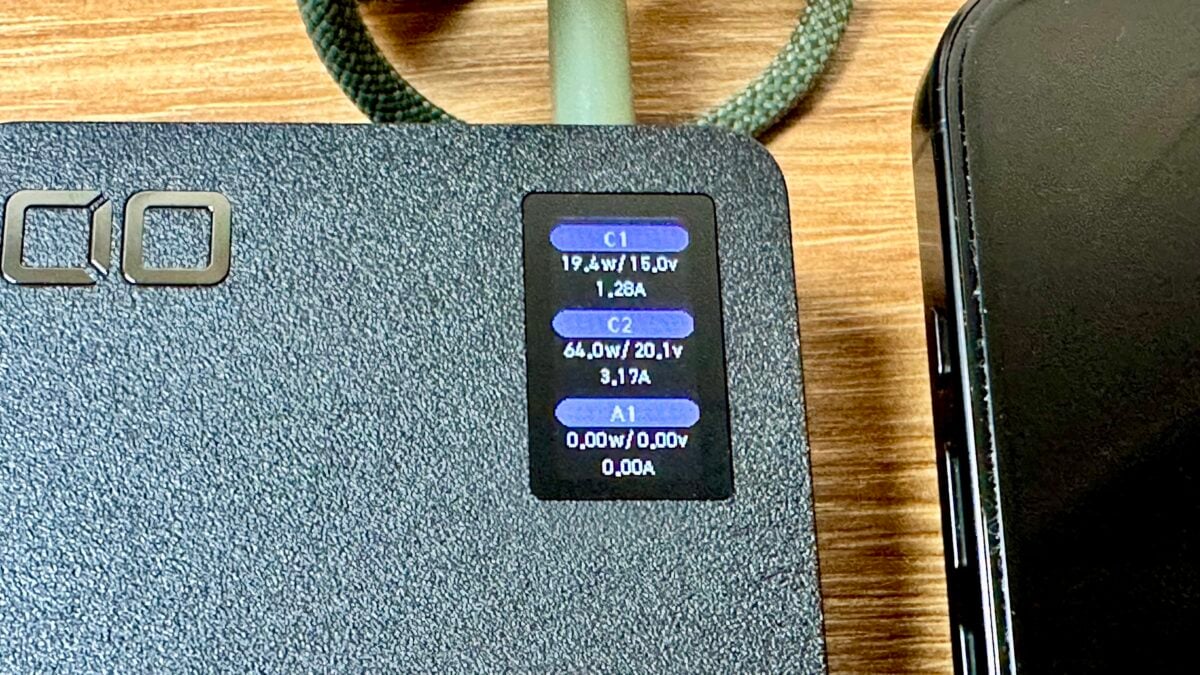
Pressing the button will switch to the detailed display of the output status of each port.
Press the button again to display the operation status of the automatic output distribution function “NovaIntelligence” and the NovaSafety2.0″, which automatically adjusts the output at high temperatures due to high loads.
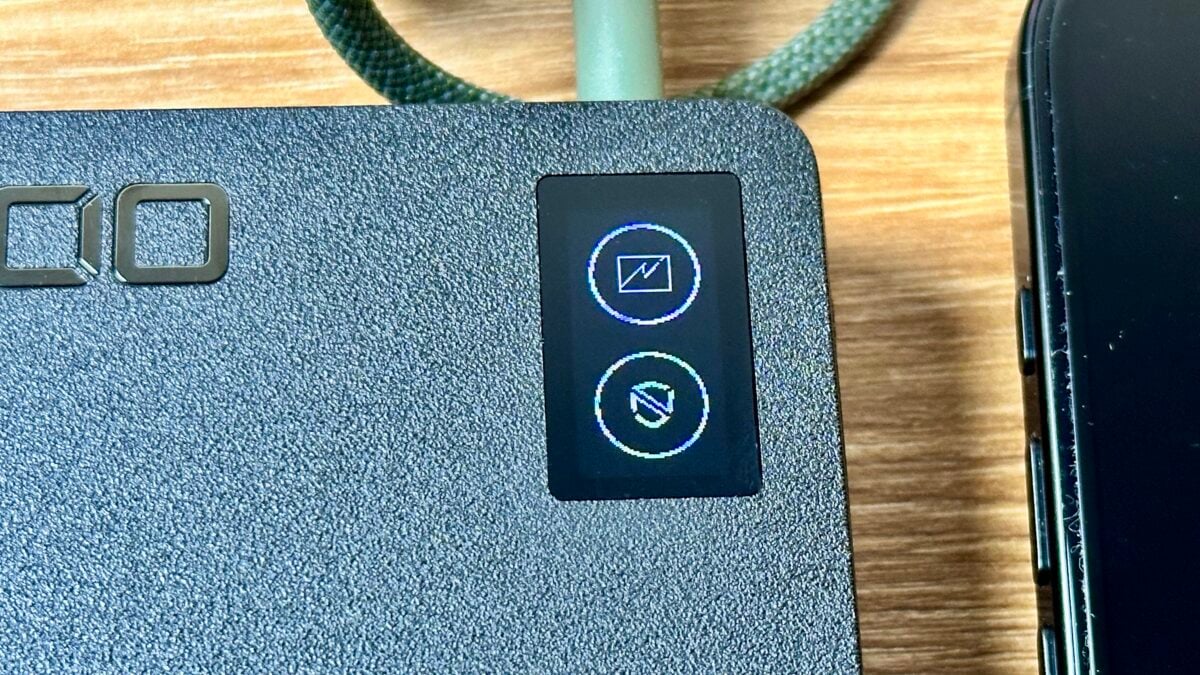
These displays look the same as the SMARTCOBY Pro PLUGⅡ, a mobile battery with an outlet and a capacity of 10,000mAh, but the display of this product is equipped with a new function that automatically switches the vertical and horizontal display depending on the orientation of the main unit using an accelerometer.
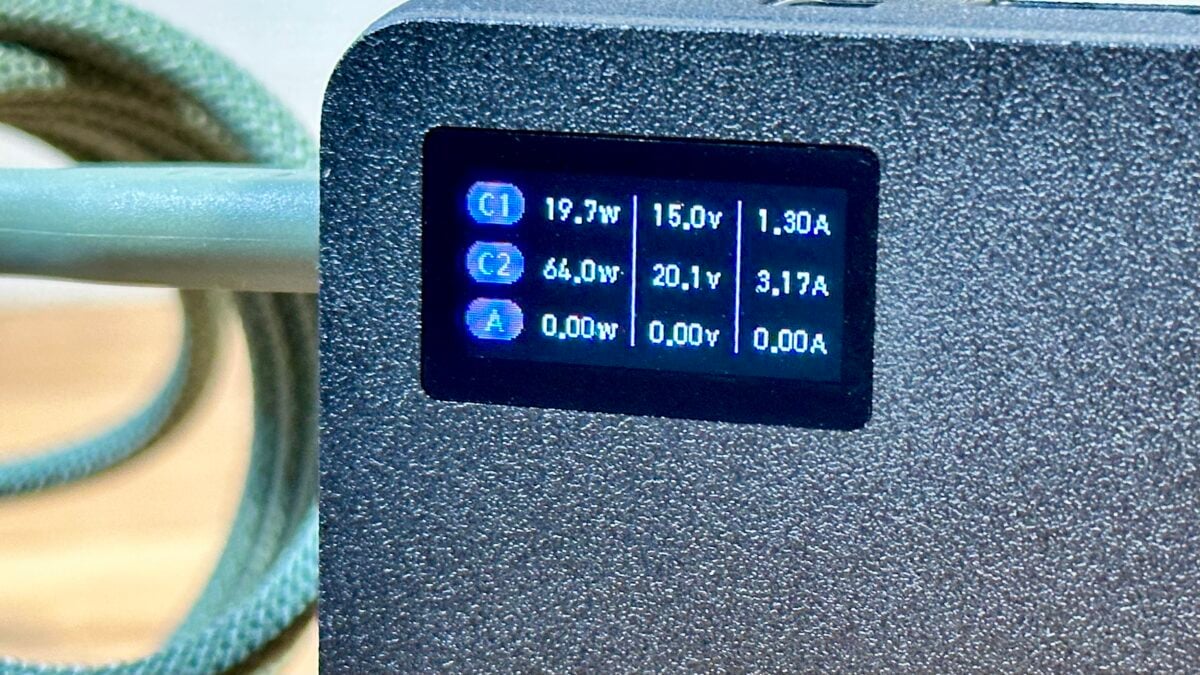
It’s fun to see the input and output status in real time, and you can get excited by pressing the button to switch displays.
I wish they could just put in the power plug…
If it’s large capacity, high power, and has a built-in USB-C cable, wouldn’t it be even more convenient if the “SMARTCOBY Pro CABLE 100W 20K” also had a power plug? I’m starting to think so.
Therefore, when comparing it to the SMARTCOBY Pro PLUGⅡ mobile battery with a built-in power plug and display (capacity of 10,000mAh, maximum output of 67 watts), it is clear that even thicker is required to store the power plug.
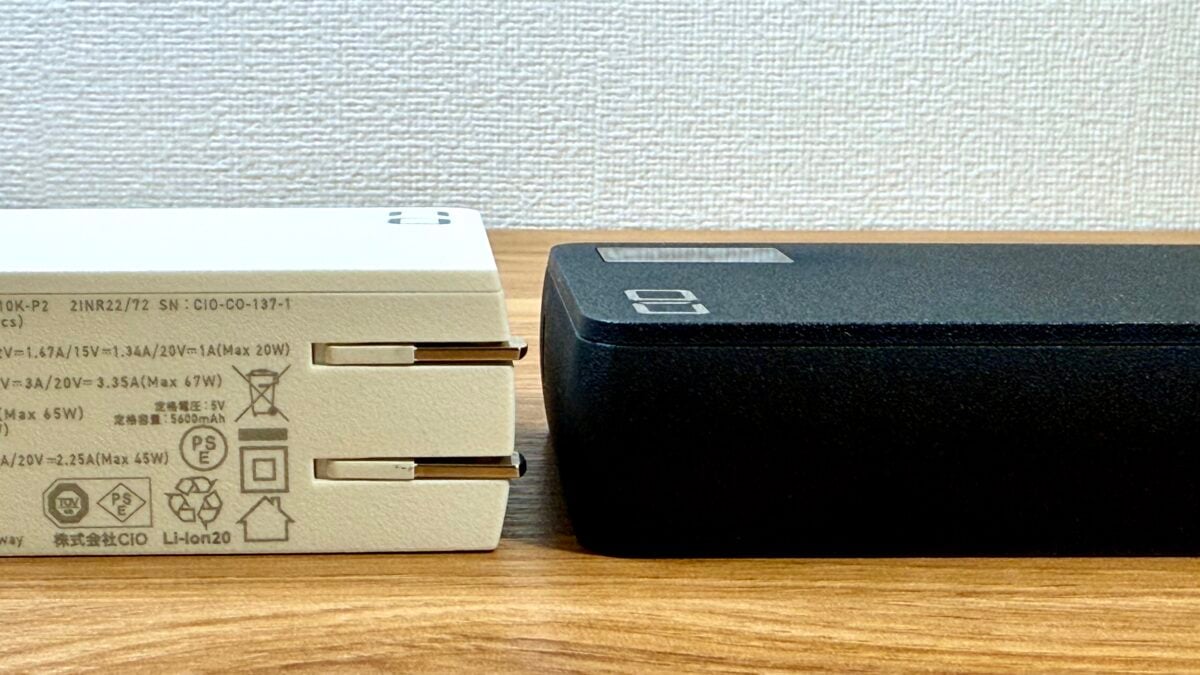
The thickness of both products is 25.7mm for the SMARTCOBY Pro CABLE 100W 20K, while the SMARTCOBY Pro PLUG II is 31mm, approximately 5mm thick.
Furthermore, considering how to use it by connecting it to an outlet, 7cm internal cables will be short of the number of internal cables. This will result in the need to make the cable longer, and as a result the main unit will likely become even larger.
I dreamed of having a mobile battery with all the ideals, but I felt that it was important to balance it with a size that is easy to carry around with.
I tried charging my MacBook Pro or iPhone!
I tried charging my 14-inch MacBook Pro (M1 Pro) from the “SMARTCOBY Pro CABLE 100W 20K”.
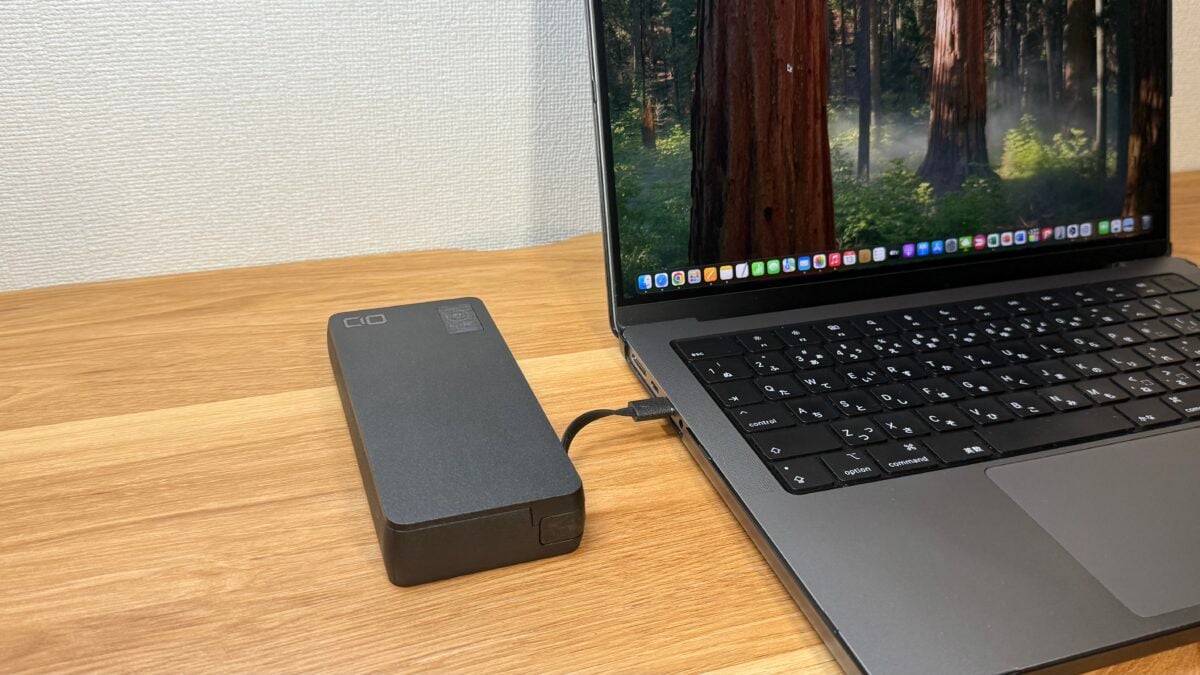
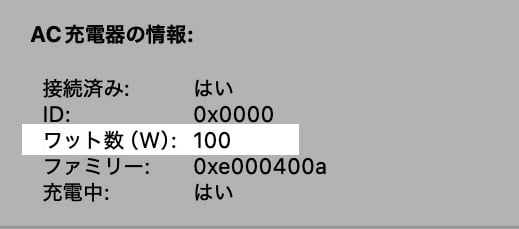
Check the System Information app on your Mac and you will see that it is recognized as a 100-watt AC charger.
I used Safari to create documents with Pages, edit images using the Photos app, and then played background music on Apple Music, and then I tried charging while charging, and it started charging from a 50% battery level to 86% in 30 minutes.
The remaining battery power of the “SMARTCOBY Pro CABLE 100W 20K” has been reduced to 41% from a full charge. The surface temperature had not risen much, and it felt a little warm.
It seems to be good to use full pass-through charging and keep the power connected.
The “SMARTCOBY Pro CABLE 100W 20K” is equipped with a fully pass-through charging function.
Once you connect the “SMARTCOBY Pro CABLE 100W 20K” to your power supply and device, you will initially charge both the mobile battery and the device. After the mobile battery is fully charged, the device is switched to power the dedicated device line, so even if it is connected to the power source, the deterioration of the mobile battery can be prevented.
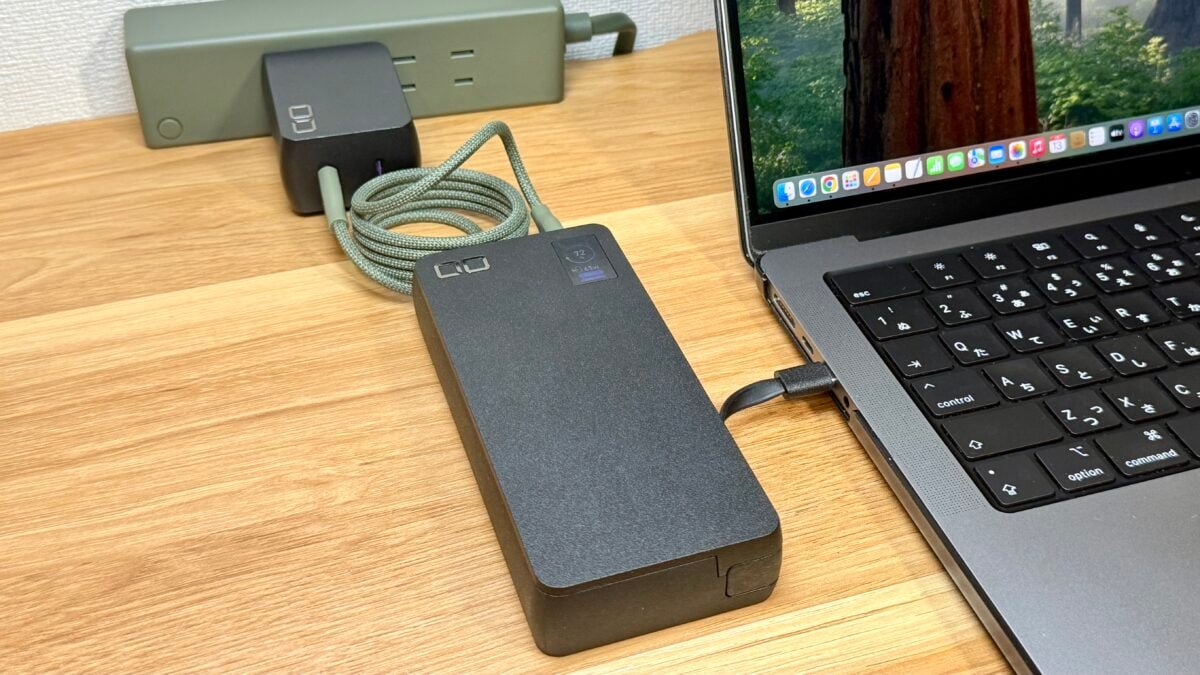
At the desk, you can always connect the “SMARTCOBY Pro CABLE 100W 20K” to the power supply and MacBook Pro like an AC adapter, and when you go out, you can take out the MacBook Pro and the “SMARTCOBY Pro CABLE 100W 20K” together with them in full charge.
23% off on Amazon sale!
The “SMARTCOBY Pro CABLE 100W 20K” is available for purchase at Amazon Prime Sale, which is currently running until 11:59pm on July 14th, with a regular price of 10,980 yen (tax included, same below) for 8,480 yen, a 23% discount.
The “SMARTCOBY TRIO 35W 2C1A” with a large capacity of 20,000mAh and a maximum output of 35 watts, which is more than sufficient for an iPhone, is a great deal at 4,980 yen (29% off) for a regular price of 6,980 yen.
In addition, the NovaPort DUOⅡ 120W two-port charger with a maximum output of 120 watts, suitable for charging the SMARTCOBY Pro CABLE 100W 20K at full speed can be purchased for 7,380 yen (26% off) from the regular price of 9,980 yen.
In addition, the 100 watt-powered one-port charger “NovaPort SOLOⅡ 100W1C” has a regular price of 5,980 yen, and is 4,780 yen (20% off).
Many other CIO products are on sale at sale prices.
Summary: The good and disappointing points of the “SMARTCOBY Pro CABLE 100W 20K”
After actually using the SMARTCOBY Pro CABLE 100W 20K, I found the following points to be excellent:
- Large capacity of 20,000mAh
- High output of 100 watts that can be used with high spec PCs
- 100 watts of fast charging, fully charged in 70 minutes
- Built-in USB-C cable makes it easy to charge your PC on the go
- Compact and high-power input/output compatible.
- You can be excited to see the display that shows the remaining amount and input/output status
The following points made me feel a little disappointing:
- The built-in USB-C cable is 7cm long, which is a bit disappointing.
Although the length of the built-in cable is a bit of a concern, if the length is inevitable, you can remove the built-in cable and replace it with a cable that suits your usage, so it may not be a big problem.
The pass-through function keeps you connected to your MacBook Pro and other devices at all times, and I feel that this product will be a reliable companion for making full use of your MacBook Pro when you go out.
References: CIO, Amazon (1), (2)
Source: iPhone Mania