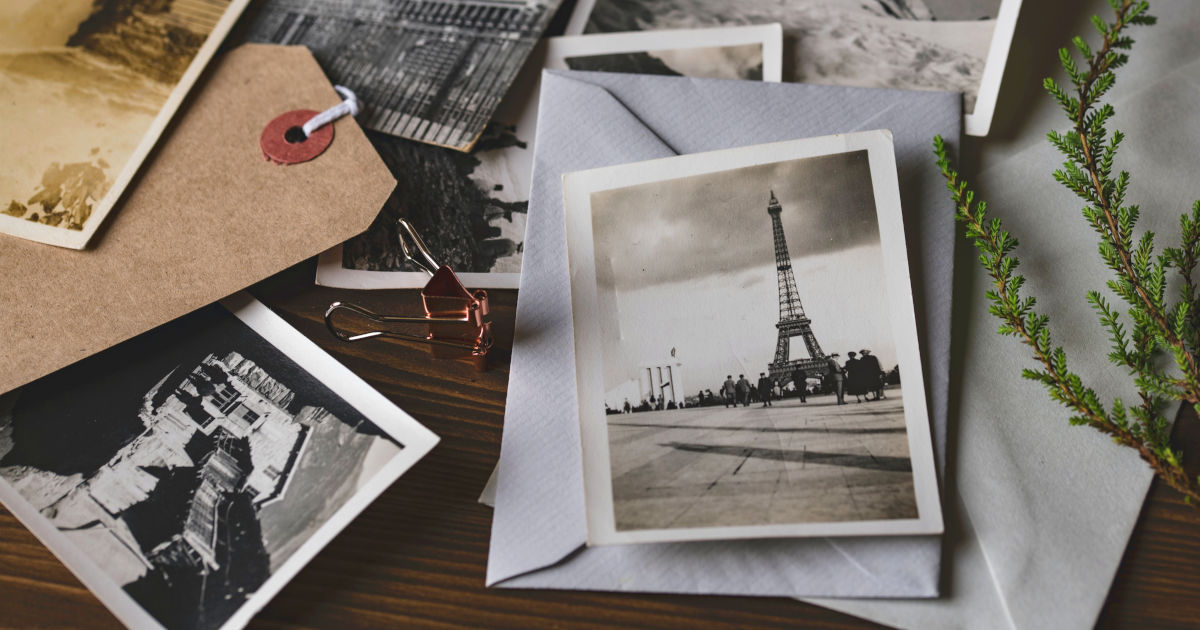

 Have you ever tried to photograph an old photo with your iPhone to capture it in digital form for eternity? As a rule, you have to deal with unsightly reflections that make your picture look like a bad copy. The free “photo scanner” app promises a remedy by simply eliminating reflections when snapping.
“Photo scanner”: Digitize analogue photos without reflections
Anyone who has ever tried to photograph analogue photos with a smartphone camera knows that a ray of light usually gets lost somewhere in the picture. The botched result of the digitization attempt then usually quickly ends up in the digital trash can. This is no longer a problem with the free “Photo Scanner” app from Google, because the app allows you to scan old printed photos without the unsightly reflections.
Photo Scanner from Google Photos (Free, App Store) →
The operation is very easy and almost self-explanatory: you simply take a photo of the photo you want to digitize and make sure that it is correctly positioned in the frame. In just a few steps, the app then ensures a reflection-free result. Thanks to the edge detection, the image is automatically cropped so that you don’t have to snip it yourself as usual. The perspective correction and the “intelligent rotation” also ensure that you immediately get a straight and correctly aligned image. If necessary, you can also rotate the scan yourself or correct the corners. The digitized photo is saved both in the application itself and in the Apple Photos app.
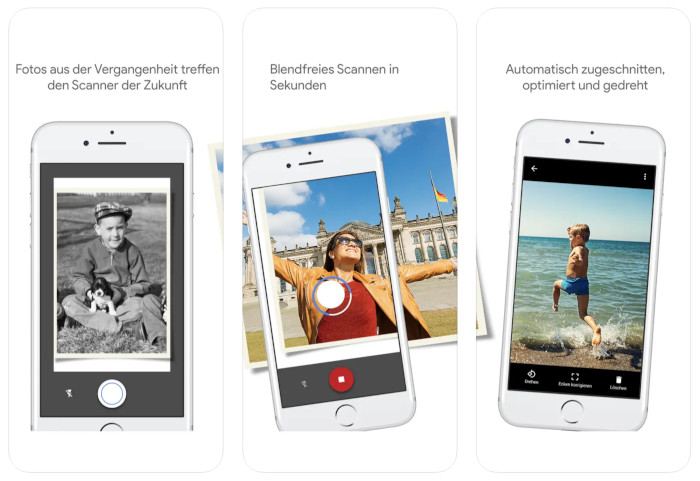
After years of standstill – the last update worth mentioning was about 4 years ago – Google has given the app a new design in the latest version 1.7, thus improving user-friendliness and navigation. The app also has a very good rating of 4.7 out of 5 stars, so we can only recommend trying it out for yourself on your iPhone.
Source: iPhone Tricks