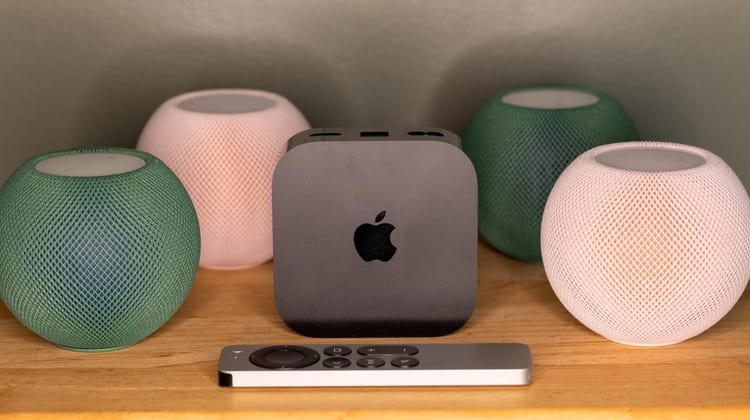
The fourth-generation Apple TV 4K began arriving to customers on Friday, alongside launch-day reviews of the $299 streamer, and on some units YouTube refused to start. Owners hit two versions of the failure on launch day. The Verge documented both: a black screen with a QR code and the message "YouTube is not yet available on this device", and, on boxes where the app did open, a transparent red bar at the bottom reading "YouTube app is approved for device testing only and not for production use". Our own pass over X that morning counted about 35 posts in the wider cluster around this error. The good news: the fix is three documented steps, and no launch-day report describes a hardware problem.
Install the tvOS update in Settings first
Every desk report starts here. On the Apple TV 4K, go to Settings, choose System, tap Software Updates, then select Update Software. If there is an update, select Download and Install, and keep the box connected and plugged in until it finishes. Apple's "Update your Apple TV" page lists that exact sequence, published April 2, 2026. 9to5Mac and MacRumors told readers to make sure tvOS 27.2 is installed.
One caution on versions. Software Update on a new box may now offer a newer build, and Apple's what's-new page leads with tvOS 27.2.1 as of November 14, 2026. That page does not mention YouTube. Install whatever the box offers, but do not read tvOS 27.2.1 as the YouTube fix. Apple has not said that. (We covered that release separately, in tvOS 27.2.1 bringing Siri AI to older Apple TV 4K models and in the seven security fixes in tvOS 27.2.1 (24K157).)
Restart with one of Apple's three documented paths
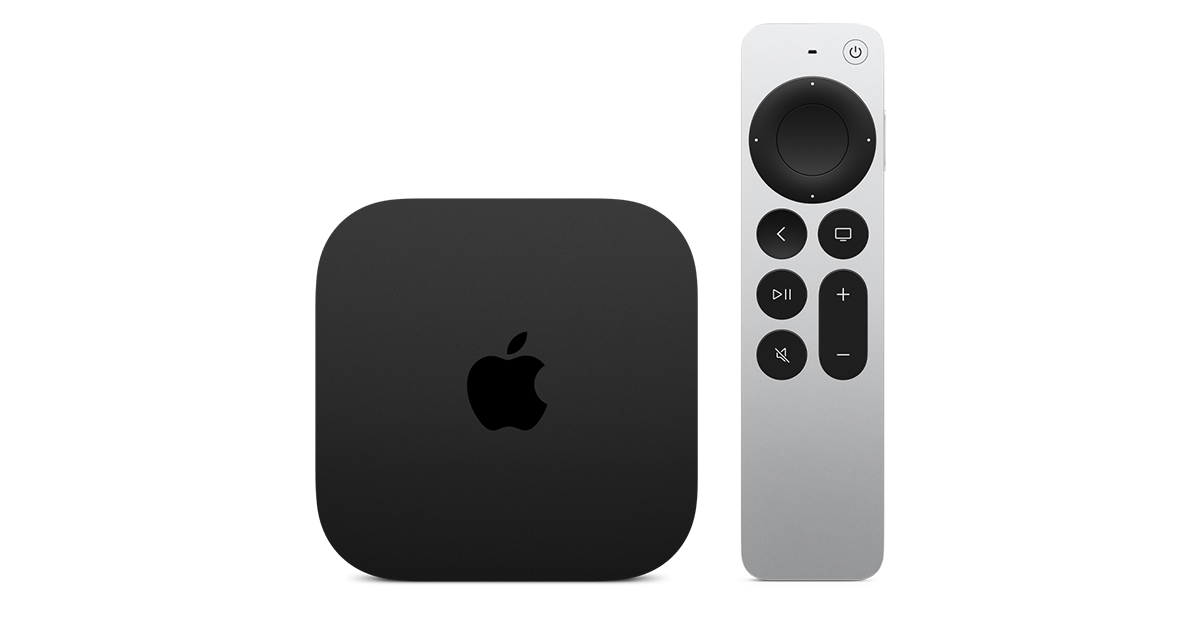
Apple's Restart Apple TV 4K page lists three ways to do it. Press and hold the two buttons on the remote until the Apple TV 4K status light blinks rapidly. Or disconnect the box from the power outlet, wait five seconds, then reconnect it. Or go to Settings, then System, then select Restart. In Tom Warren's post the button pair is the TV button and the Back button. One wording difference worth knowing: Warren and 9to5Mac describe the hold as "five seconds", while Apple's own text says hold until the status light blinks rapidly. Trust the status light.
Delete and reinstall the YouTube app
If YouTube still shows the error after the restart, The Verge reports that Warren only got the app working after uninstalling and reinstalling it. Apple's documented delete path: on the Home Screen, navigate to the app, press and hold the clickpad or touch surface on the remote, select Delete App, then choose Delete or Offload. Offload keeps the app's data, Delete removes it. Then install the app again from the App Store. Select Buy or Get, or Install if you have downloaded it before. Apple also documents redownloading purchased apps from App Store > Purchased > Not on This TV.
Apple's force-quit steps are a smaller hammer if an app is not working right: press the TV button on the remote twice quickly, navigate to the app, swipe up on the clickpad, then open it again. One unofficial X post said closing YouTube this way helped after the update, but that is anecdote, not a documented fix.
What YouTube already fixed on its own side
Before you work through all three steps, check whether YouTube simply opens now. 9to5Mac wrote that "It also looks like YouTube has started rolling out a server-side fix, so you might not have to do any of that". MacRumors added a later update line: "YouTube appears to have implemented a server-side fix." Neither report gave a completion time or said every device was clear, so the reinstall steps above still stand for boxes showing the error. One more note from launch day: @TeamYouTube told an owner that Apple TV (4th generation & 4K) is among supported devices, and the owner replied that the device in question is the new 2026 Apple TV 4K, not the 2015 Apple TV HD. Treat that exchange as support wording, not confirmation that the new model was already allowed.
If the message is still on screen after the reinstall, the remaining path is Apple Support or YouTube support. Everything in the launch-day reporting points at app availability on the new hardware, not at the box itself. Once YouTube works again, there is also the Apple TV 4K (2026) feature list for the rest of the setup.
Photo: Hunter McRae for The Verge
Source: The Verge, 9to5Mac, MacRumors, Apple Support