The mlx-lm package on Apple silicon does more than chat. It can also train. The tool is mlx_lm.lora, and it fine-tunes a model with LoRA, low rank adaptation. Only a small adapter file is learned. The base weights stay as they are.
This tip is for a narrow job. For example, a house style for product notes, or one fixed answer format. You need a few hundred clean examples of your own. If you only want a different system prompt, an Ollama Modelfile with SYSTEM is faster and needs no training.
Install mlx-lm with the train extra
If you never ran mlx-lm, start from our mlx-lm setup tip. Current releases on PyPI ask for Python 3.11 or later. In a venv, the training extra is one line:
pip install "mlx-lm[train]"The extra adds the datasets and tqdm packages. Then mlx_lm.lora --help prints every flag.
Make train.jsonl and valid.jsonl
Make one folder, for example data/. Training reads data/train.jsonl. A valid.jsonl is optional. If it is there, validation loss shows up during the run. test.jsonl is only for the test step later.
One example per line. Do not split a JSON object over two lines. The simplest format is completions:
{"prompt": "Tag this note: lunch with Sam on Friday", "completion": "calendar, personal"}A chat format with a messages list also works, plus text and tools. The loader picks the format from the keys. The docs say chat or completions is the safe start.
Run mlx_lm.lora on a 4-bit model
The base command from the MLX docs:
mlx_lm.lora \
  --model mlx-community/Llama-3.2-3B-Instruct-4bit \
  --train \
  --data ./data \
  --iters 600
--model can be a Hugging Face repo or a local folder. The first run downloads it. When the model is quantized, like this 4-bit build, training becomes QLoRA. Not quantized, it is regular LoRA. Families on the supported list include Llama, Mistral, Qwen2, Gemma and Phi2.
The adapter lands in adapters/ next to where you ran it. --adapter-path changes that. A stopped run can continue with --resume-adapter-file. Add --mask-prompt if loss should count only the answer, not the prompt. That works for chat and completions data.
When memory runs short
The MLX page gives a list of knobs. Batch size is 4 by default, so try --batch-size 2 or 1. --num-layers is 16 by default, and 8 or 4 cuts memory for back propagation. Quality can drop with a lot of data. --grad-checkpoint trades more compute for less memory. Shorter examples also help.
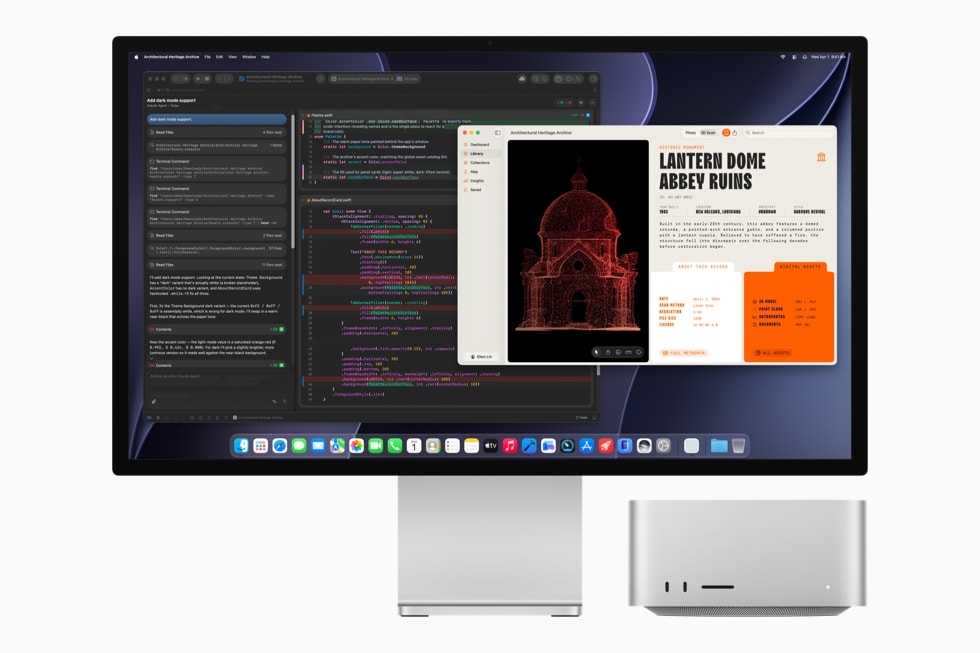
The doc example is a Mistral 7B on a 32GB M1 Max with batch size 1 and 4 layers. That is the doc's own setup, not a number from this test. Watch Memory Pressure in Activity Monitor. If it goes red, go smaller. Apple's August 25 page lists 16GB as standard unified memory on the new Mac mini. On that size, a 3B 4-bit model is the sane first try. If Ollama still holds a model in RAM, unload it first with ollama stop.
Test the adapter, then fuse it
Generate with the adapter loaded:
mlx_lm.generate \
  --model mlx-community/Llama-3.2-3B-Instruct-4bit \
  --adapter-path adapters \
  --prompt "Tag this note: dentist at 9 on Monday"
With a test.jsonl in the folder, mlx_lm.lora with --test reports test perplexity. Compare one prompt with and without --adapter-path. Your eyes are the real check here.
Happy with it? mlx_lm.fuse --model ... writes one merged model to fused_model/. --export-gguf also exists, but the docs limit it to Mistral, Mixtral and Llama style models in fp16. A GGUF file can go into an Ollama Modelfile with FROM. Training runs on the Mac. After pip and the first model download, it needs no internet. The training file stays on the disk.
Photo: Apple
Source: ml-explore/mlx-lm on GitHub (LORA.md, README); mlx-lm on PyPI; Apple Newsroom (Mac mini with M6 and M5 Pro, Mac Studio with M5 Max and M5 Ultra, August 25, 2026)