iMessage says Waiting for activation. It stays that way for hours. FaceTime can show the same thing, and texts to other iPhones go out green or not at all.
Apple updated its support article 119859, “If you can’t turn on or sign in to iMessage or FaceTime on your iPhone,” on September 14, 2026. Steps below follow that page in order. In the current Settings app, Messages and FaceTime sit under Apps.
Five activation errors on Apple’s list
Apple names these messages:
- Waiting for activation
- Activation unsuccessful
- An error occurred during activation
- Could not sign in, please check your network connection
- Unable to contact the iMessage server. Try again.
All five get the same first steps. A blocked account is a different case. It is in the last section.
Network, iOS version and Date & Time
Check three things before touching the switches. The iPhone needs cellular data or Wi-Fi. It should run the latest iOS. The time zone must be correct, so open Settings, tap General, then Date & Time.
If Wi-Fi itself will not join, fix that first. The Wi-Fi won’t connect guide covers the greyed-out switch and forgetting a network.
Phone number activation needs SMS. Depending on the carrier, that SMS may cost money. If a prompt says “Your network provider may charge for SMS messages used to activate iMessage and FaceTime,” tap Turn On.
Turn both off, restart, turn both on
This is Apple’s main fix.
- Open Settings and tap Apps.
- Tap Messages, then turn off iMessage.
- Go back to Apps. Tap FaceTime, then turn off FaceTime.
- Restart the iPhone.
- Turn iMessage and FaceTime back on.
Then leave it. A spinning gear next to the phone number means the iPhone is already trying to verify it. Apple says there is no need to keep switching iMessage off and on while the gear shows.
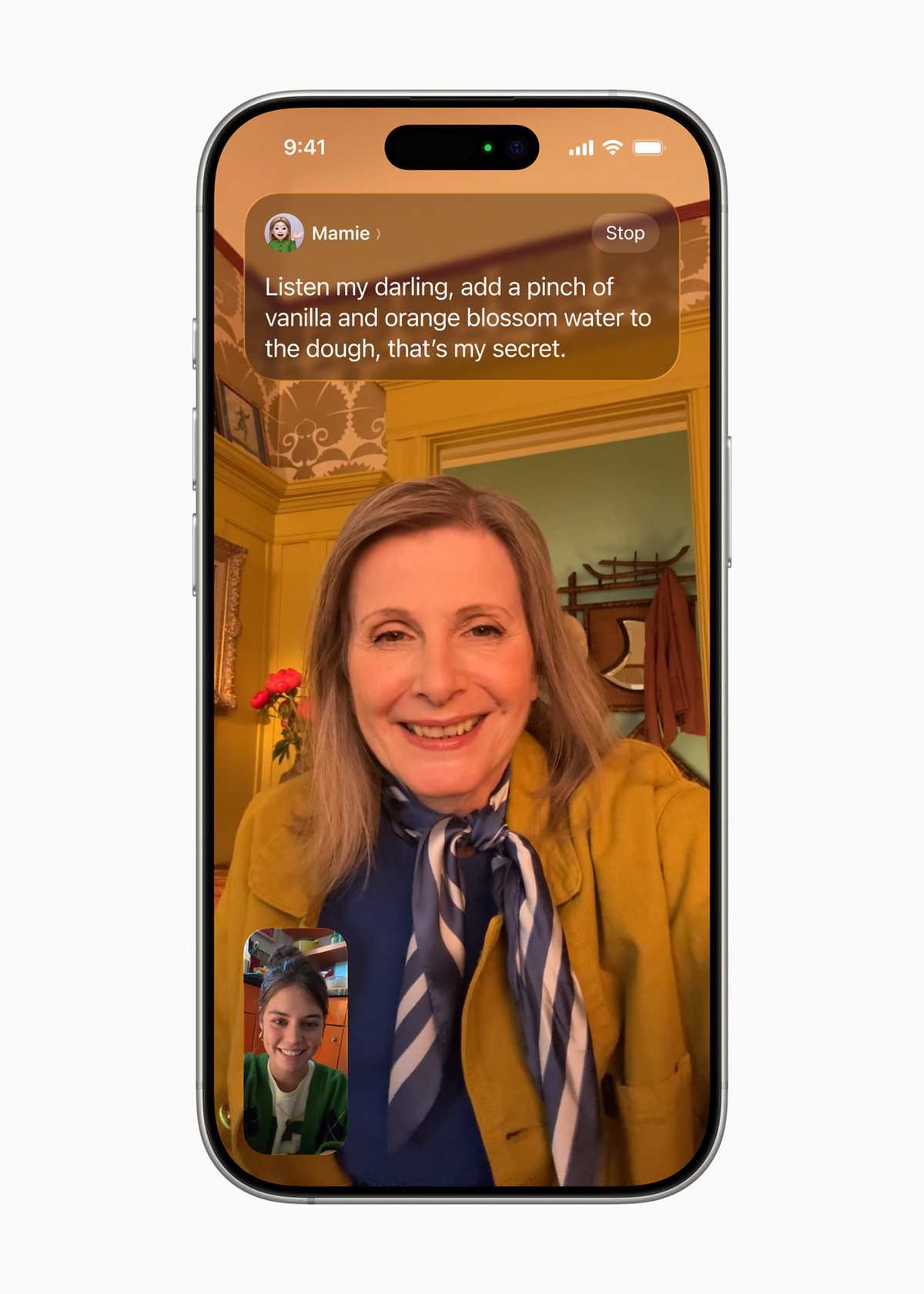
Photo: Apple
One case comes from iOS 26 setup. If iMessage was skipped during setup, or the eSIM was added later in Settings, iMessage does not turn on by itself. Texts may get a Not Delivered alert, show as SMS/RCS in green bubbles, or come from the email address instead of the number. Apple’s fix is the same switch: Settings, Apps, Messages, iMessage off and back on.
Green bubbles with Android friends are normal, though. Those chats run on RCS, which picked up inline replies and real Tapbacks in iOS 27.
Activate online, or use an email address
Apple has a web page for this at apple.co/IMFT-mac. Under Enable Apple Account, tap Get Started. Sign in to the Apple Account and follow the steps on screen. If iMessage and FaceTime use a phone number, enter that number. An email comes when the account is ready.
The other route is an email address. Sign in to the Apple Account and look at the email addresses on file. Correct a wrong one. Then click Resend next to the address to verify.
On the iPhone, Messages takes it from Settings, Apps, Messages, Send & Receive. FaceTime is Settings, Apps, FaceTime, under You Can Be Reached By FaceTime At. Using the number and the email together can split one contact into two threads. Apple lets you set one as the primary way to start and receive messages.
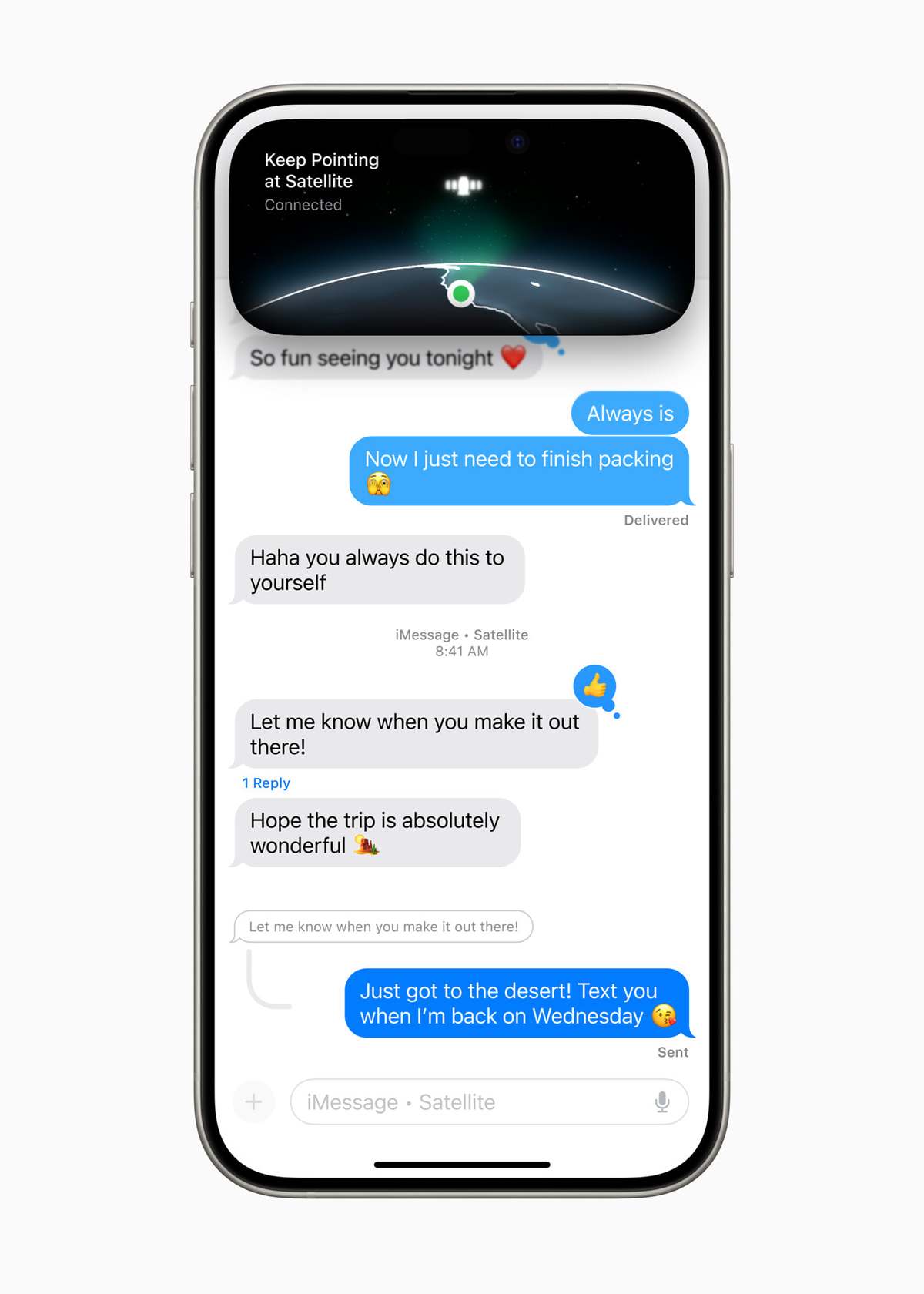
Photo: Apple
No check mark after 24 hours
Carrier verification of the number can take up to 24 hours. Apple says to contact the carrier, make sure the line can send and receive international SMS, and wait the full 24 hours after the steps above.
A blocked account shows other text. One is “An error occurred while activating iMessage or FaceTime” with a Get Help button. The other is “iMessage or FaceTime Activation Failed. This account is blocked due to reported spam.” If the apple.co/IMFT-mac request also brought no email, Apple says the account is likely blocked and the request to remove the block was not approved. On an iPhone with a cellular plan, SMS, MMS and RCS may still work with iMessage turned off.
Photo: Apple Newsroom
Source: Apple Support, article 119859